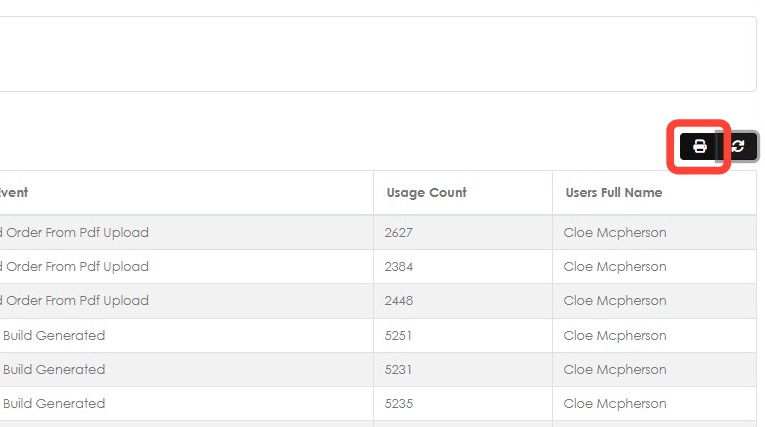
The AI Token Usage Report allows users to track AI feature usage, including usage dates, events, token counts, and the users who performed each activity. There are currently a few features in Pallet Connect the use AI tokens e.g. AI drawing tool and AI ordering. Each subscription includes available credits. These are shared across AI features and the availability resets each month.
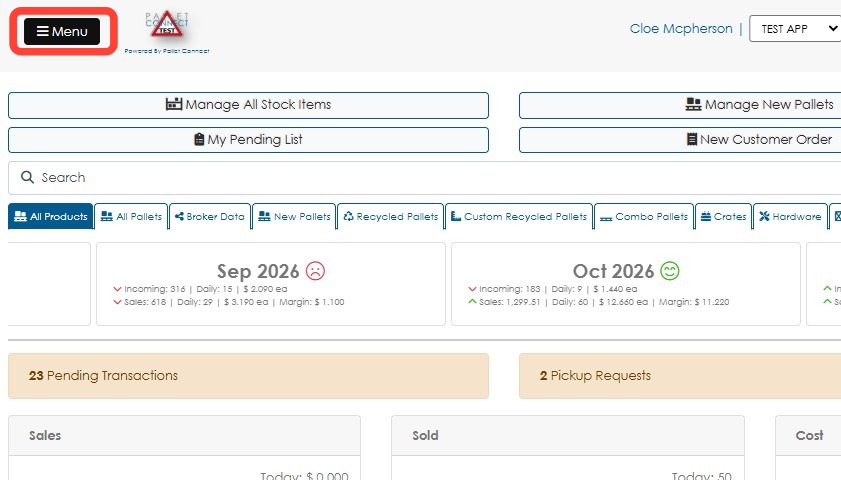
1. To navigate to the report. Click Menu.
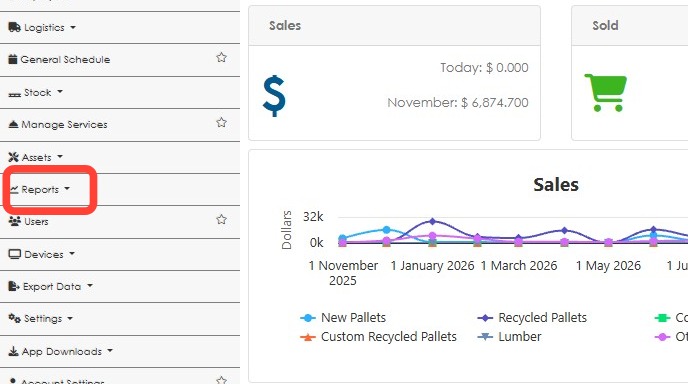
2. Click Reports.
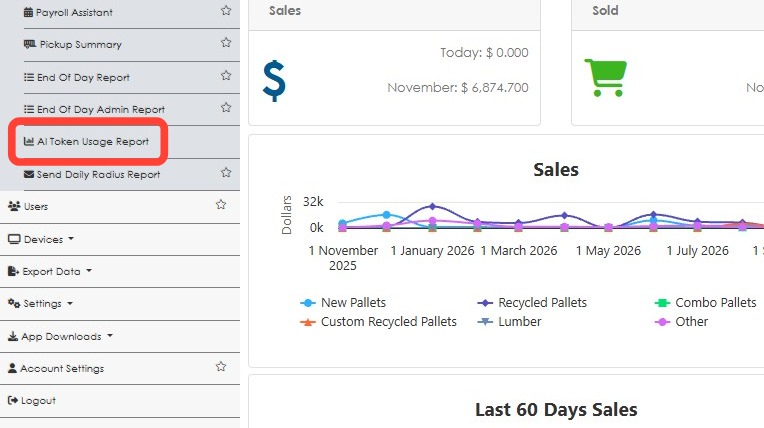
3. Click AI Token Usage Report.
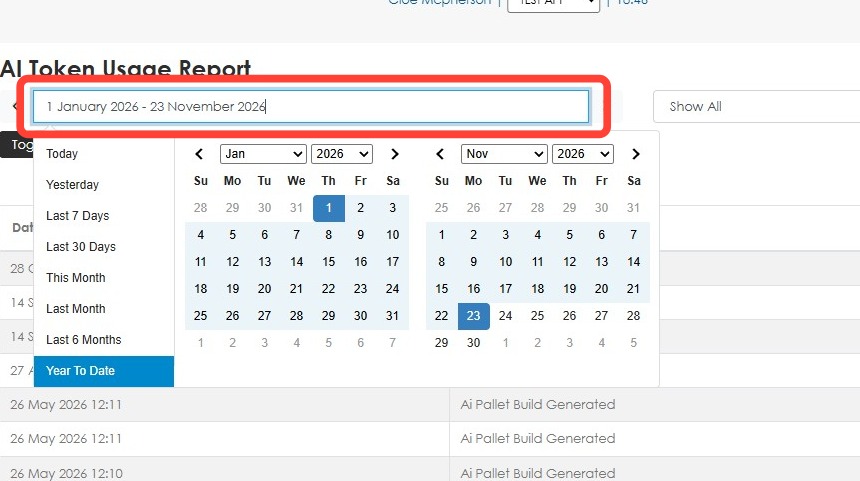
4. Select a date range to view the corresponding records.
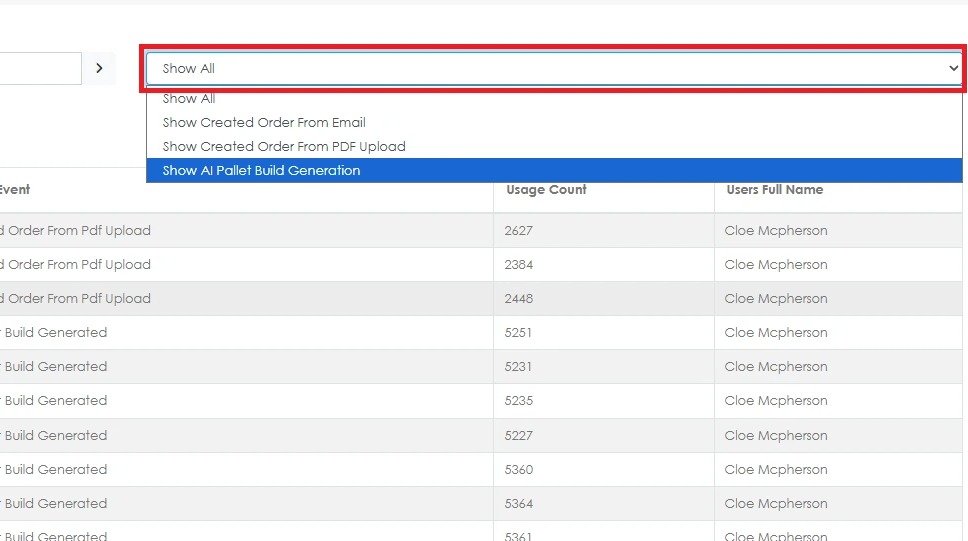
5. Click the Show All dropdown to choose between Show Created Order From Email, Show Created Order From PDF upload and Show AI Pallet Build Generation.
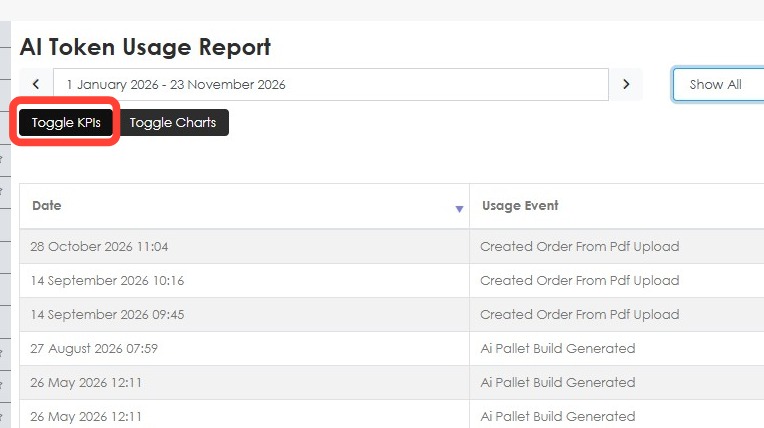
6. Click Toggle KPIs button to show or hide the KPIs.
7. Click Toggle Charts to show or hide the charts.
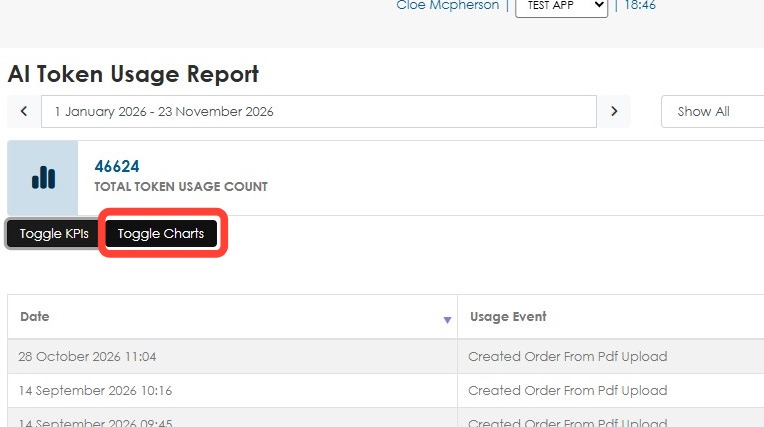
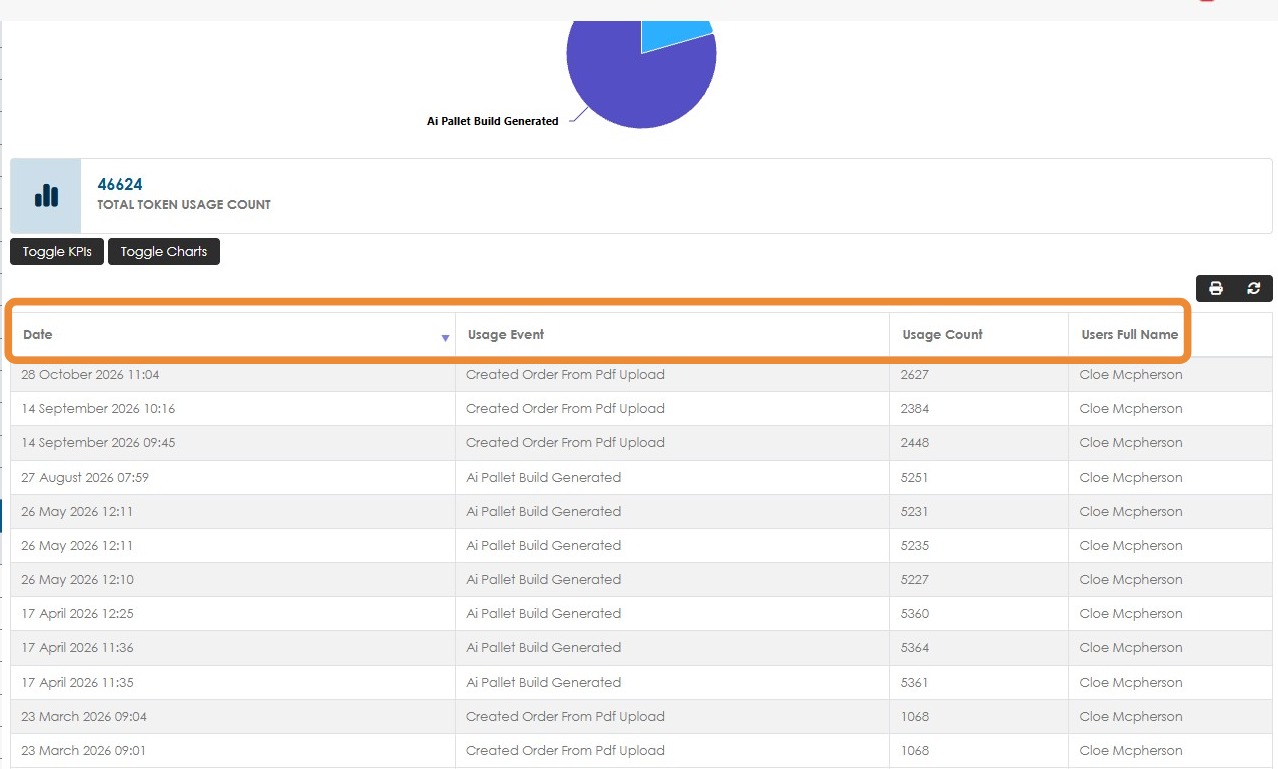
8. The report includes the following columns:
- Date
- Usage Event
- Usage Count
- Users Full Name
9. Click the Refresh icon to refresh the page.
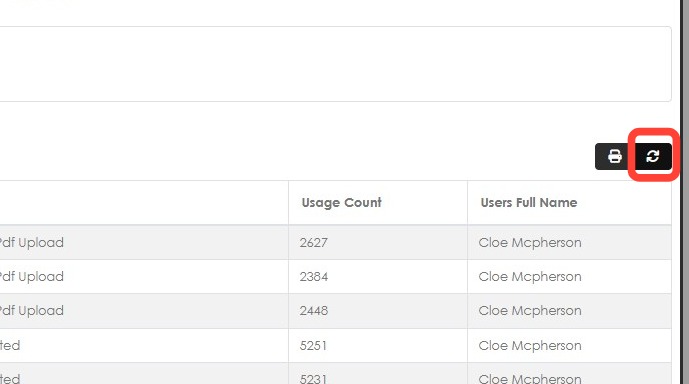
10. Click the Print icon to print the report, if needed.