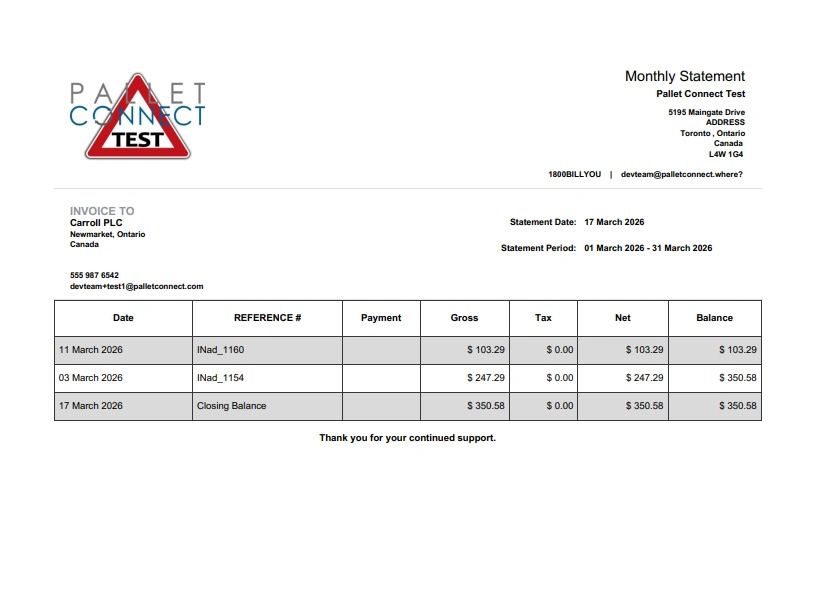
1. A Monthly Statement can be sent to a Customer in addition to, or instead of emailing individual invoices. This is carried out on the "Monthly Statement" page.
- From the Main Menu, click on Customers.
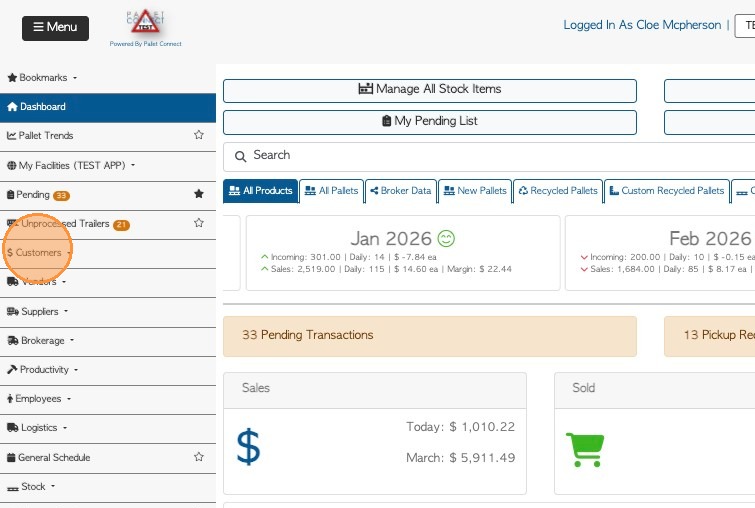
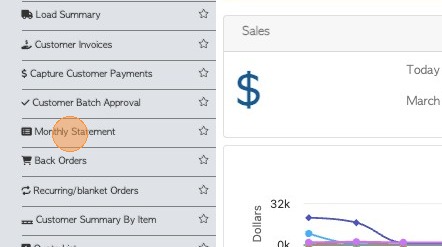
2. 2. Click "Monthly Statement"
3. 3. The filter icon can be used to filter the report. Click 'apply filters' to save changes.

4. 4. Select the Month and Year from the dropdown list.

5. 5. The statement will show all Customers but can be filtered to a single company by using the search bar on the top right side of the list.
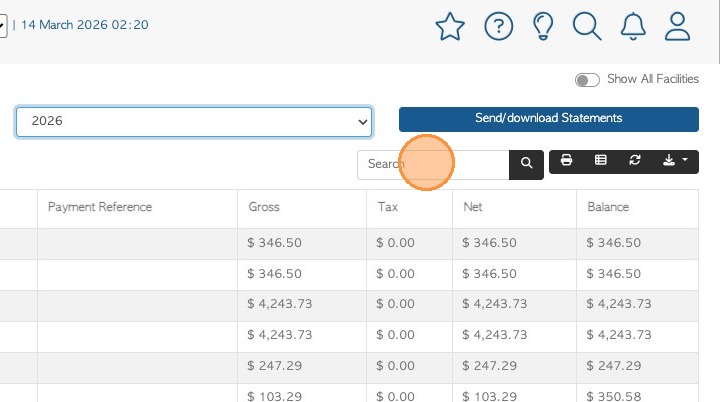
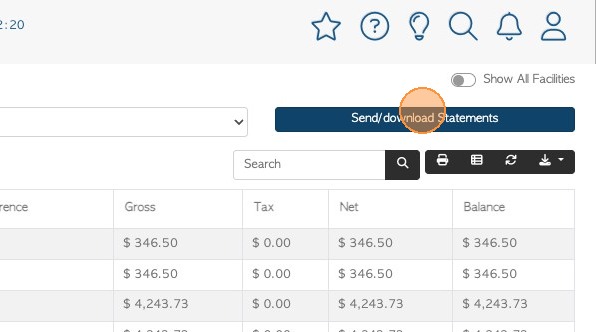
6. 6. Once filters are set, click "Send/download Statements".
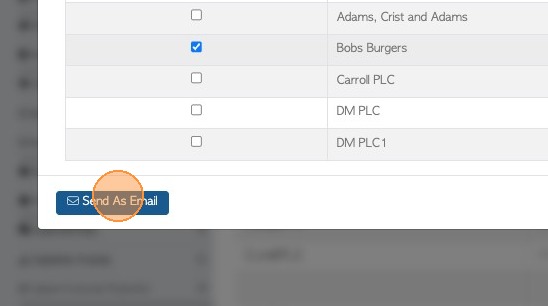
7. 7. Select the customer to contact.
NOTE: If the report was filtered to only one Customer, only that name will appear.
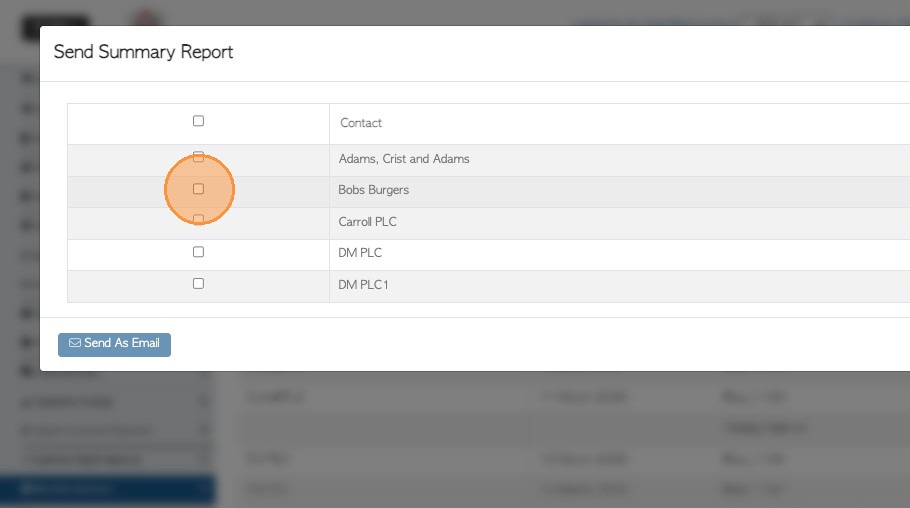
8. Use SEND AS EMAIL action button to complete.
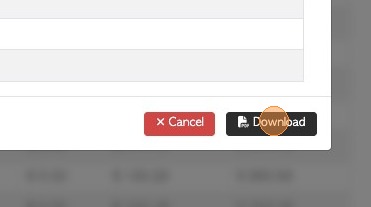
9. If needed, the statement can be downloaded as a PDF document also.
10. The Monthly Statement will show a list of invoices and the current Closing Balance.