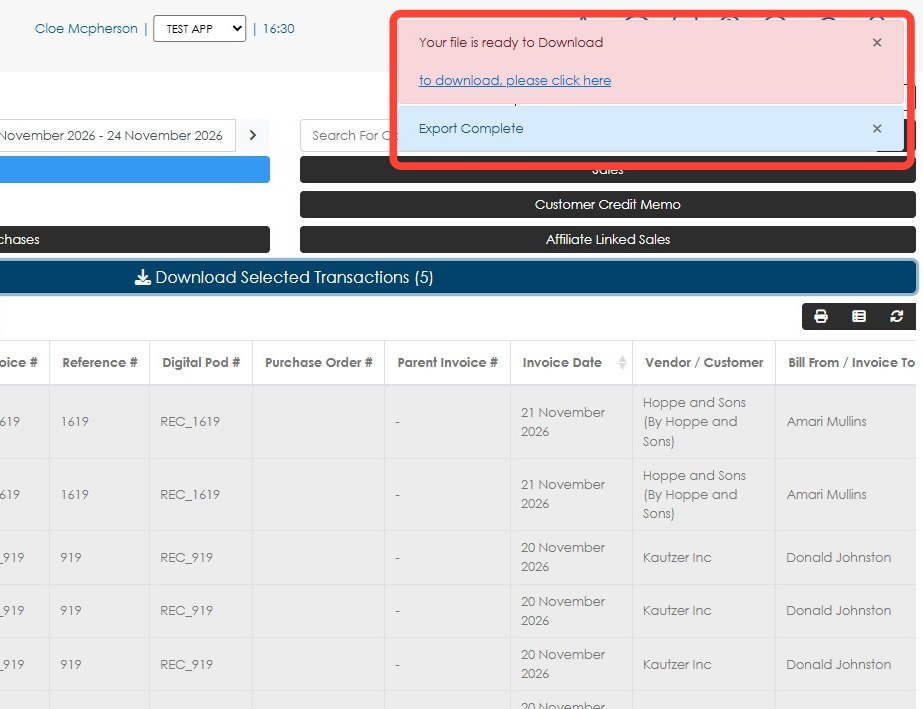
The Excel Transaction Download tool allows users to export purchases and sales data. The guide covers navigating the reporting dashboard, applying the necessary filters, and downloading the report.
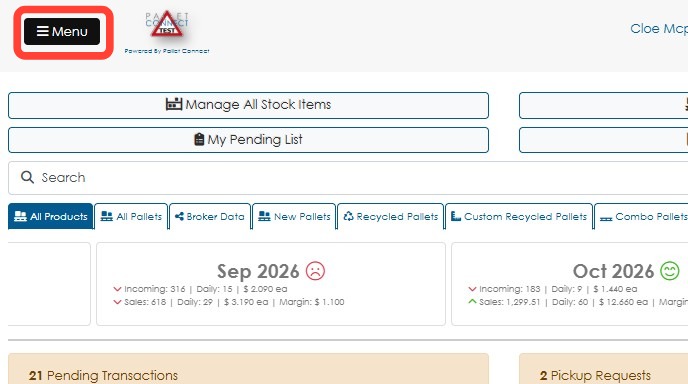
1. To navigate to the download tool, click Menu.
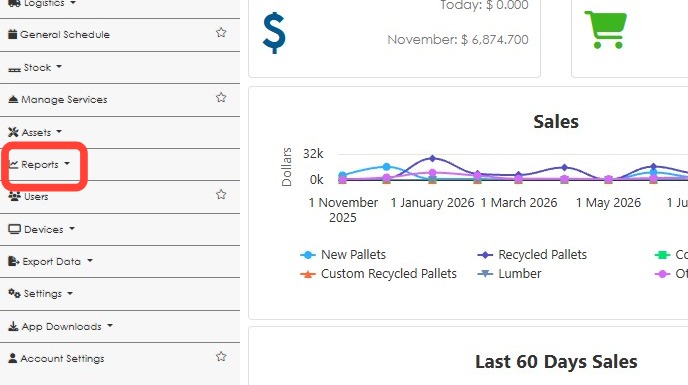
2. Click Reports.
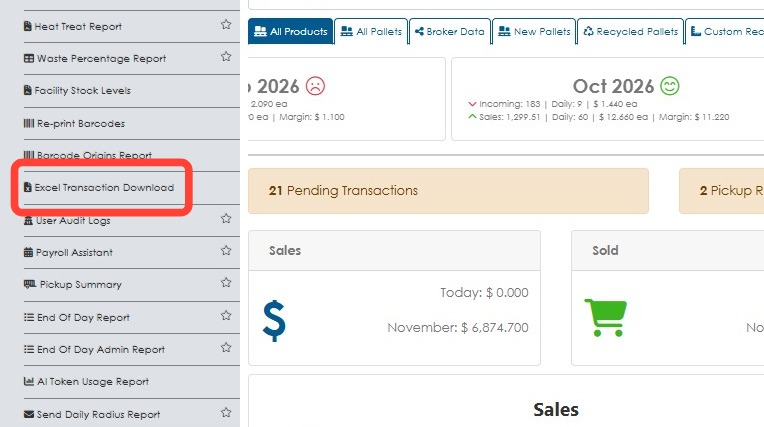
3. Click Excel Transaction Download.
Note: This option is also available under the Export Data tab.
4. Choose between the following options:
- Purchases
- Affiliate Linked Purchases
- Sales
- Customer Credit Memo
- Affiliate Linked Sales
For this article, Purchases will be used as the example.
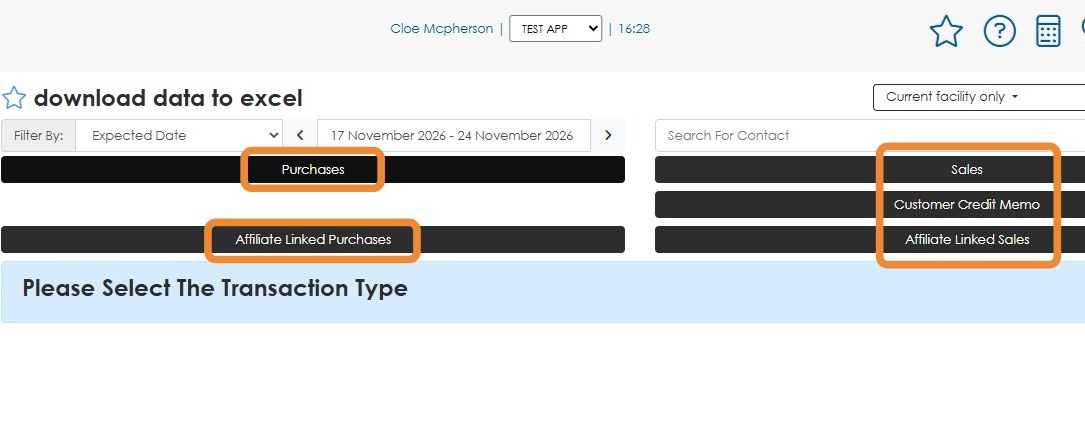
5. The report will then show all COMPLETED transactions in that transaction type, for the date range chosen.
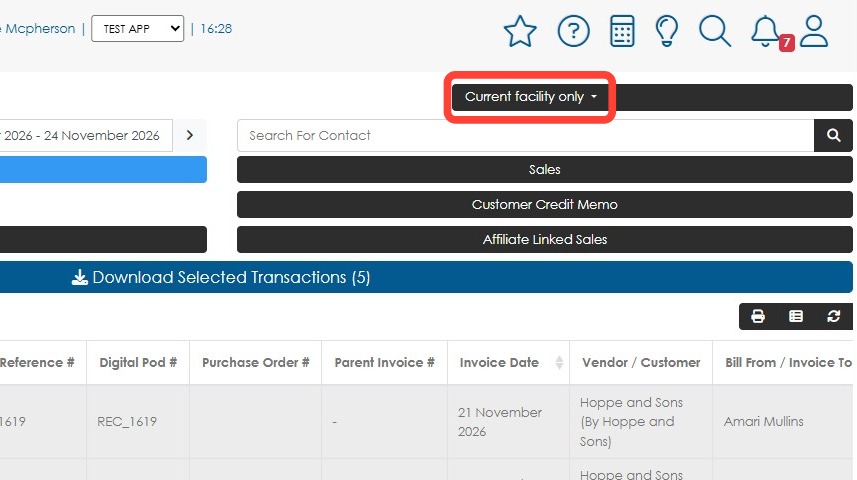
For those with multiple facilities, click the Current Facility Only dropdown to select a specific facility, view all facilities, or choose multiple facilities.
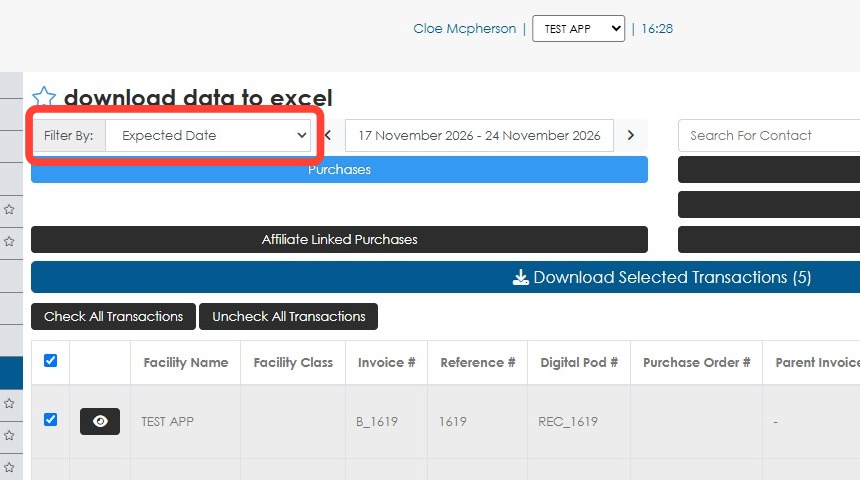
6. Click the Filter By drop down to select from the following options:
- Expected date
- Finalized Date
- Original Expected Date
- Created On
- Created Or Updated
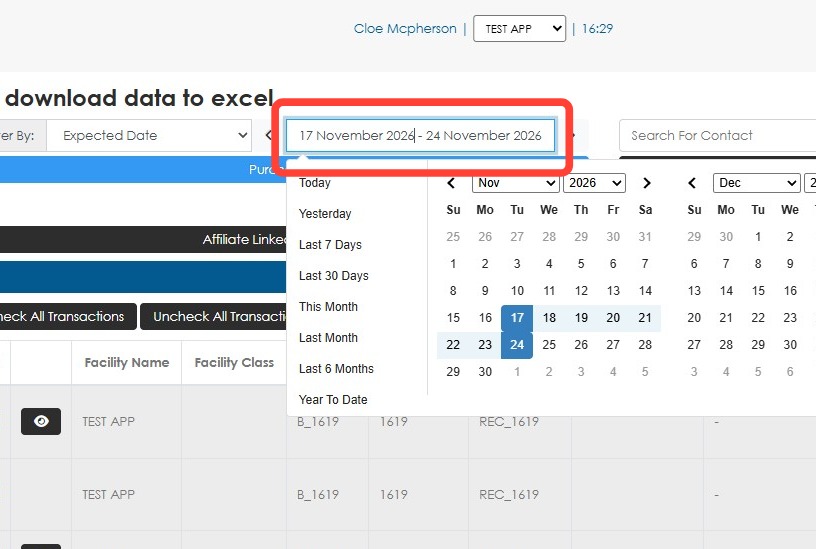
7. Select a date range to view the corresponding records.
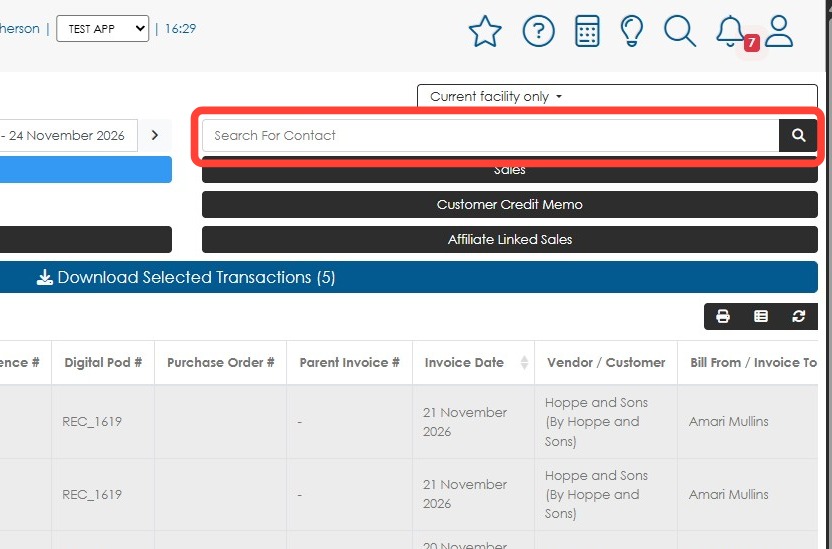
8. Use the Search For Contact field to find a specific contact profile.
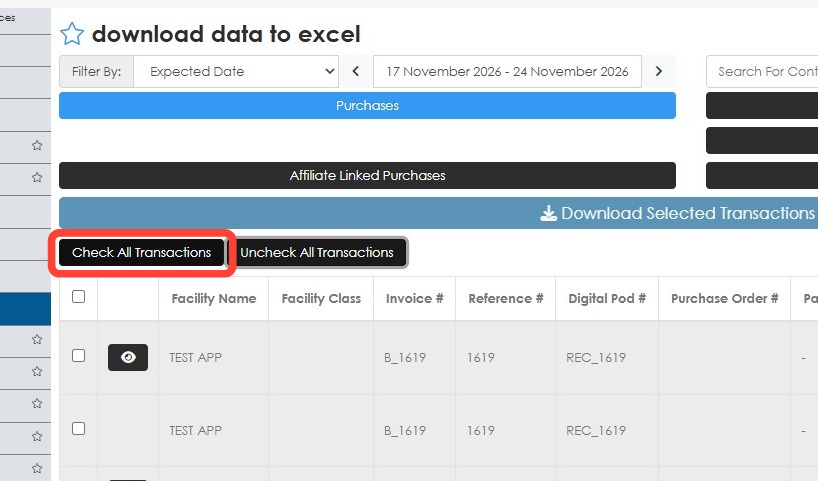
9. Click Check All Transactions to select all transactions in the list.
NOTE: Checked items are the ones that will export.
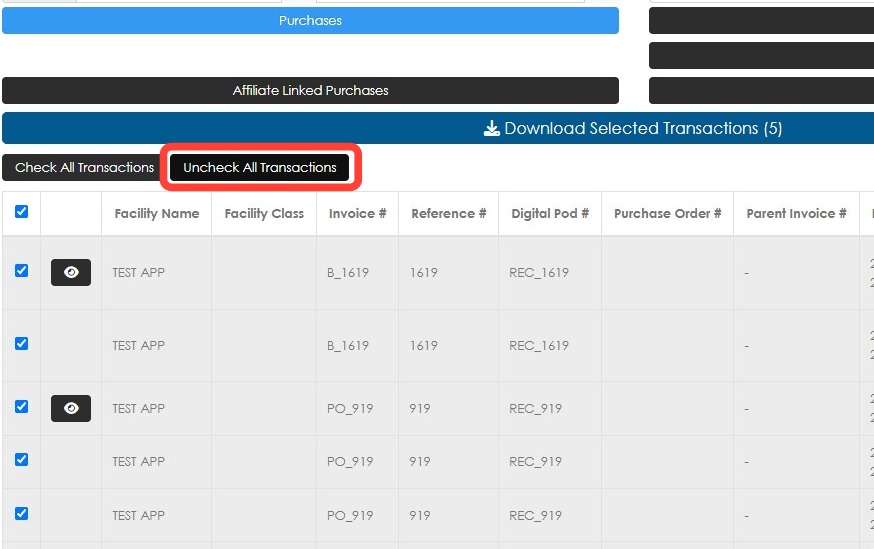
10. Click Uncheck All Transactions to deselect all checked items.
Note: Select specific items by checking the corresponding checkboxes.
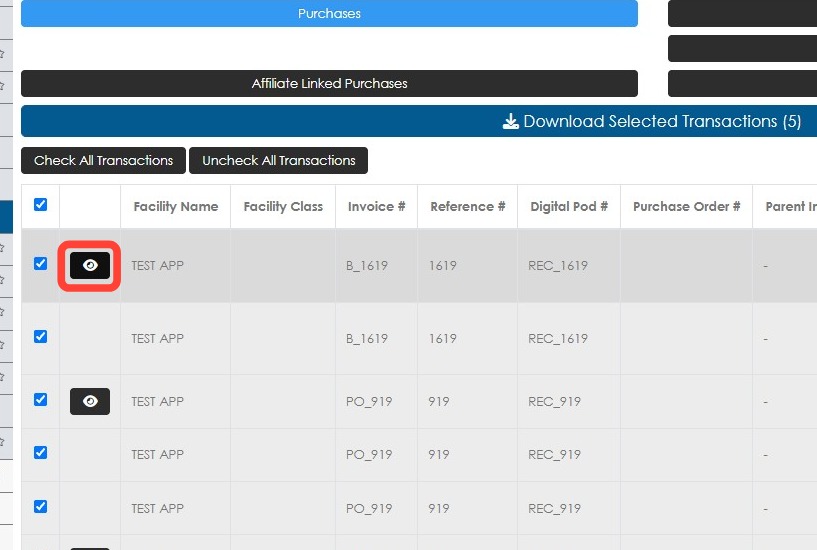
11. Click the eye icon to open the transaction details.
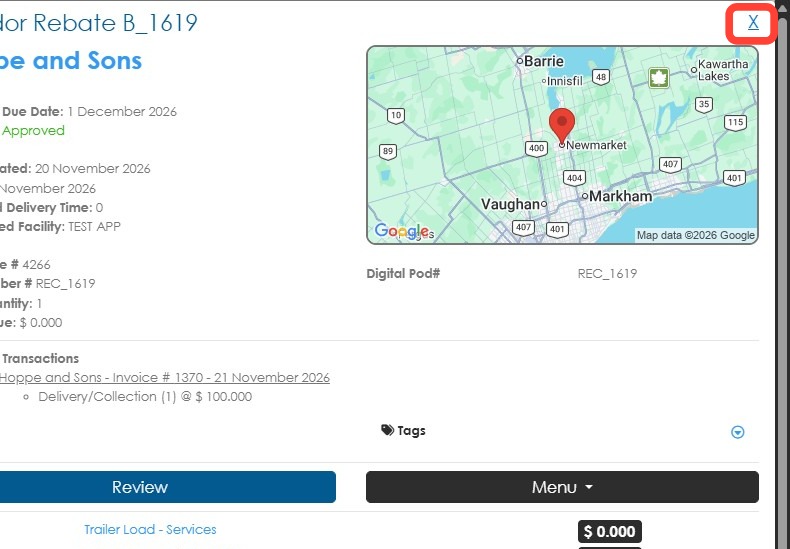
12. Click the X button to close the transaction page and return to the report.
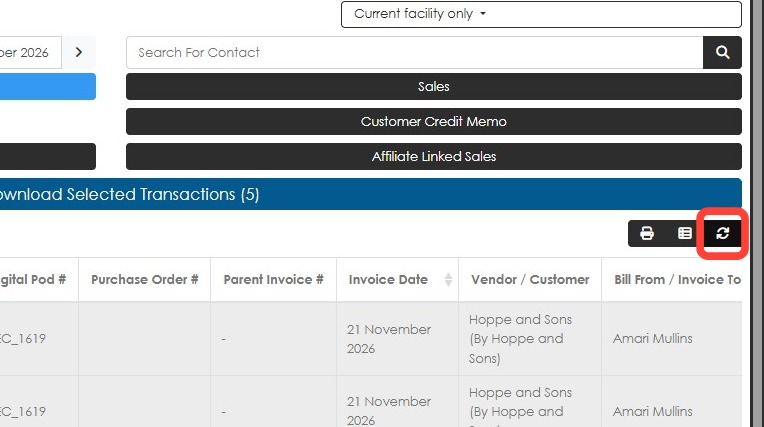
13. Click the Refresh button to refresh the page.
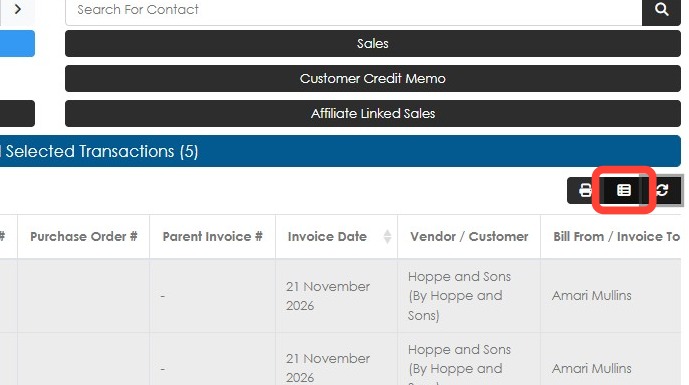
14. Click Edit Columns to customize the columns displayed in the report.
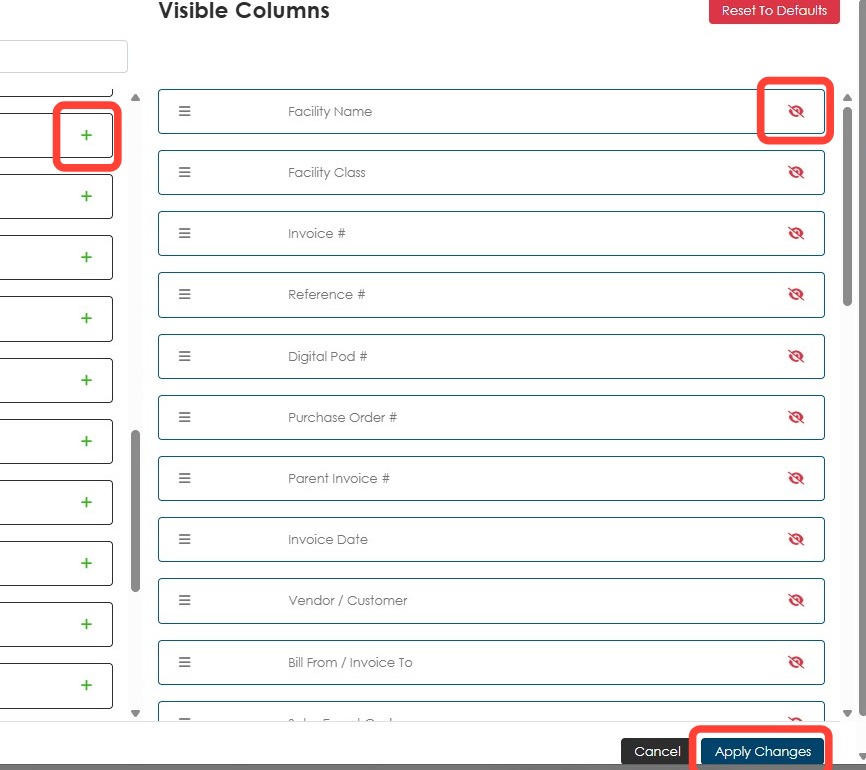
15. Click the plus (+) button to add a column. Click the red eye button to remove a column.
Click Apply Changes once done.
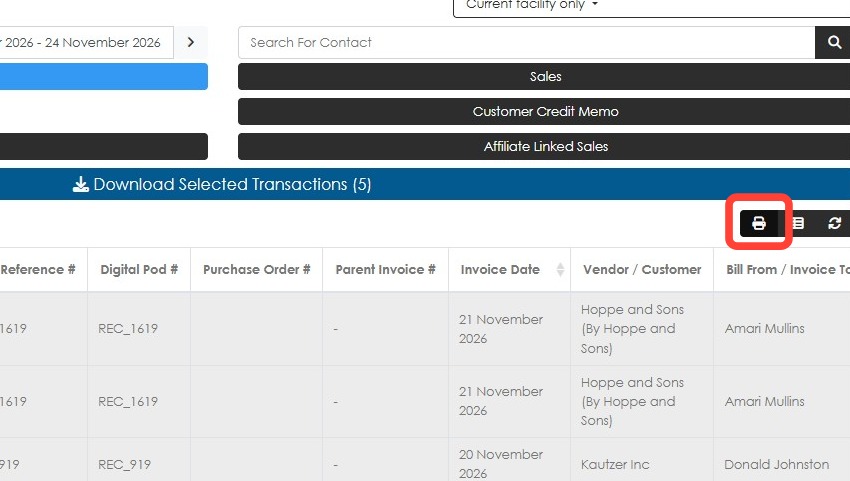
16. Click the Print icon to print the report in pdf format.
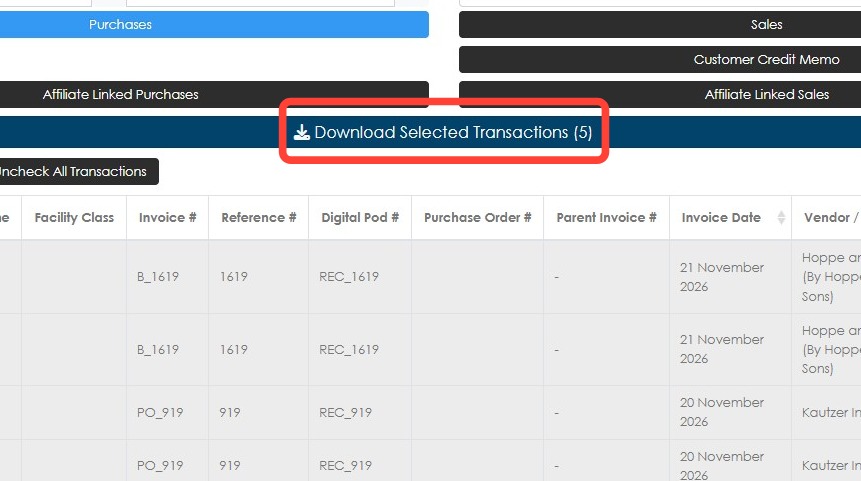
17. Click Download Selected Transactions to download the selected transactions in Excel format.
NOTE: The number of transaction selected will appear in brackets e.g. (5)
18. A notification will appear when the file is ready to download and 'export complete' is also shown.