In the stock item profile, it is possible to add a build list, for pallets that are built. For example New and Combo pallets. This is essentially a Bill of Materials. The build list can be found in the 'build' tab of a stock profile. This article however, shows how to find an overview of which items in a category, have a build list set up.
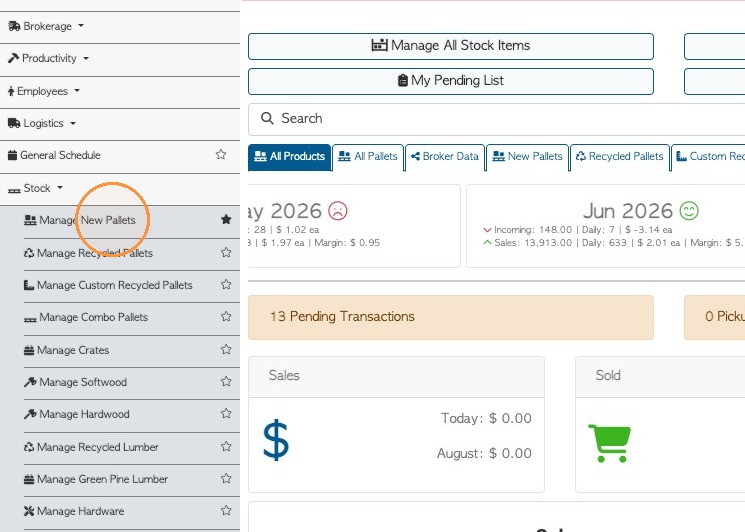
1. From the main menu, click Stock. Click on the stock category e.g. "Manage New Pallets".
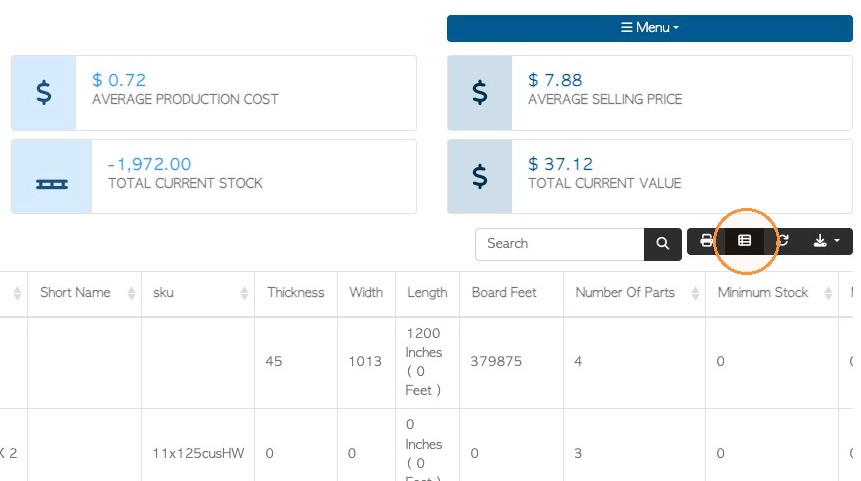
2. Click on the Manage Columns icon.
3. Click the "Type To Search Columns Names" field and look up "Number of Parts".
Click the plus sign to add it to the Visible Columns.
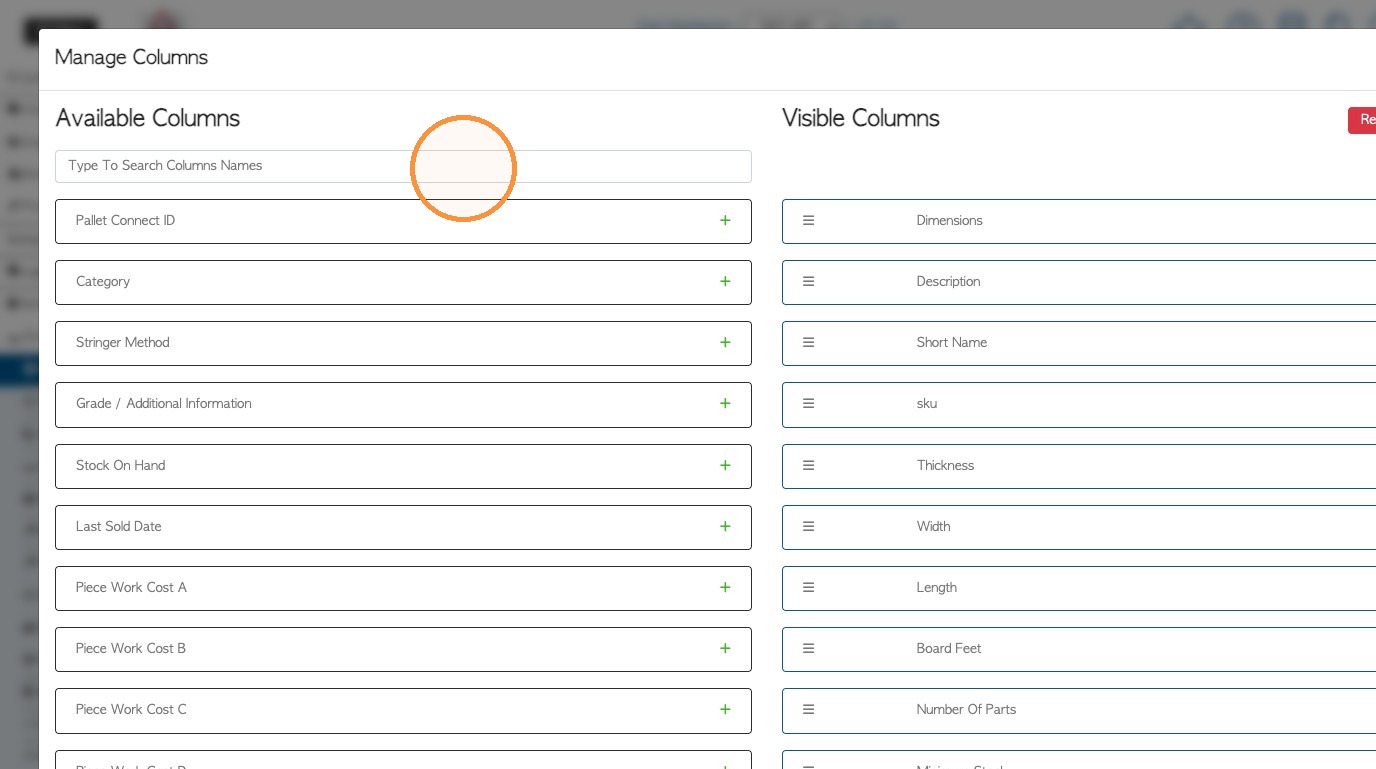
4. Drag and drop to change the order of the columns, if needed.
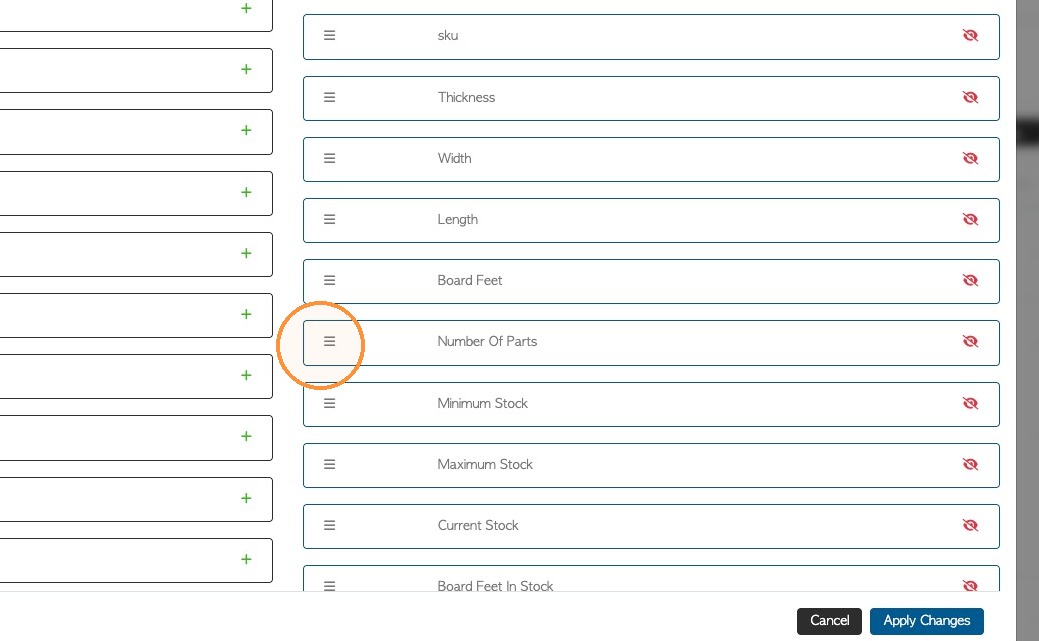
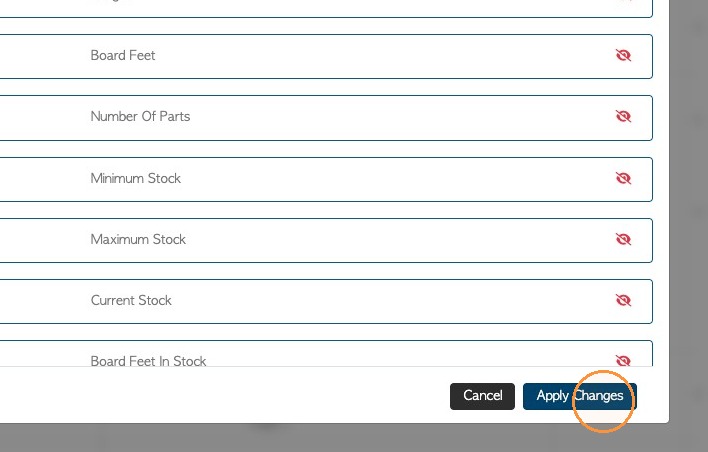
5. Click "Apply Changes" to save.
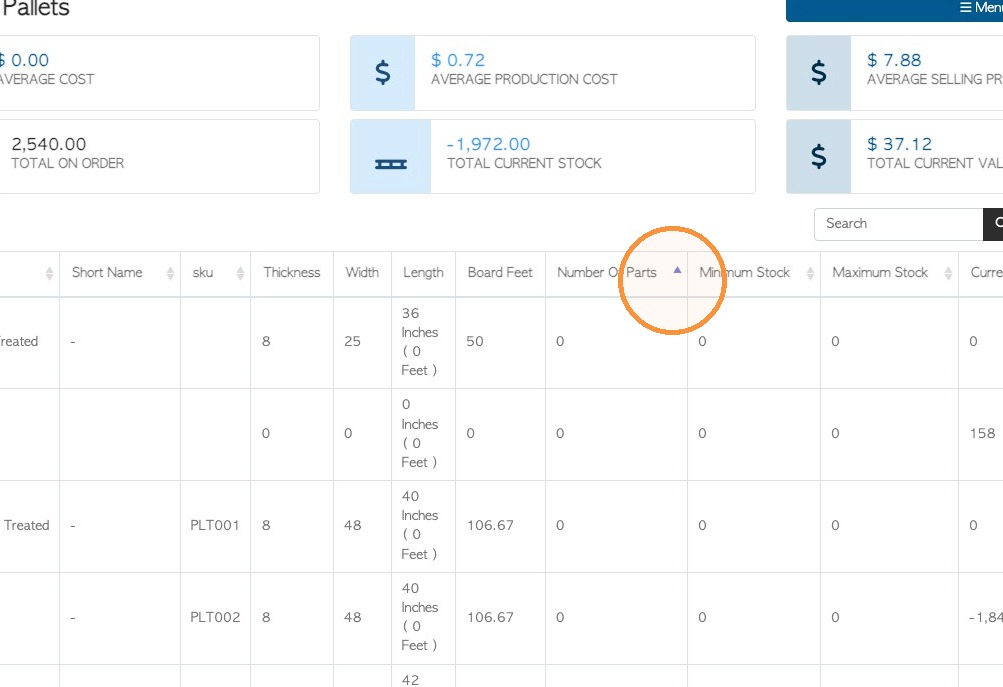
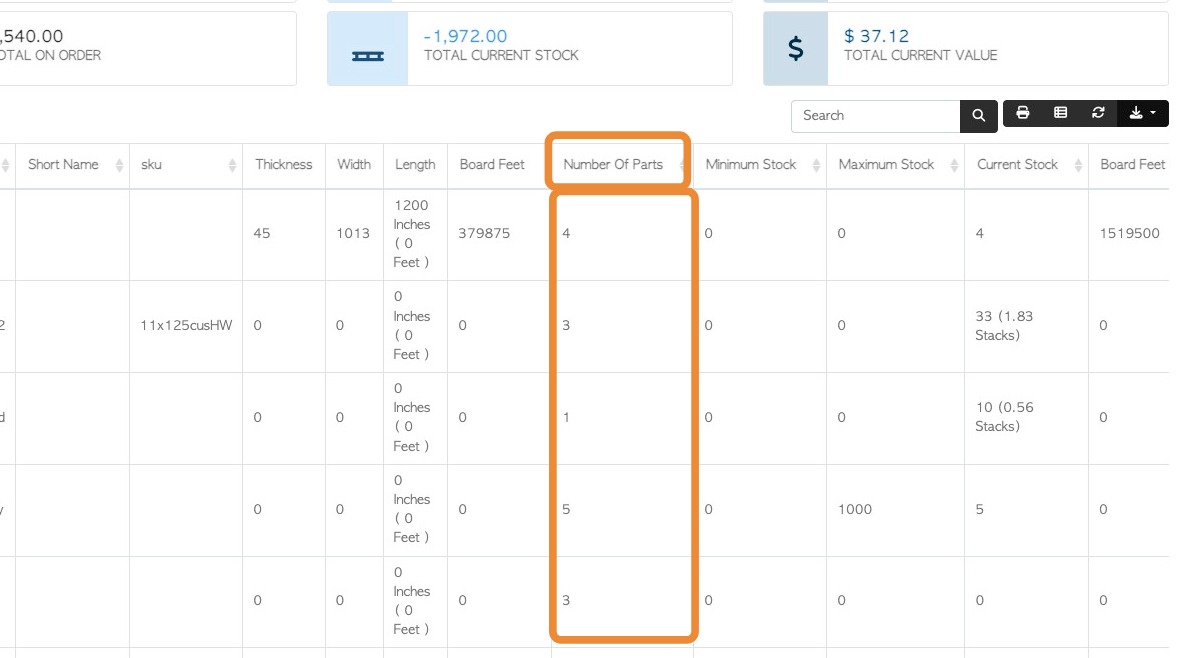
6. The report will now show the number of building components added for each item.
NOTE: If zero is displayed then there is no build list set up.
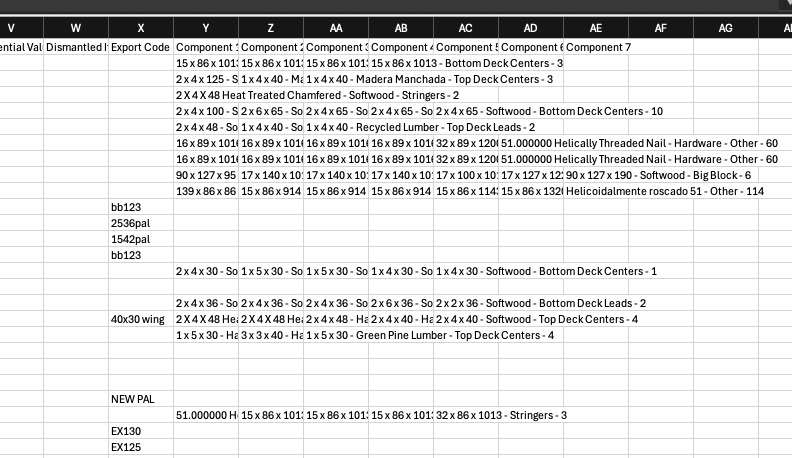
7. The report can be downloaded and the parts will be included in the Excel sheet. Click on the download icon and then click "CSV".
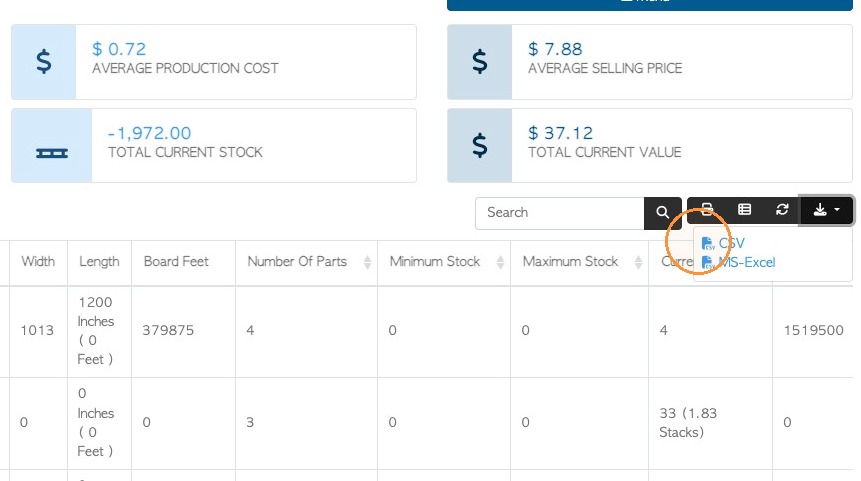
8. The parts will show as 'components' in the columns of the file.
9. NOTE: The report can also be sorted by Number Of Parts, either ascending or descending numbers.