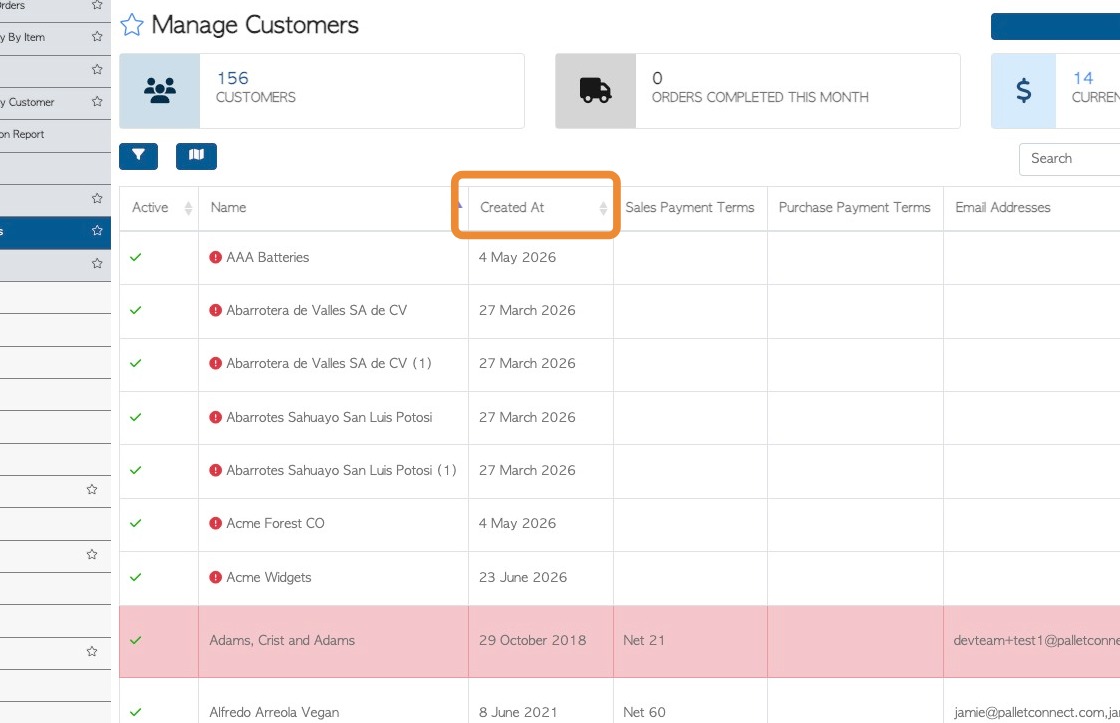
This guide will show you how to filter entries on the Manage Customer page, to see a list of creation dates for Customer profiles.
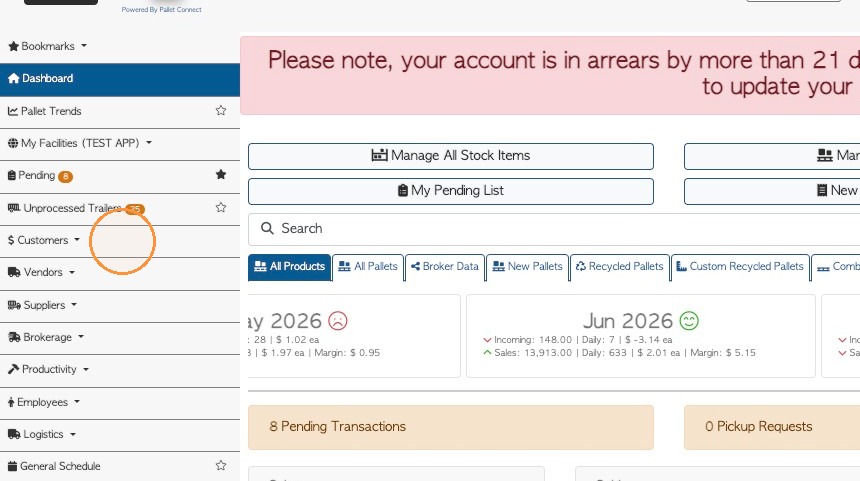
1. From the main menu, click "Customers"
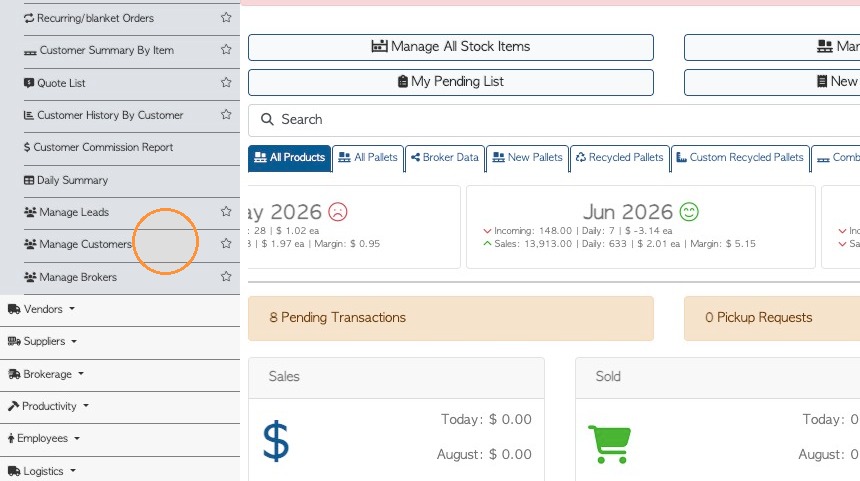
2. Click "Manage Customers"
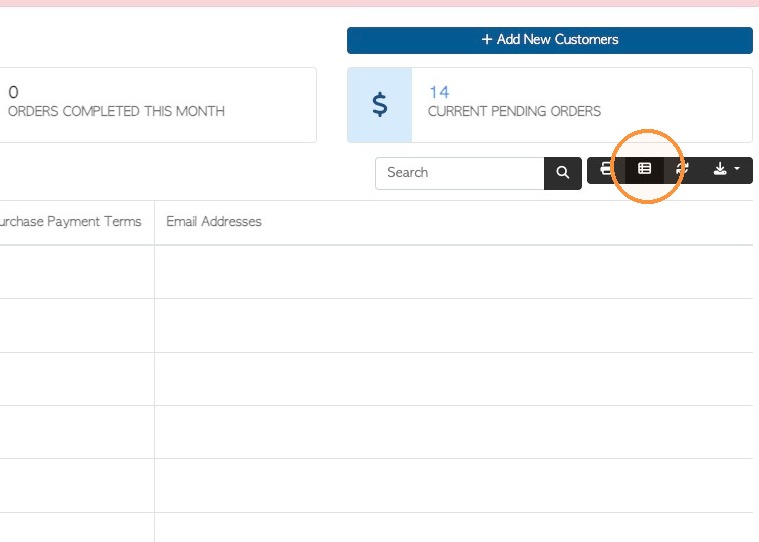
3. Click the Manage Columns icon at the top of the customers list.
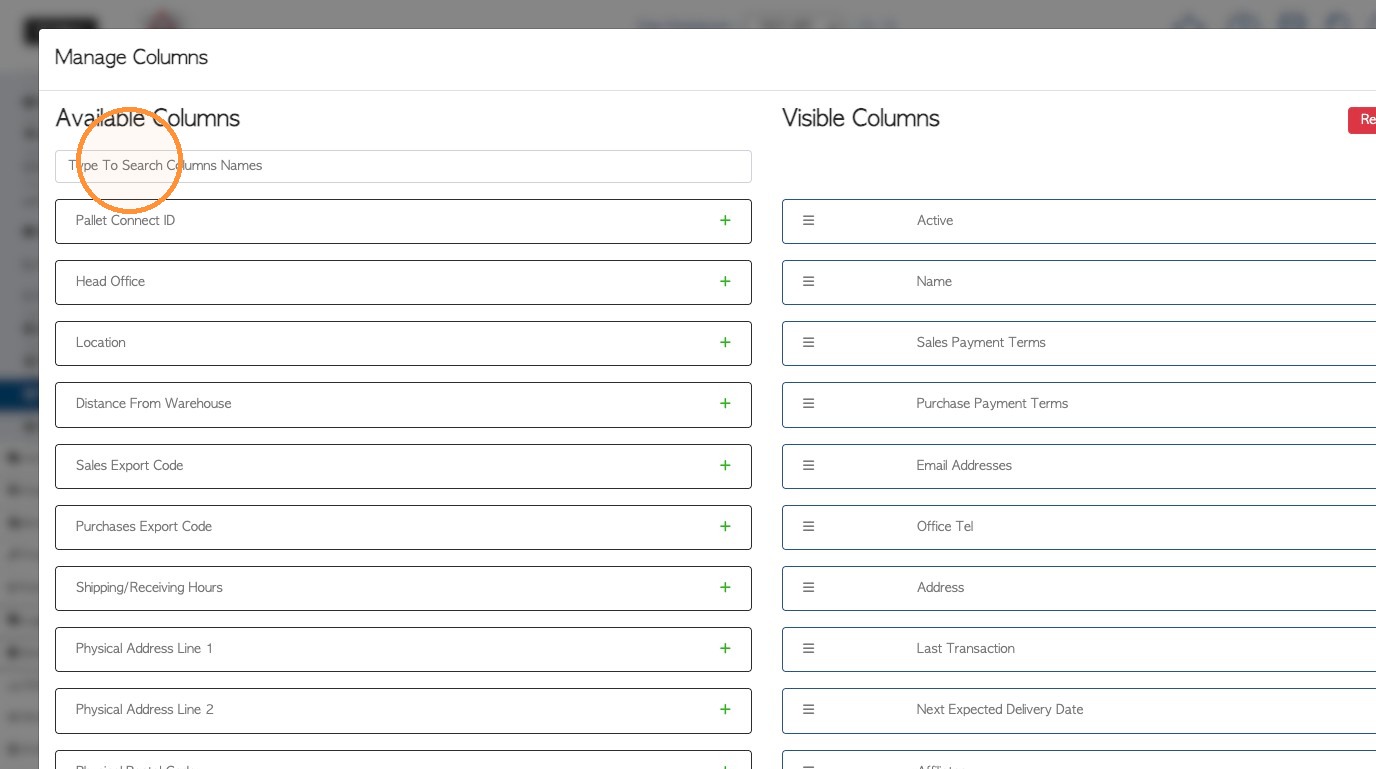
4. If the "Created On" column is not visible, click the "Type To Search Columns Names" field to look it up. Click the 'plus' sign to add to the Visible columns list.
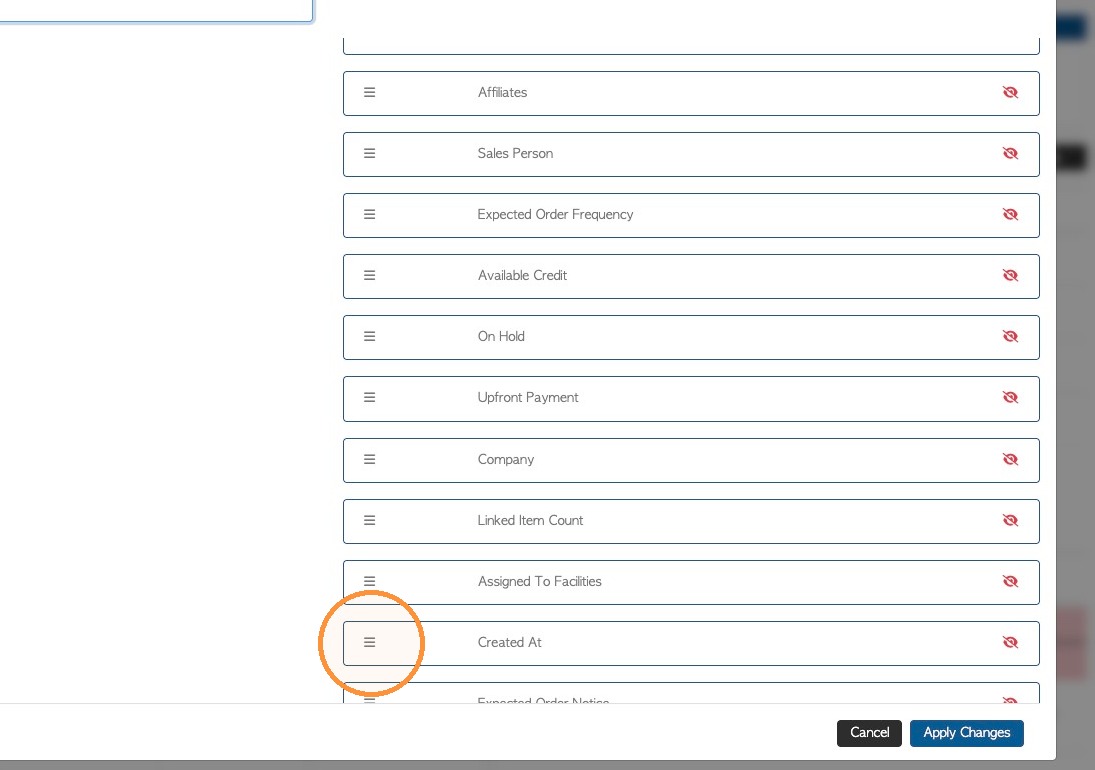
5. Drag and drop the "Created At" column to change the order shown on the report, if needed.
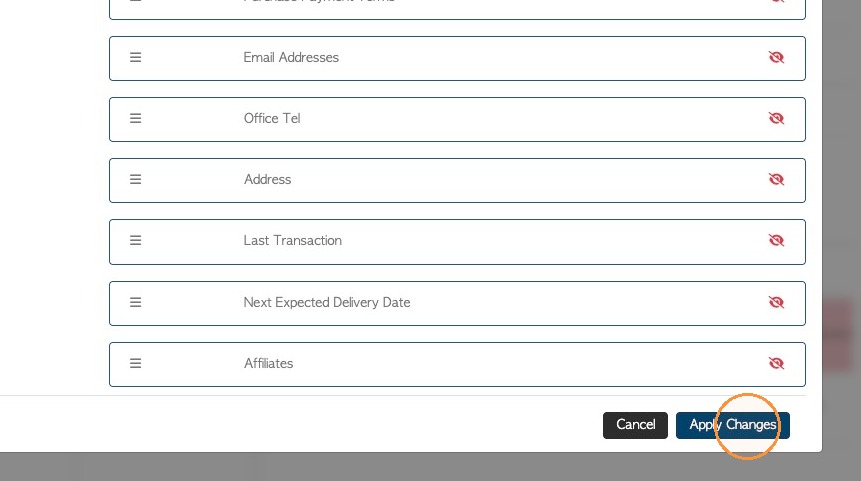
6. Click "Apply Changes" to save.
7. The creation dates of the customer profile will now be visible on the report.
NOTE: This also applies to other contacts e.g. Manage Vendors, Manage Suppliers.