Stocks: How to Add a Comment to a Linked Stock Item
Made by Dennise Marie Minoza with Scribe
1. Adding a comment to a linked stock item in Pallet Connect helps maintain clear communication and accurate tracking of inventory-related updates. This feature allows users to document important notes, clarifications, or actions directly within the stock record for better collaboration. By keeping comments attached to the relevant item, teams can easily review context and ensure transparency across operations.
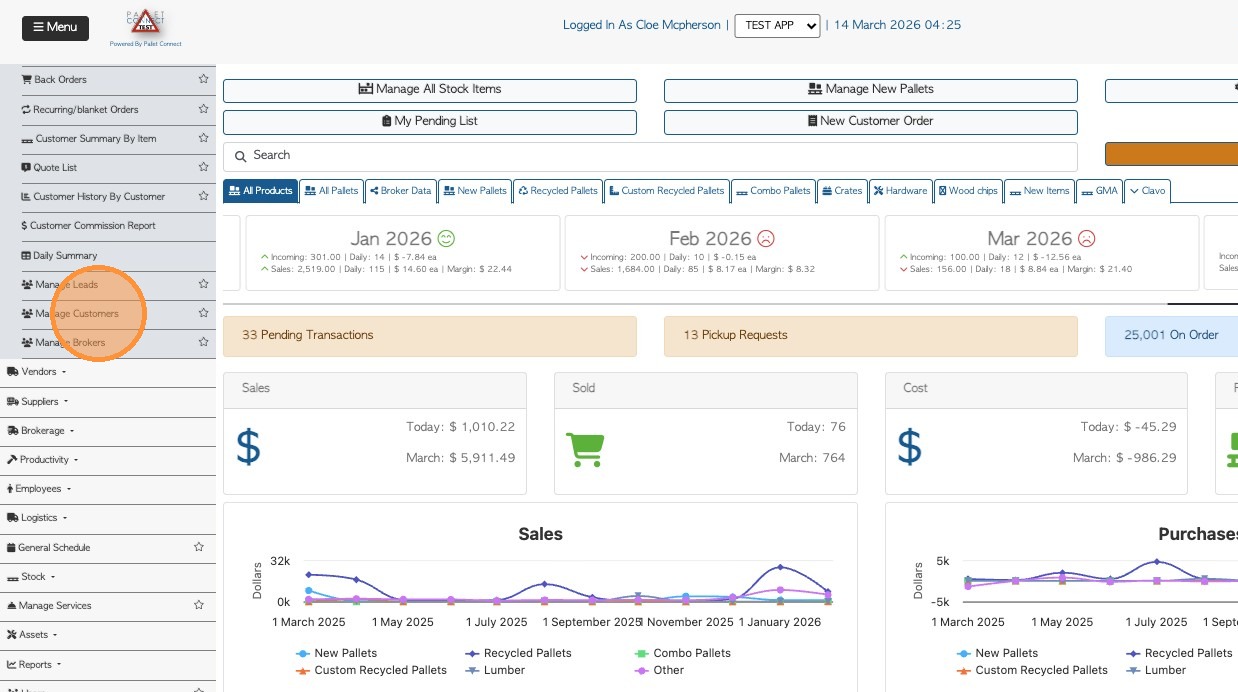
- From the Main Menu, click "Manage Customers"
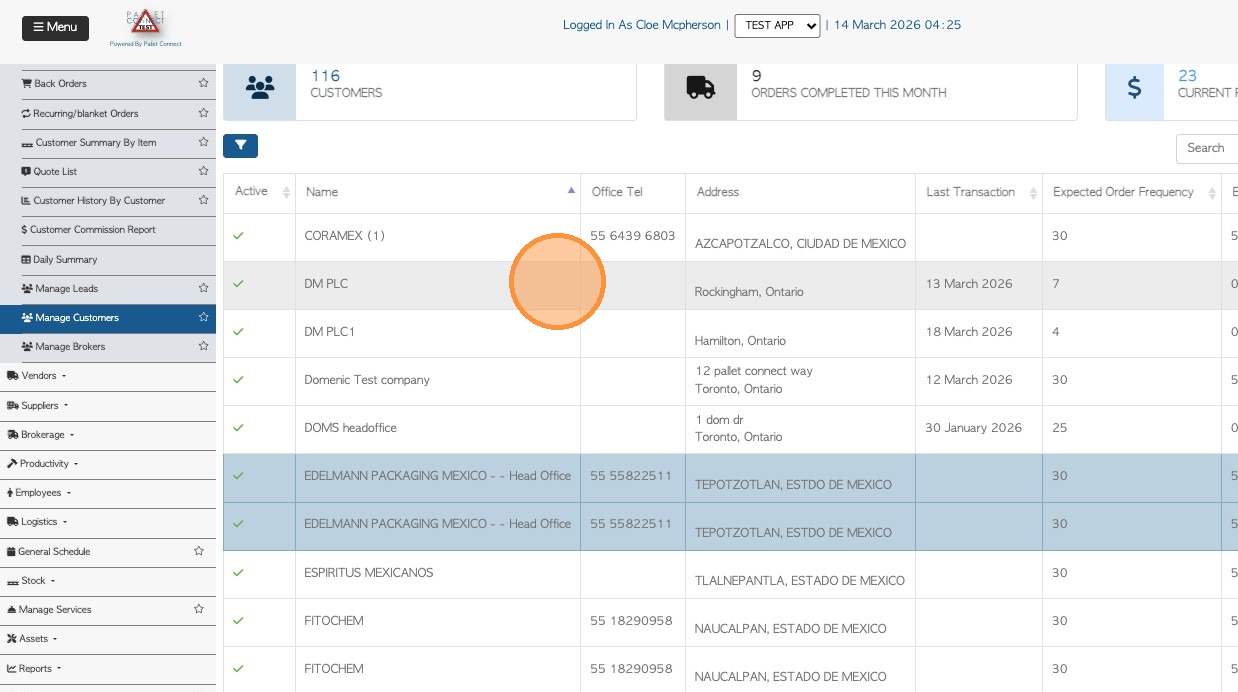
2. You can search the name of the customer in the search field and select it from the list.
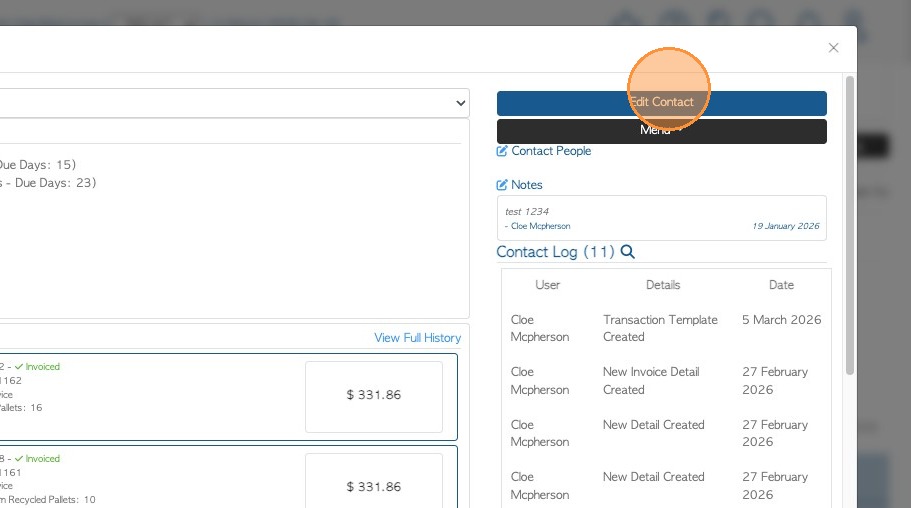
3. Select "Edit Contact".
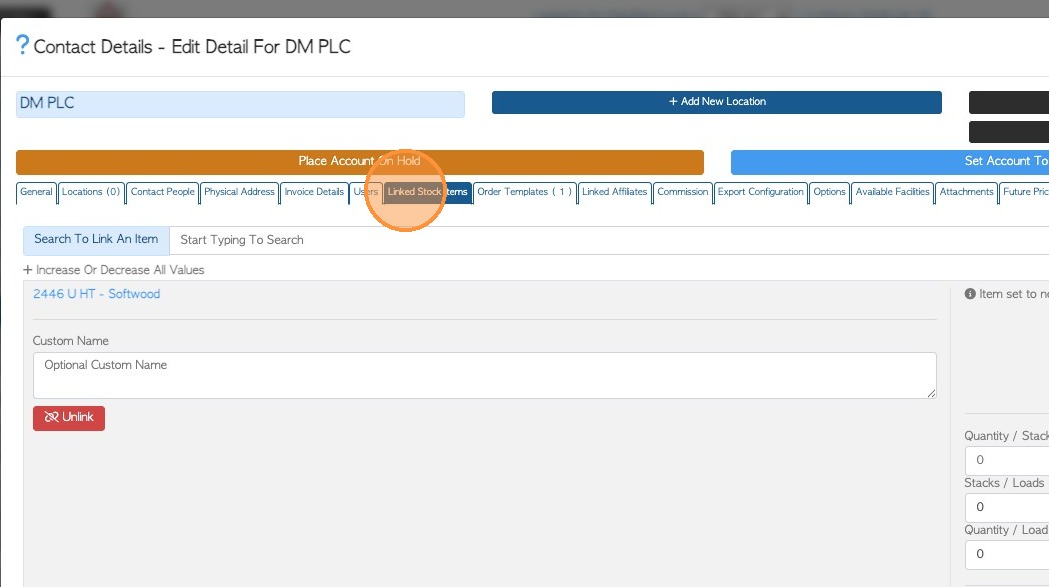
4. Click "Linked Stock Items". This will show all the linked stock items attached to the profile. Find the stock where the comment needs to be added or edited.
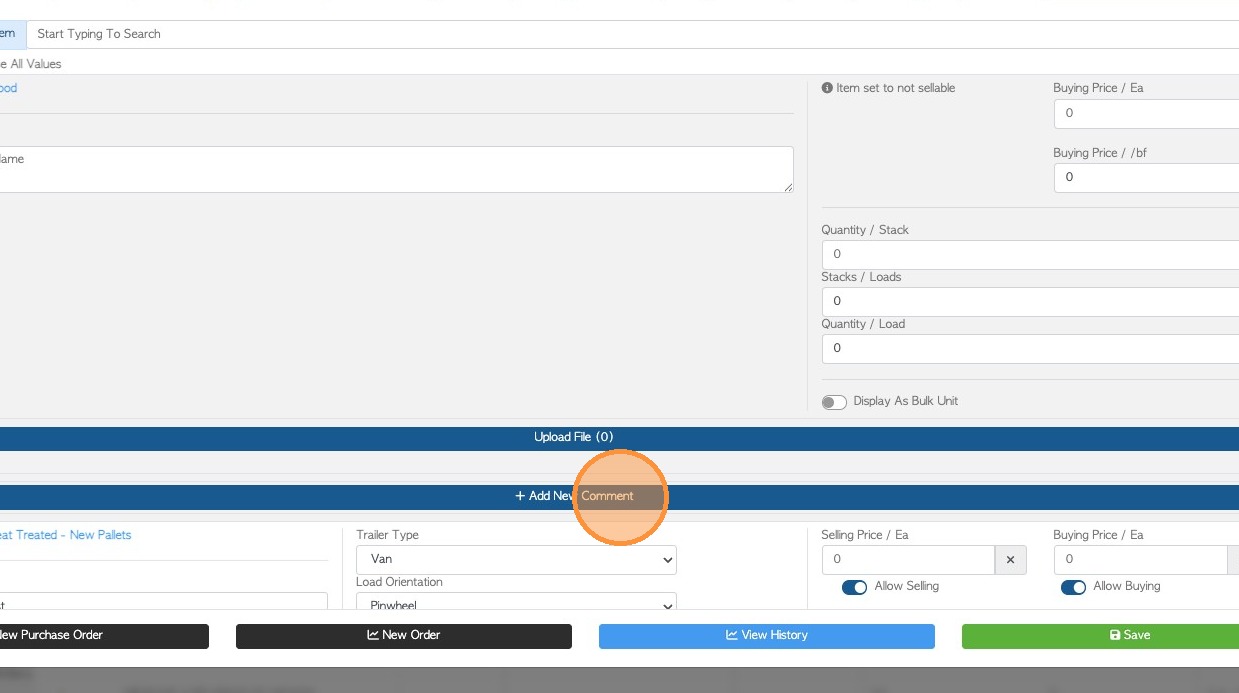
5. Click "Add New Comment". User will be given an option to select which comment is going to be added. Kindly follow this article for the full guidelines to set the comment types.
Add and Edit Comment Types and Preset Comments in the Settings
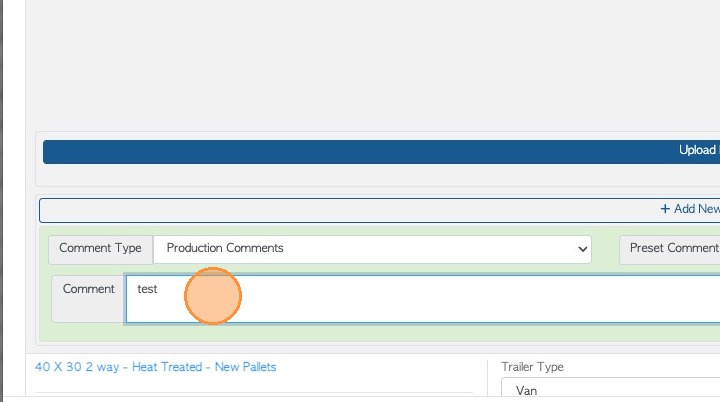
6. Type the comment or select from the preset comments from the dropdown.
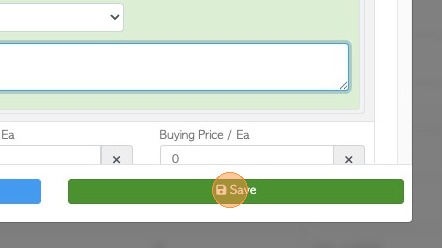
7. Click "Save".