General Managers have full access to the Pallet Connect system, but a separate setting can prevent them from creating or editing contact profiles such as customers and vendors. User account permissions provide additional access controls. Important: Only a user with elevated permissions who has the ability to "manage users" can update this setting.
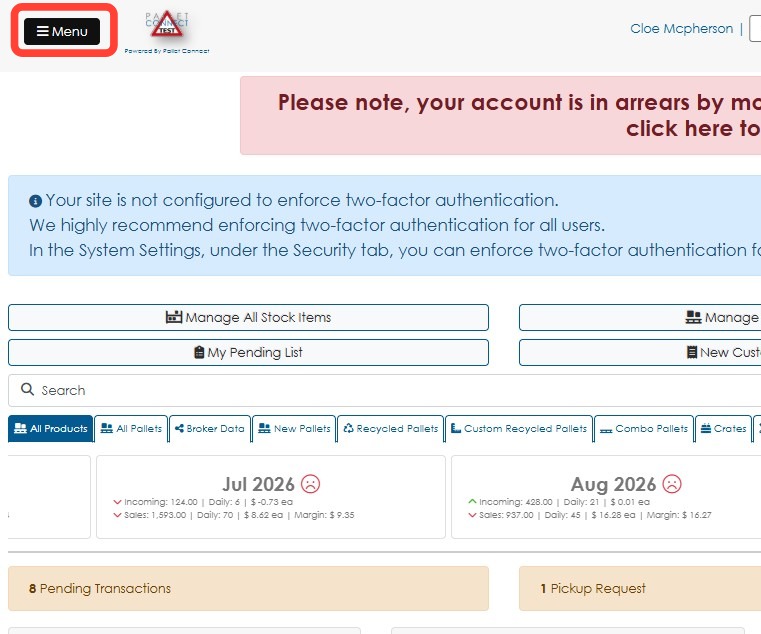
1. Click Menu.
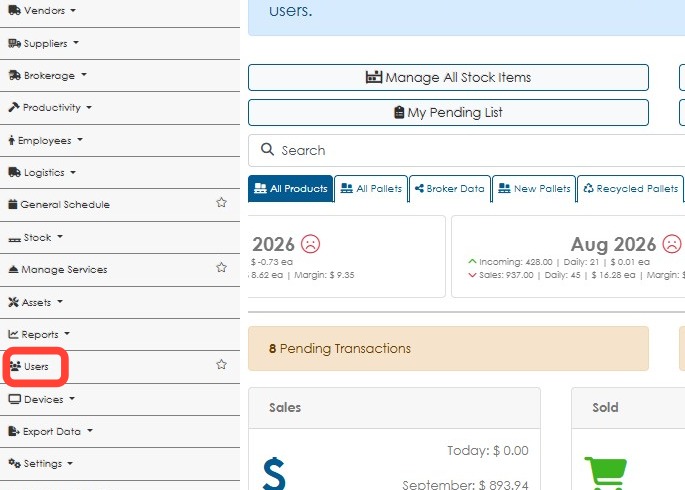
2. Click Users.
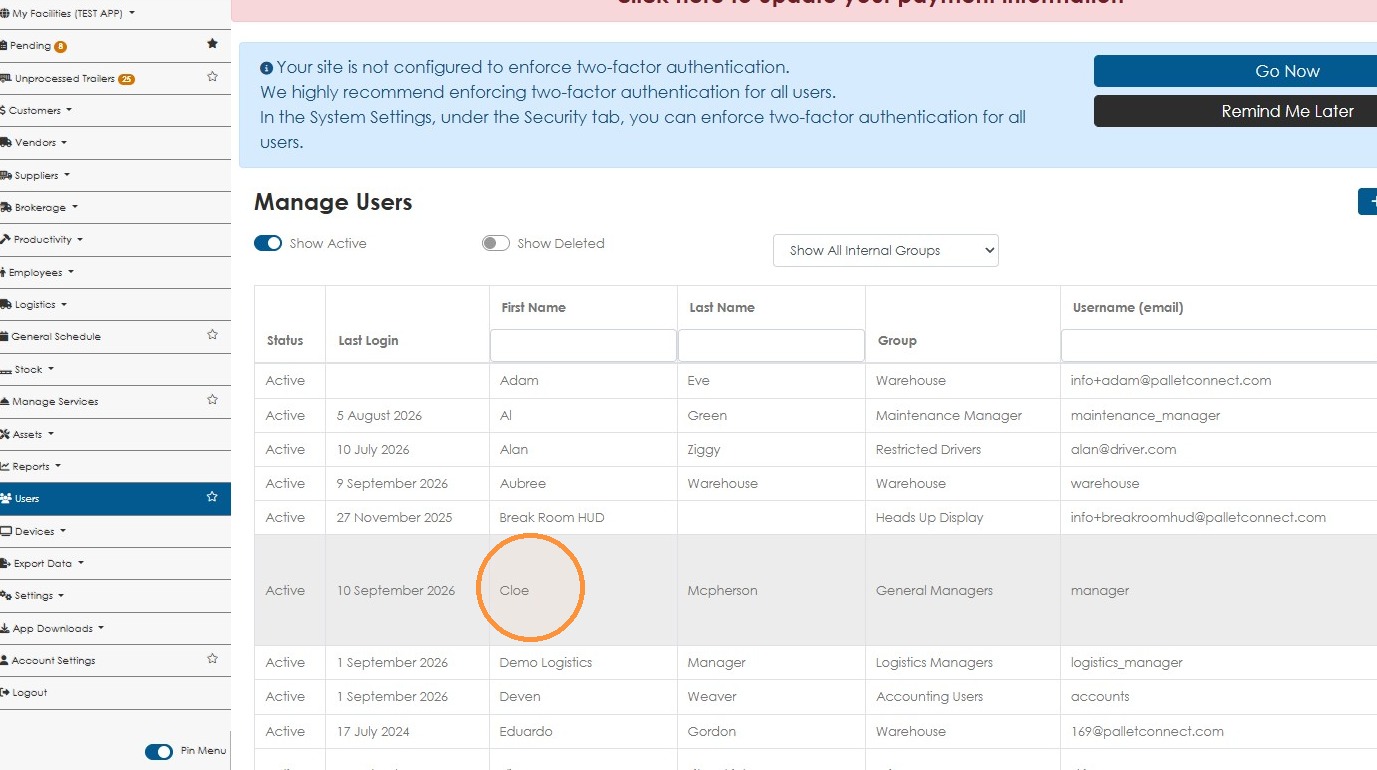
3. Click the name of the selected General Manager.
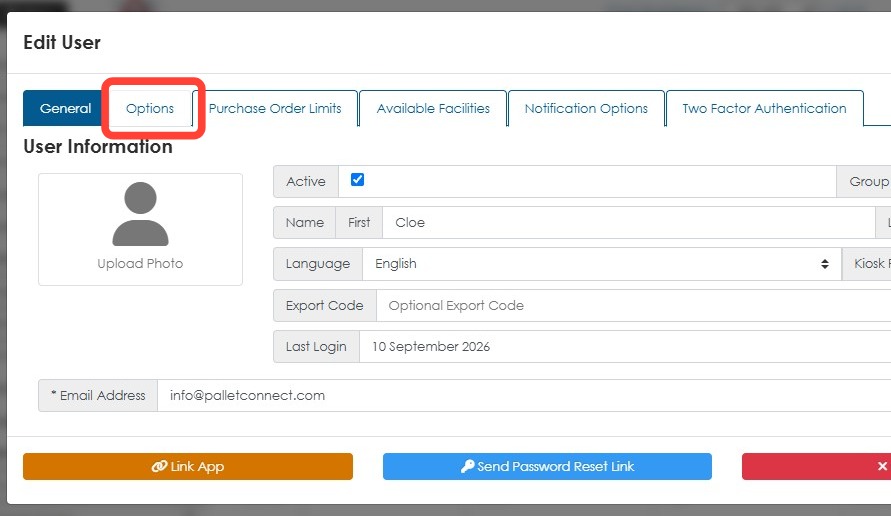
4. Go to the Options tab.
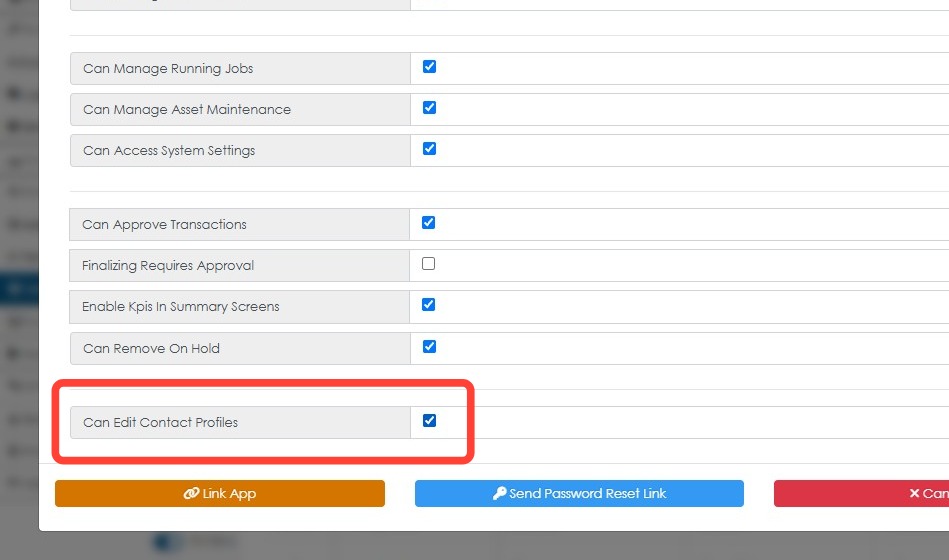
5. Make sure Can Edit Contact Profiles box is checked.
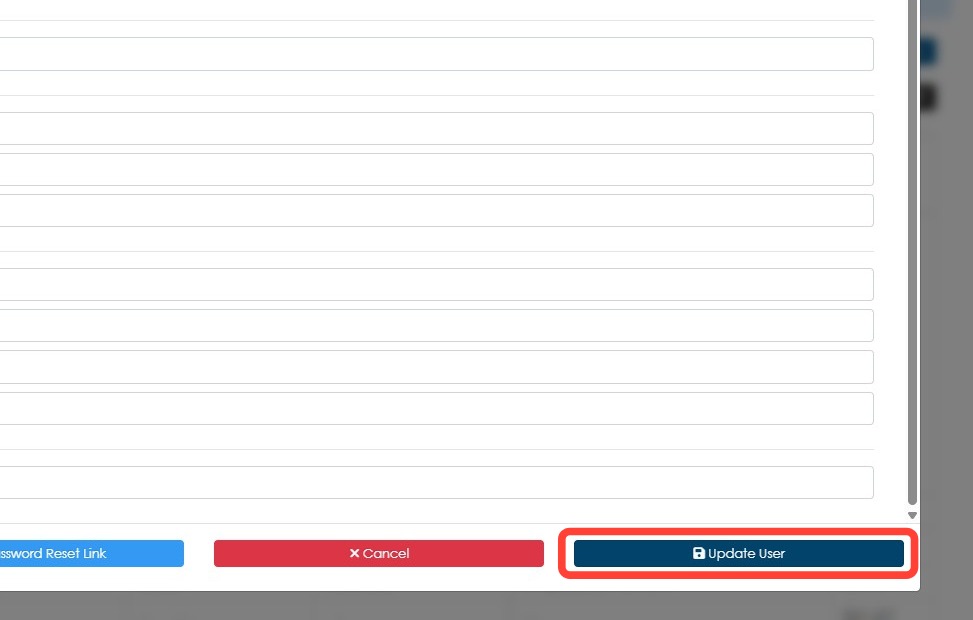
6. Click Update User to save.
The user will now be able to make changes to contact profiles.