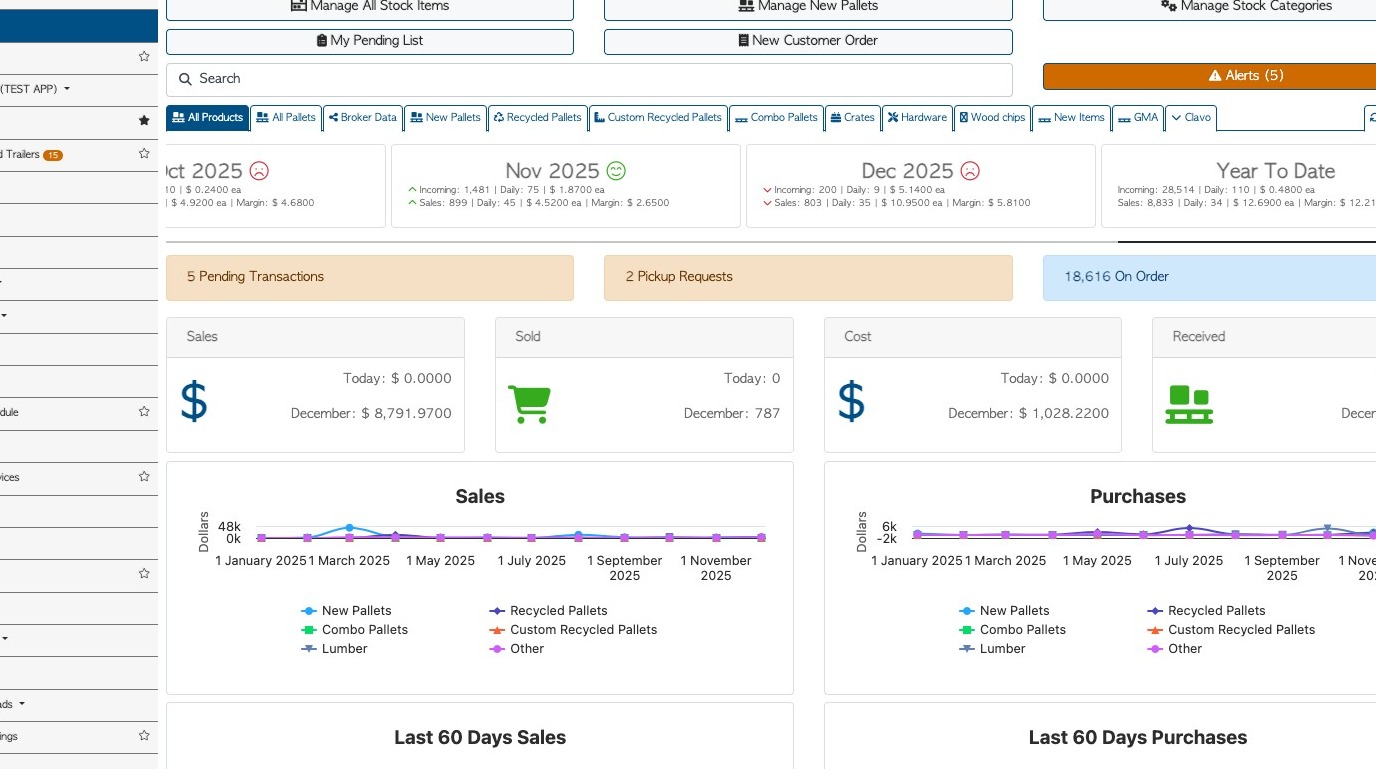
1. Transactions in Pallet Connect can be backdated and the number of days can be customized in the system.
NOTE: An Customer Order or Vendor Request cannot be backdated as it is created. An open order/request needs to be put into the system prior to the expected date or on the same day.
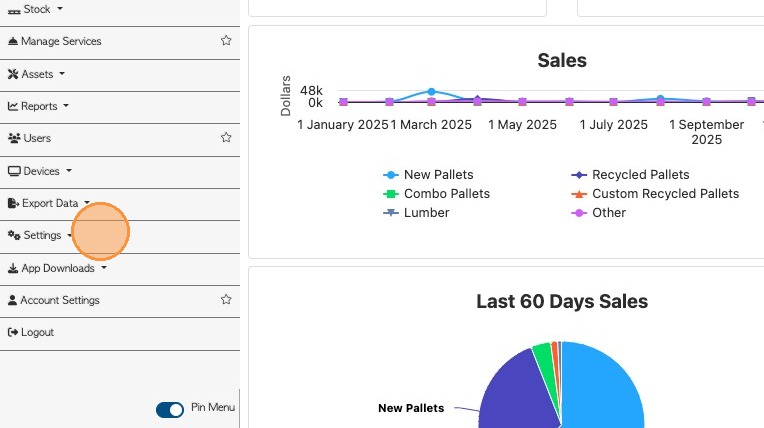
2. From the Main Menu, click "Settings".
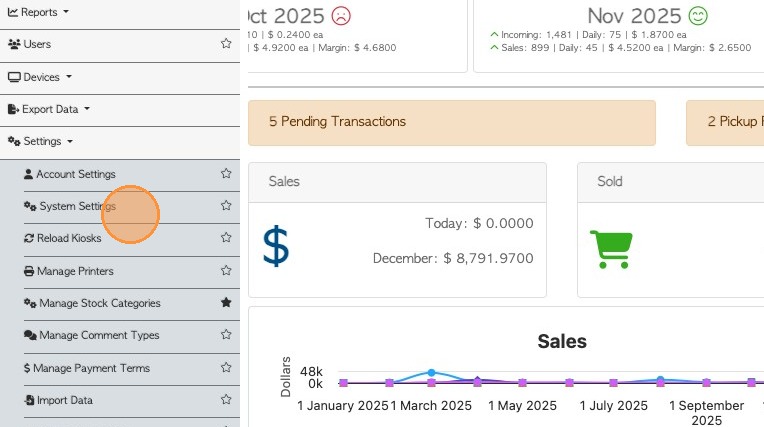
3. Click "System Settings"
4. Click "Application"

5. Or, click on this search field and type in "back".
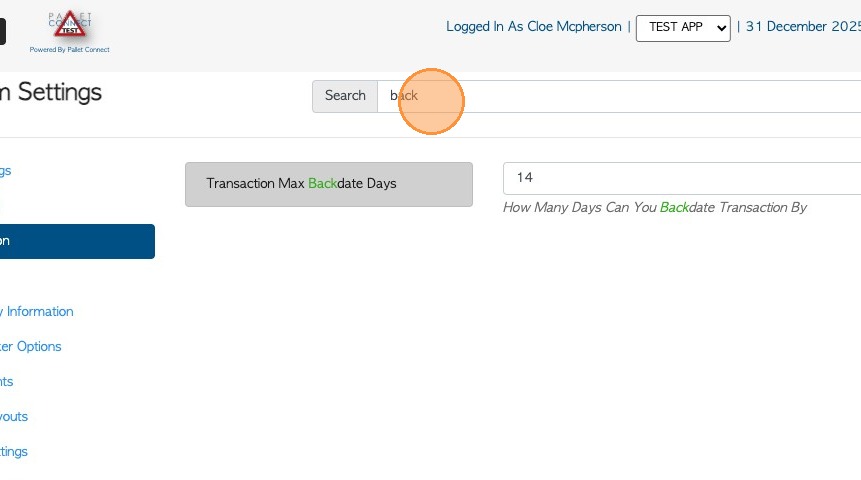
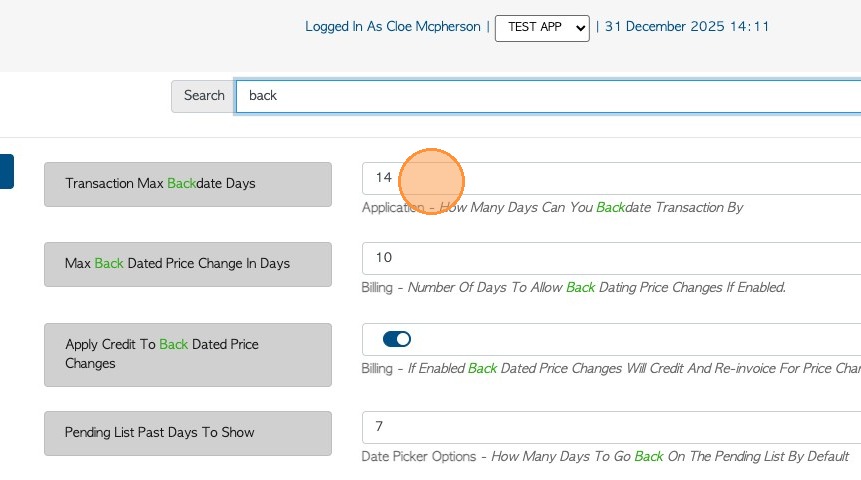
6. Look for "Transaction Max Backdate Days". Click on this number field to change the number of days the system is allowed to backdate.
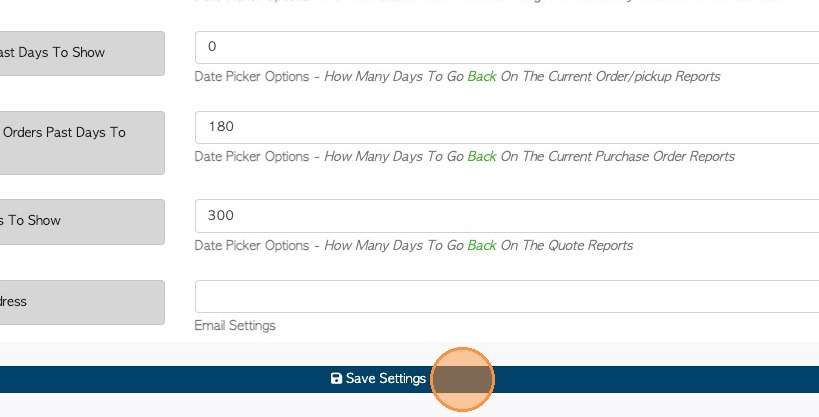
7. Click "Save Settings" to complete.