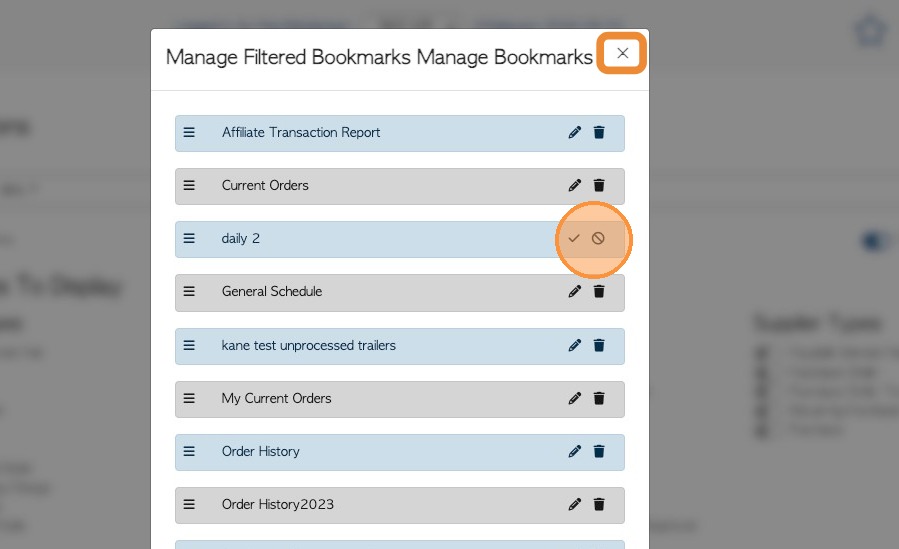
1. Custom reports can be created using the Report builder. See related article.
This article explains how to delete reports that are no longer needed.
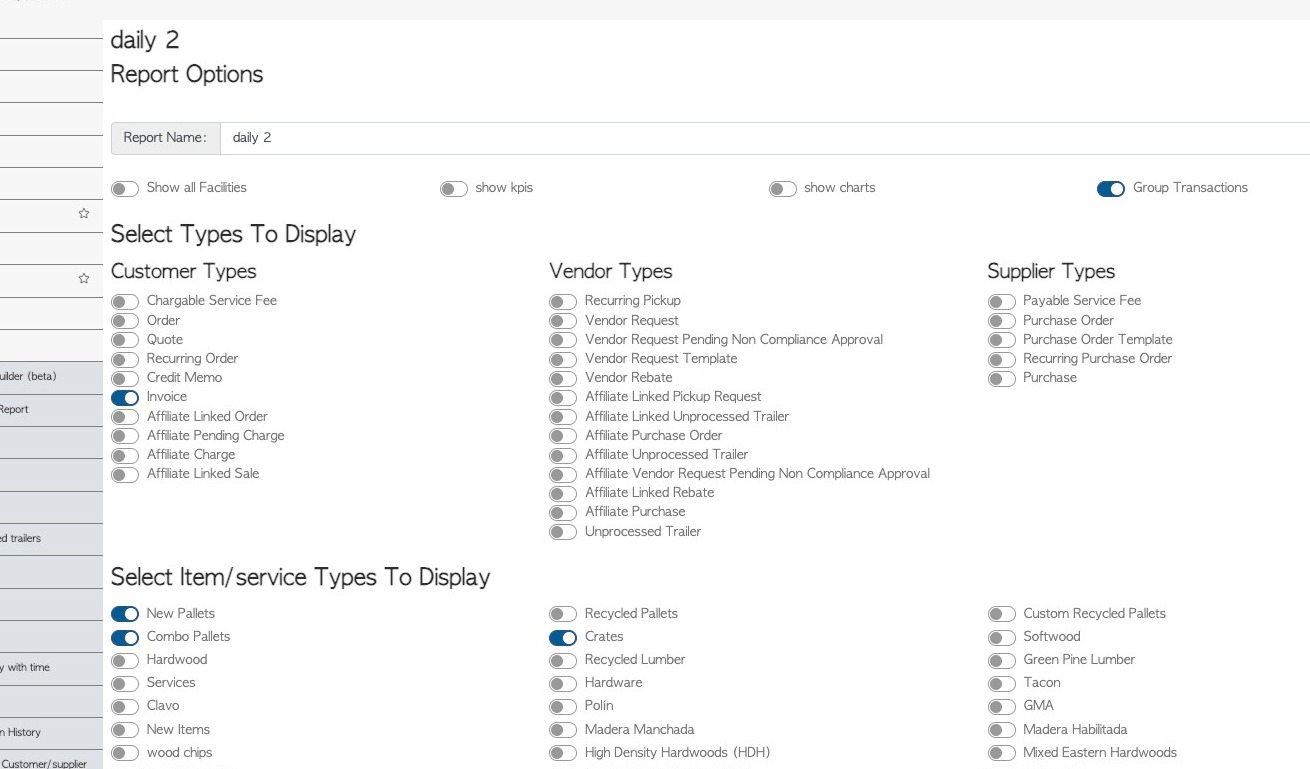
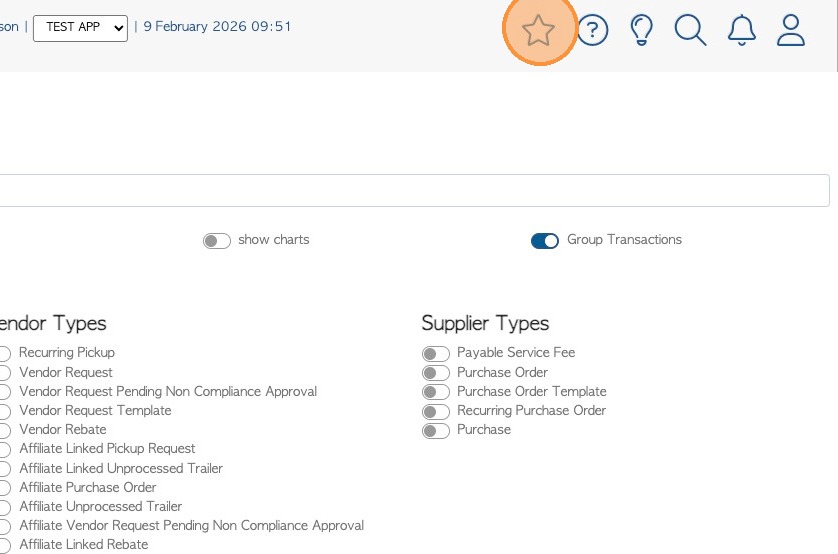
2. Custom reports function the same as Bookmarks in the system, and can therefore be managed in the Bookmark feature.
Click on the star icon in the main tool bar to reach Bookmarks.
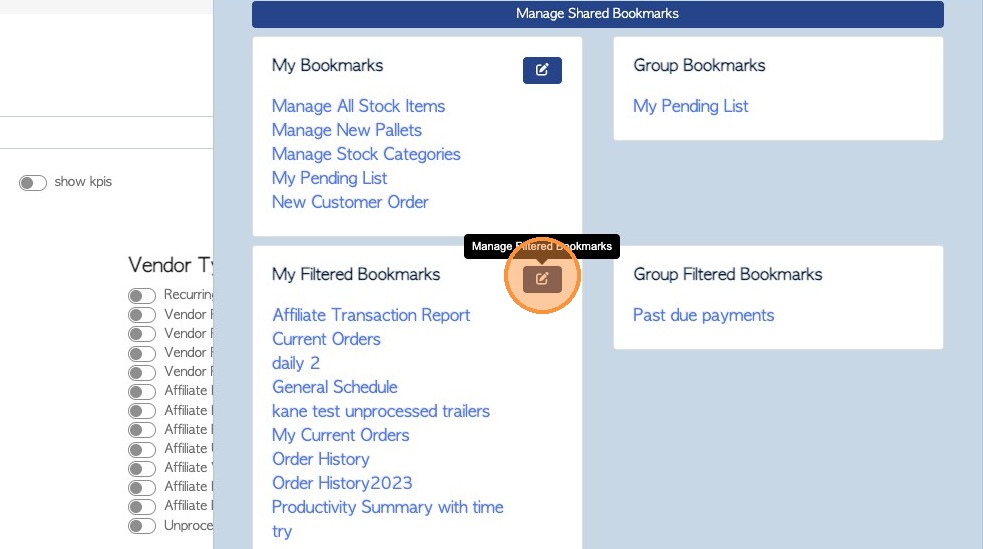
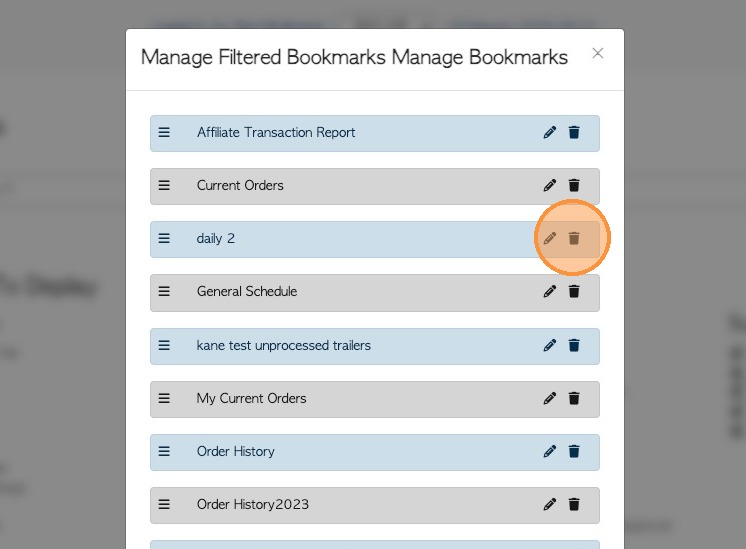
3. Custom reports are found in the Filtered Bookmark section.
Click the pencil icon to reach the edit options.
4. Click on the garbage can icon to delete the report.
5. Click the checkmark icon to confirm the deletion.
Click "×" to exit when finished.