
The delivery reminder email is a feature that is managed per contact person within their profile e.g. Customer or Vendor. When enabled, an email reminder will be sent out the previous night, reminding the contact person that they have a scheduled delivery.
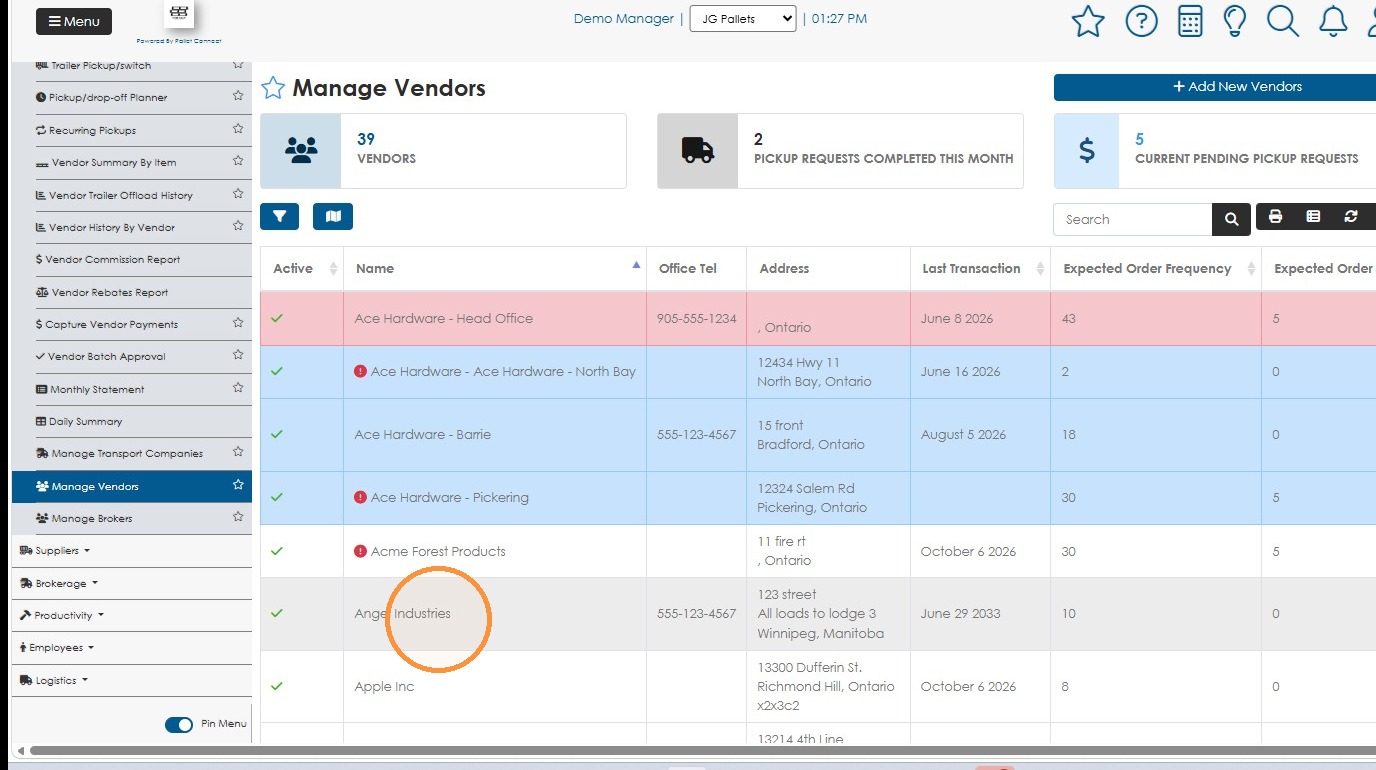
1. Click Contact Name from the 'Manage' contacts page e.g. Manage Vendors. Alternatively, type in the company name into the global search tool to reach the contact profile.
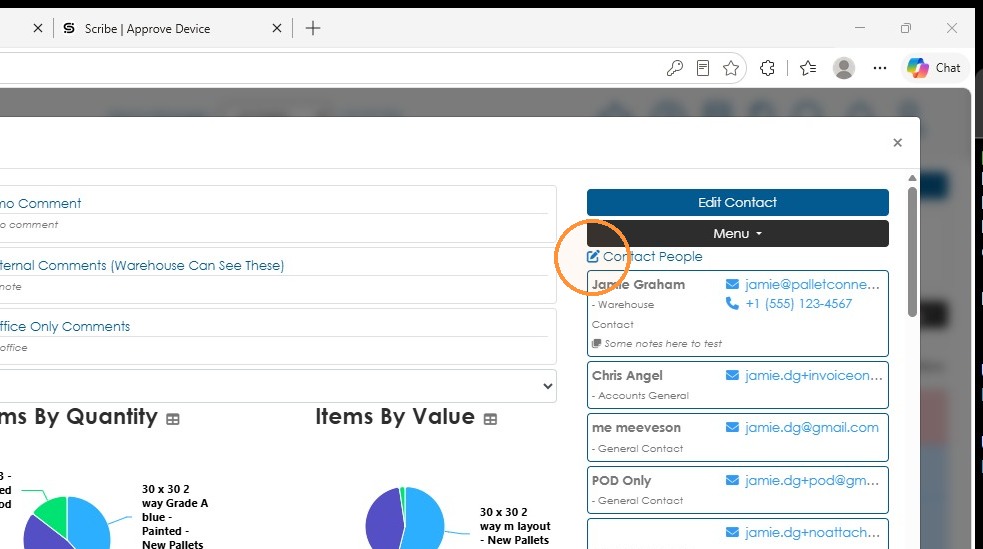
2. Open the Contact People tab within the profile.
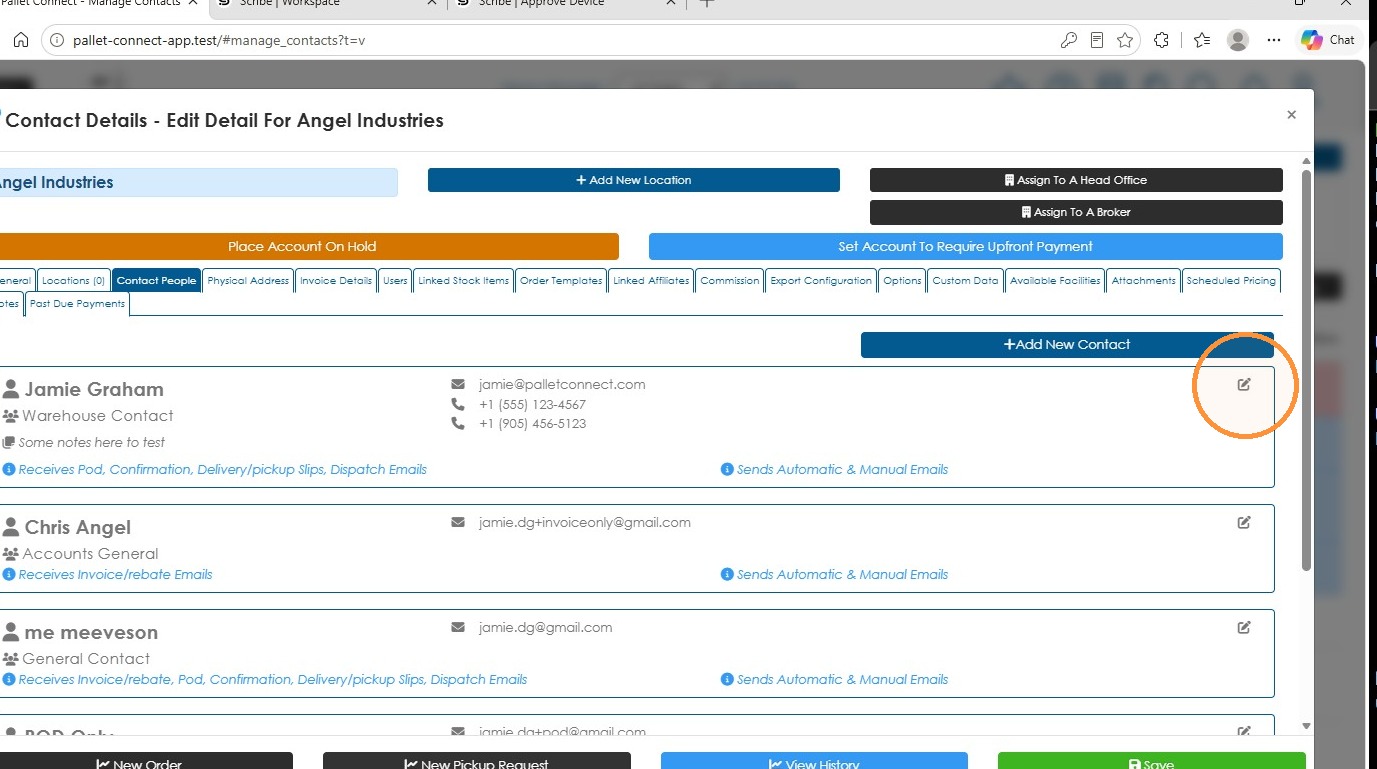
3. Open the specific person details, using the pencil icon.
4. Then open the email setting for this person.
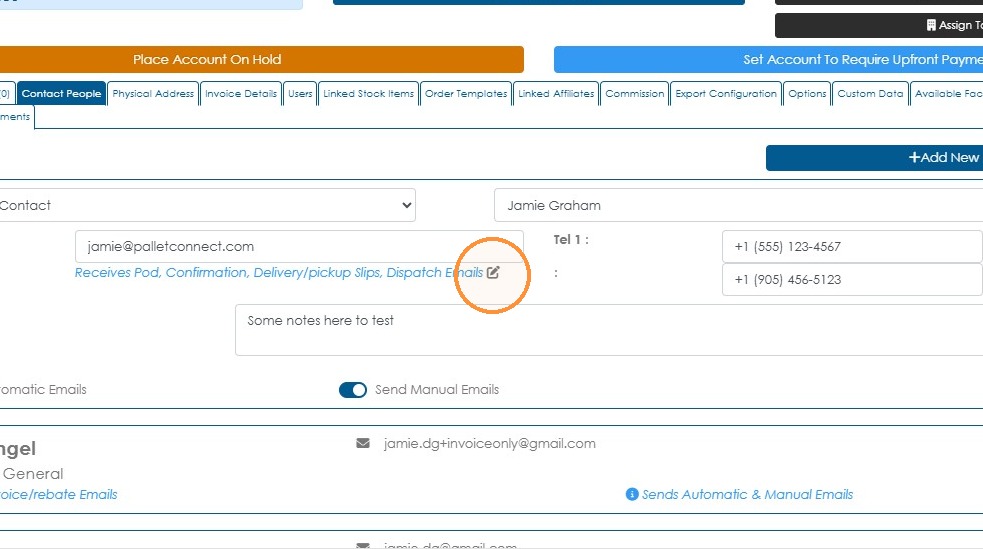
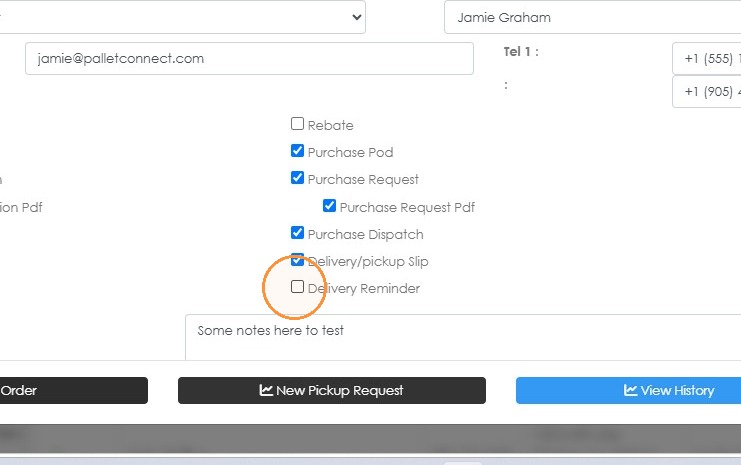
5. Click "Delivery Reminder" and 'Save' to complete.
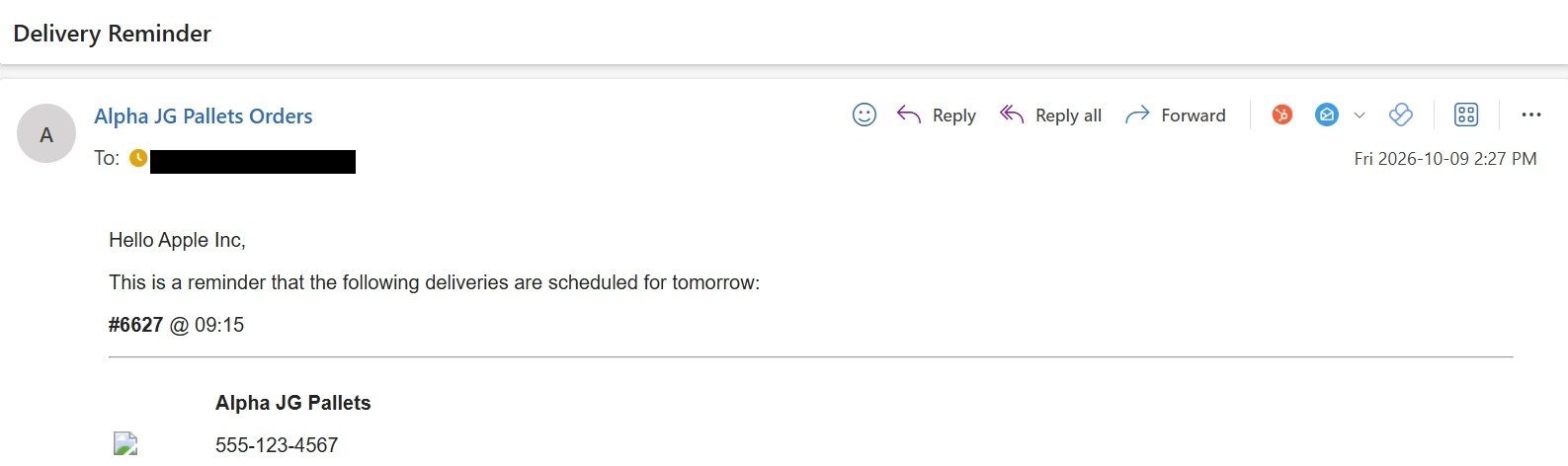
6. Your contact will now receive an email reminding them of the scheduled delivery. See example below:
Tip: Tip! There is an option to set the send time to send in System Settings. Search for "TIME TO SEND DELIVERY REMINDER"