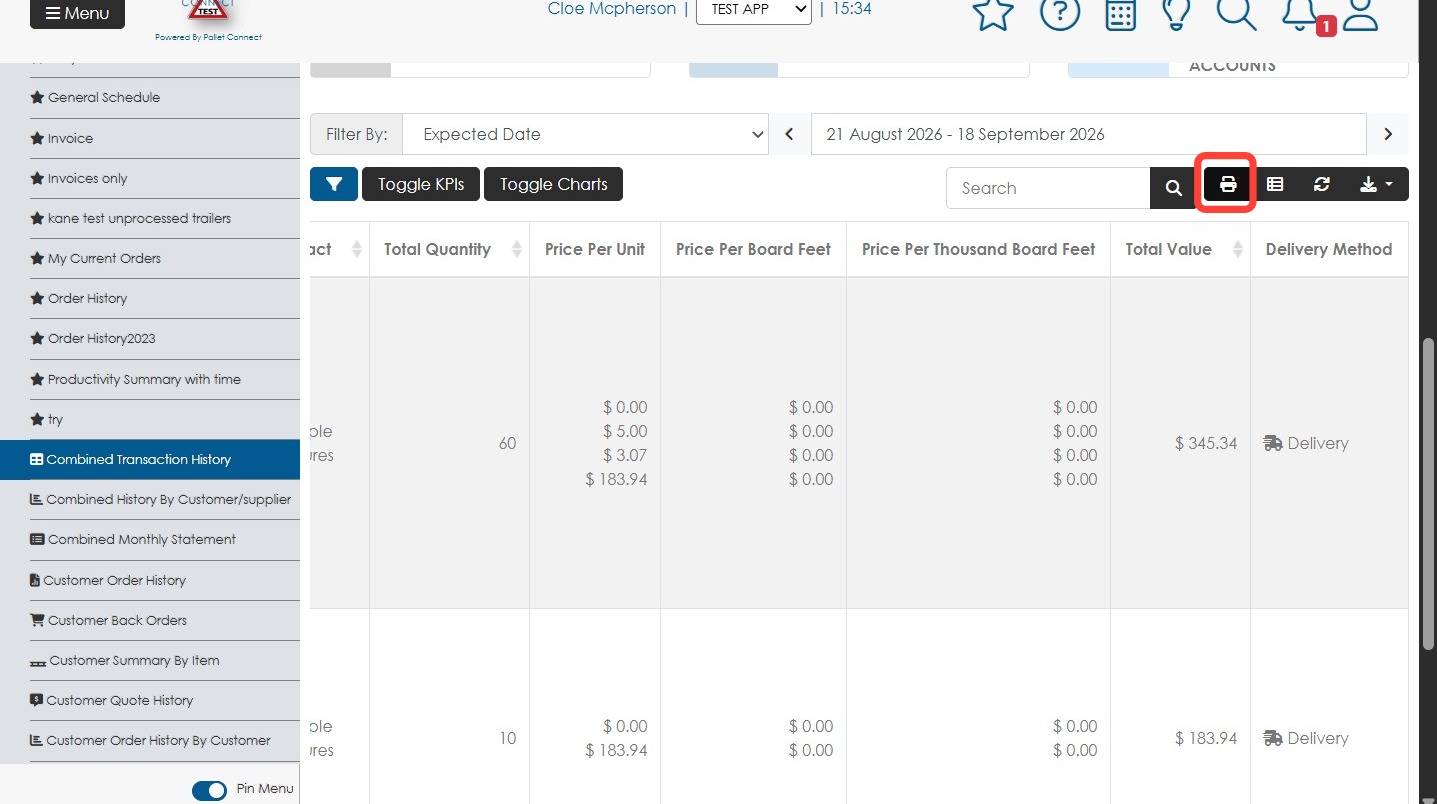
How To Export Delivery Summary Report for Broker Transactions
Made by Eva Marie Manguilimutan with Scribe
This article provides a guide on how to extract a report of broker transactions that have been delivered.
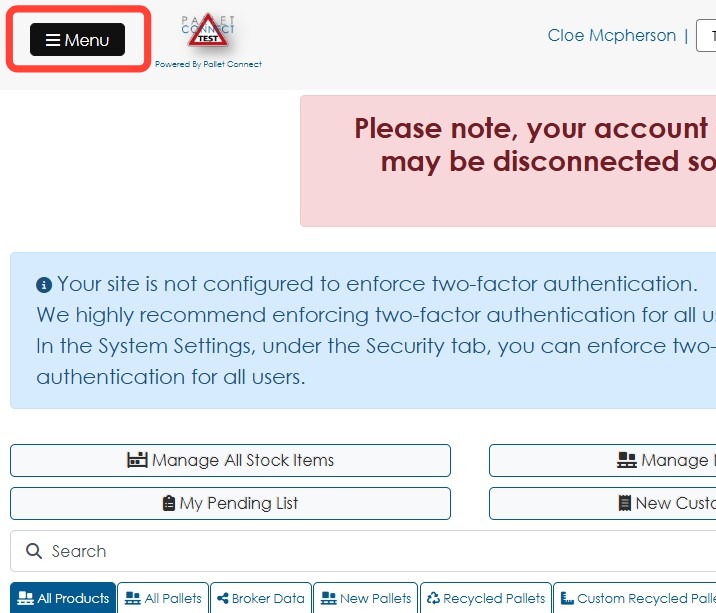
1. Click Menu.
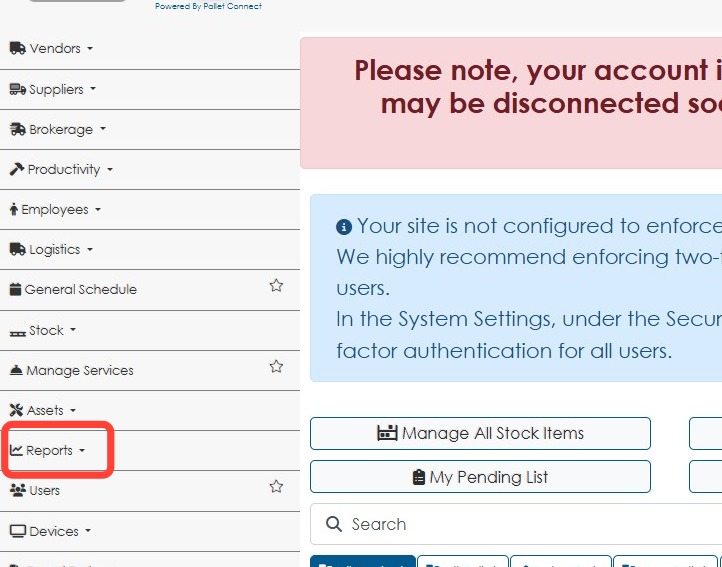
2. Click Reports in the main menu.
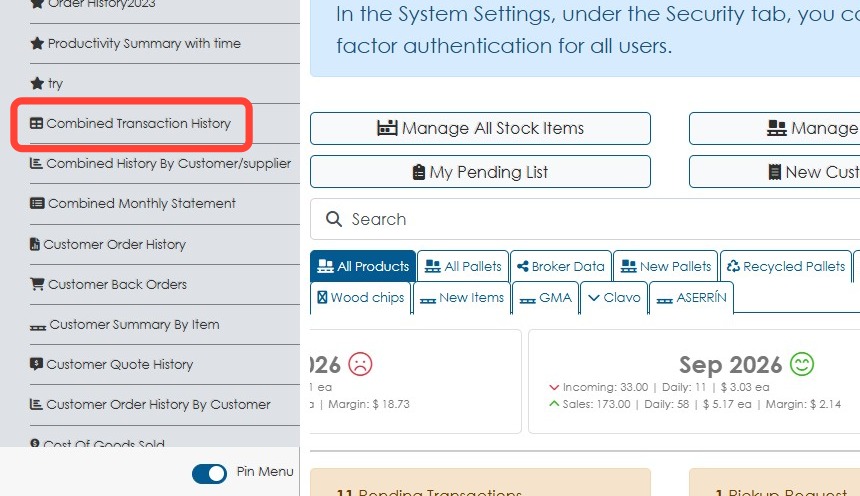
3. Click Combined Transaction History.
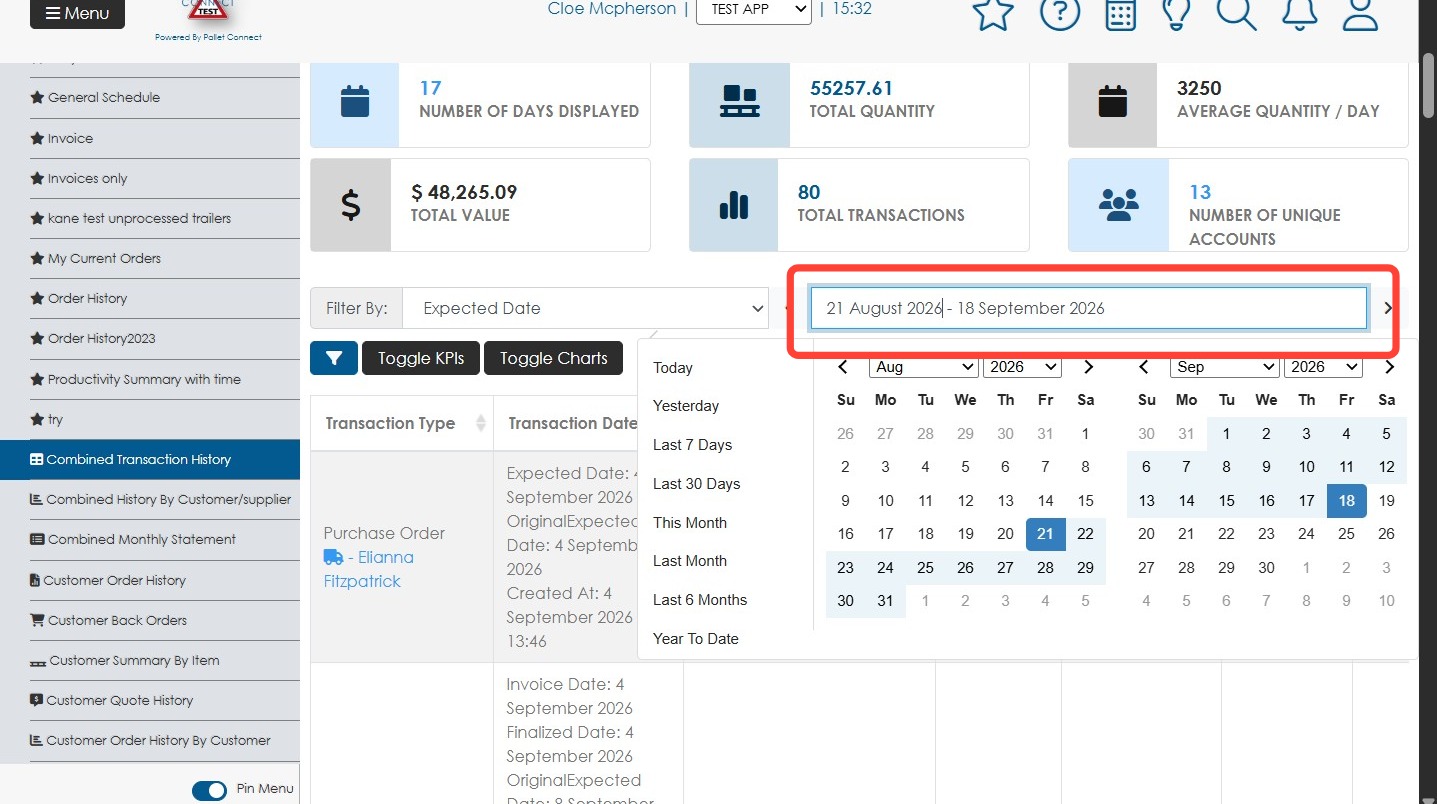
4. Click the Date Range field to open the date picker, then select the desired date range.
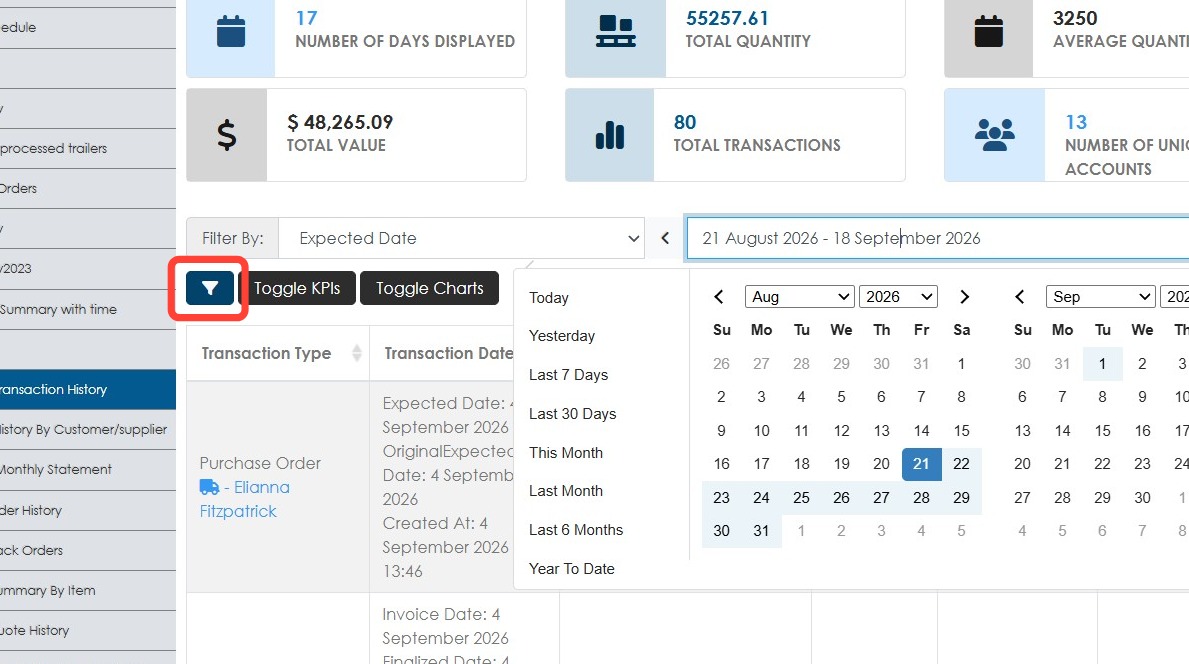
5. Click the Filters button.
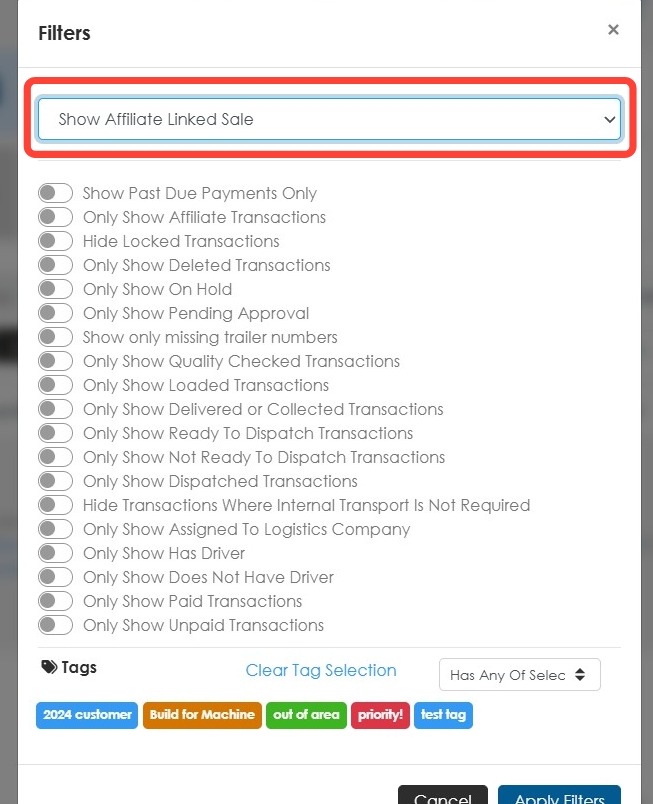
6. Select the Show Affiliate Linked Sale from the drop-down..
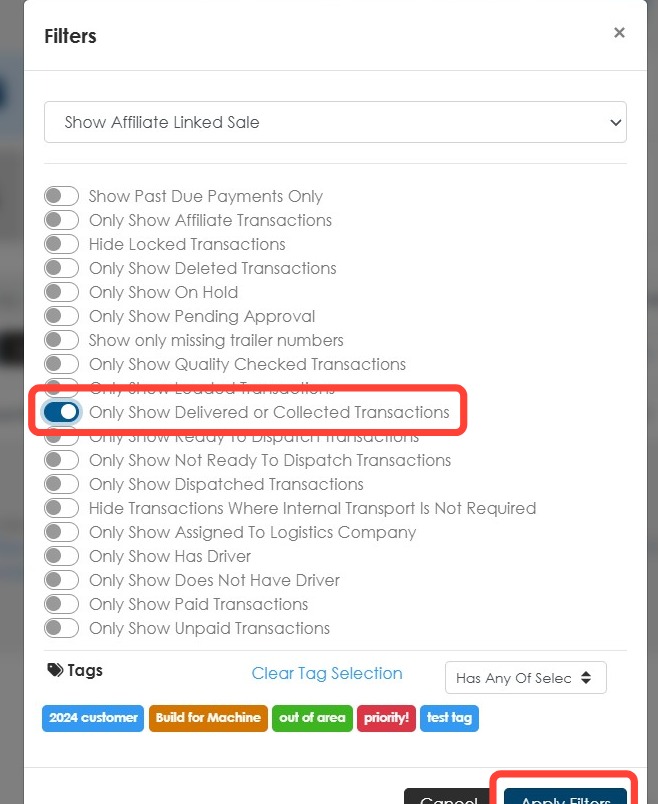
7. Turn on Only Show Delivered or Collected Transactions then click Apply Filters.
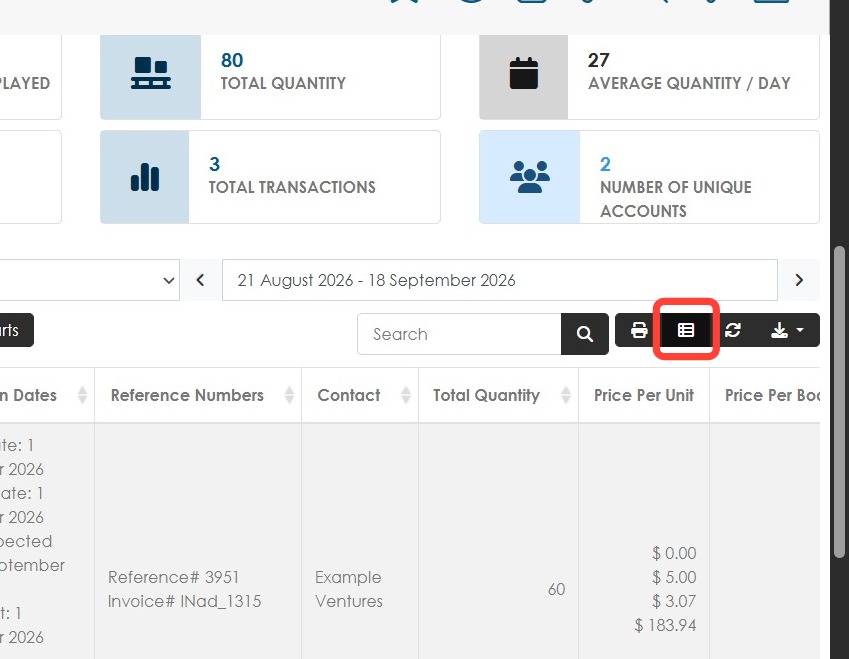
8. Click Edit Columns.
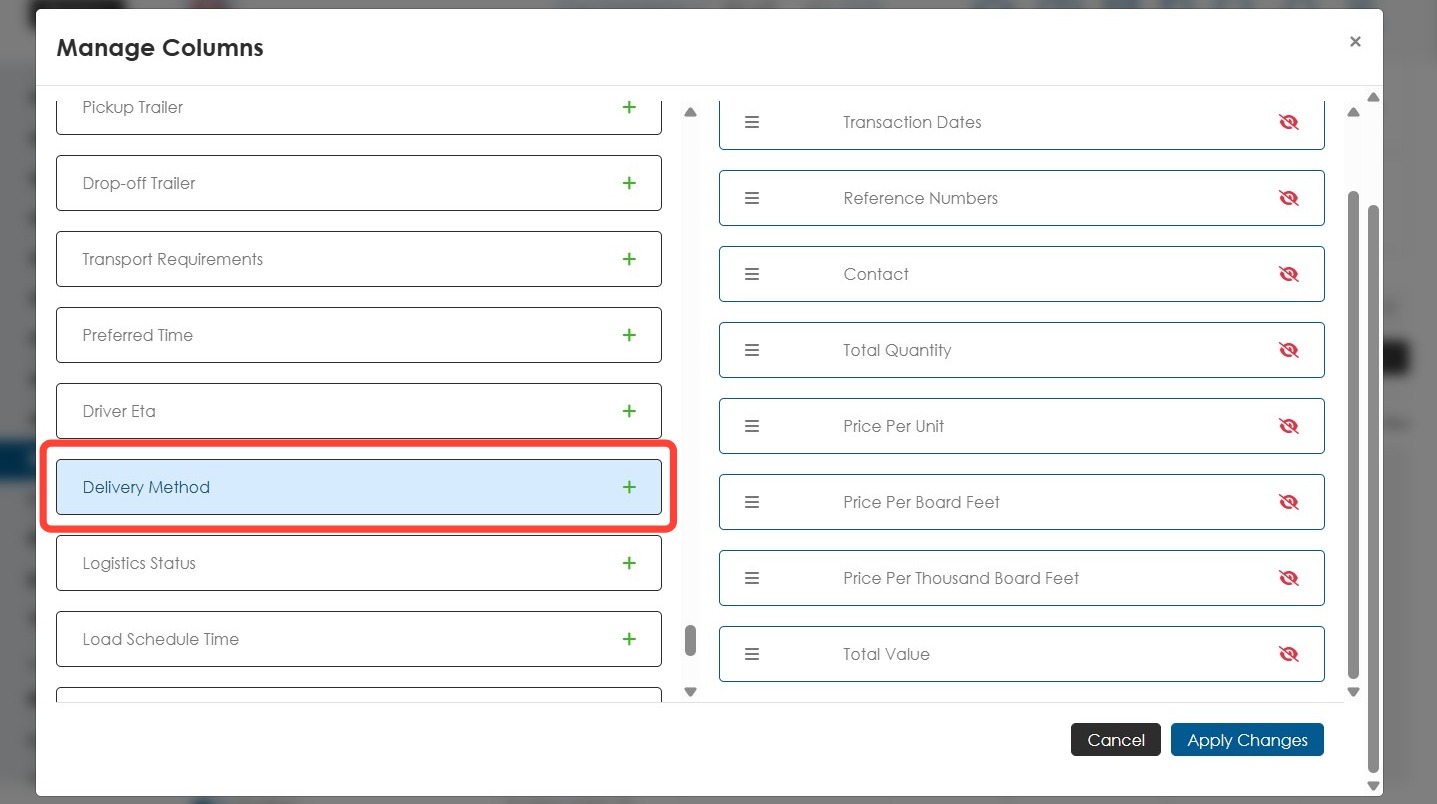
9. Add Delivery Method to the visible columns
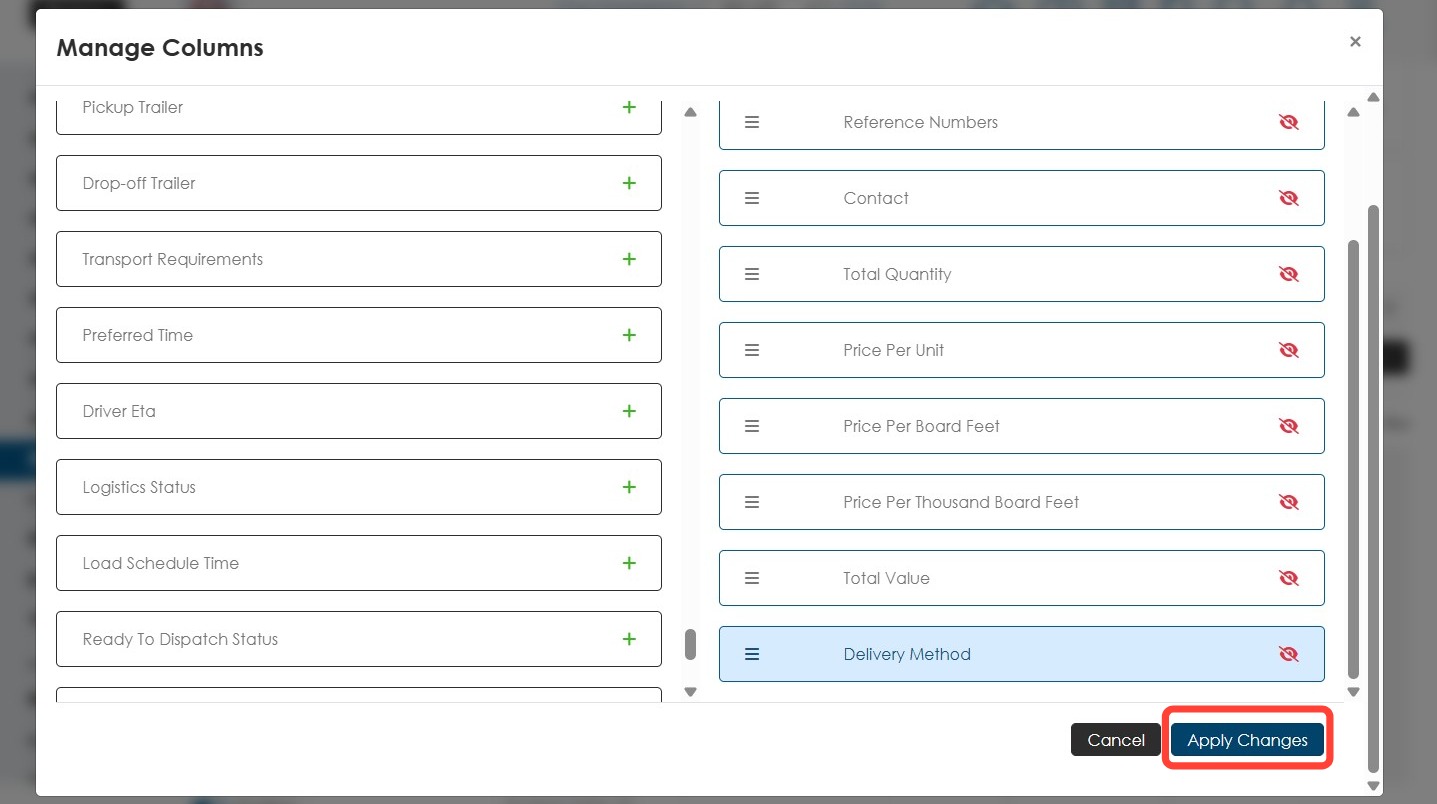
10. Click Apply Changes.
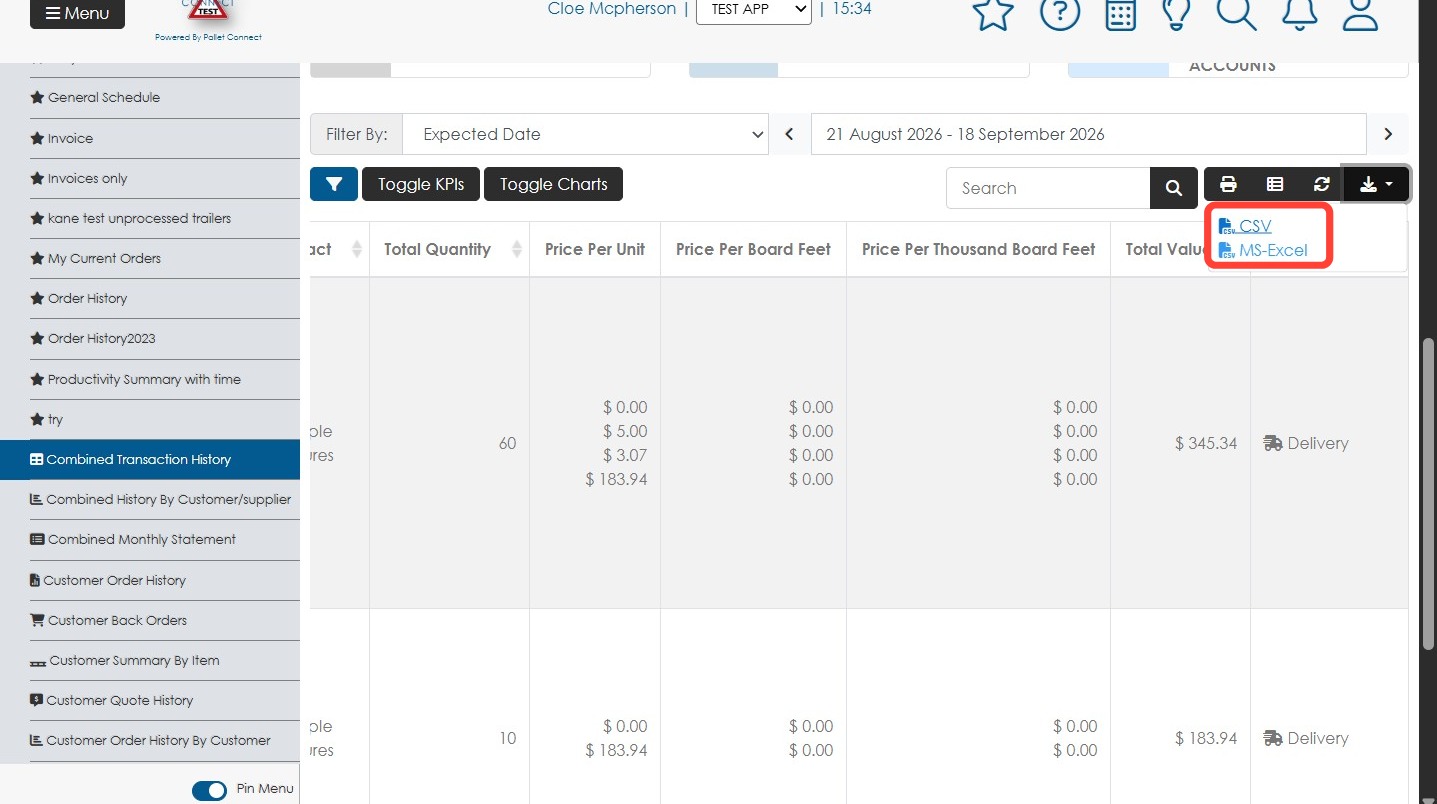
11. To export the report, click the Export Data button then choose either CSV or MS Excel.
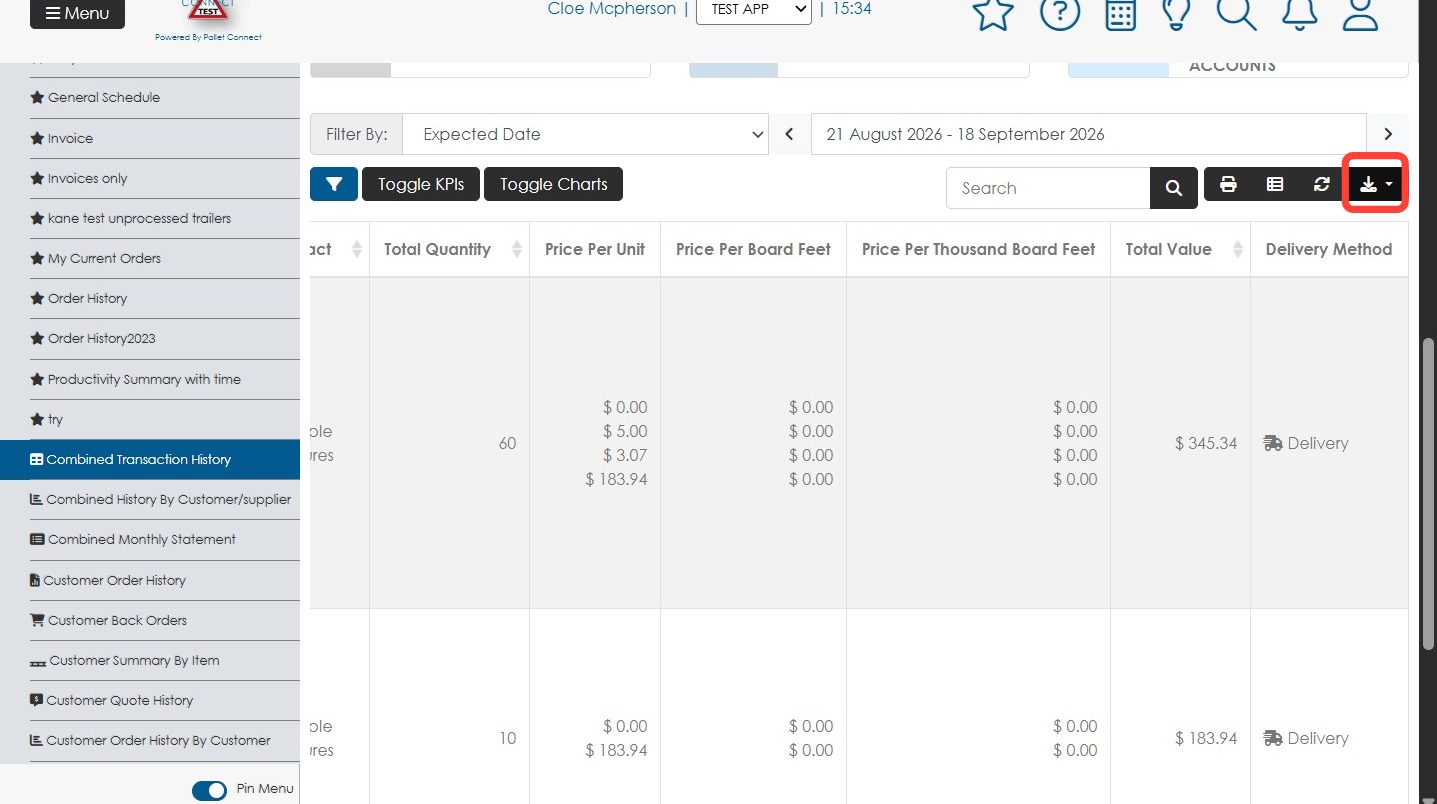
12. Click Print to print the report directly without exporting.