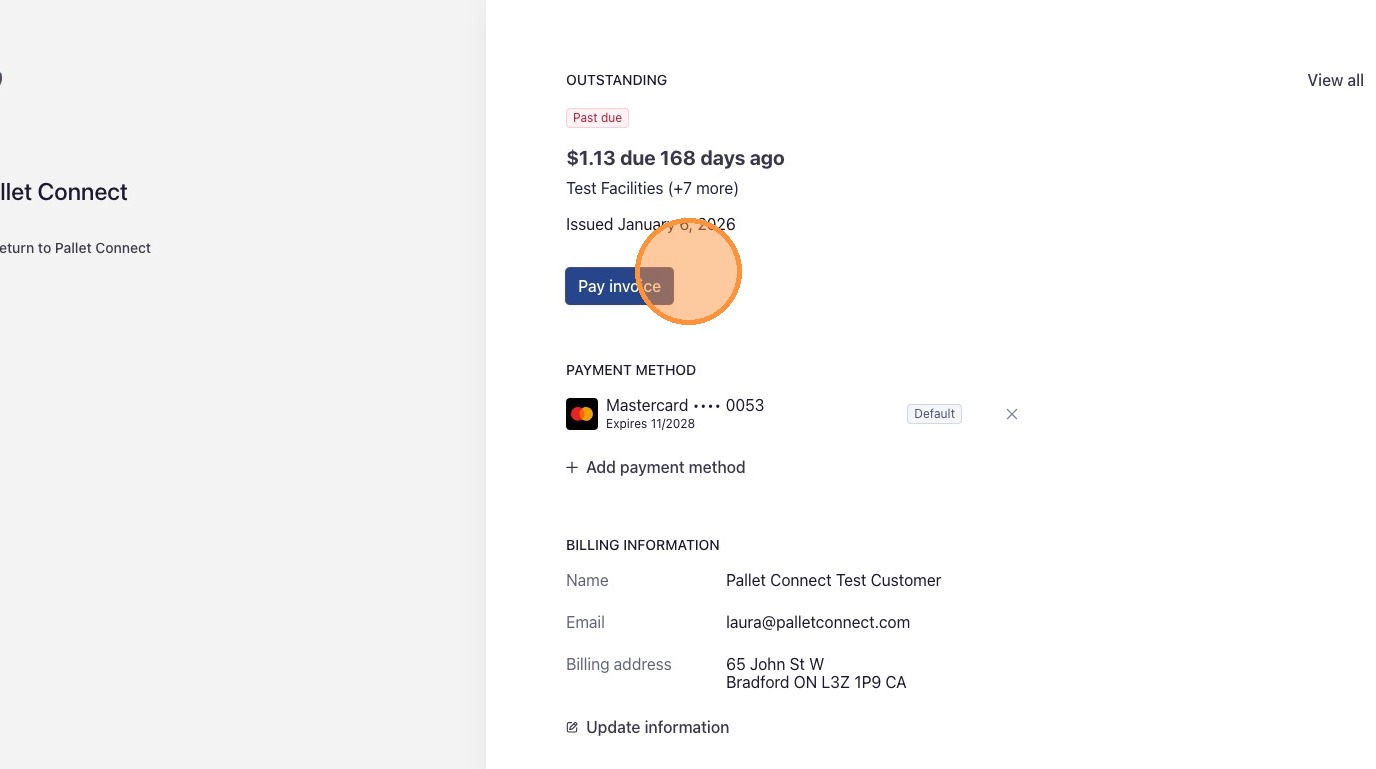
This guide provides instructions on how to manage billing for the Pallet Connect site and how to pay outstanding invoices. Follow these steps to review account history, settle overdue accounts and ensure service remains active.
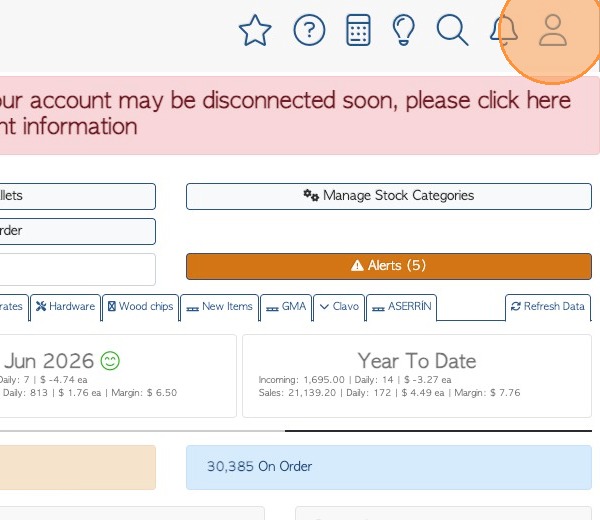
1. To access the "Manage Billing" page. Click on the person icon in the main tool bar. This is located at the top right of each page.
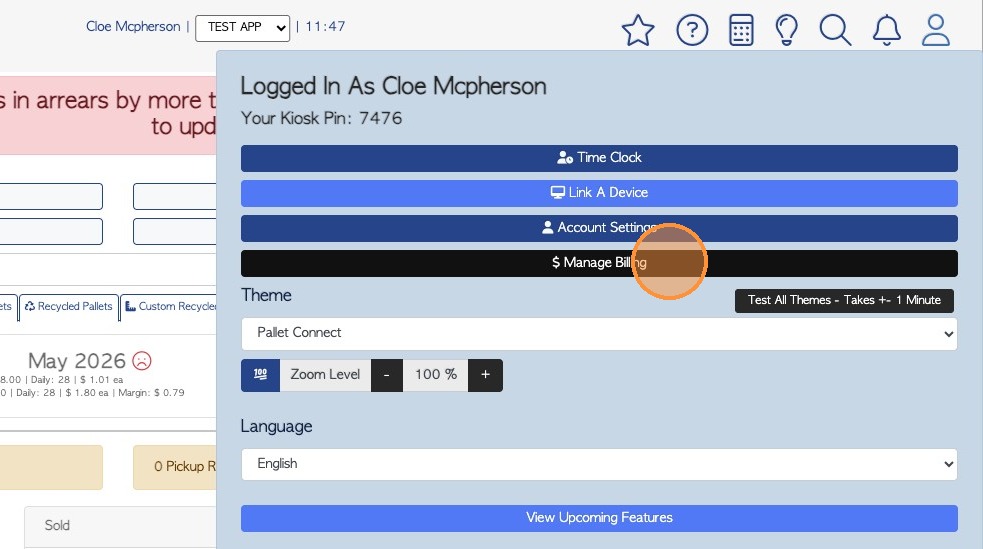
2. Click the "Manage Billing" bar.
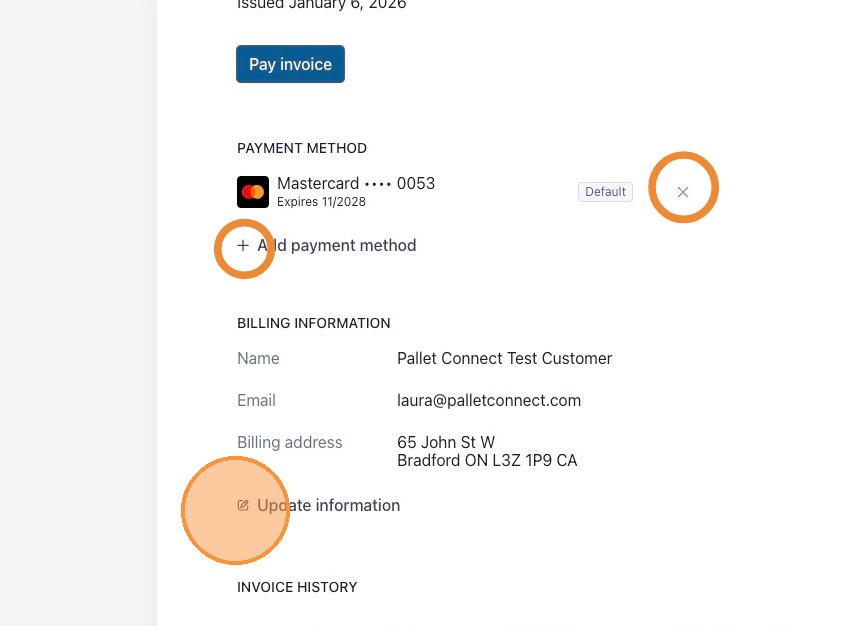
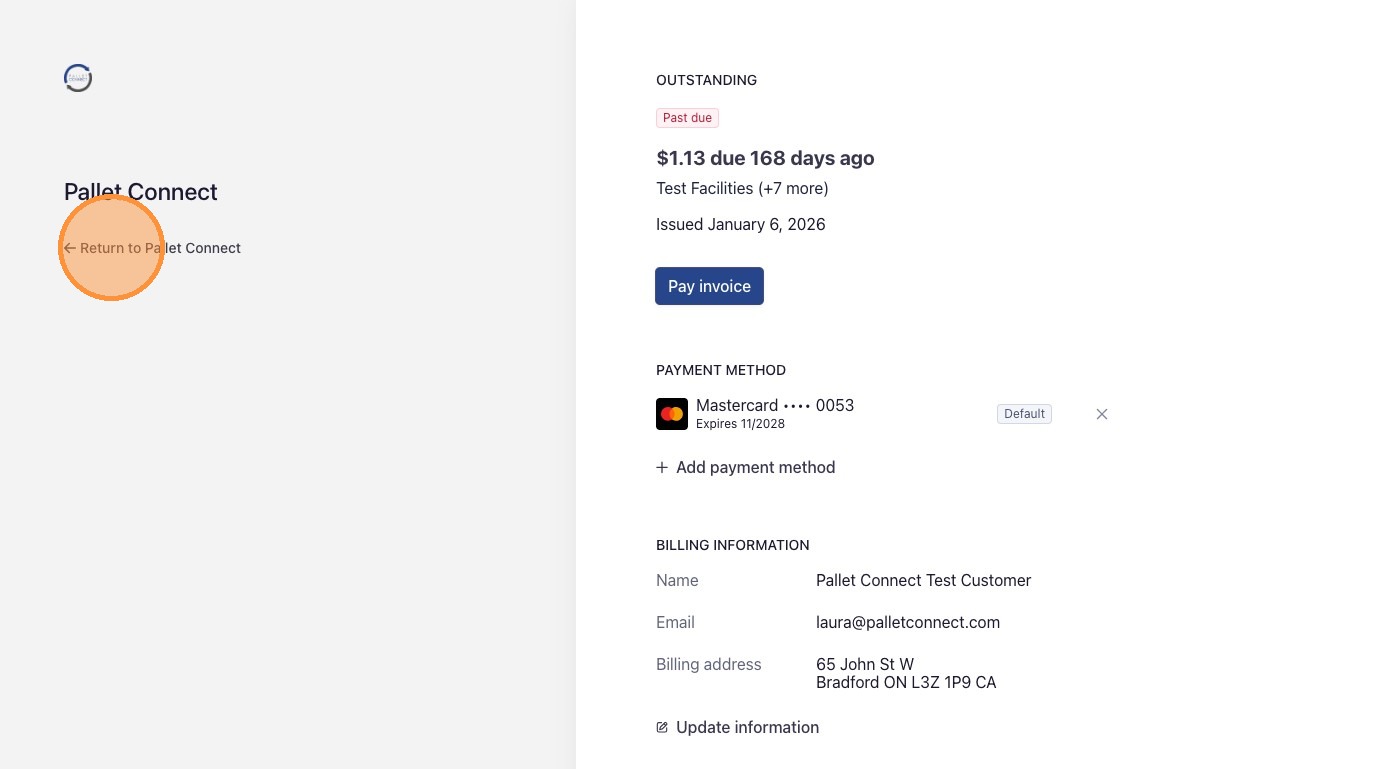
3. If there is an overdue payment, this will be displayed in the 'Outstanding' section of the billing portal. Click 'Pay invoice' to make a payment.
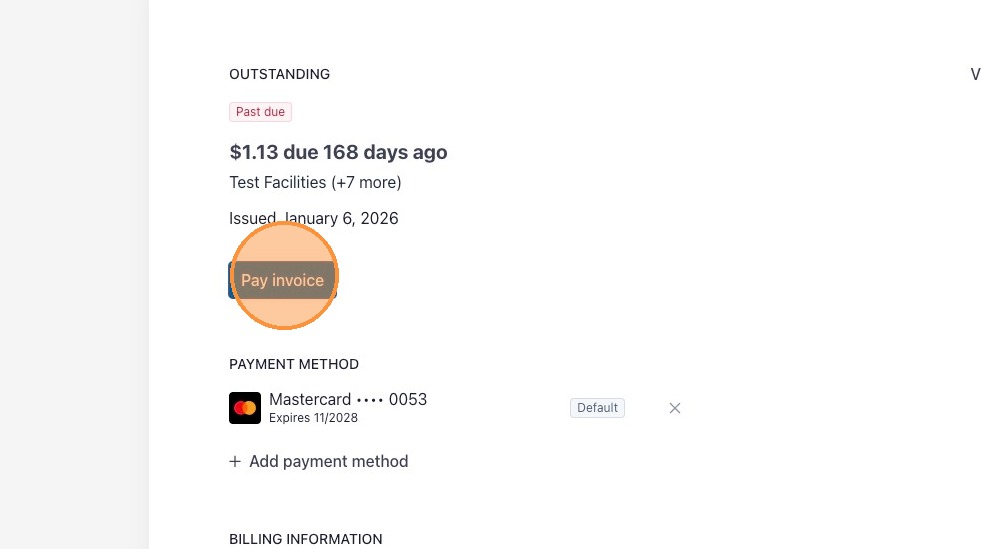
4. 'Payment Method' and 'Billing Information' can be edited here too.
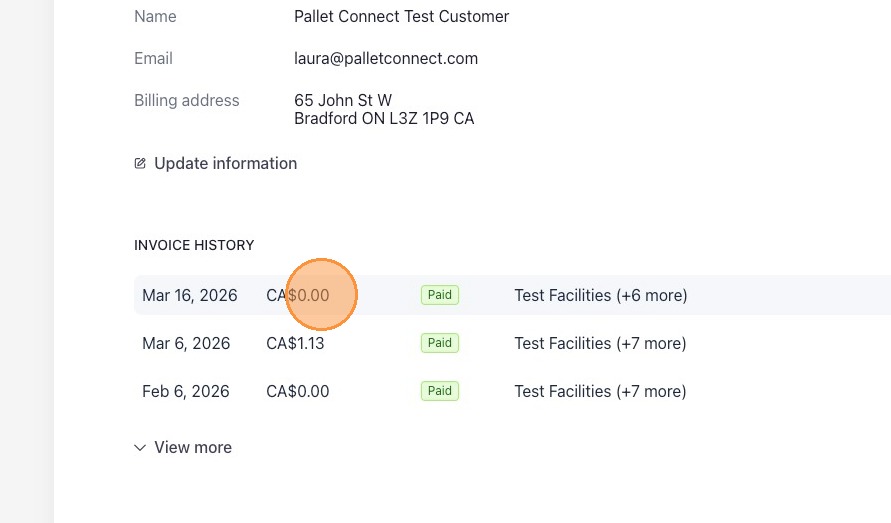
5. 'Invoice History' is displayed in the billing portal . Select an invoice from the 'Invoice History' list, to view details.
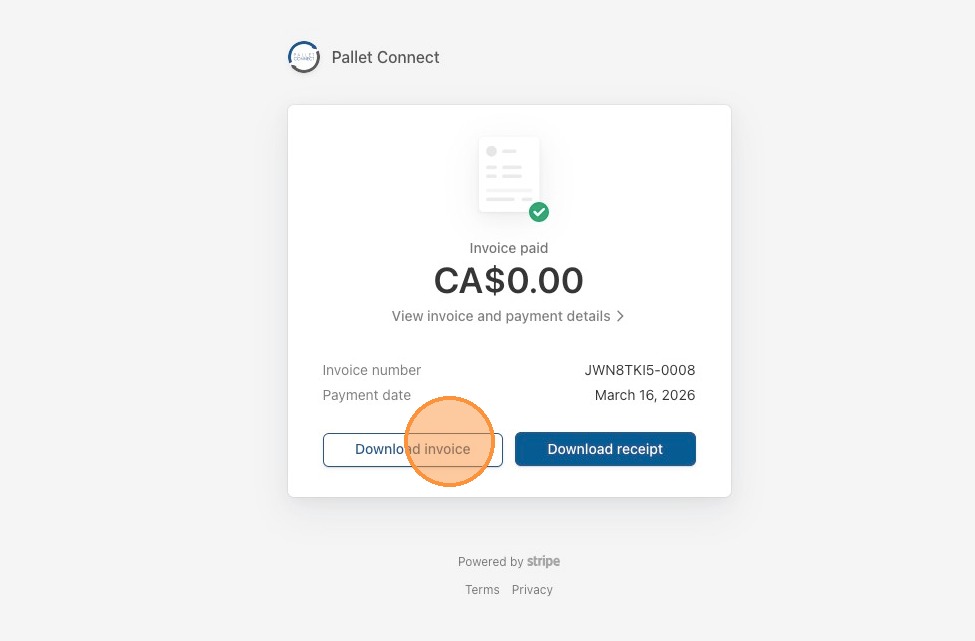
6. From the details page, view the invoice details or download the invoice or receipt as needed.
7. Click "Return to Pallet Connect" to return to the Pallet Connect site.
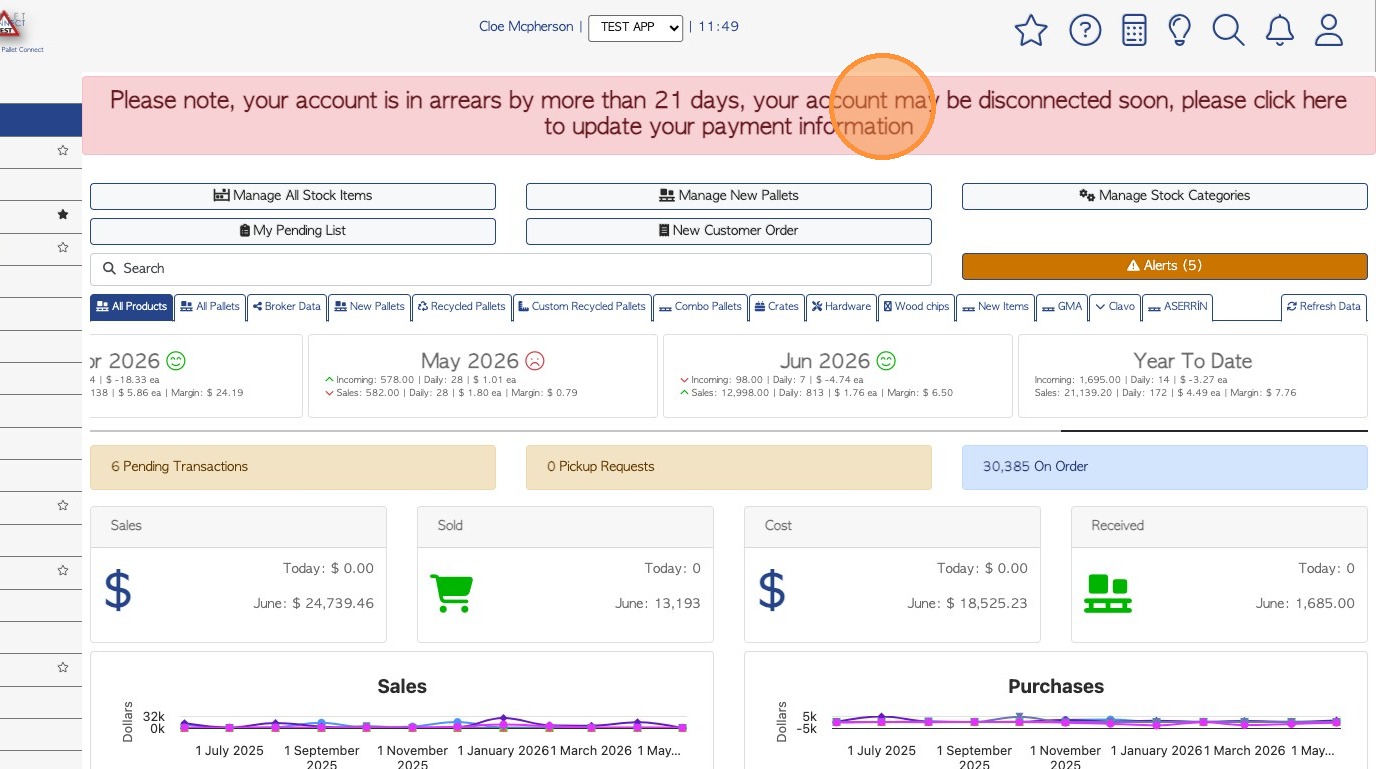
8. When there is an overdue invoice and an account is in arrears more than 21 days, a banner will appear in the system. This will be displayed to relevant users.
NOTE: Previous payment reminders will have been sent via email, to the account owner.
To view the outstanding balance and make a payment, click directly on the banner.
9. The billing portal will open. Click "Pay invoice" to pay, using the Stripe platform.