This article provides a guide on how to disable the setting that prevents users from manually setting a price when placing an order. Please note that this is a site-wide setting and will affect all users, not just an individual user.
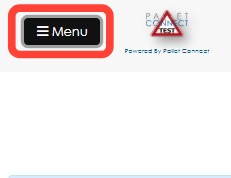
1. Click Menu.
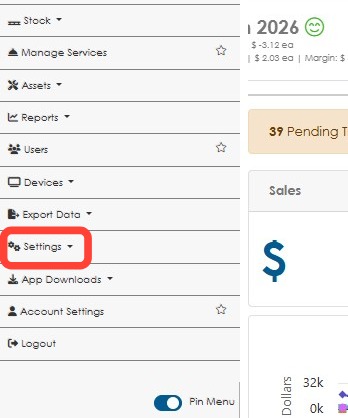
2. Click Settings in the main menu.
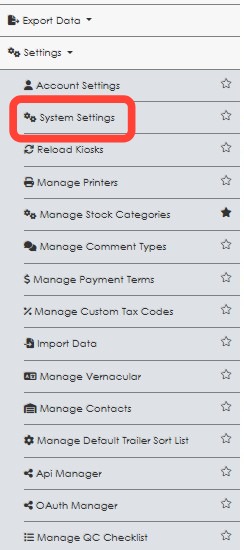
3. Click System Settings.
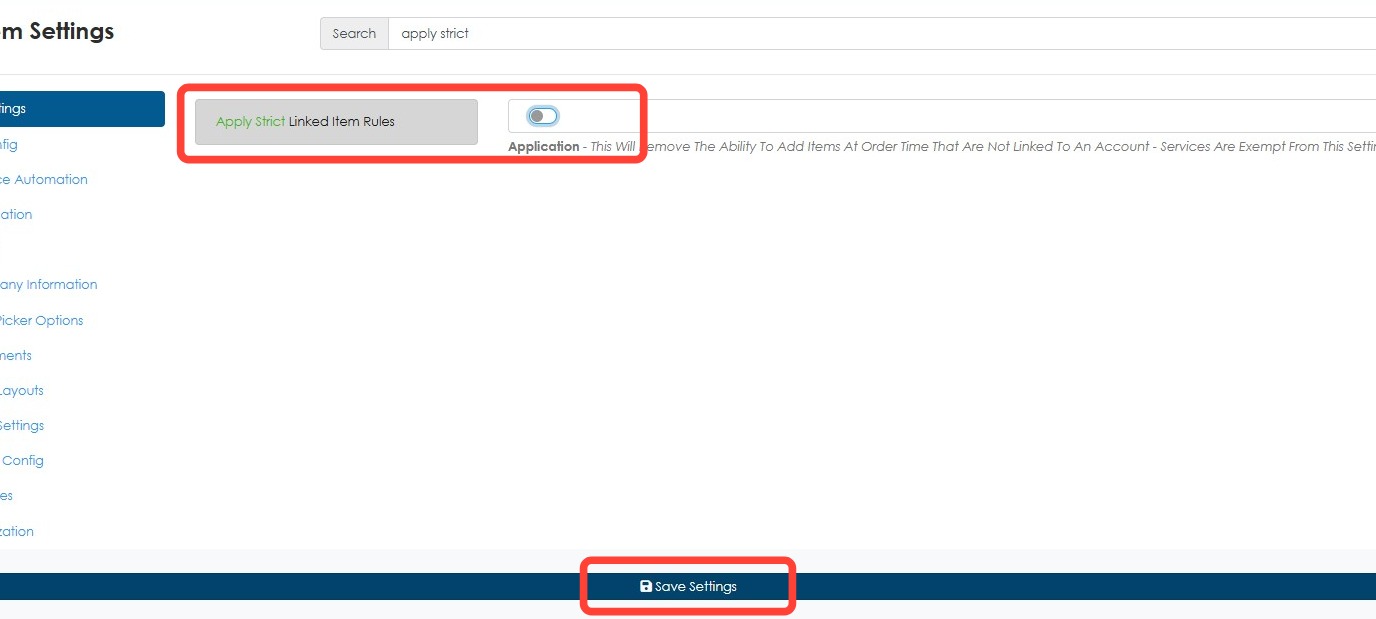
4. Type apply strict in the search field.
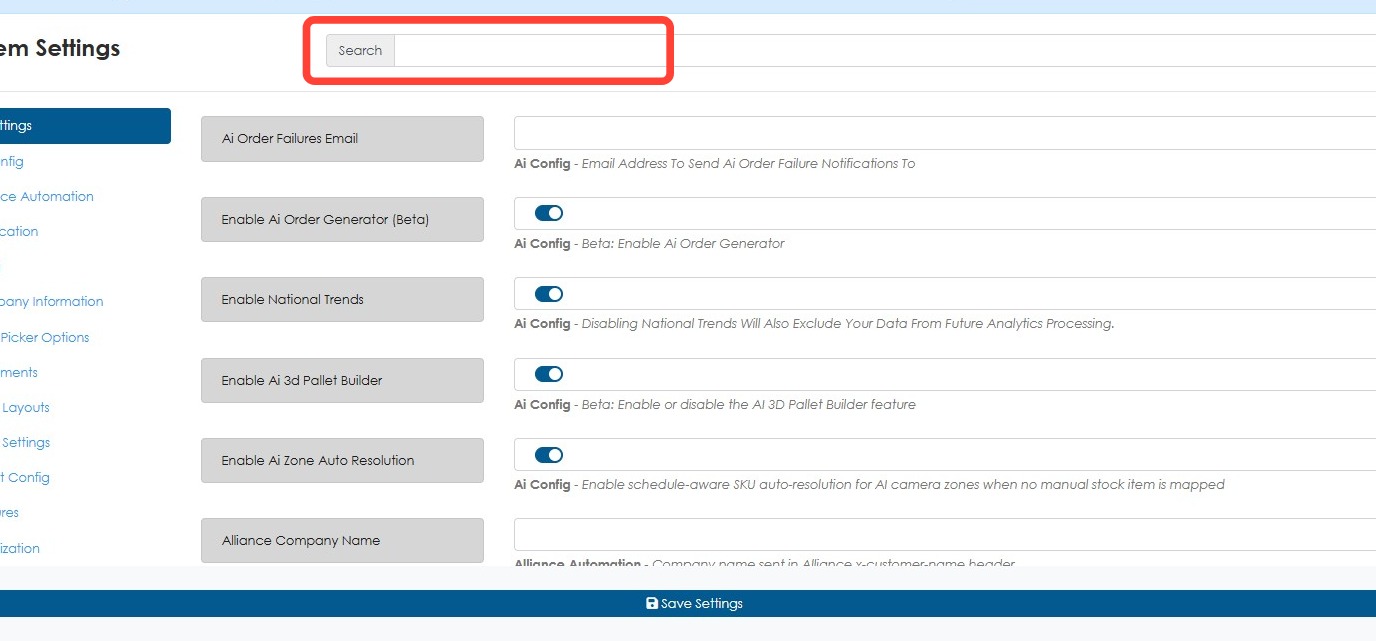
5. Toggle off Apply Strict Linked Item Rules. Click Save Settings.
When creating an order, the price of a stock item can now be adjusted.