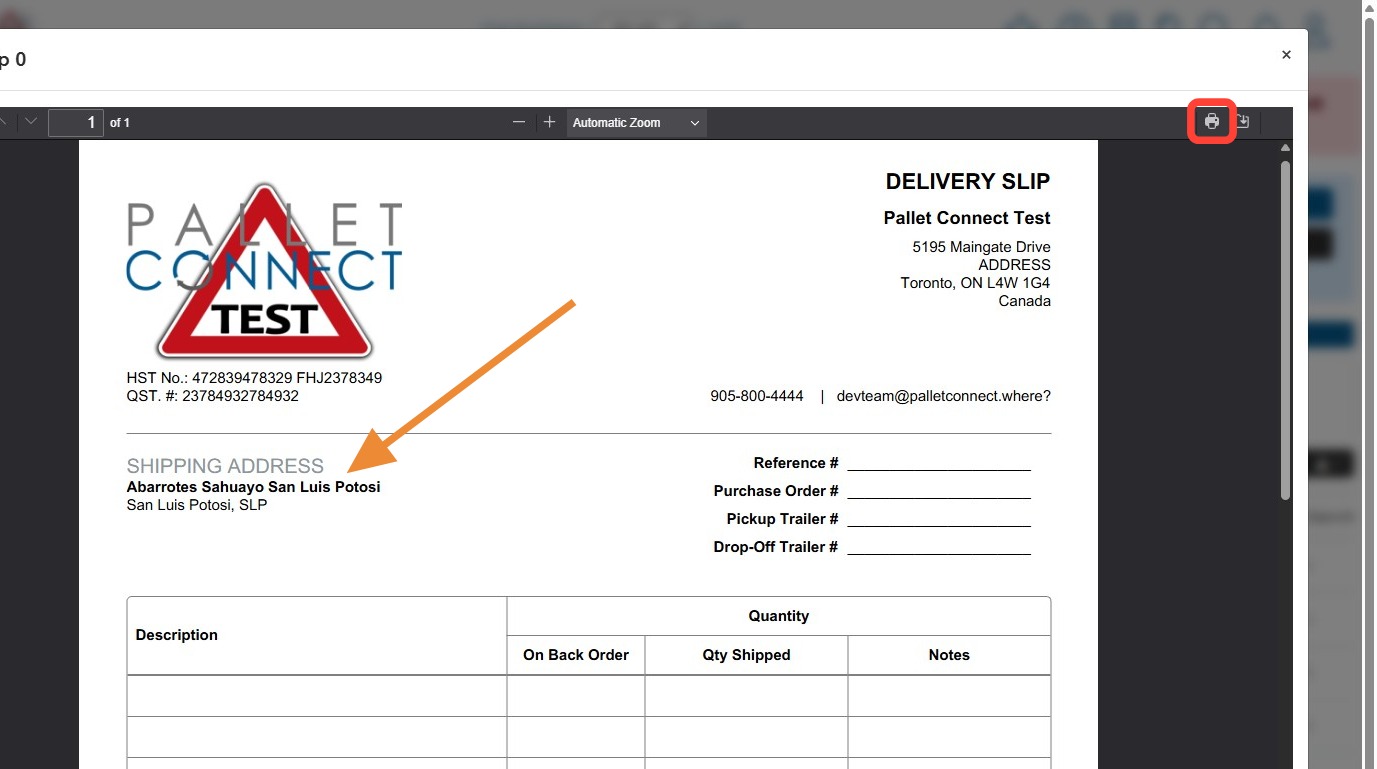
This guide explains how to print a blank delivery slip or a blank delivery slip with contact information. Using either method will not show any order details such as stock items or quantities.
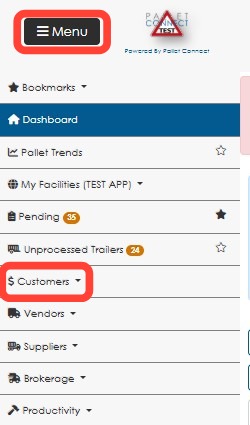
1. From the main Menu, click Customers.
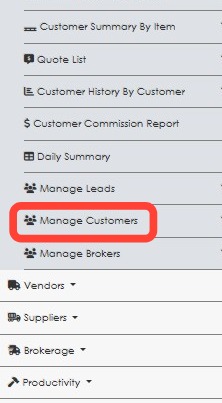
2. Click Manage Customers.
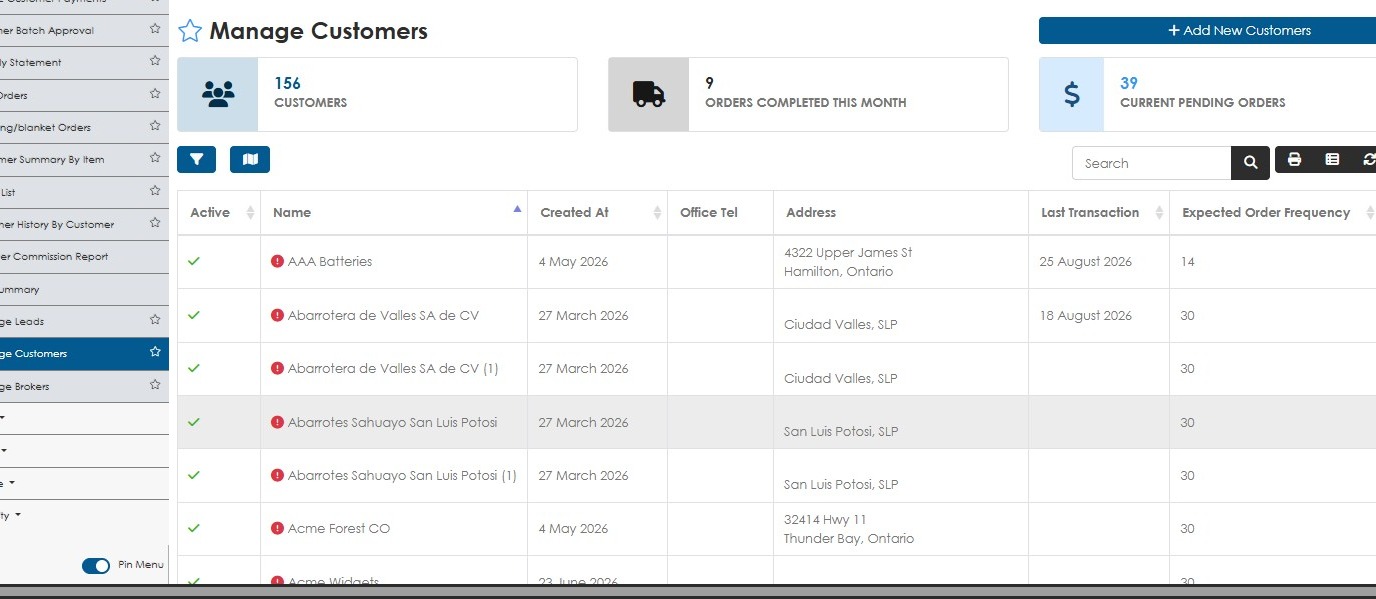
3. Choose the customer from the list.
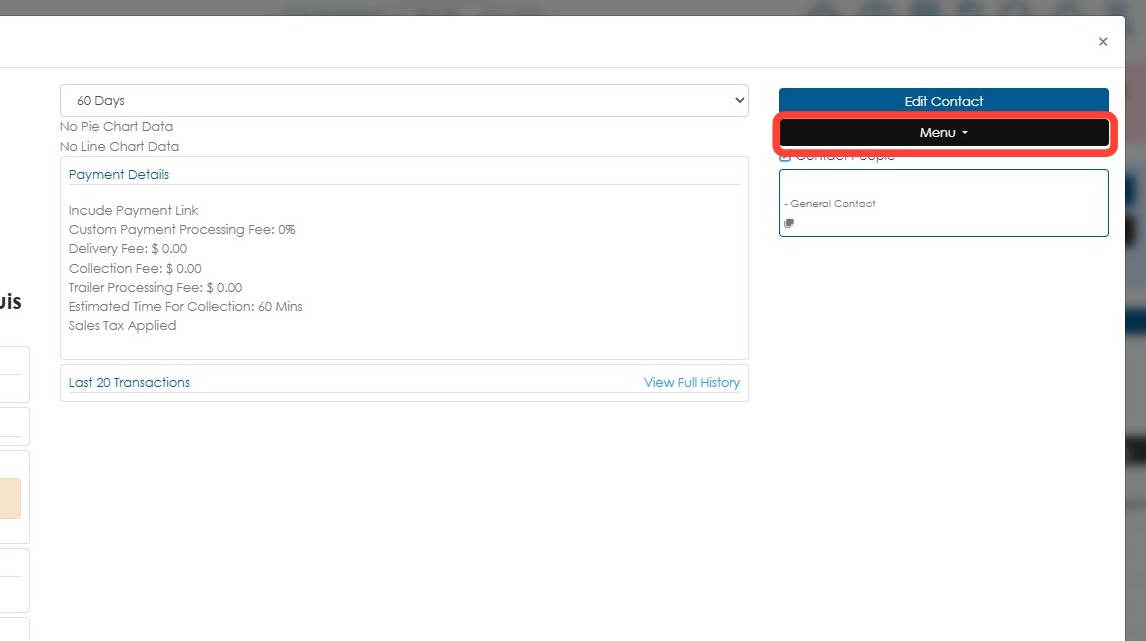
4. Click Menu from the contact profile.
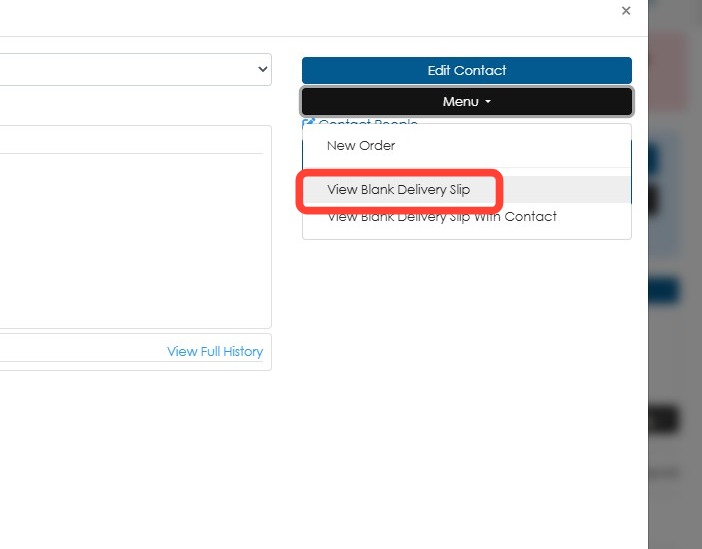
5. Click View Blank Delivery Slip.
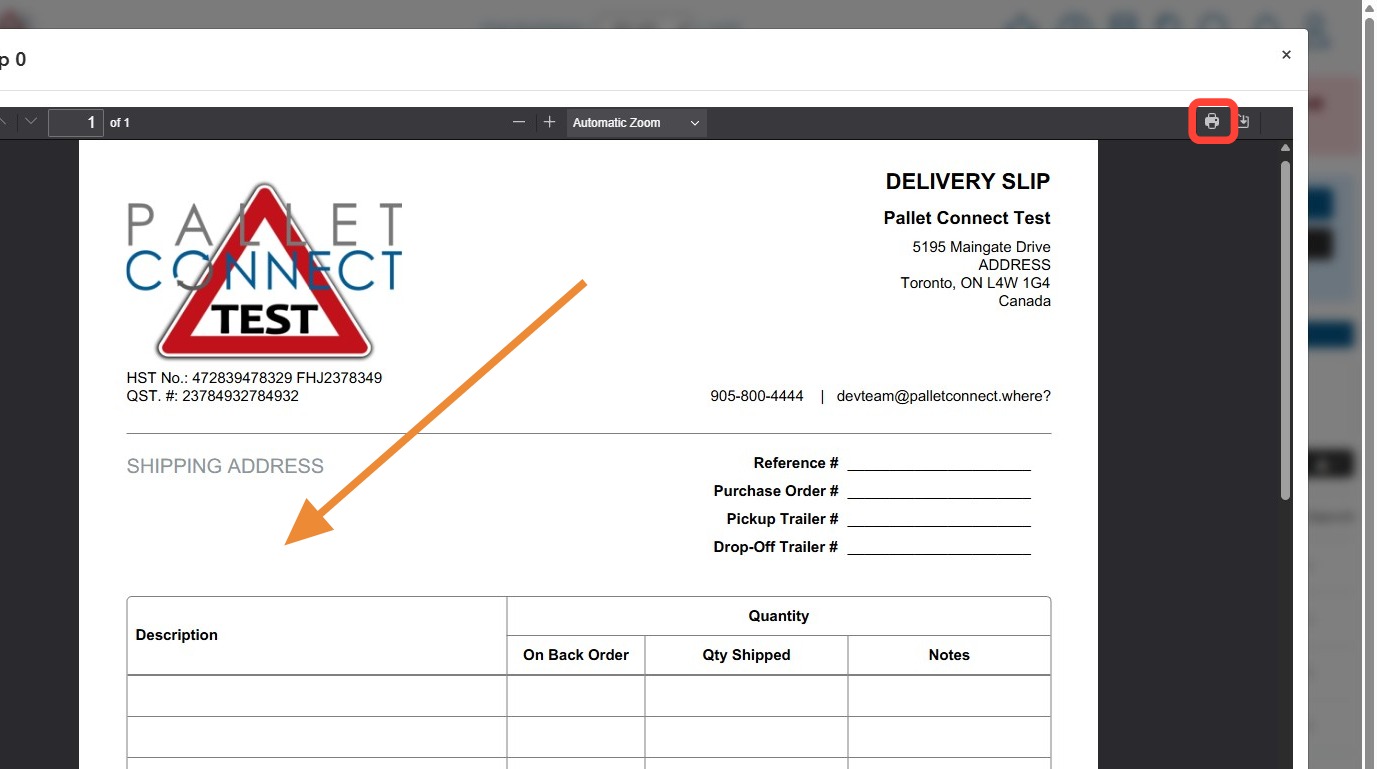
6. The shipping address on the delivery slip will be blank. Click the print icon to print as needed.
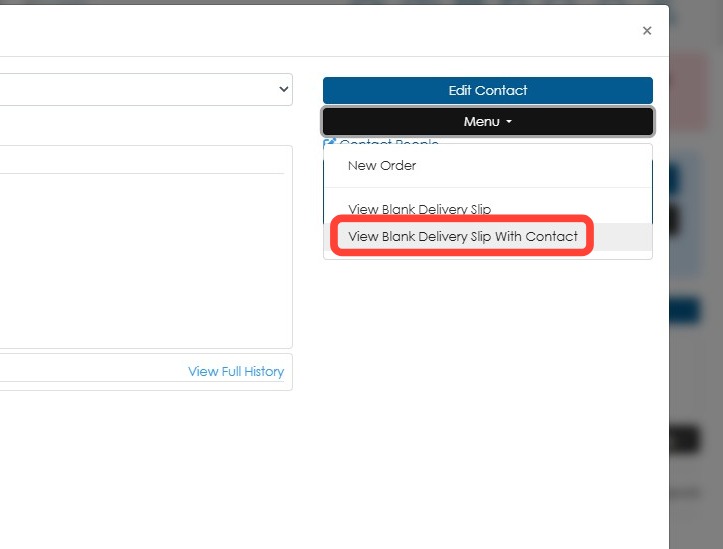
7. The second option is to choose View Blank Delivery Slip With Contact, from the menu. This will print a delivery slip with the contact's information.
8. The shipping address will show the customer's details. Again, click the print icon to print the document.