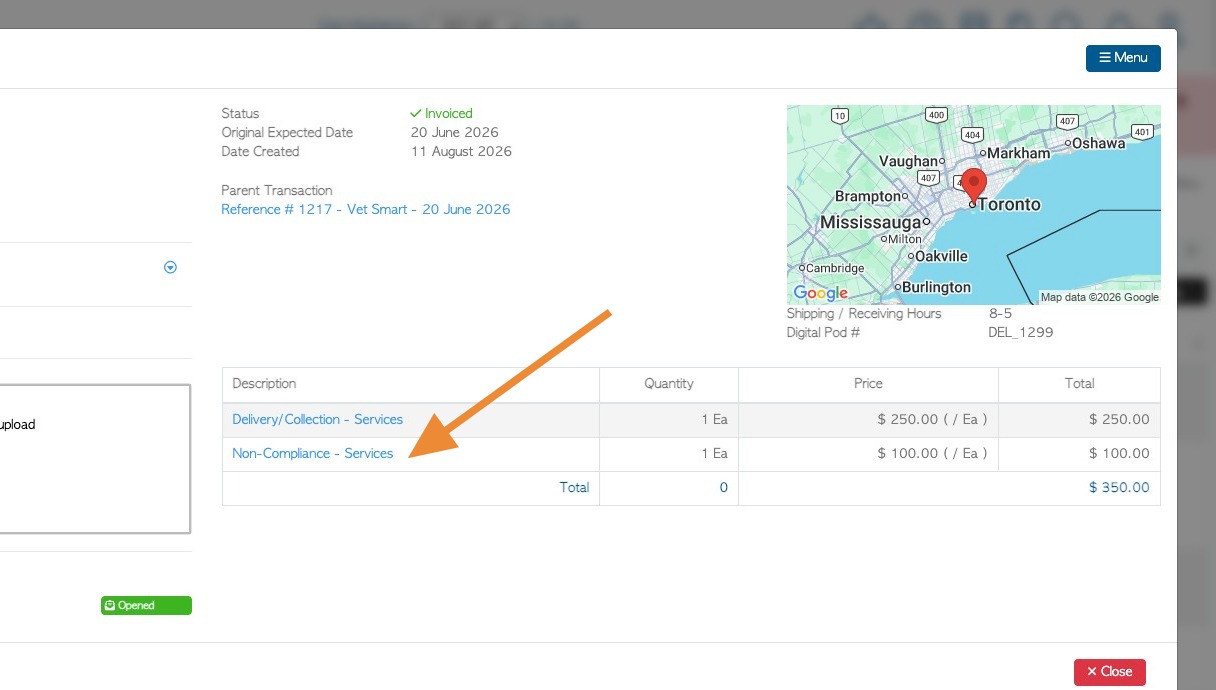
Non compliance is generally used if the trailer being received from a Vendor contains items that are not in compliance with the terms agreed upon. e.g contains garbage.
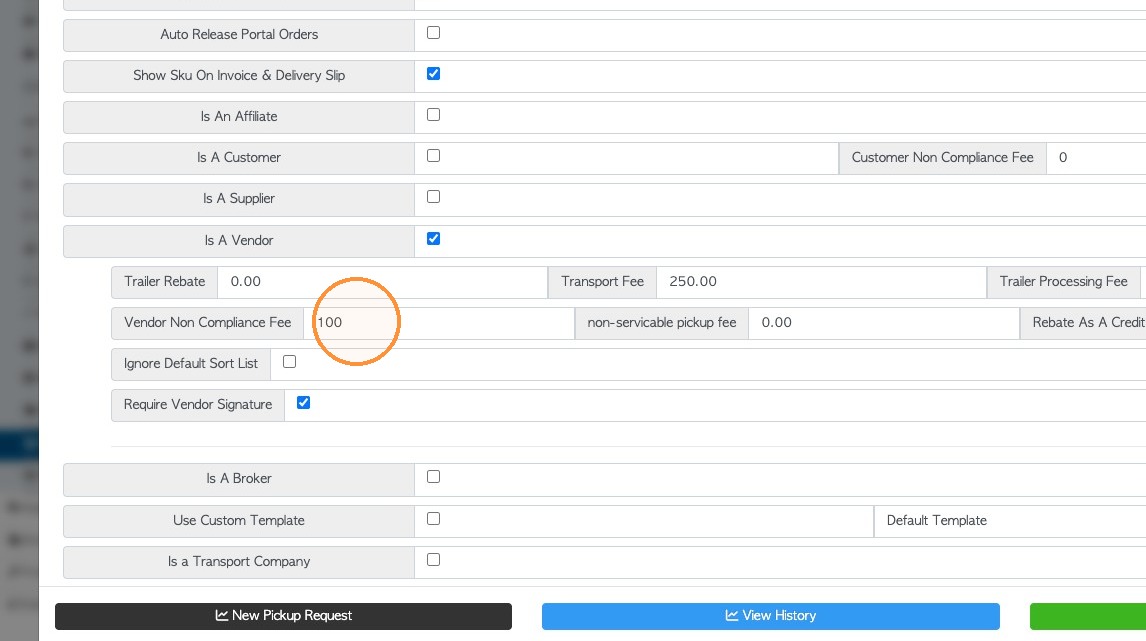
1. SETTING UP FEE: The non compliance option will only appear on a count sheet if a non compliance fee is entered into the Vendor profile.
Navigate to the Vendor profile from the main menu or from the global search.
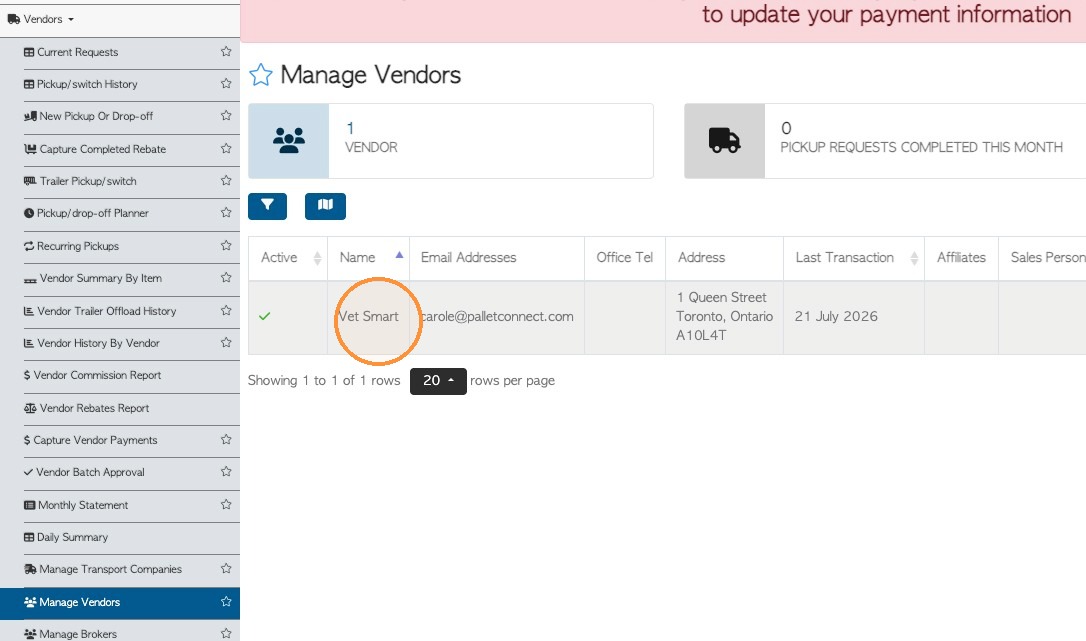
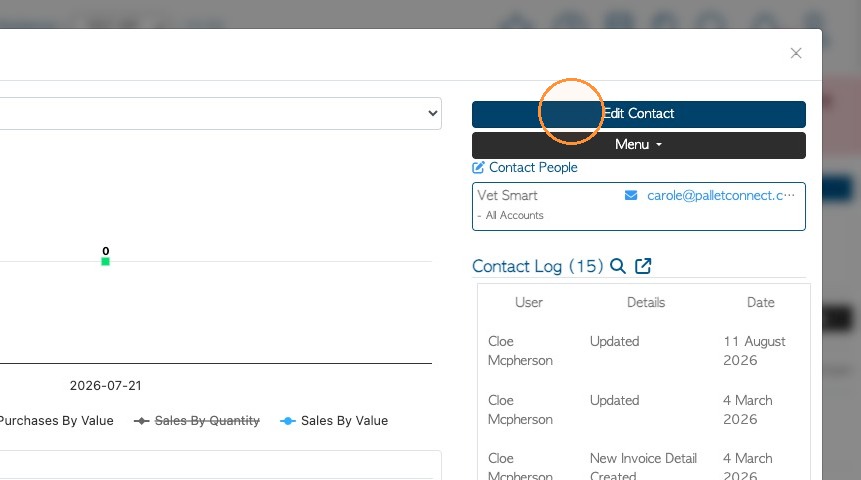
2. Click "Edit Contact" from the Vendor dashboard.
3. Click the "Options" tab in the profile.
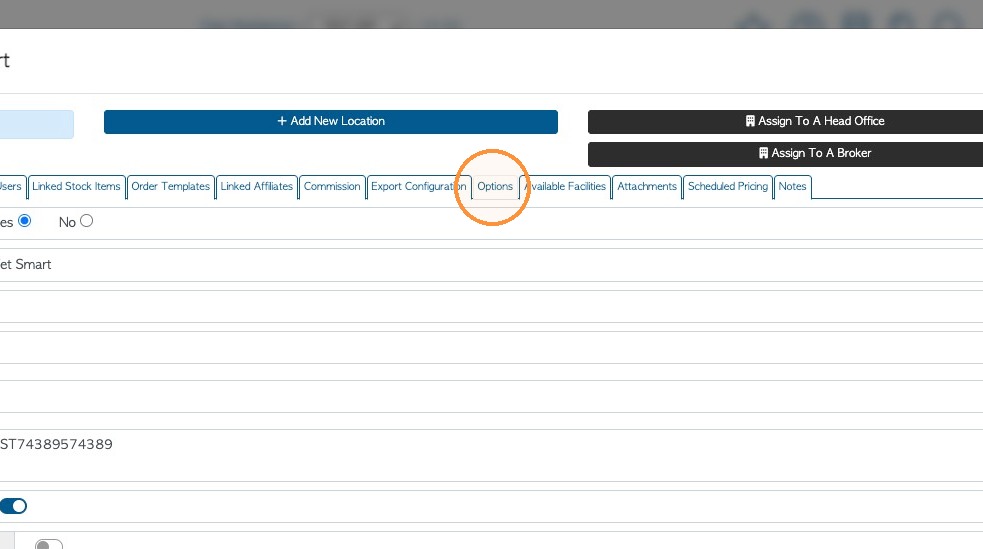
4. Click the "Vendor Non Compliance Fee" field and enter a cost. This is the amount charged to the Vendor when the load is not compliant.
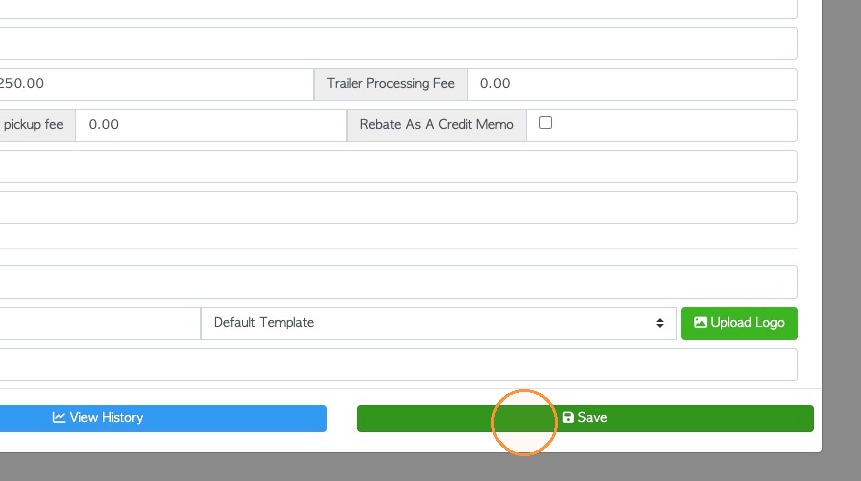
5. Click "Save" to complete changes.
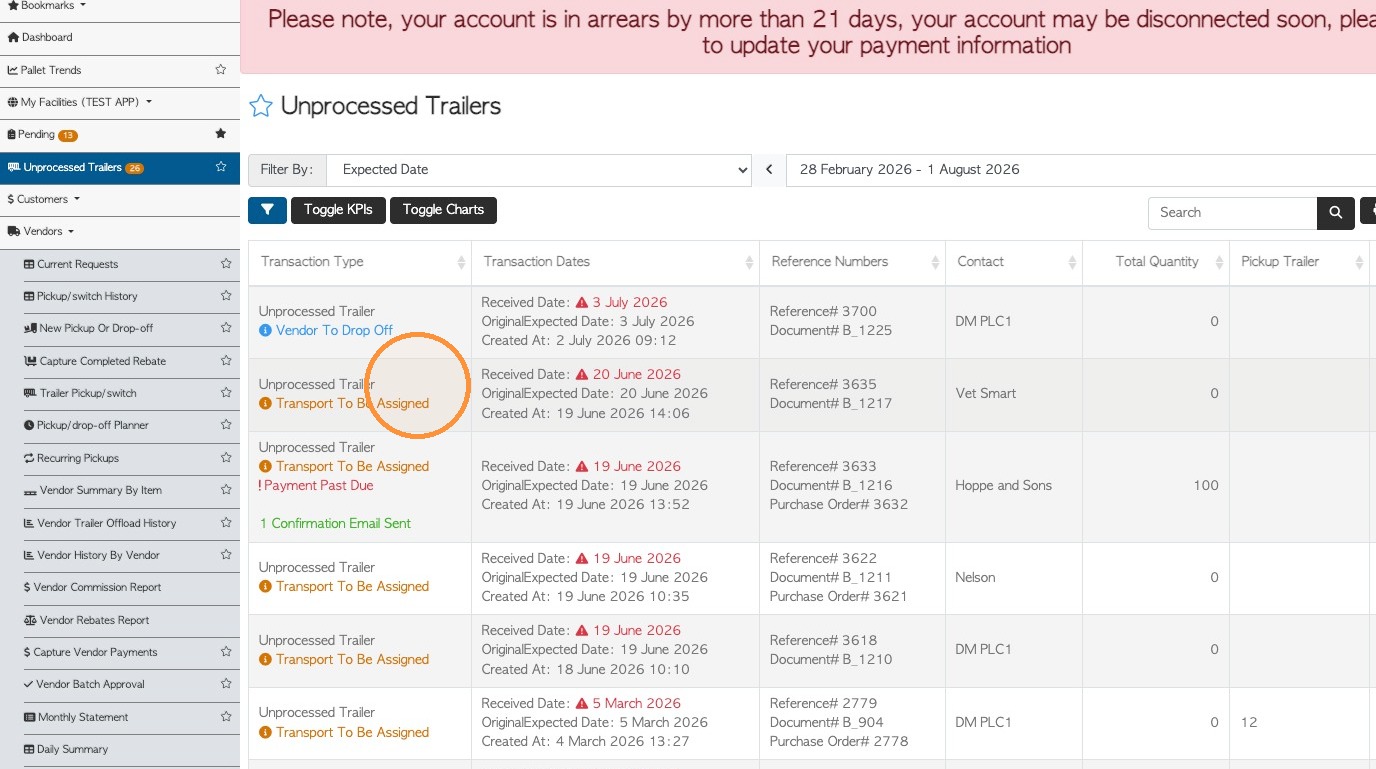
6. UTILIZING FEE: When an unprocessed trailer is being sorted and it is deemed non-compliant, click on the trailer to access the count sheet.
NOTE: The count sheet can also be accessed from a Vendor Request screen by clicking "Enter Count".
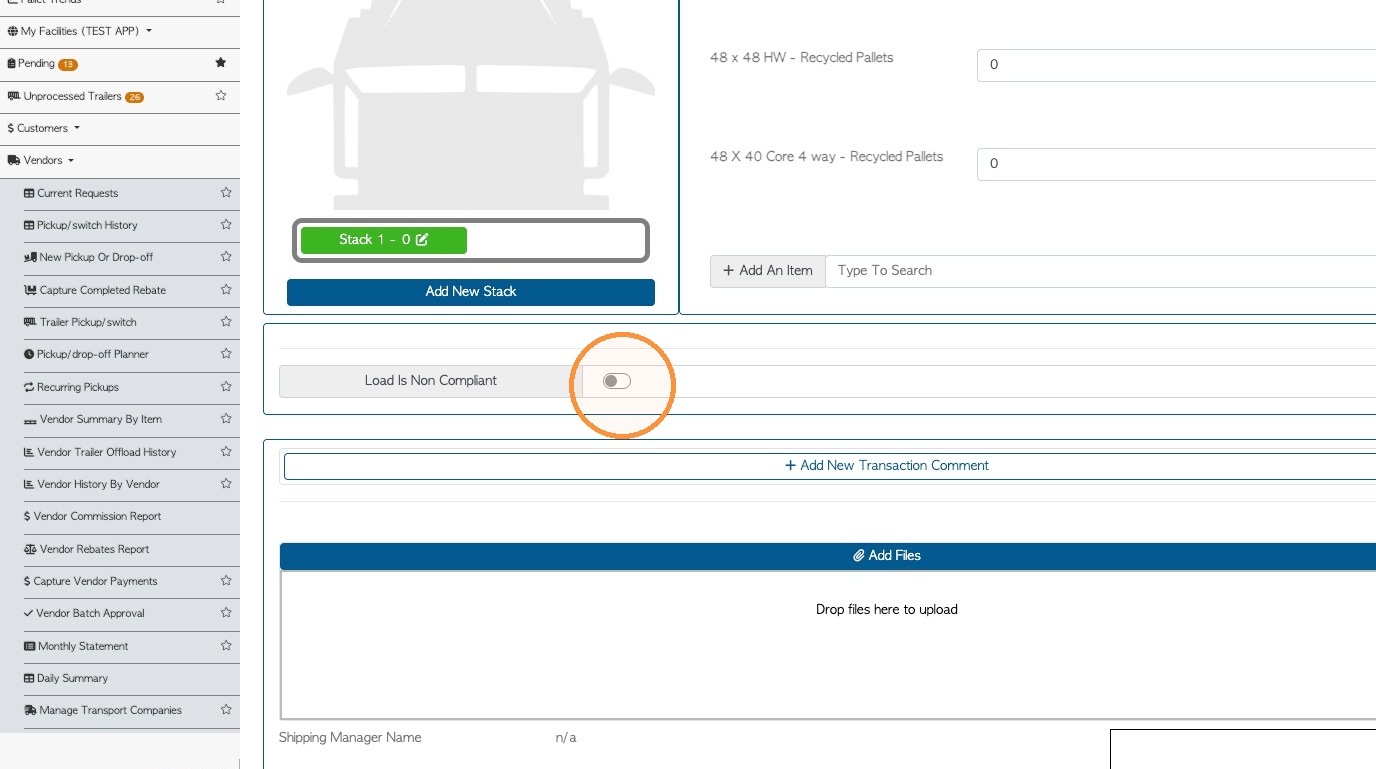
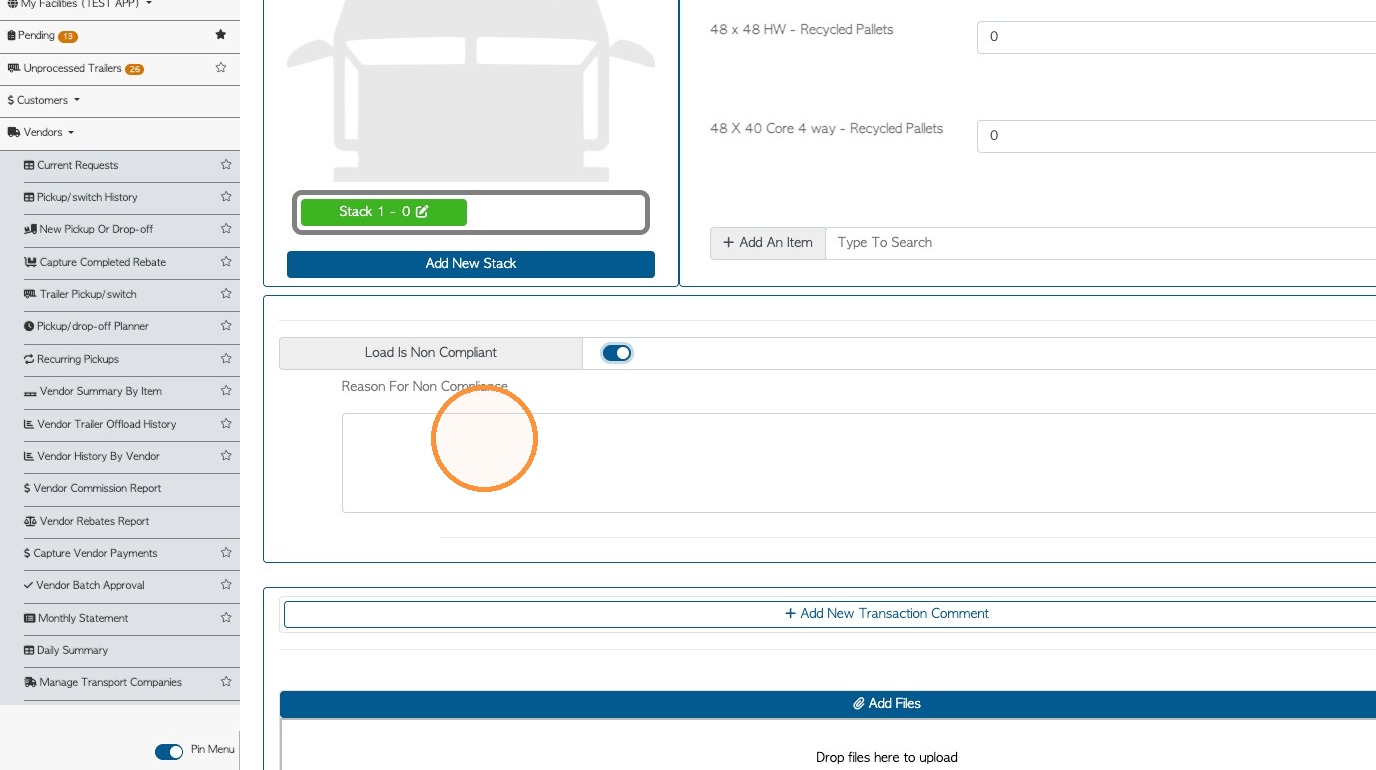
7. Click "Load is Non Compliant"
NOTE: This will not be visible if the fee has not been set up in the Vendor profile.
8. Enter a note for the reason of non compliance.
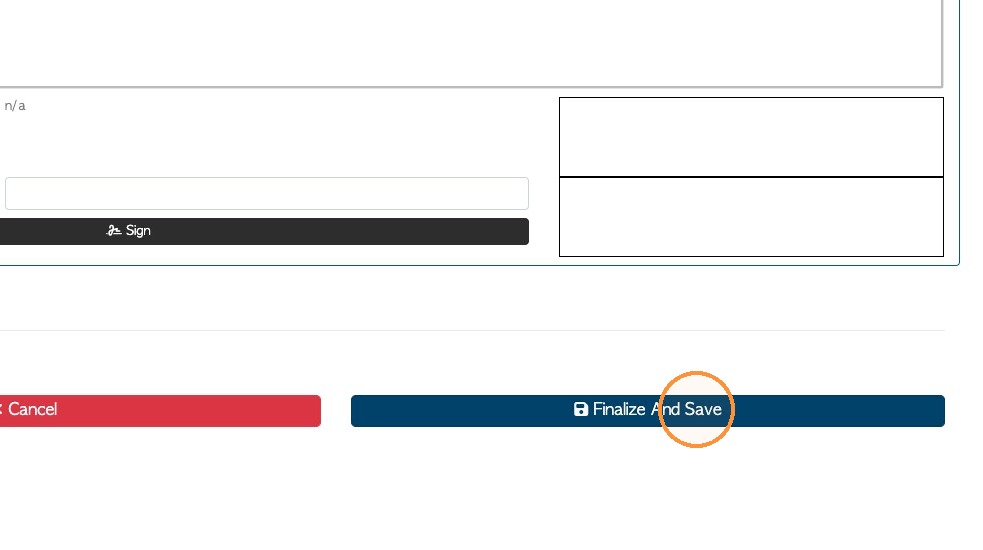
9. Click "Finalize And Save"
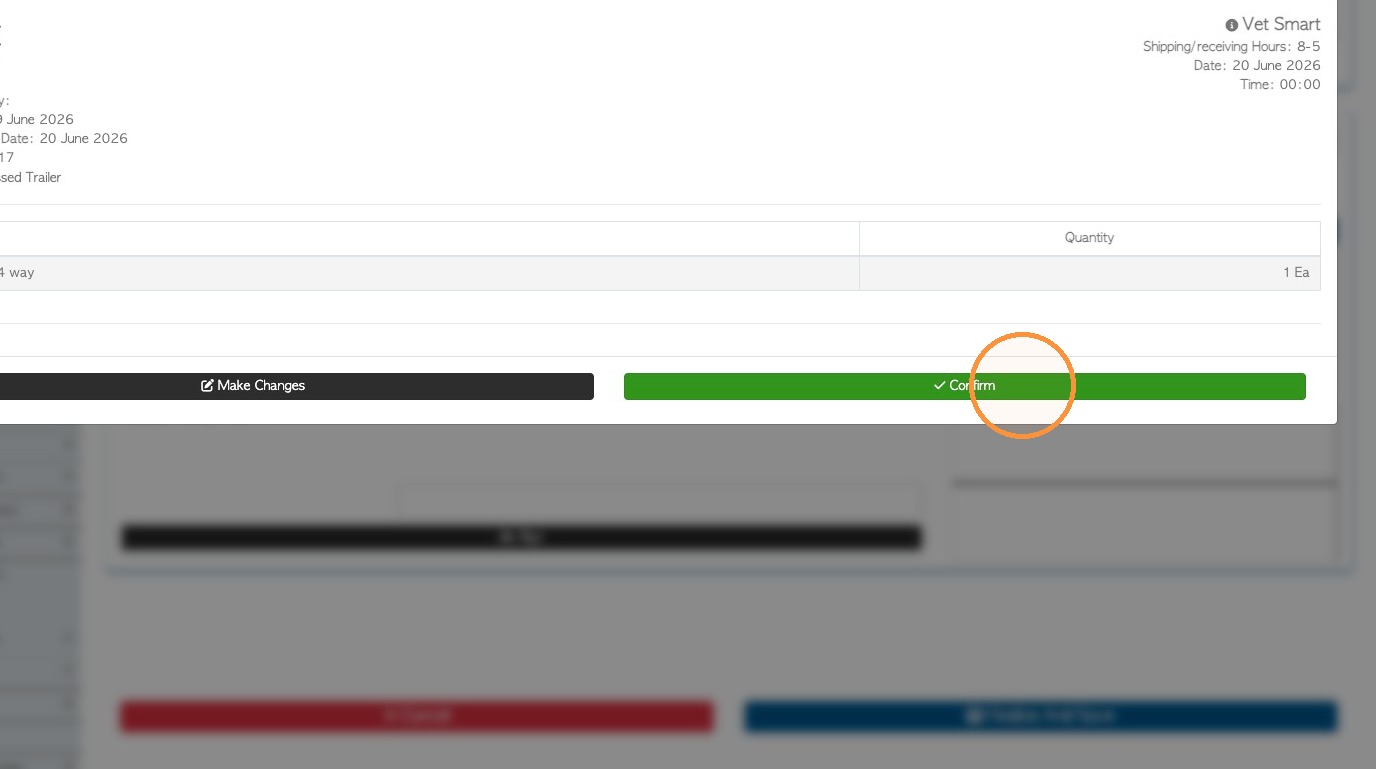
10. Click "Confirm" to complete the transaction.
11. The Vendor Rebate will be created and the Non Compliance Fee will be displayed as a line item.
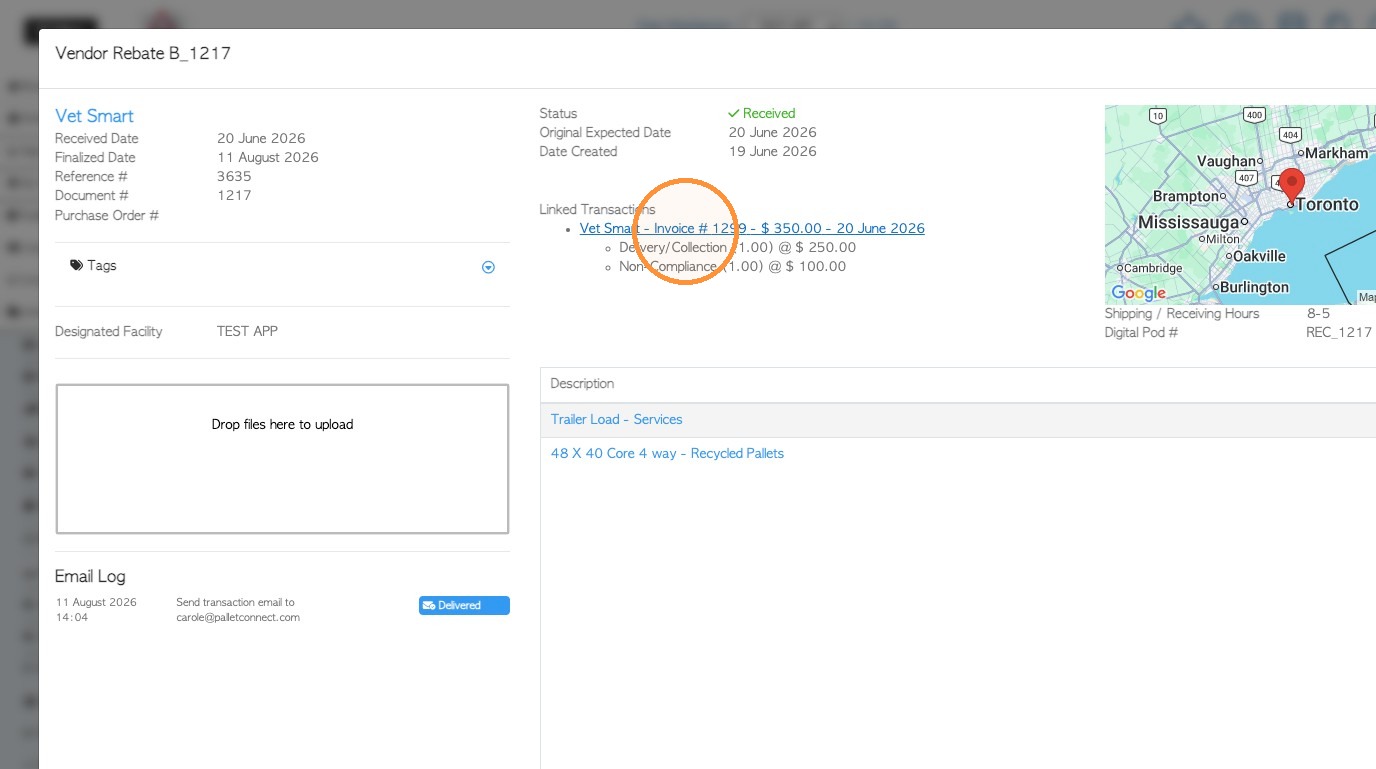
12. NOTE: If the 'negative values on a separate transaction' has been enabled in the Vendor profile; the fee will be found on the linked invoice that is automatically generated.