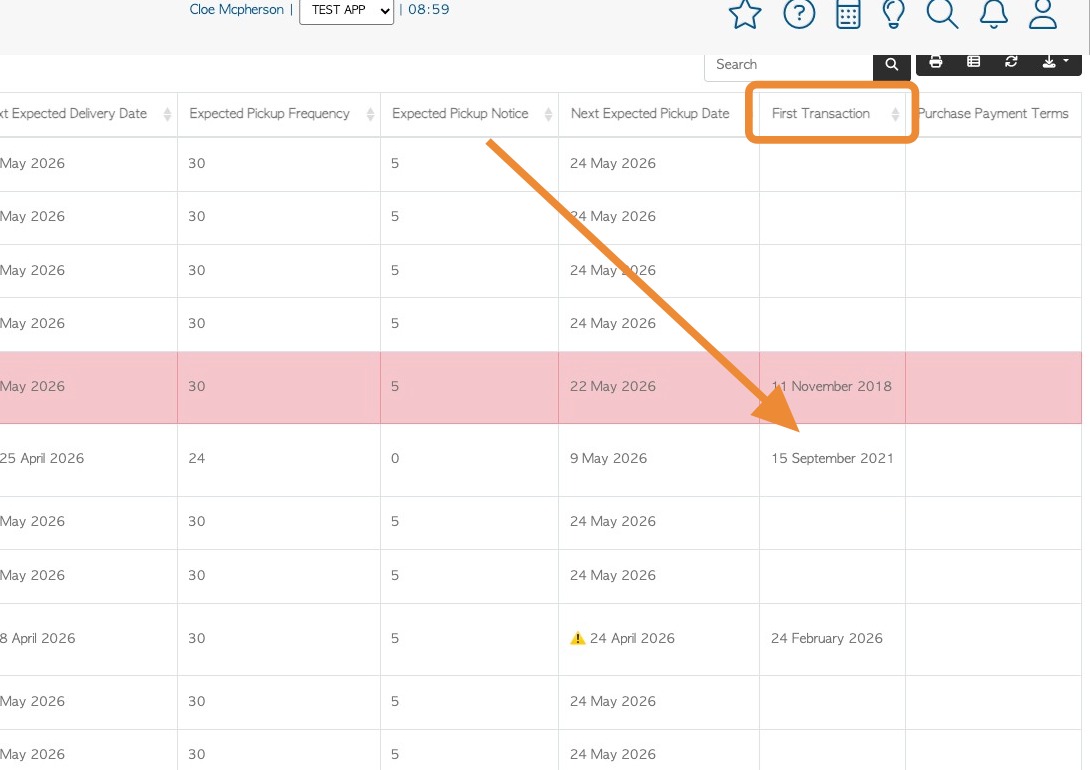
Learn how to manage columns in the Manage Customers report. The aim is to see a list of first transactions for each Customer, that were recorded in Pallet Connect.
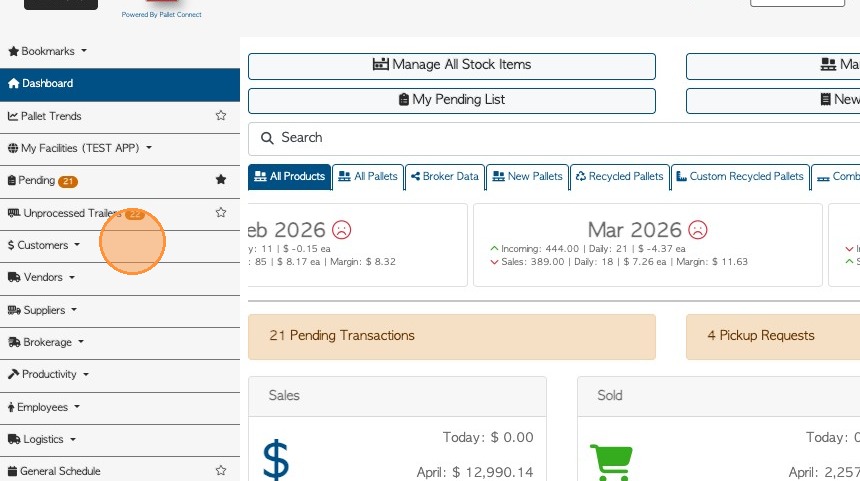
1. From the Main Menu, click "Customers".
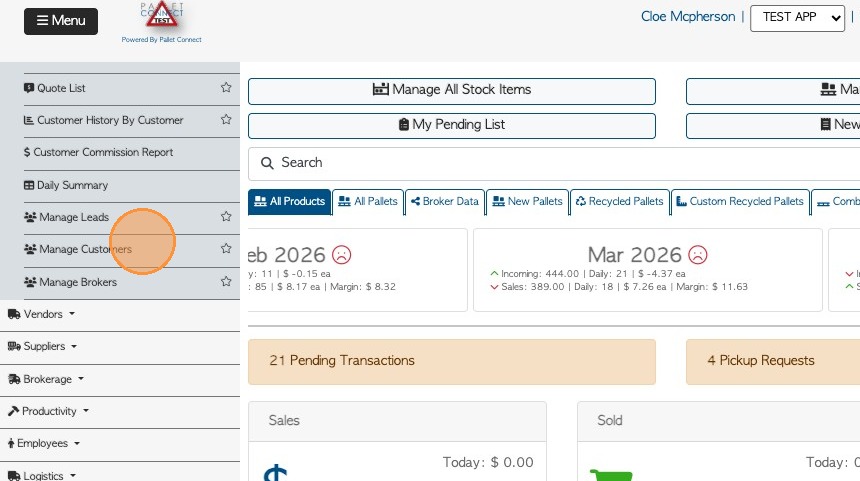
2. Click "Manage Customers"
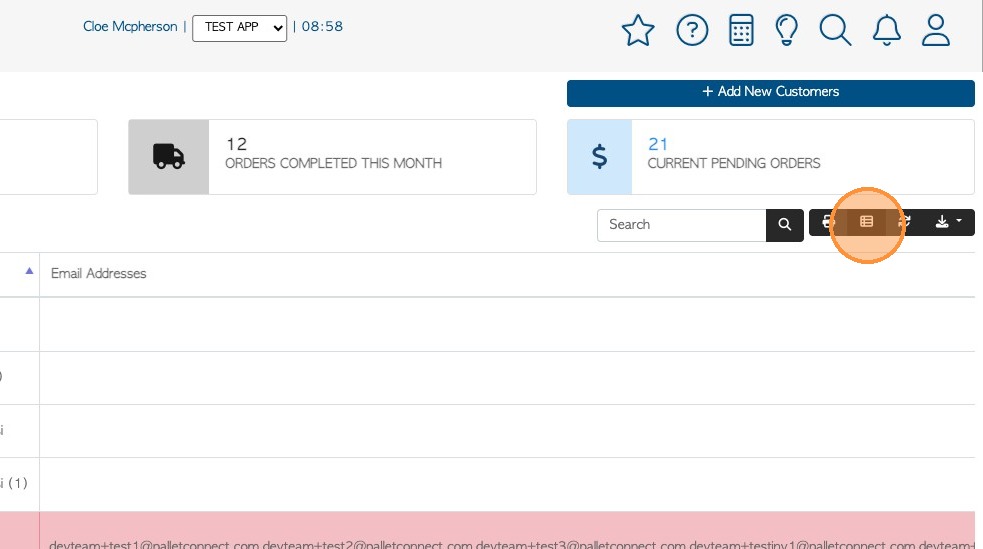
3. If the "First Transaction" column is not visible in the report, click "Manage Columns" icon to add.
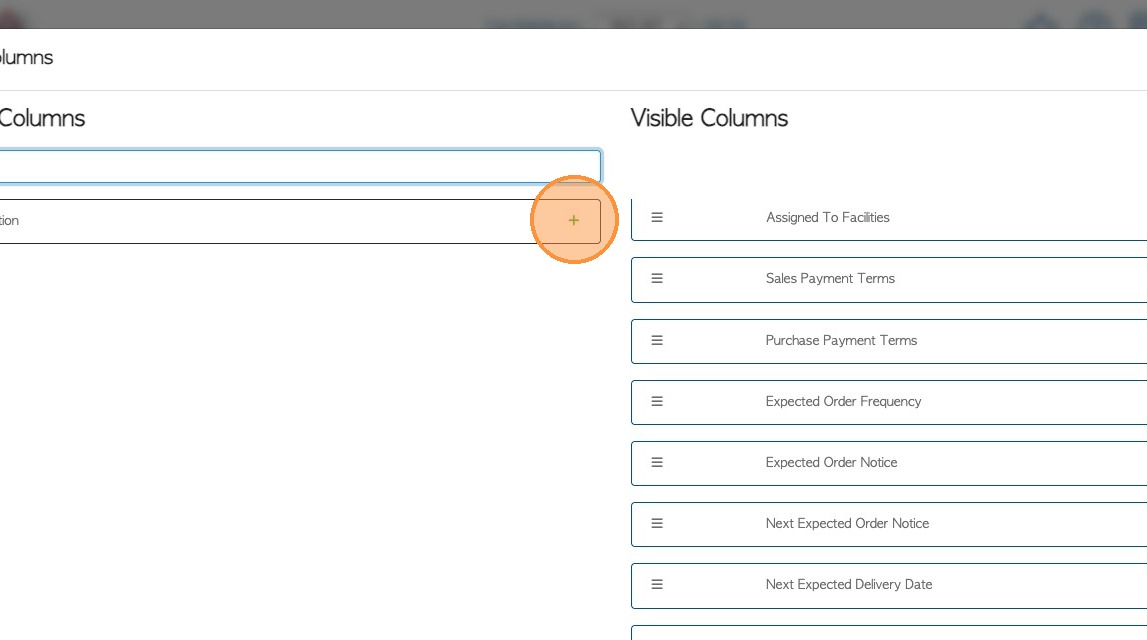
4. Search for "first" in Available Columns field.

5. Click "+" icon to add "First Transaction" to Visible Columns.
6. Click "Apply Changes" to save.
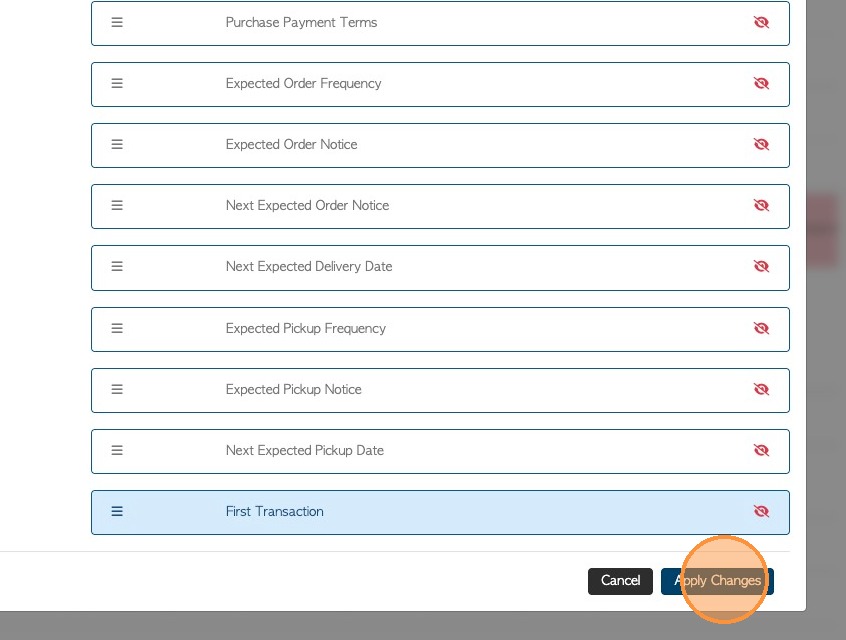
7. The First Transaction column is now included in the report and will show the relevant information.