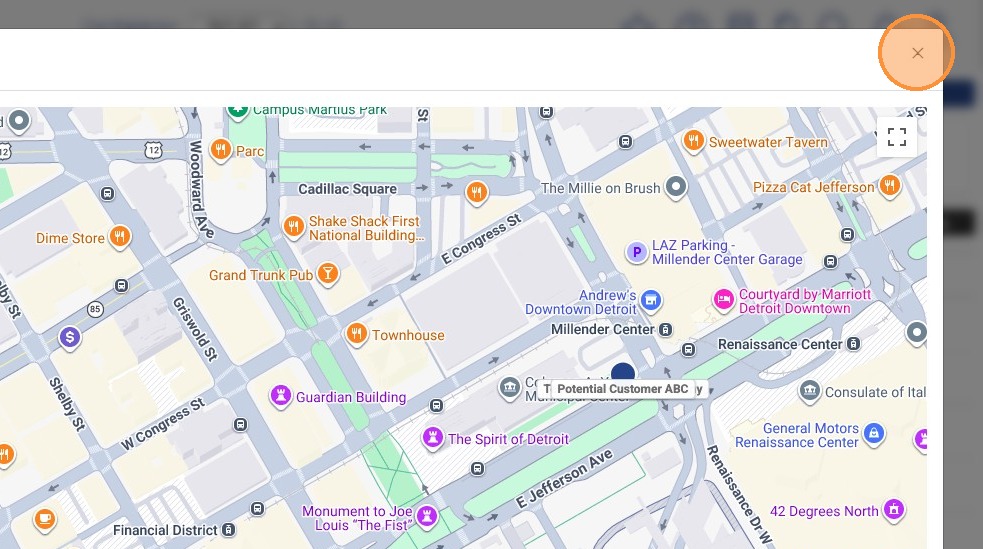
This guide demonstrates how active Customer's locations can be seen on a map view, within the Pallet Connect system.
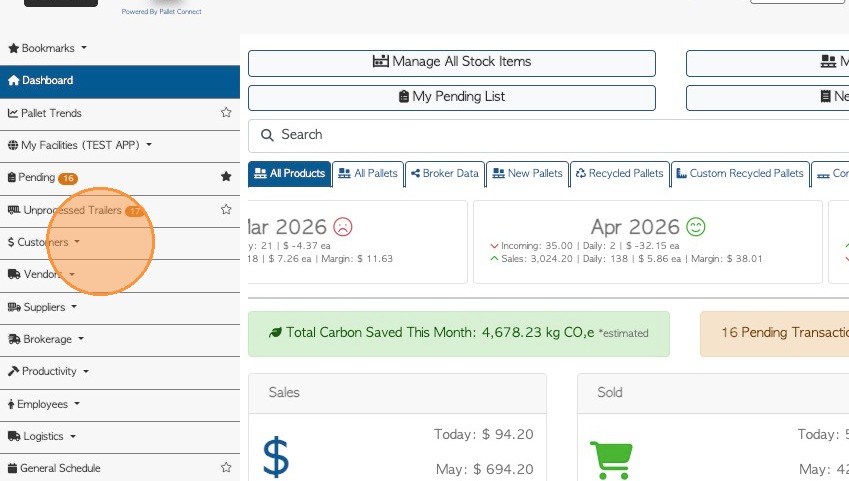
1. From the main menu, click "Customers"
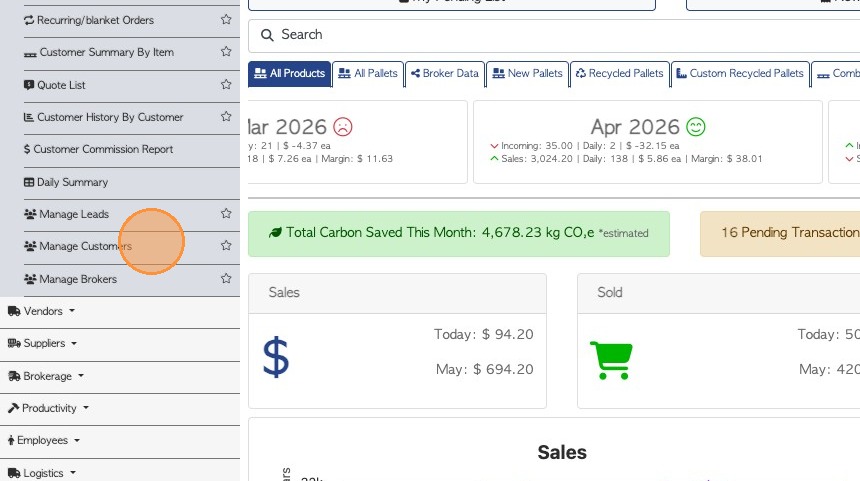
2. Click "Manage Customers"
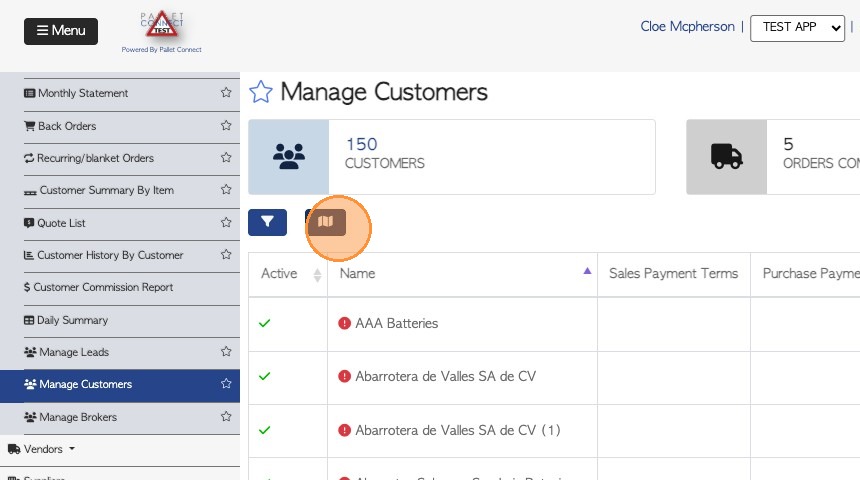
3. Click the Map icon at the top left of the list.
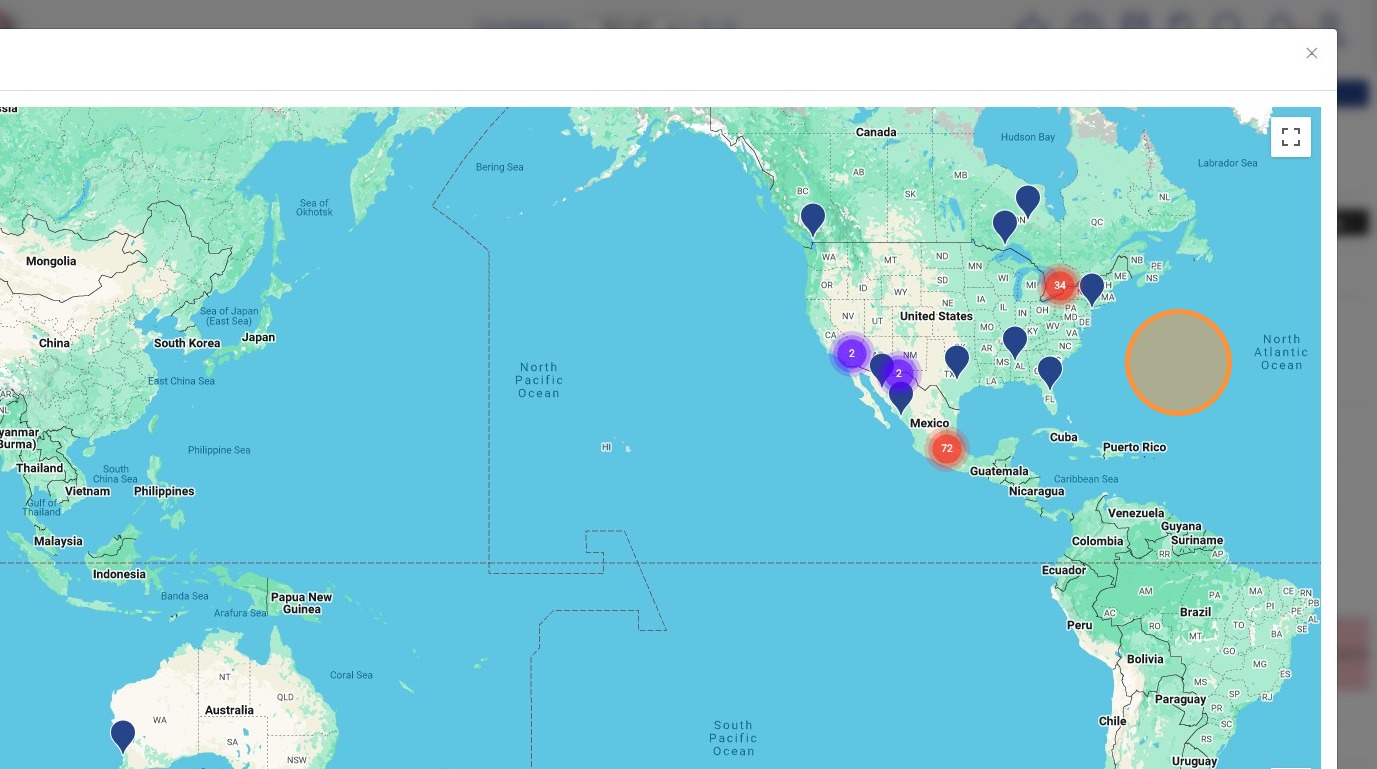
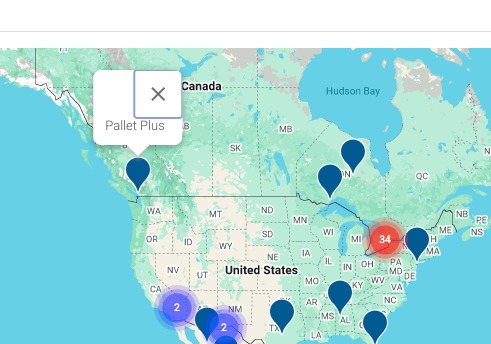
4. This will open a world map and show the location of all active Customers.
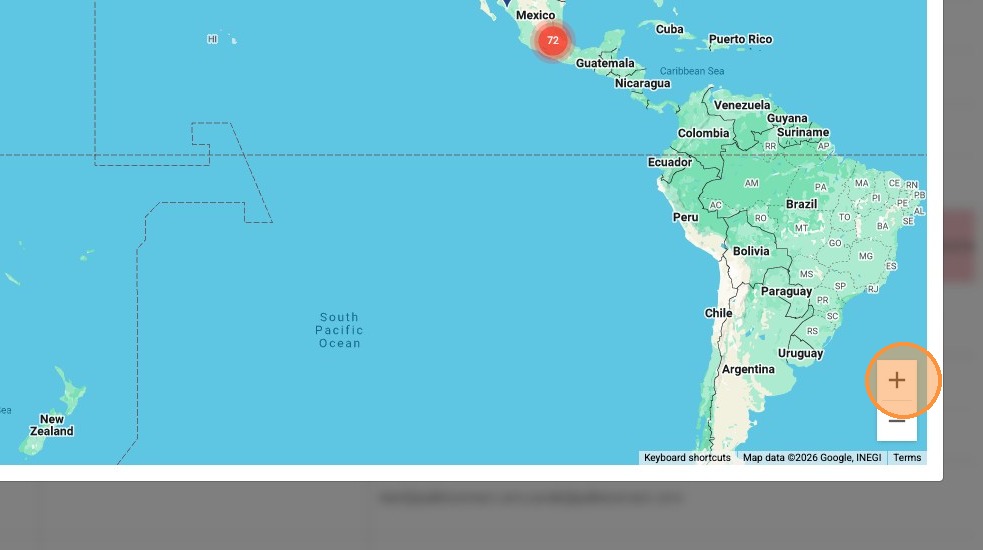
5. Click this button to zoom into the map.
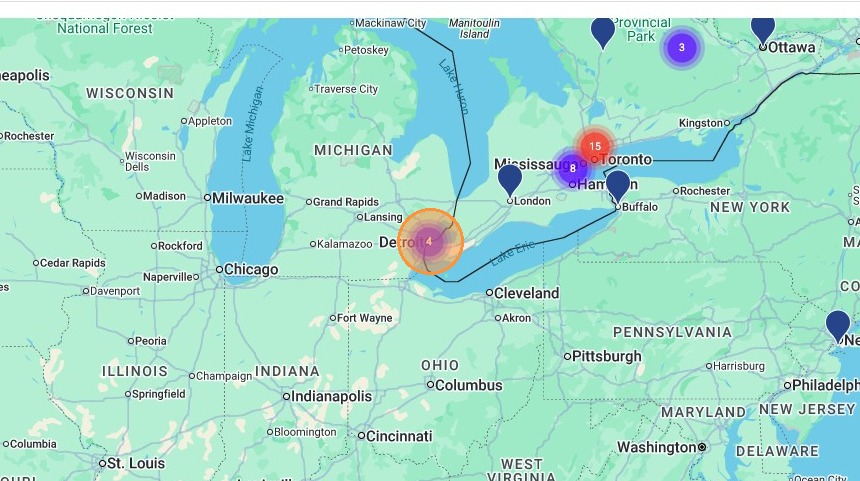
6. Click on a cluster of locations to zoom in further.
7. Select the specific customer from the map.
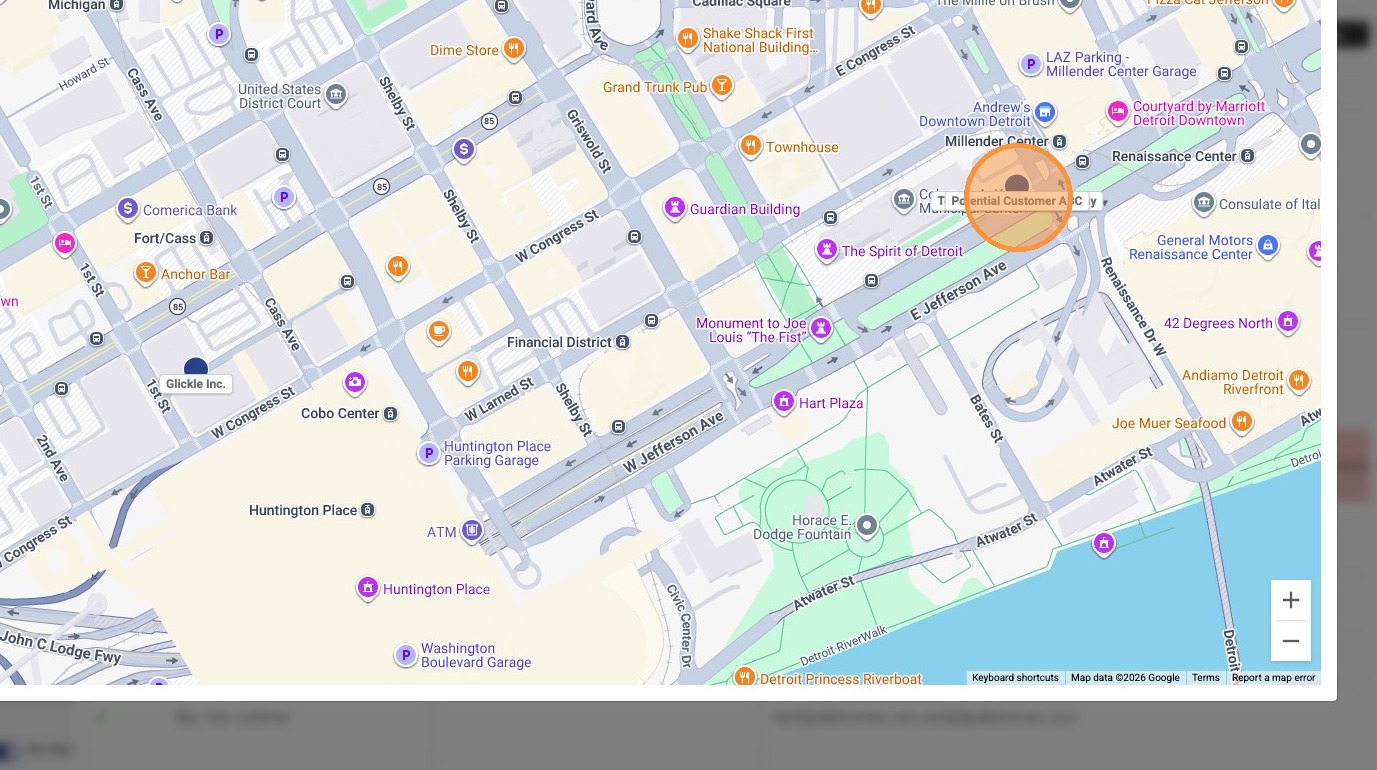
8. Clicking on the location shows the name of the Customer.
9. Close the map view to return to the Customer list.