Manual and automatic emails are sent from the system and are related to a transaction. However there are times when a test email needs to be sent. For example, to ensure Pallet Connect configuration is correct or to test the email of a certain contact. This can be conducted from the System Settings.
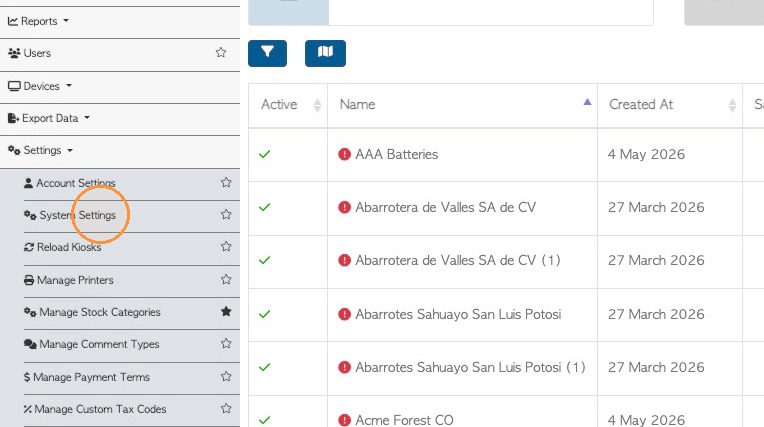
1. From the main menu, Click "Settings" and then "System Settings".
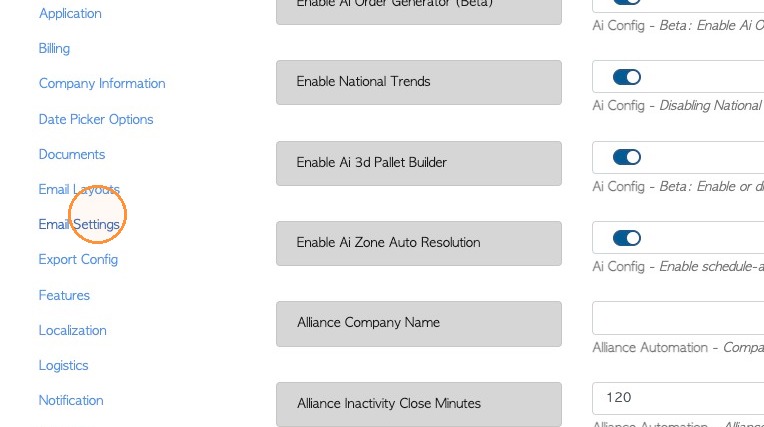
2. Click "Email Settings"
3. In the text field, for the test email add an email address.
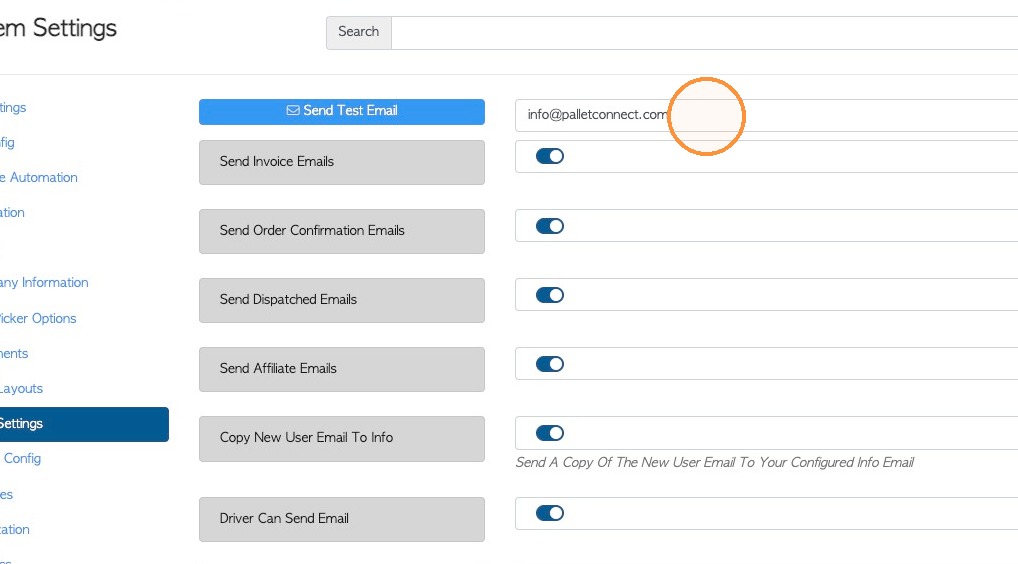
4. Click "Send Test Email"
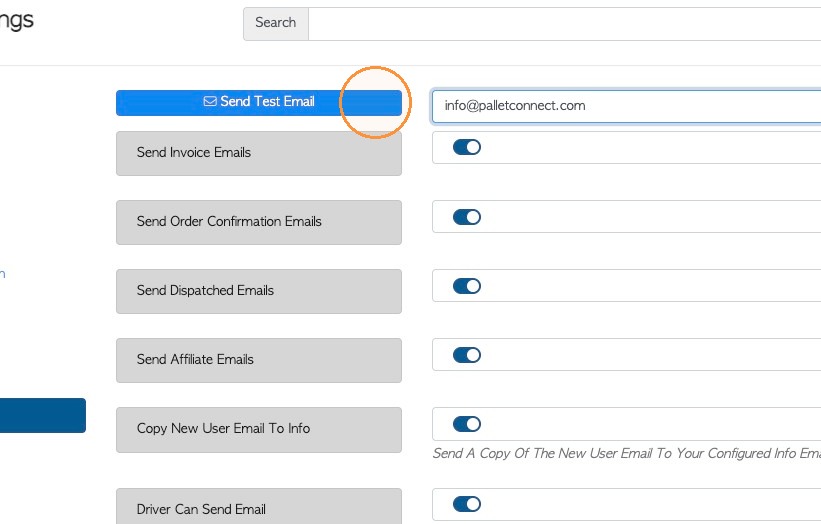
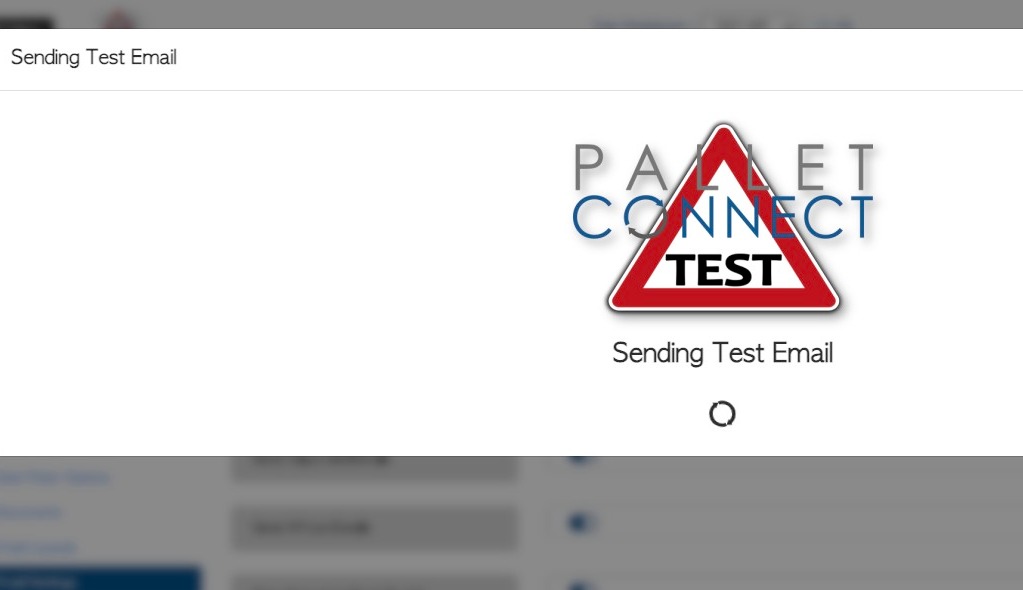
5. The email will be sent to the selected address.
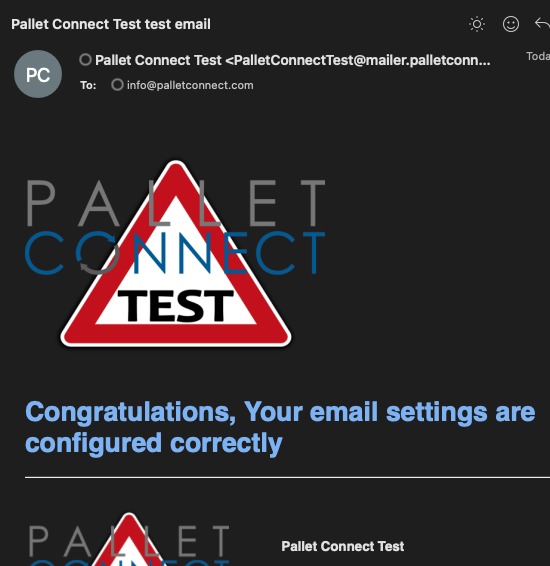
6. The received email will show that the email was sent successfully.
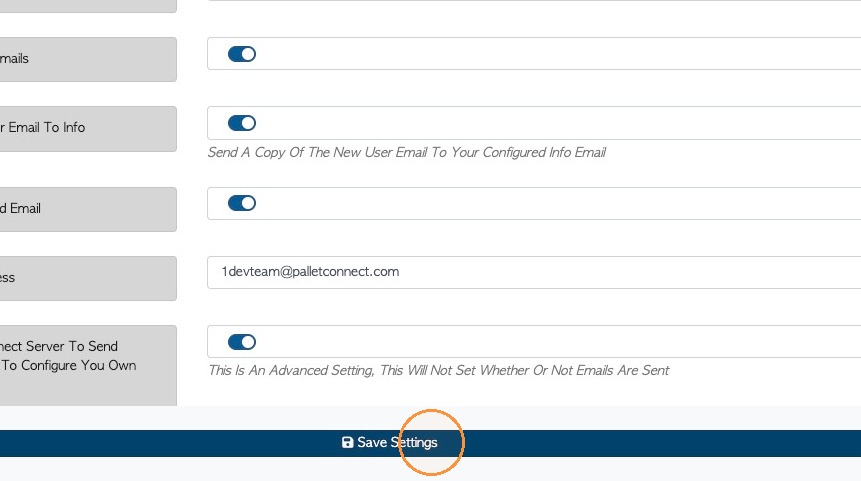
7. Click "Save Settings" to save the email address, if needed.