Learn how to navigate the PalletConnect dashboard to generate and email monthly customer statements.
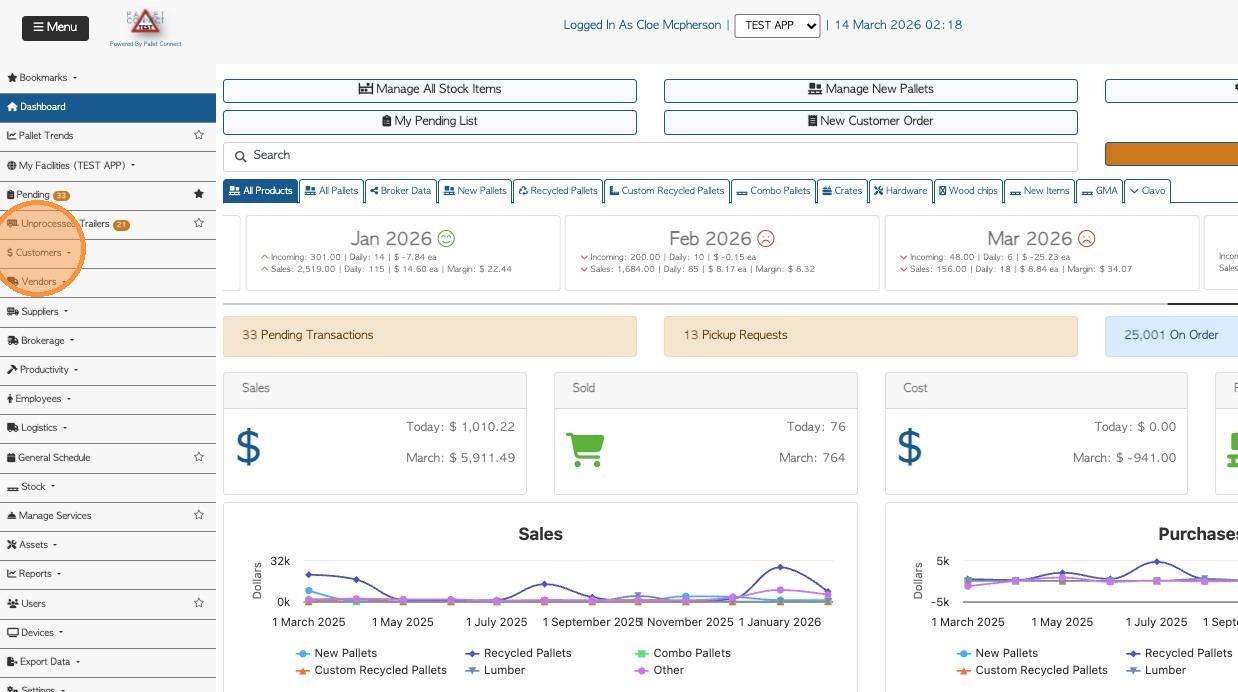
- From the Main Menu, go to Customers.
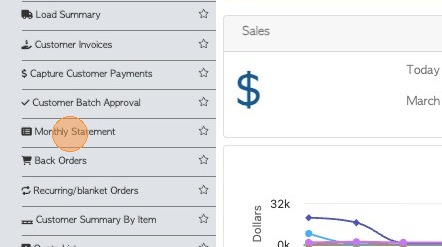
2. Click "Monthly Statement"

3. If you want to apply filters, click the funnel icon. This will give the user an option if they want to show more info.

4. 4. Select the month and year from the dropdown list.
5. 5. The statement can be filtered to a single customer using the search bar on the top right side of the list.
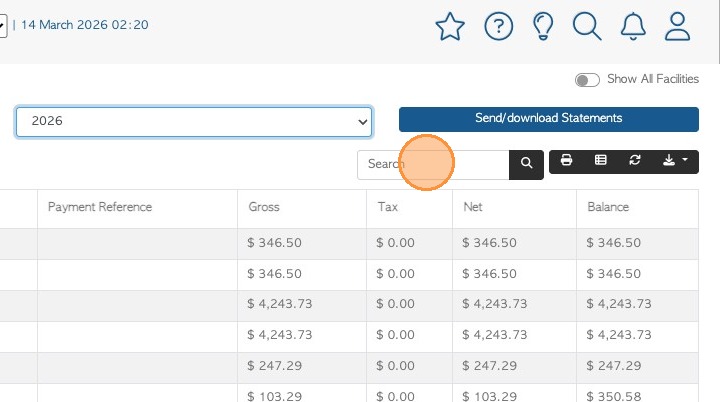
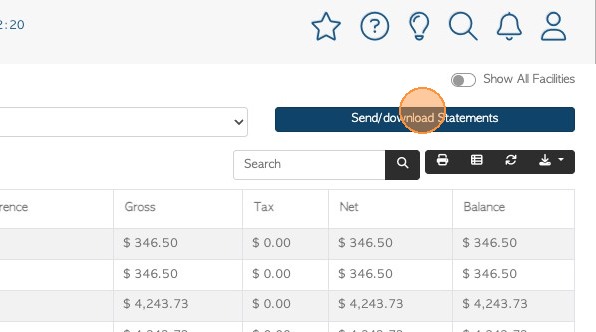
6. 6. Once the user selected the preferred filter and month. Click "Send/download Statements".
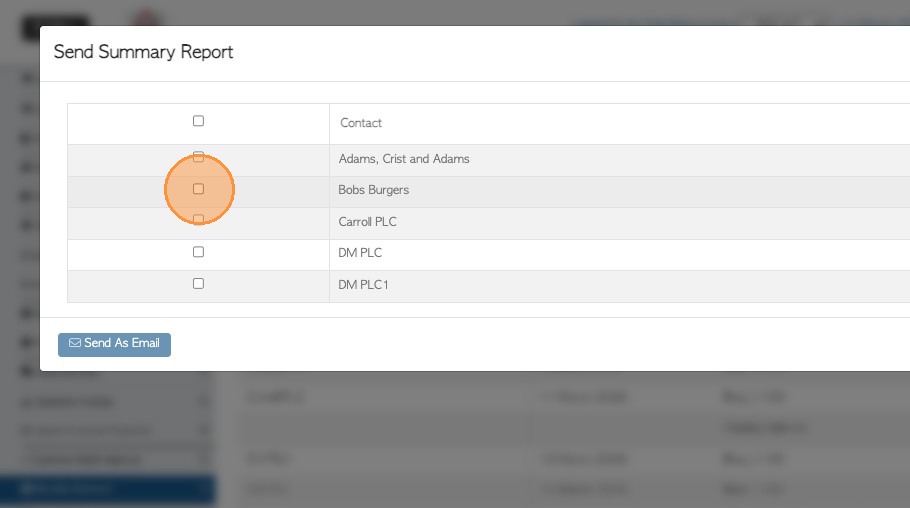
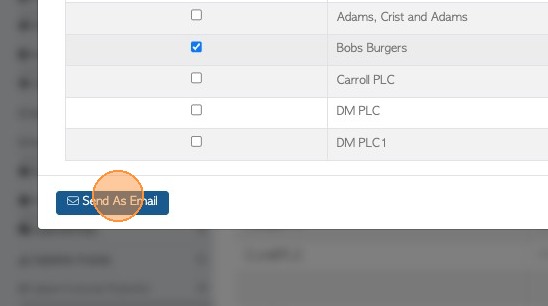
7. 7. Select the customer to contact and use SEND AS EMAIL action button to complete.
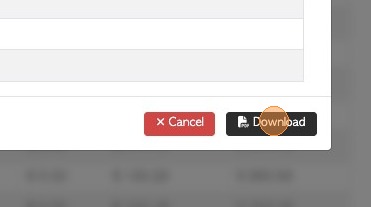
If needed, the statement can be downloaded as PDF also.