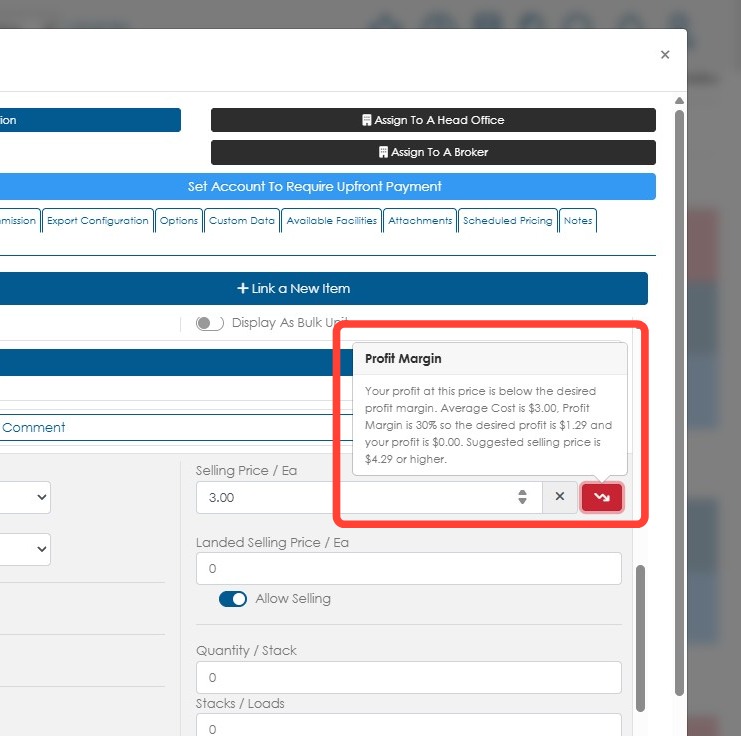
The expected profit margin is the percentage of revenue a business expects to keep as profit after accounting for costs. In Pallet Connect, the expected profit margin is set for each stock item category. This helps users establish profitability targets and check whether an item's profit margin meets the expected target or falls below it.
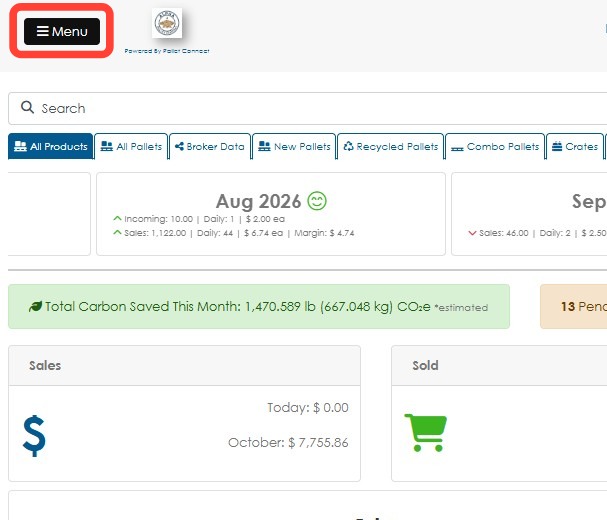
1. SET EXPECTED PRICE PER CATEGORY: Click Menu.
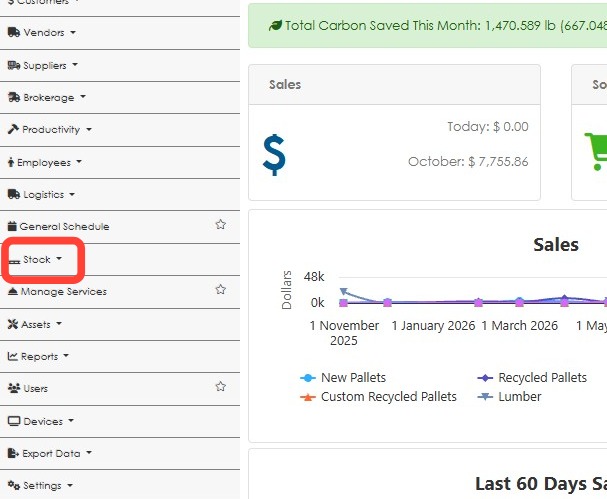
2. Click Stock.
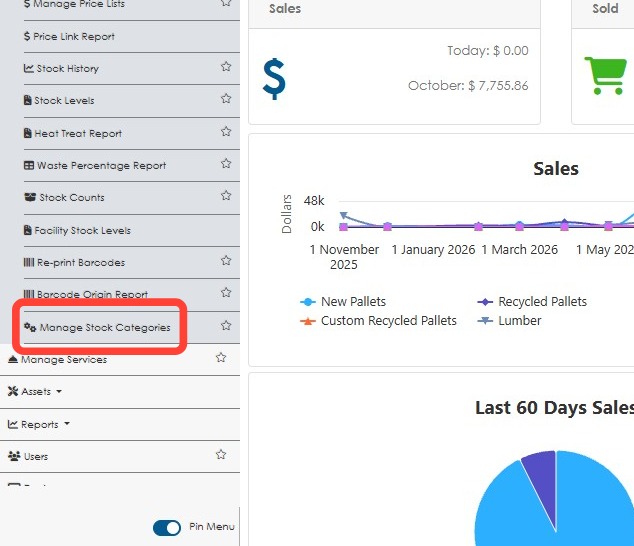
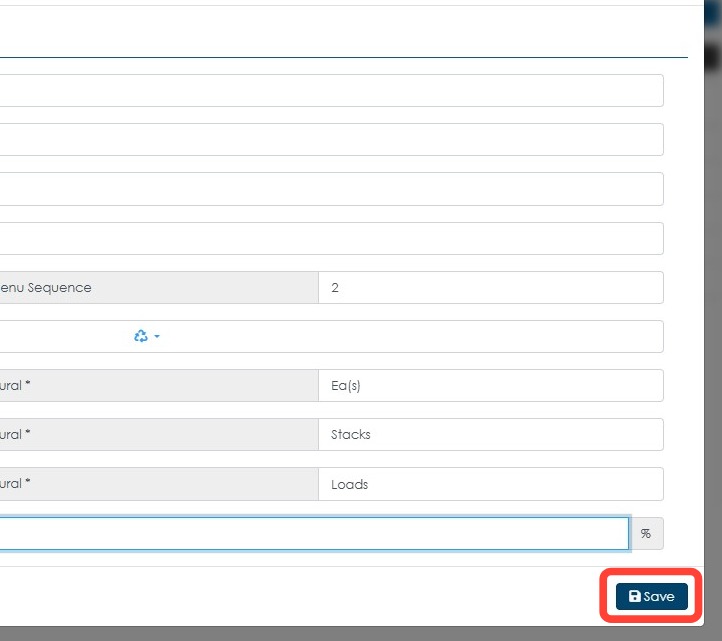
3. Click Manage Stock Categories.
4. Click on a category.
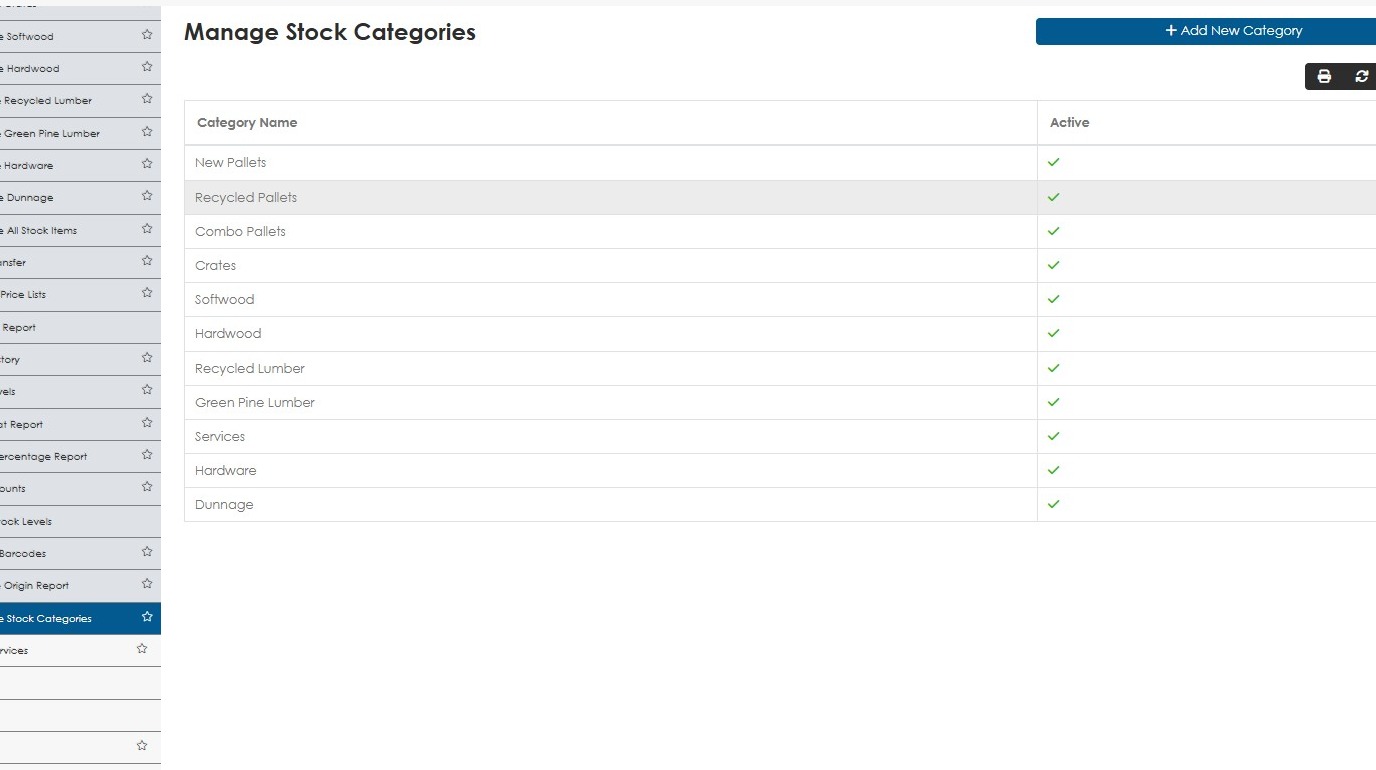
5. Enter the desired profit percentage in the Expected Profit Margin field.
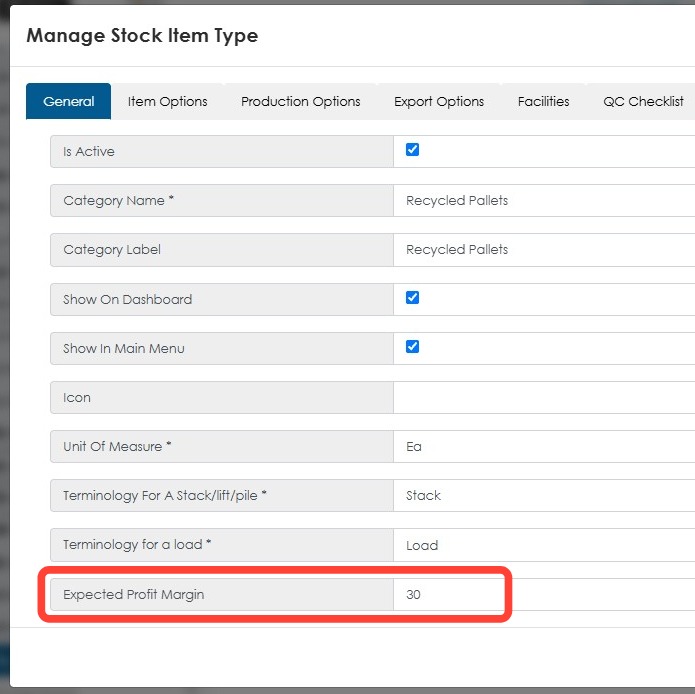
6. Click Save.
7. LINKED STOCK ITEM PRICING: To check if the selling price is within the desired profit margin, check the linked stock item from the customer profile.
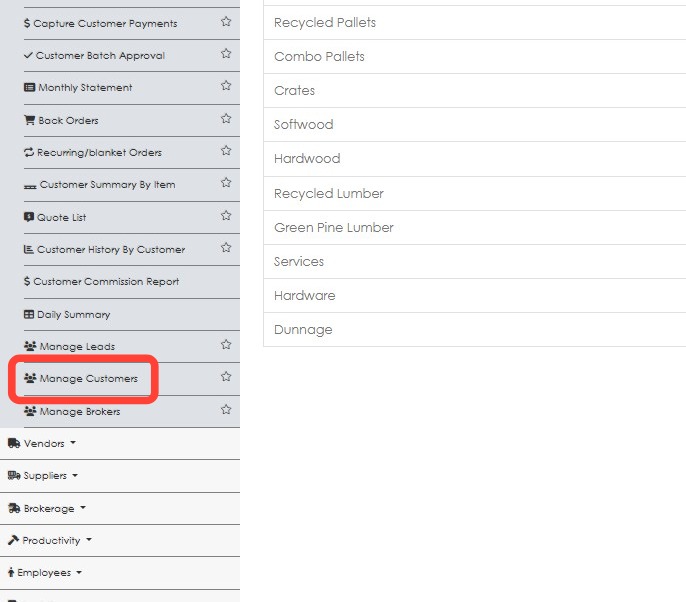
Click Customers.
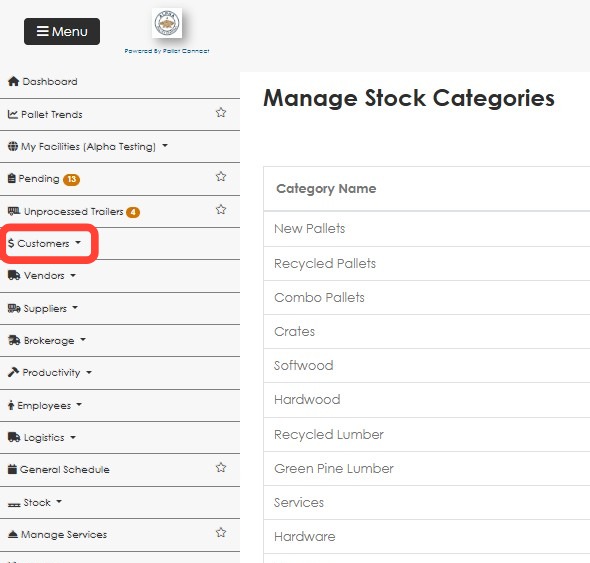
8. Click Manage Customers.
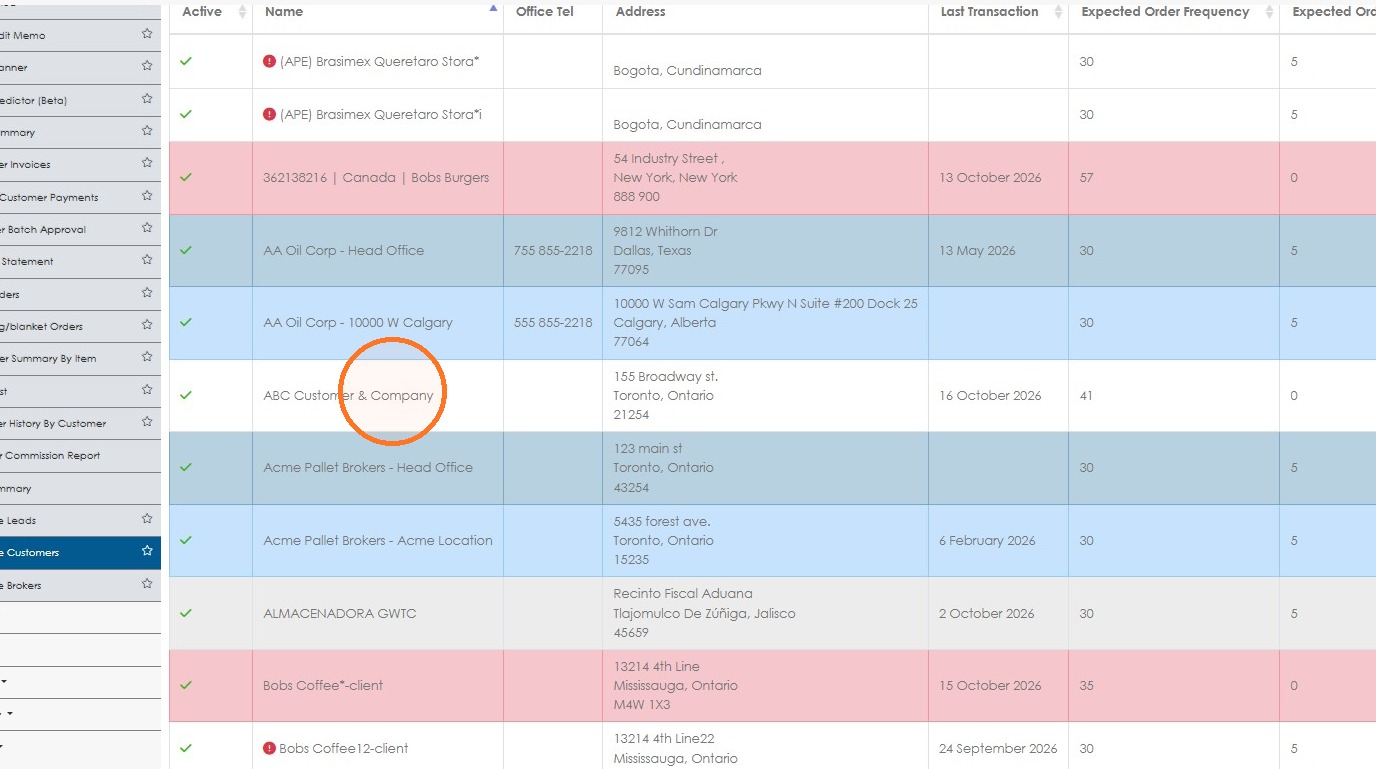
9. Open a customer profile from the list.
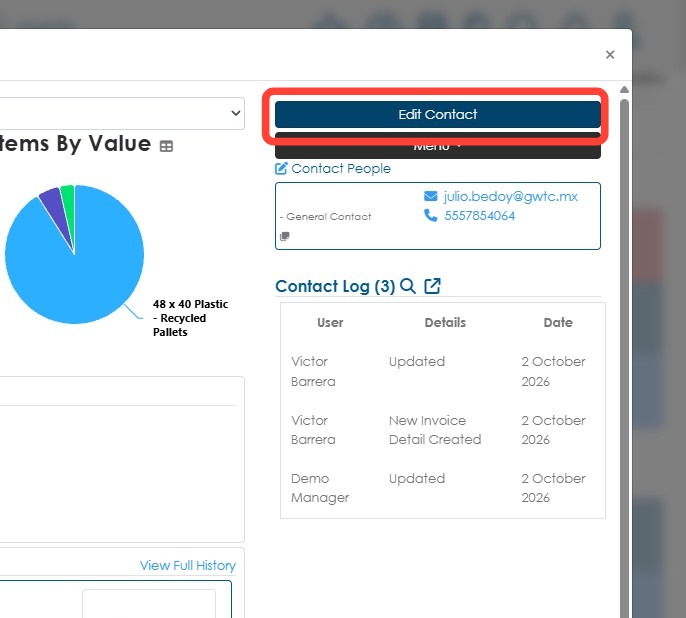
10. Click Edit Contact from the profile dashboard.
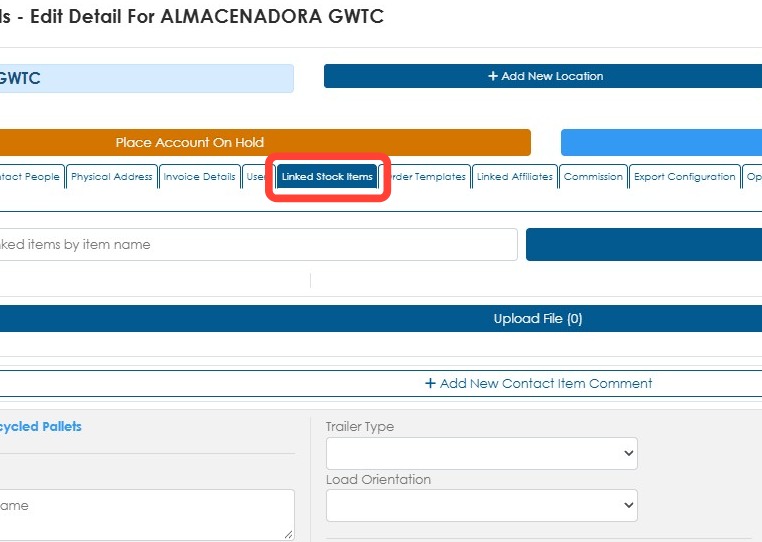
11. Click the Linked Stock Items tab.
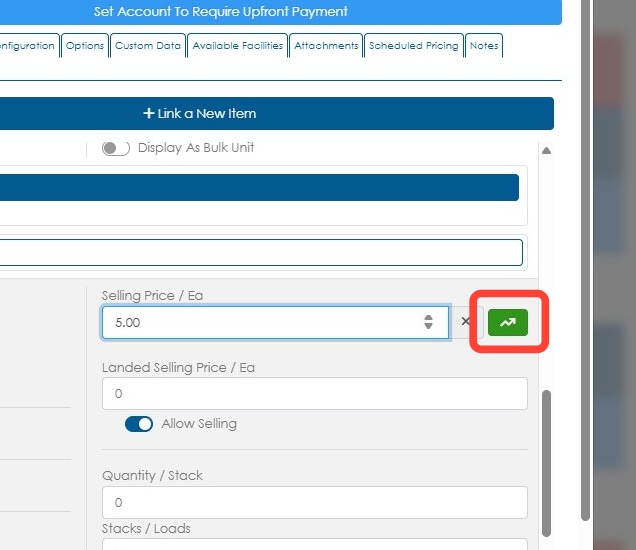
12. If the selling price meets or exceeds the desired profit margin, a green button with an up arrow appears beside the Selling Price field.
Click the button for the details.
13. If the selling price is too low to meet the desired profit margin, a red button with a down arrow appears beside the Selling Price field.
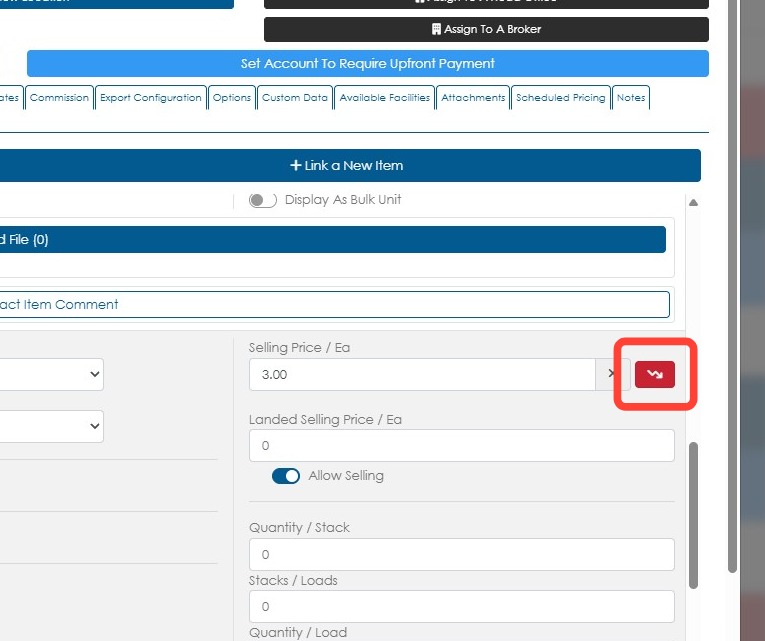
14. Click the arrow button to see the details, including the suggested selling price.