1. Pallet Connect uses a fixed, sequential invoice numbering system based on the value configured in the Starting Invoice Number setting. When a starting invoice number is defined, the system assigns that number to the first invoice generated and continues numbering subsequent invoices in sequence.
Invoice numbers are permanently reserved once generated. If an invoice or related transaction is deleted, the assigned invoice number will not be reused, and the numbering sequence will continue from the next available number. This ensures invoice number consistency and maintains a reliable audit trail.
TIP! There is a separate setting to determine invoice numbers for multi facility. See related article.
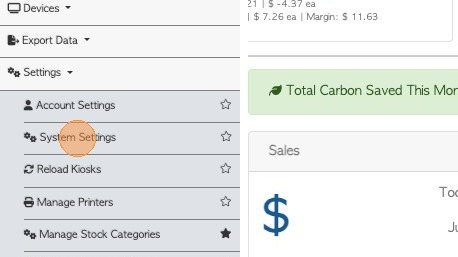
To access the settings, go to System Settings.
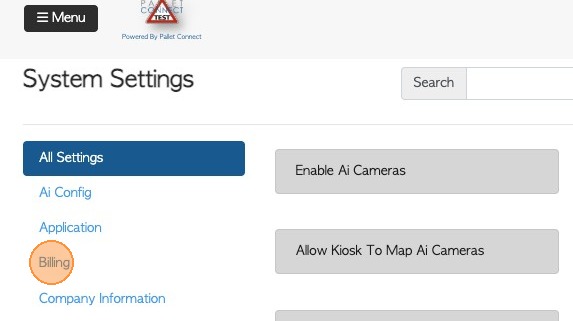
2. Click "Billing" from the list on the left side pane.
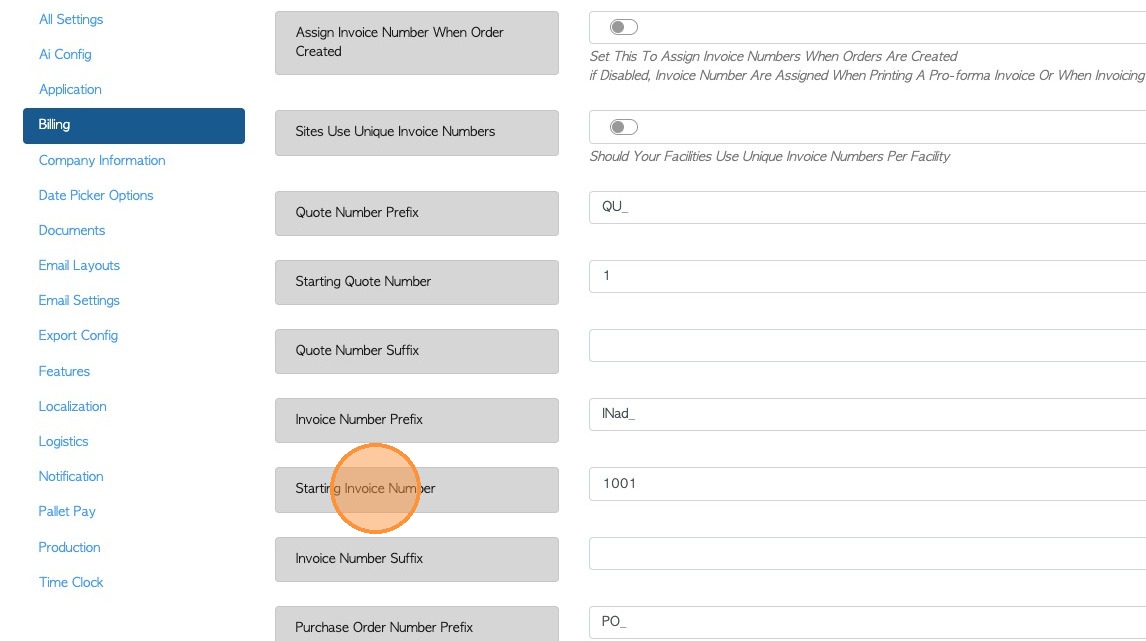
3. Click 'Starting Invoice Number' field.
For this example, if the starting invoice number is set to 1001, the first invoice created will be assigned invoice number 1001. Each new invoice will then receive the next available number in the sequence.
Note: The Starting Invoice Number can be set to any value that fits the business needs. Start a new invoice numbering sequence or continue the existing invoice sequence to maintain consistency with historical records.
TIP! The Starting Invoice number can be changed at any time but the number can only be changed to a greater value. A lesser value is not permitted. This is purposeful, to avoid any duplicates. For example. If the number is currently 100, it can be changed to 200 but not 50.
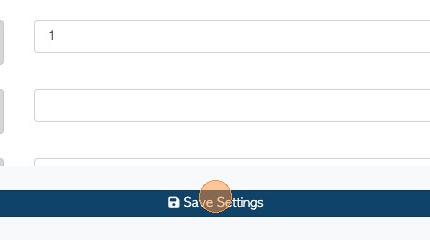
4. Click "Save Settings" at the bottom of the page to apply and save your changes.