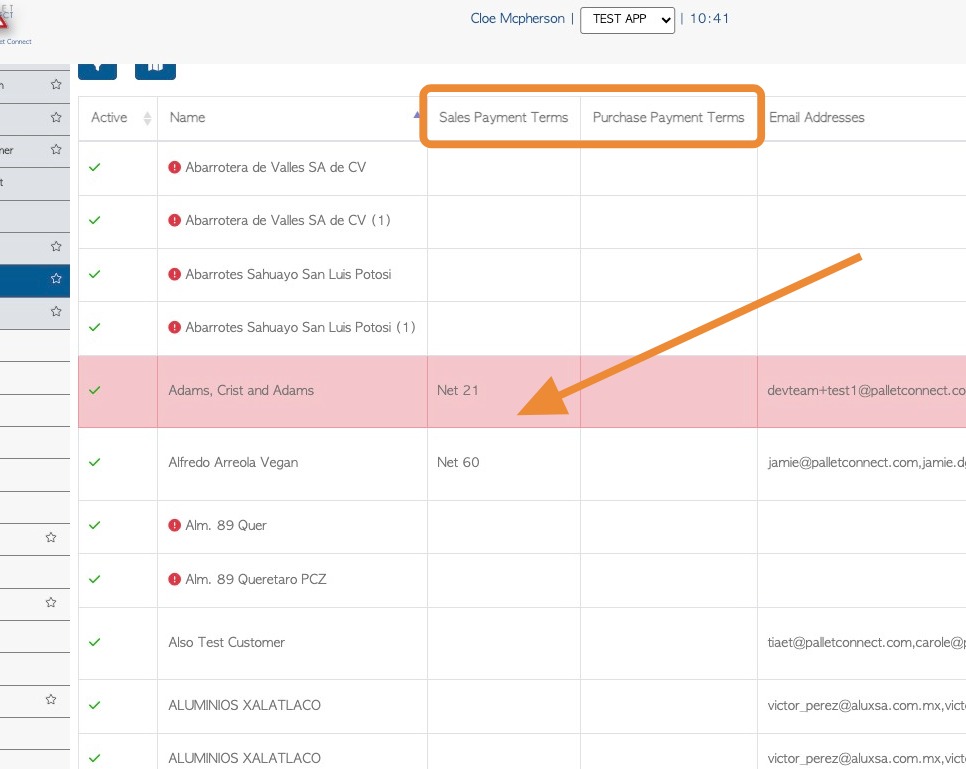
Learn how to view the list of payment terms for all Customers in Pallet Connect. This is useful to review existing terms and check if terms need to be added to a Customer profile.
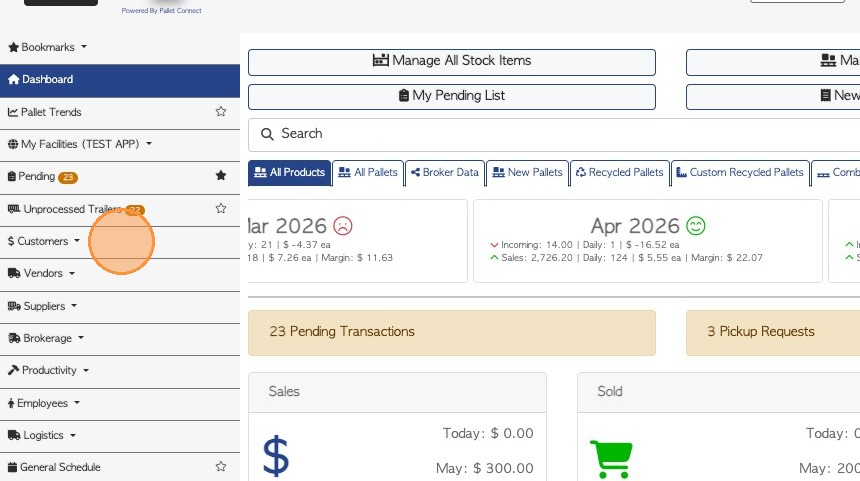
1. Click "Customers" from the main menu.
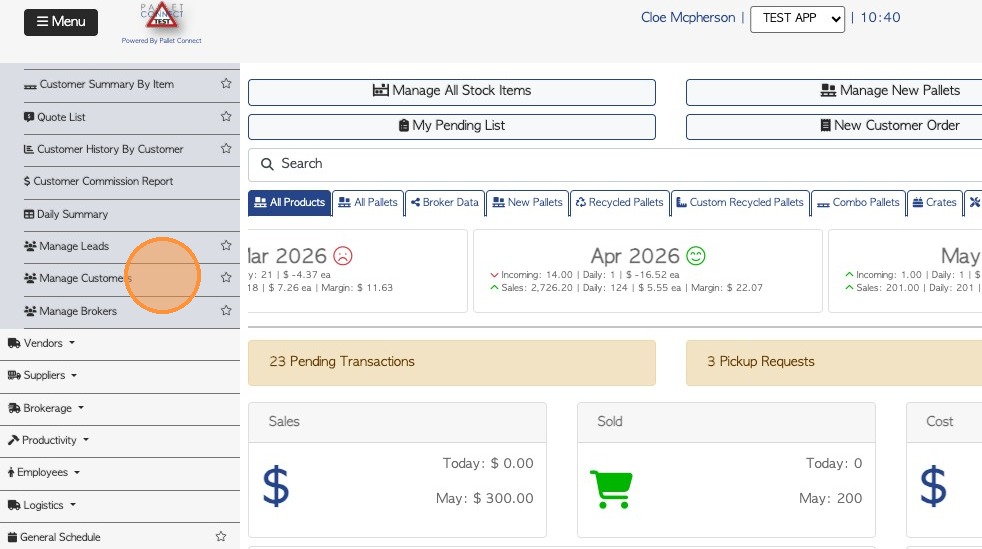
2. Select "Manage Customers".
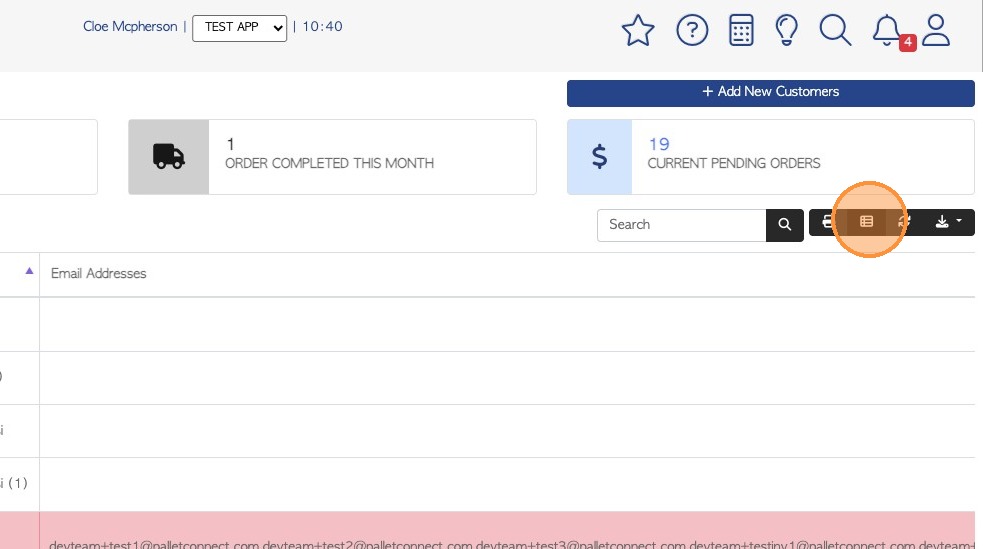
3. Click the Manage Columns icon, at the top right of the list.
4. Type "term" into the column search field and add to visible Columns if needed.

5. Click the three lines icon to change the order of the columns, if needed. Drag and drop to change how the columns are displayed on the report.
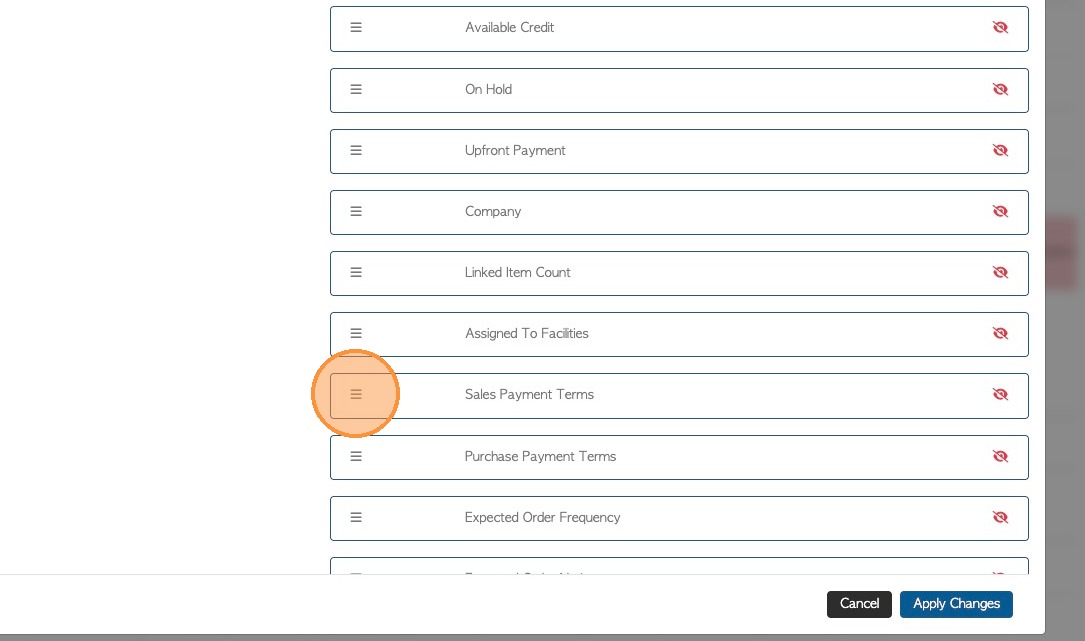
6. Click "Apply Changes" to save.
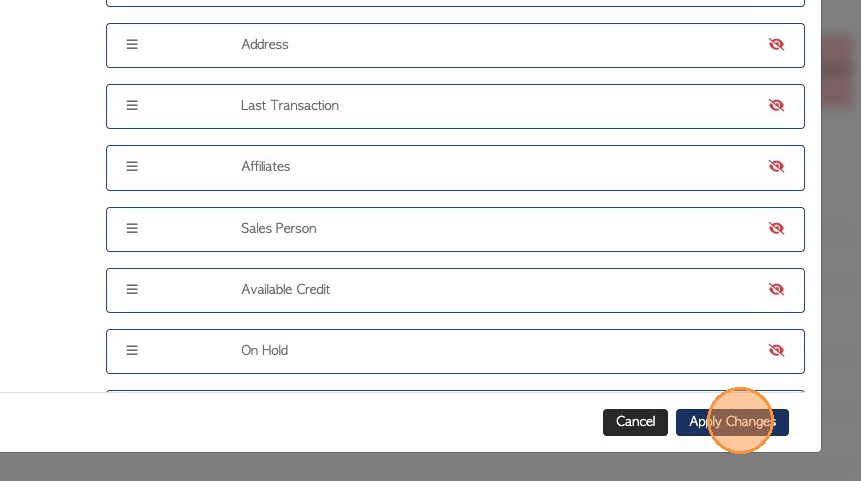
7. The terms are now listed in the report.
This can be exported or printed as needed.