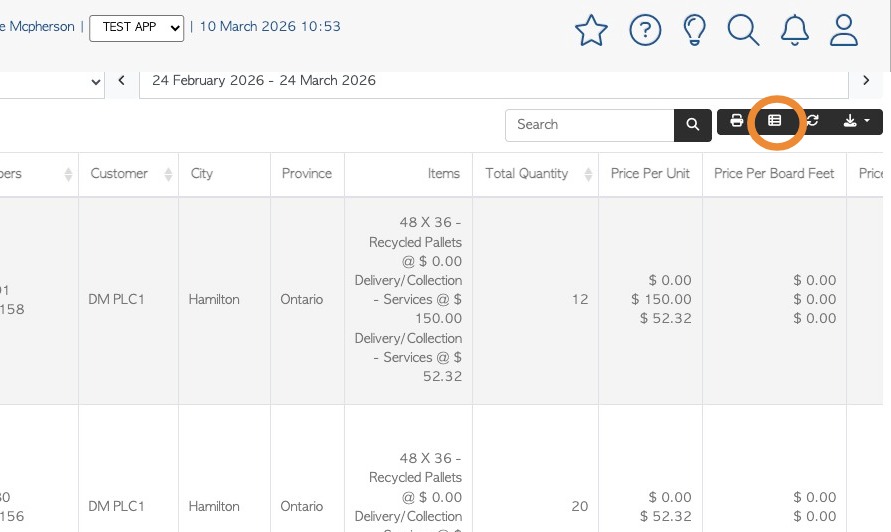
Learn how to access and filter customer order history to find specific invoices.
1. The Customer Order History page displays a mix of open and closed Orders.
This article explains how to obtain a list of Customer Invoices, using the filters on the Order History page.
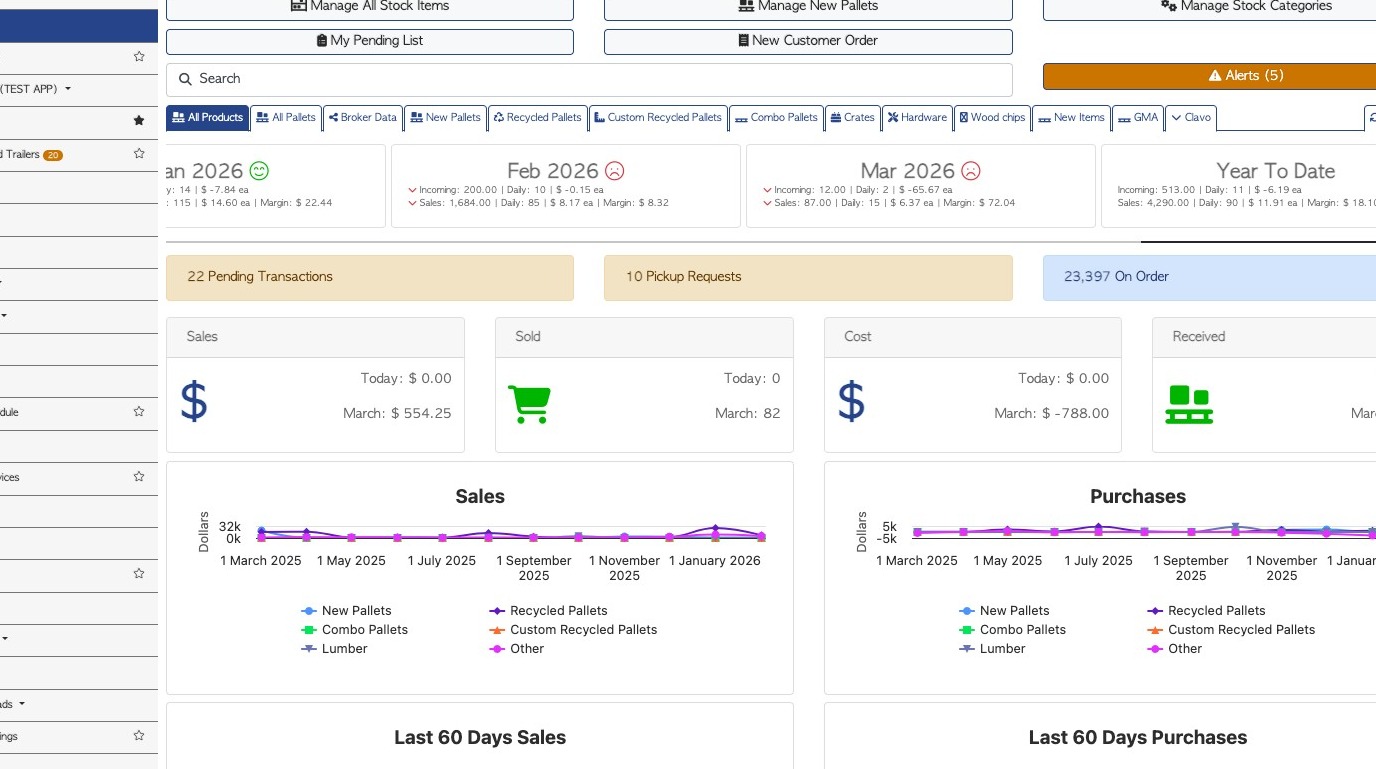
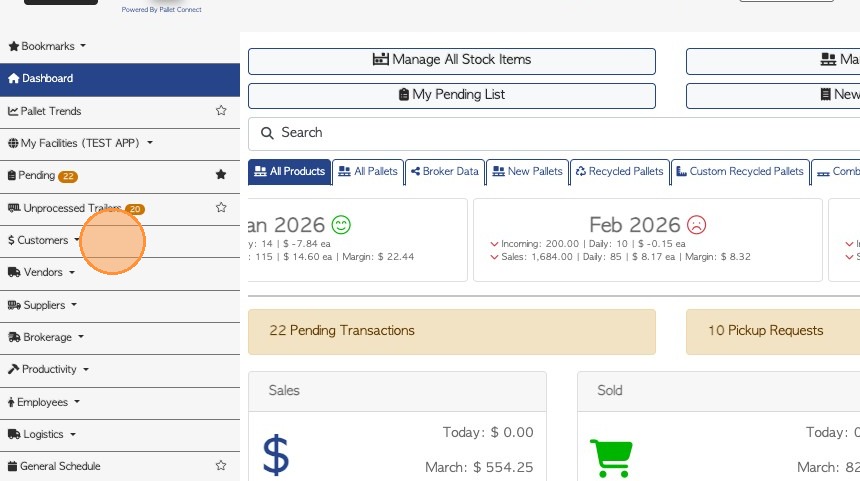
2. From the main menu, click "Customers"
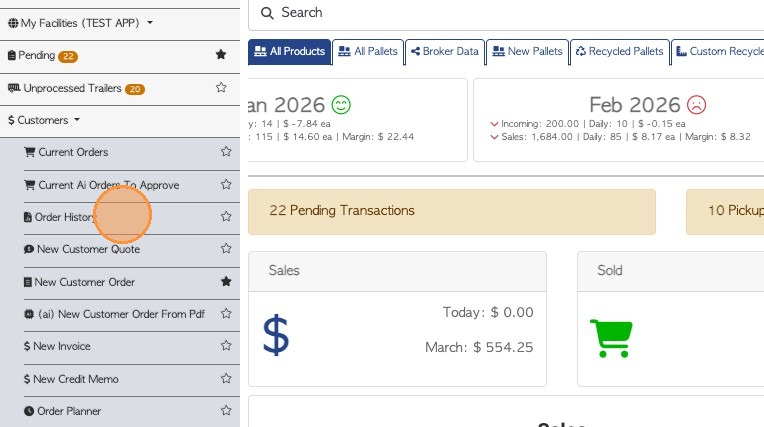
3. Click "Order History"
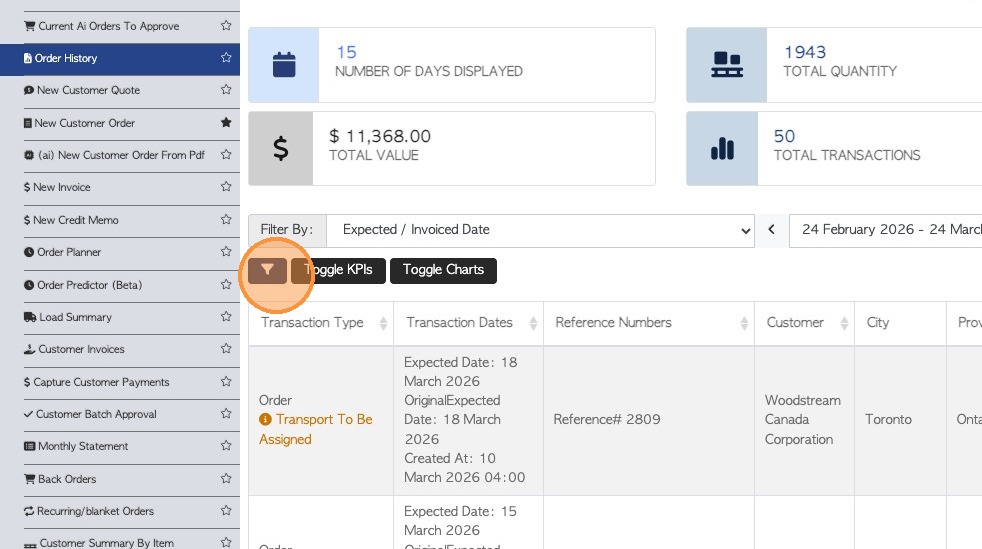
4. Click this filter button.
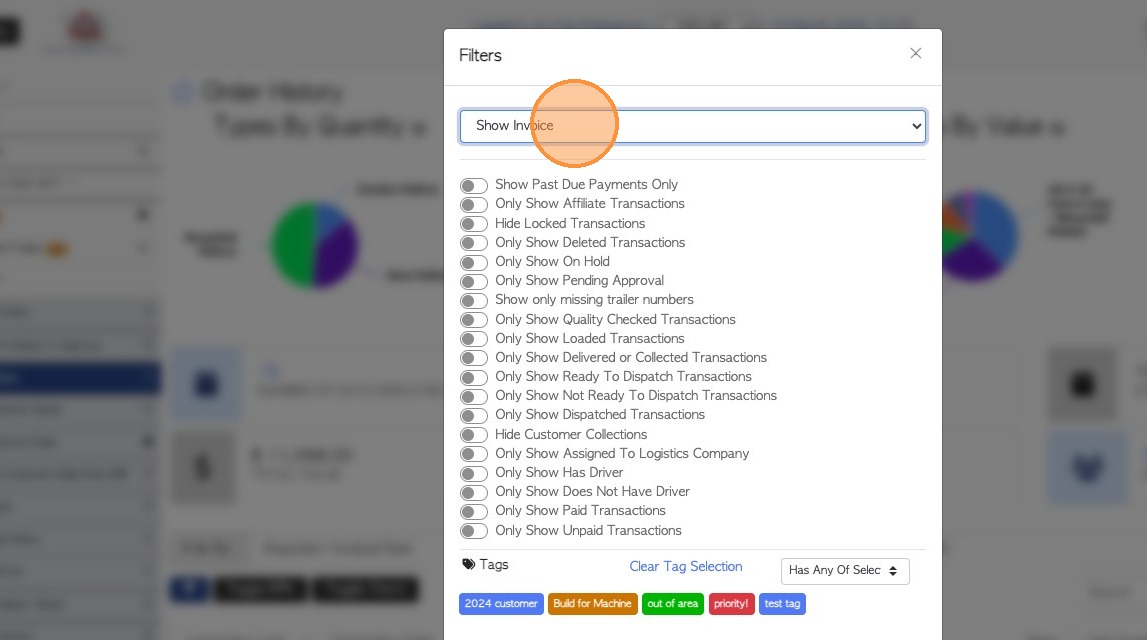
5. From the drop down menu, select the "Show Invoice" option.
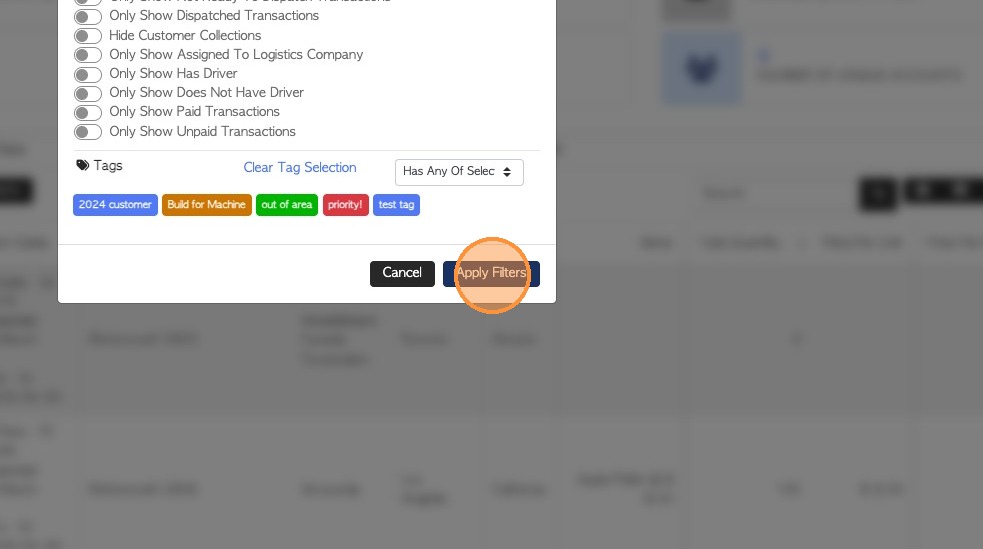
6. Click "Apply Filters" to save the setting.
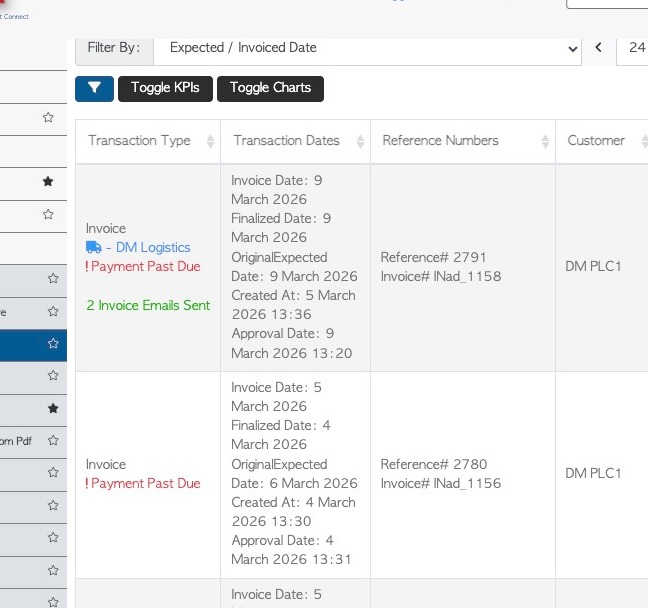
7. The list will now only contain Customer Invoices.
8. NOTE: Report columns can be edited as well. The settings of this report can now also be made into a filtered bookmark. See related articles.