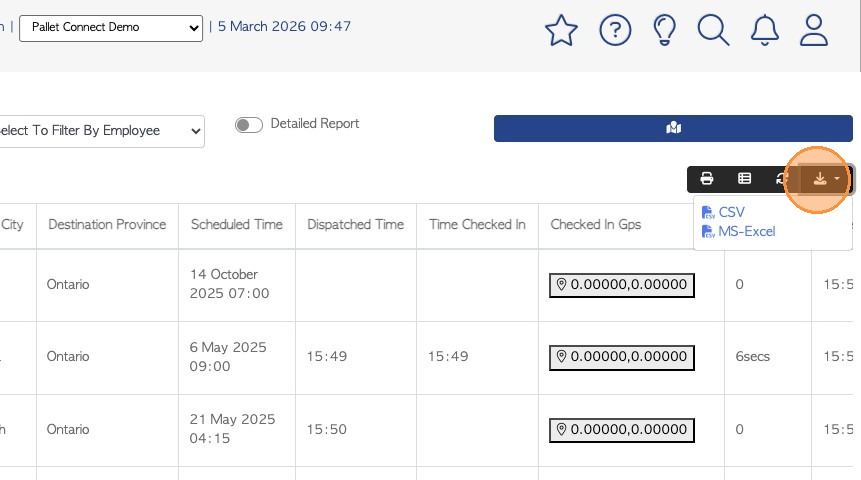
1. The Driver Report is a useful tool to obtain information on Driver activity.
This article explains how to use the Driver report to review if Customer deliveries were sent on time. This will also work to track Vendor pick up requests.
NOTE: For accurate reporting, ensure that the delivery is both added to the Driver Schedule and that dispatch is recorded by the driver or admin.
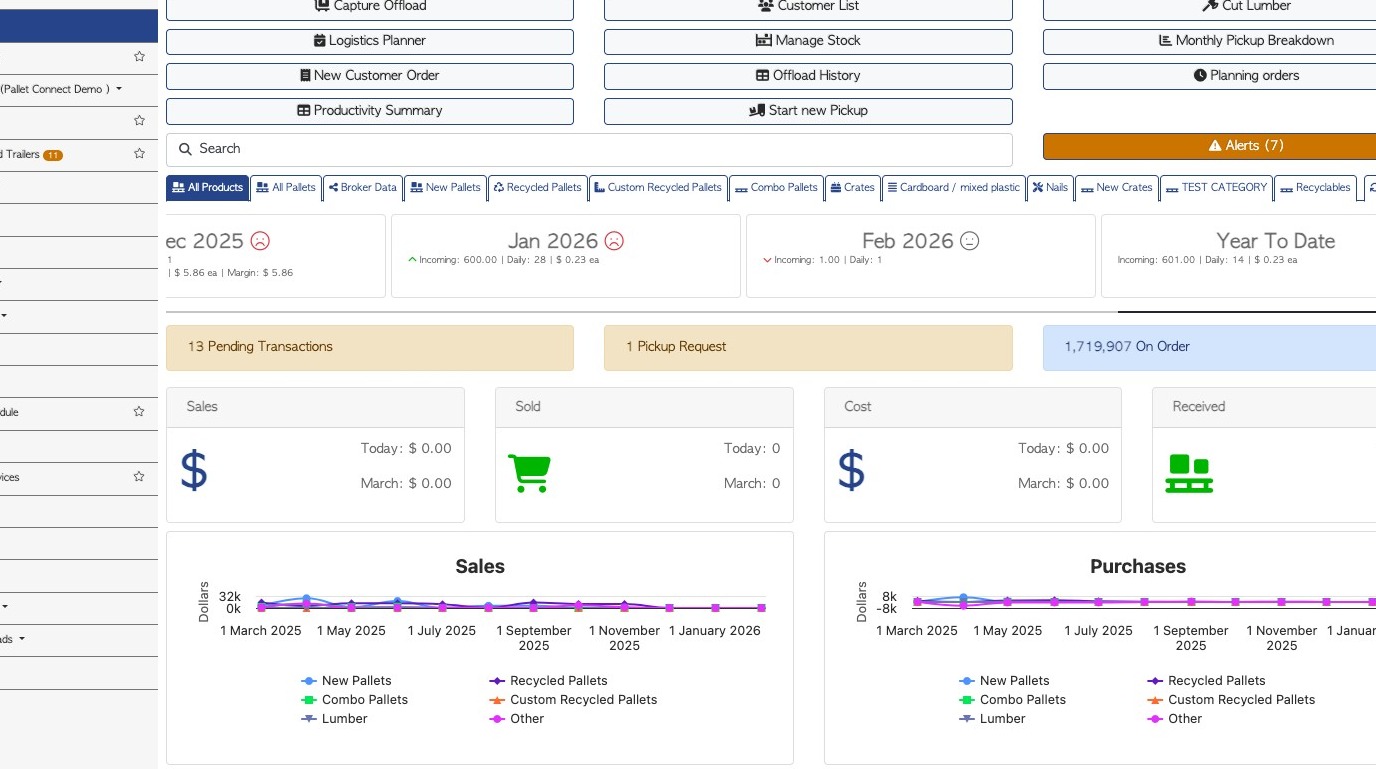
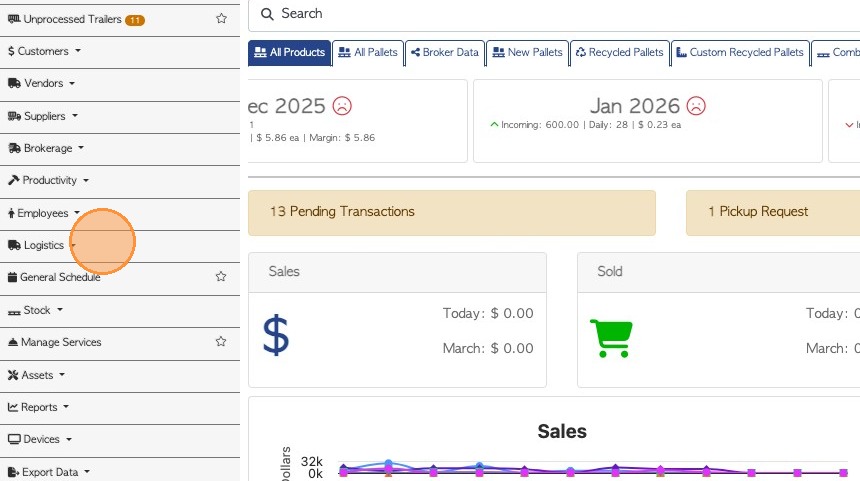
2. From the Main Menu, click "Logistics".
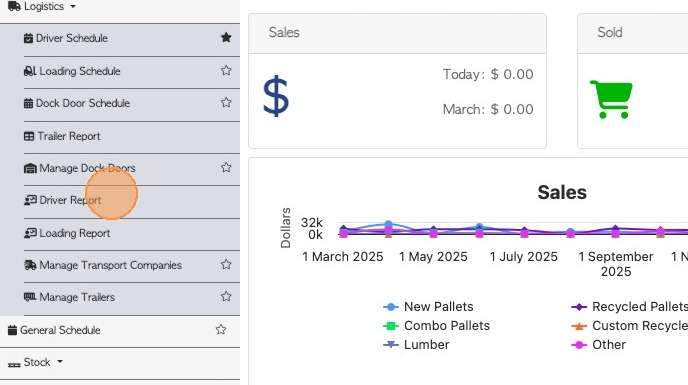
3. Click "Driver Report"
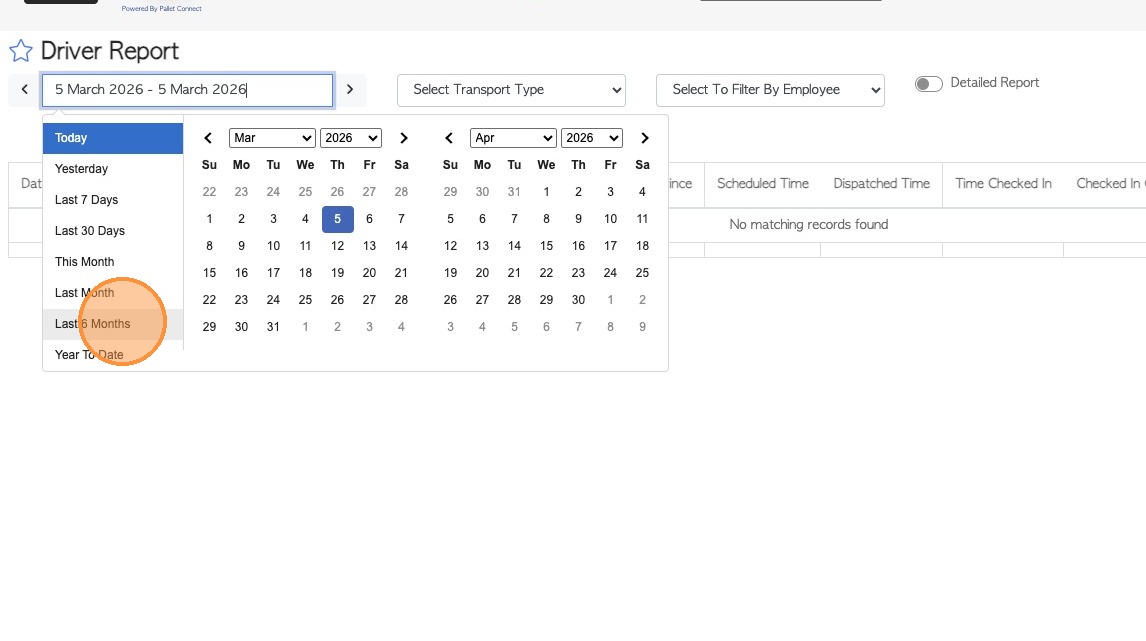
4. Edit the date range of the report, if needed.
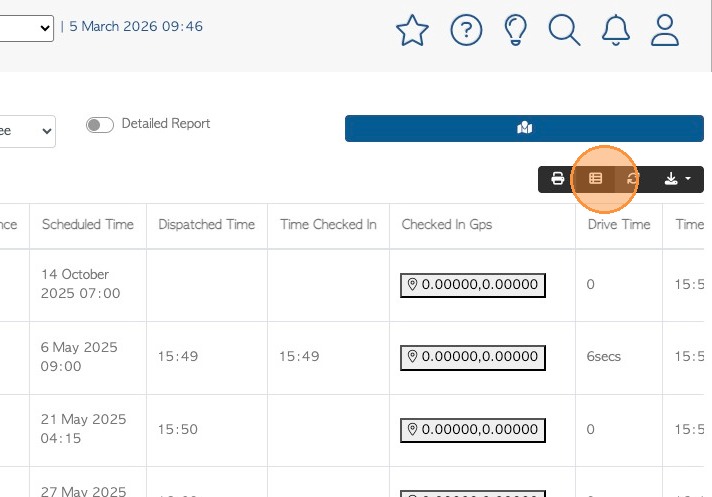
5. Click this button to reach the 'Manage Columns' feature.
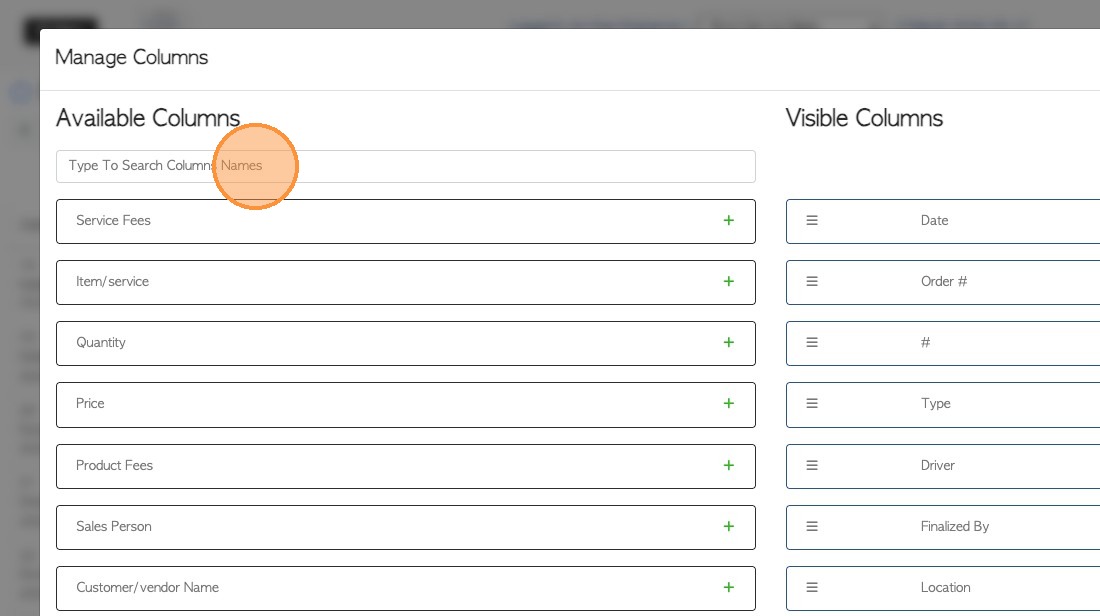
6. Ensure that 'Scheduled Time' and 'Dispatched Time' are listed as Visible Columns. These will show up on the report.
7. Click "Apply Changes" to save.
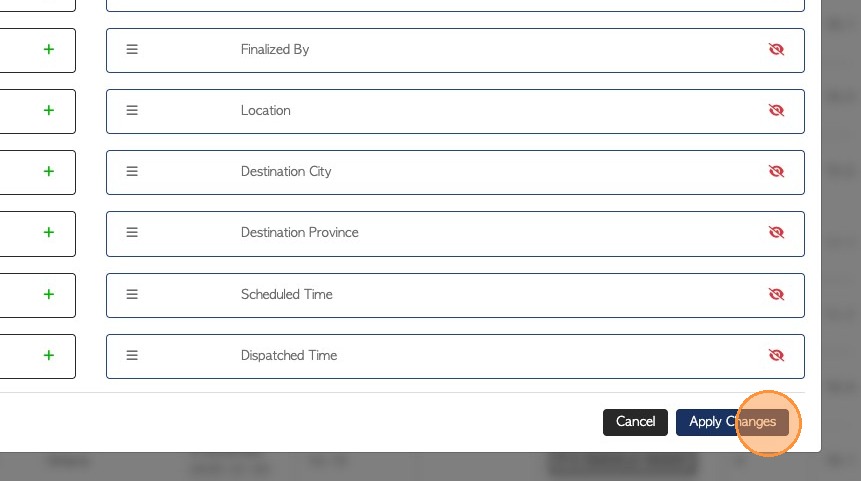
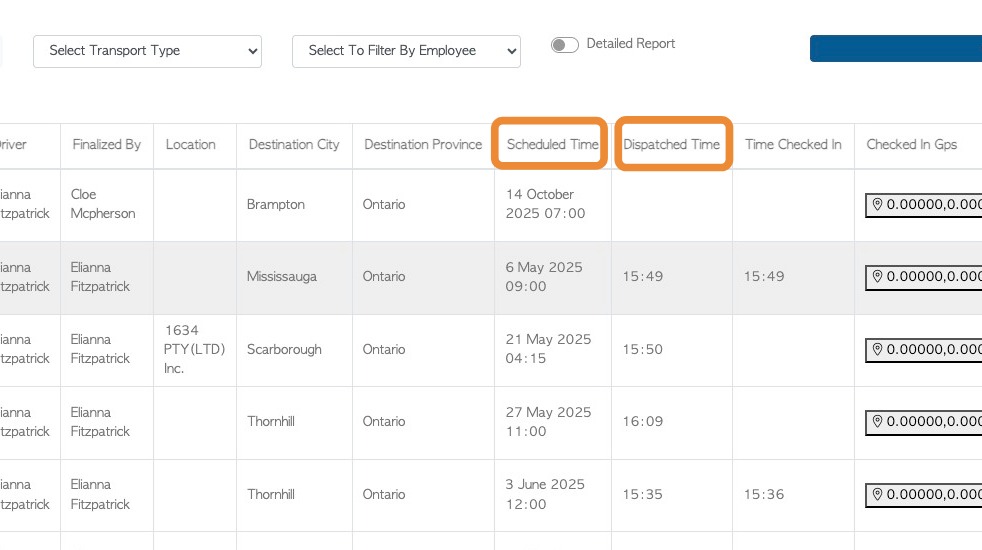
8. The report will now list both the 'Scheduled' and 'Dispatched' Time of the delivery or pick up.
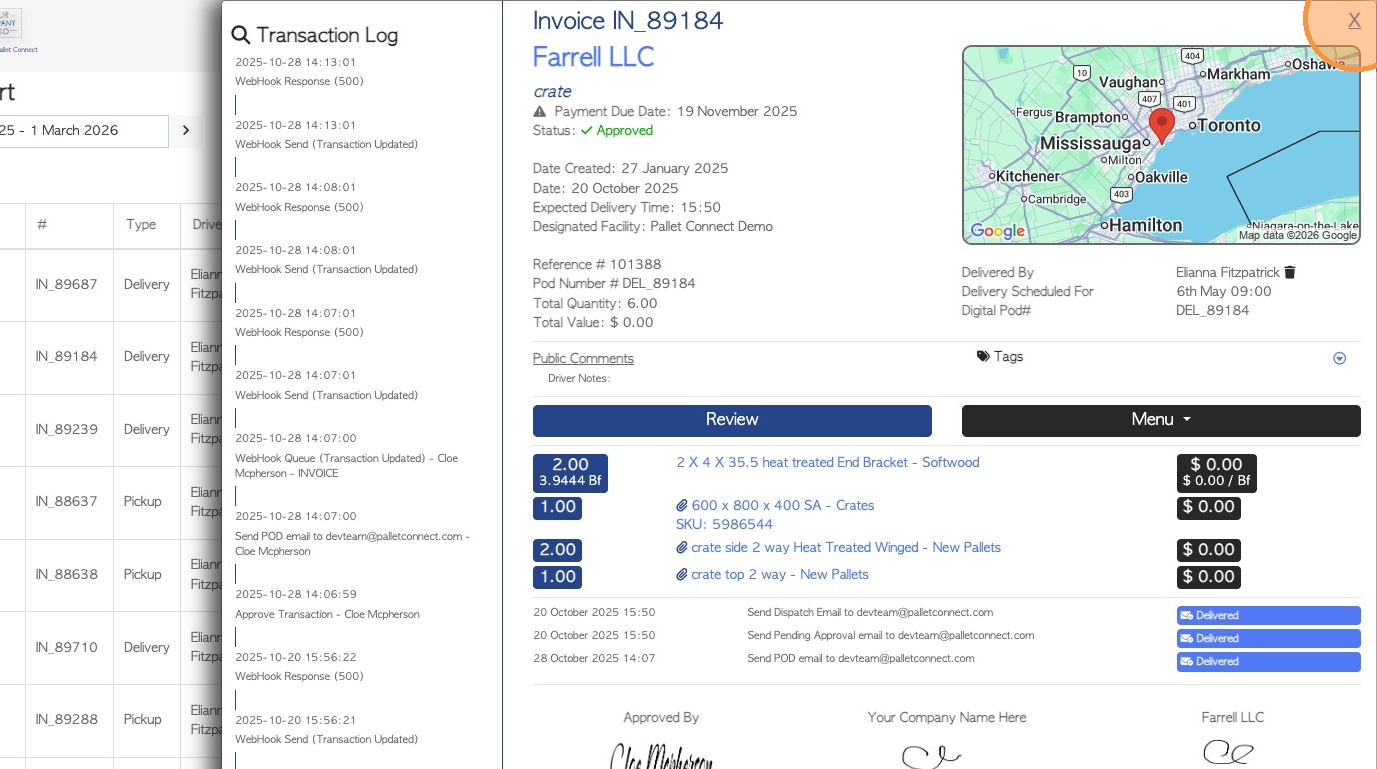
9. For more details, click on an event from the list, to open the transaction page, if needed.
10. To export this report to Excel, click on the download icon.