A credit limit can be applied to a contact within Pallet Connect. This is the maximum outstanding balance a company is allowed to have on their account before further credit may be restricted. It helps manage financial risk and ensures contacts/customers stay within their agreed payment terms. This article explains the setup for the sales / purchase credit limit and the automatic calculations for available remaining credit.
Manage Customers Setup
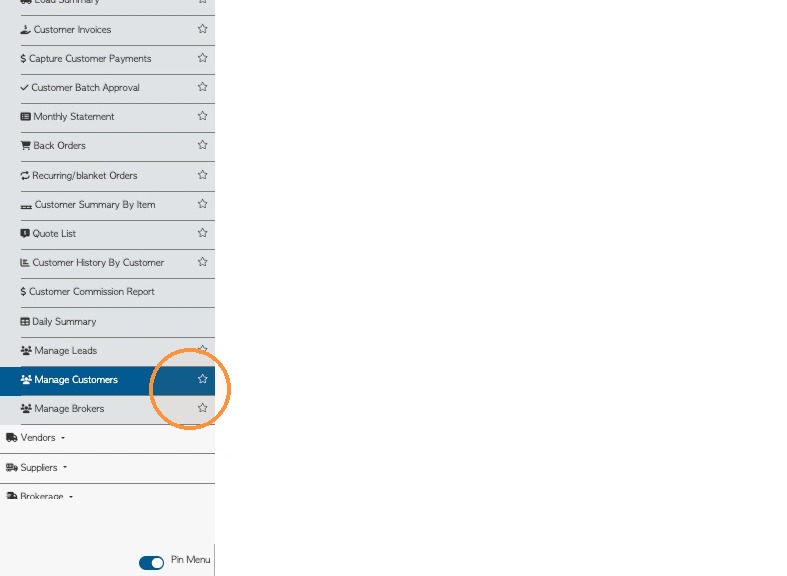
1. VIEWING CREDIT FROM CONTACT LIST PAGE: To gain an overview of contacts with credit limits: from the main menu, navigate to "Manage Customers/Vendors/Suppliers" Page, depending on the contact type.
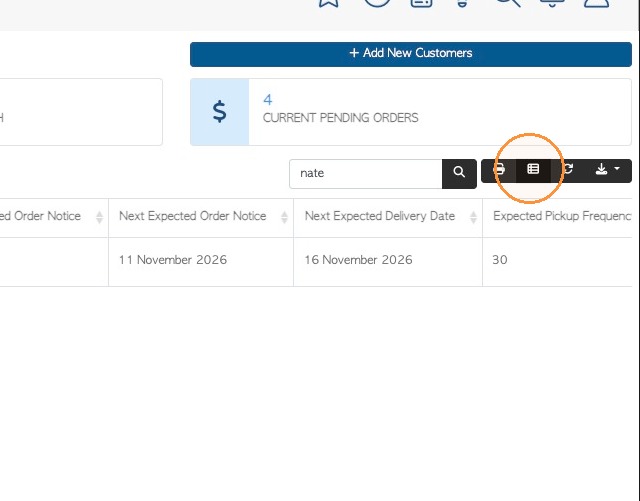
2. Click the 'Manage Columns' icon to ensure that correct information is displayed.
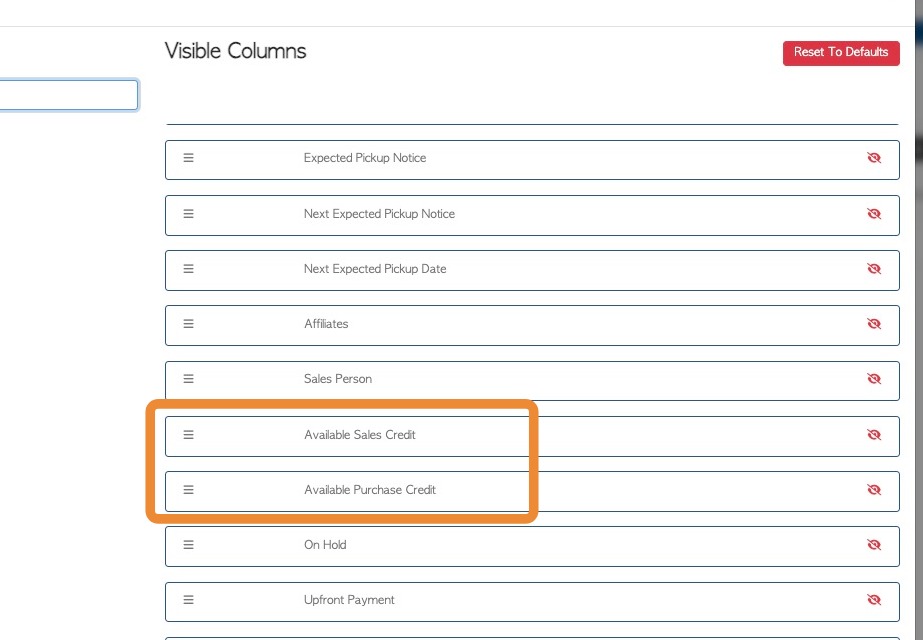
3. Click the Available Columns search field and search for "Available credit".
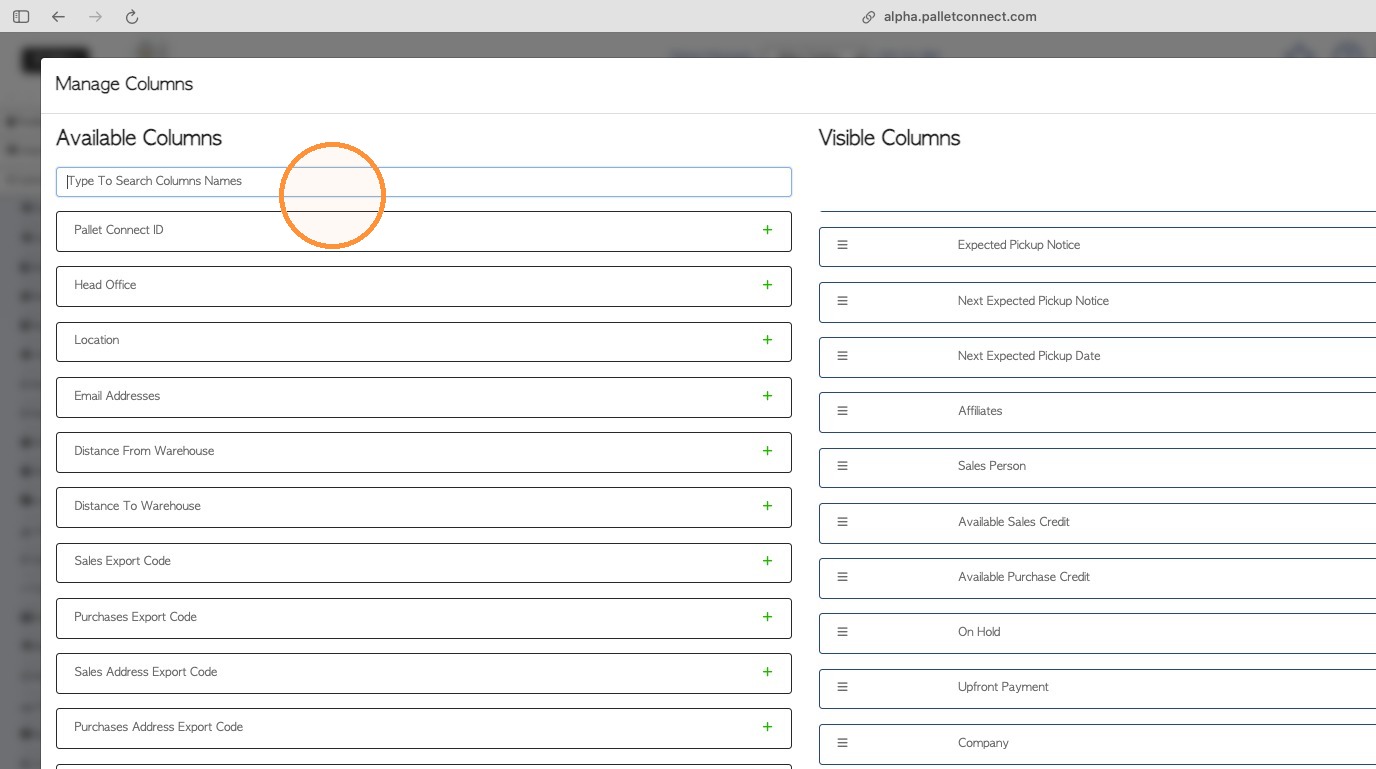
4. Click the plus button to add to Visible Columns.
NOTE: 'Available Sales Credit' and 'Available Purchase Credit' are separate columns.
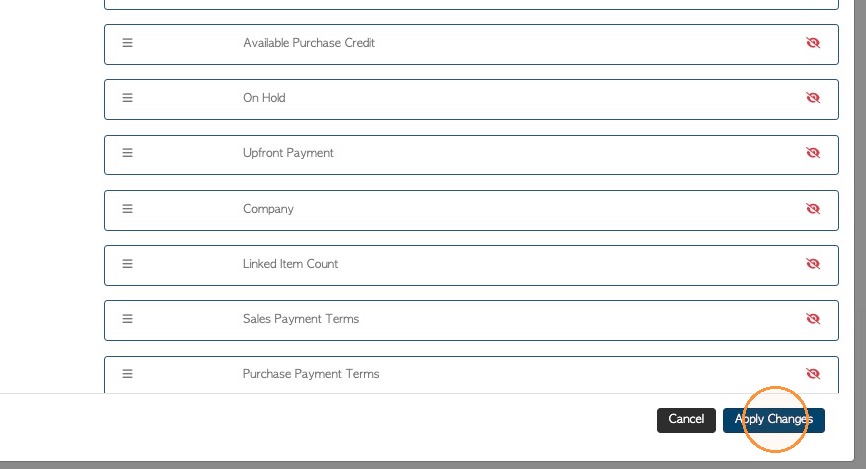
5. Click 'Apply Changes' to save.
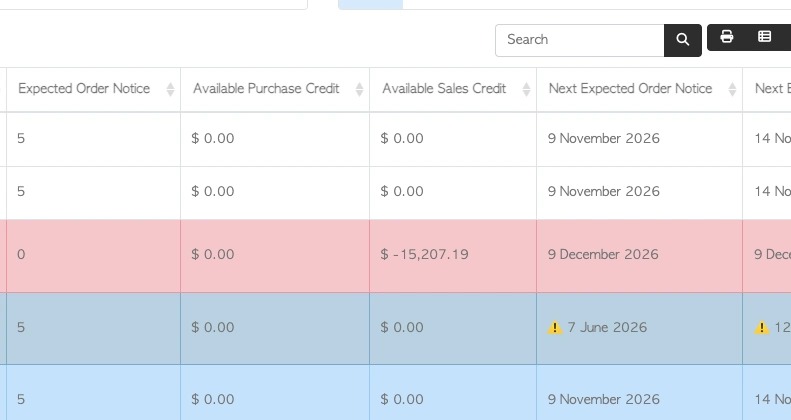
6. The credit amounts will now show up on the report.
NOTE: If a contact is over the credit limit, the row will be displayed in a different colour.
Customer Record
7. CONTACT PROFILE: The credit limit can be seen in the dashboard of the contact profile
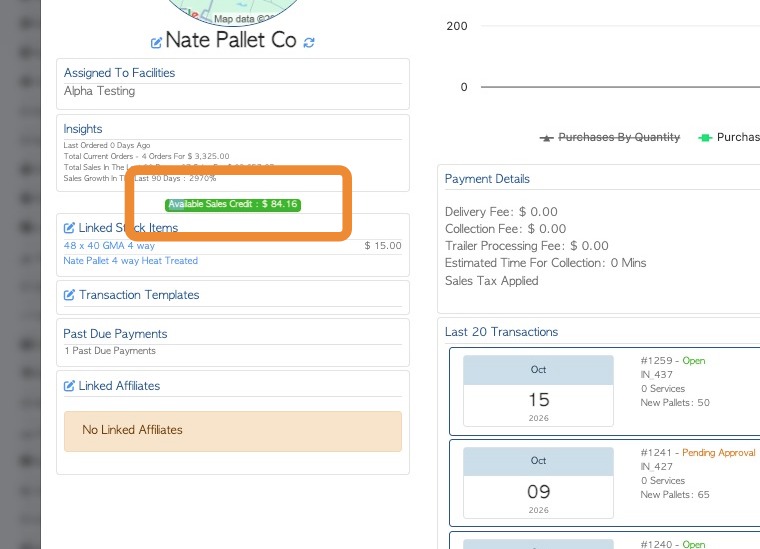
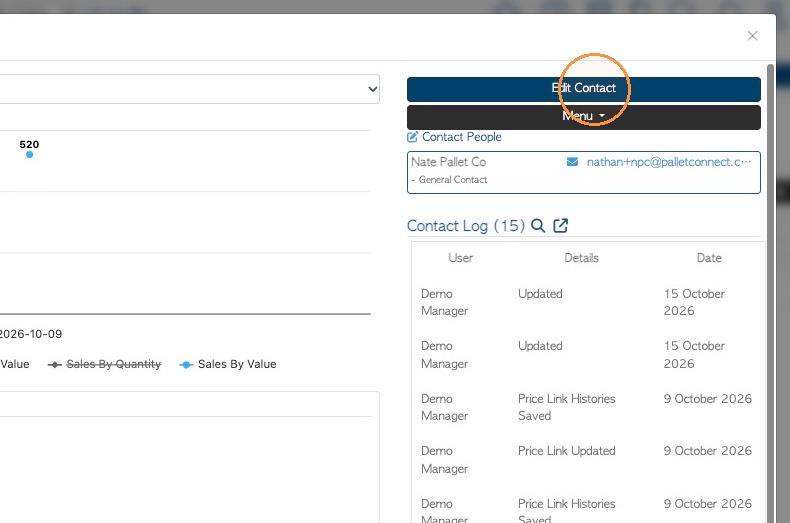
8. To view and edit the credit within the profile, click 'Edit Contact'.
9. Click the "Invoice Details" tab.
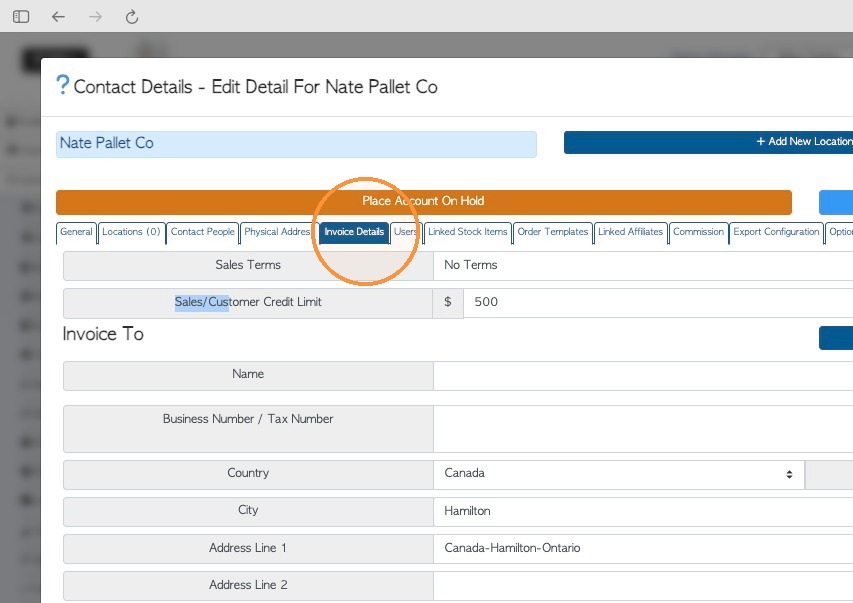
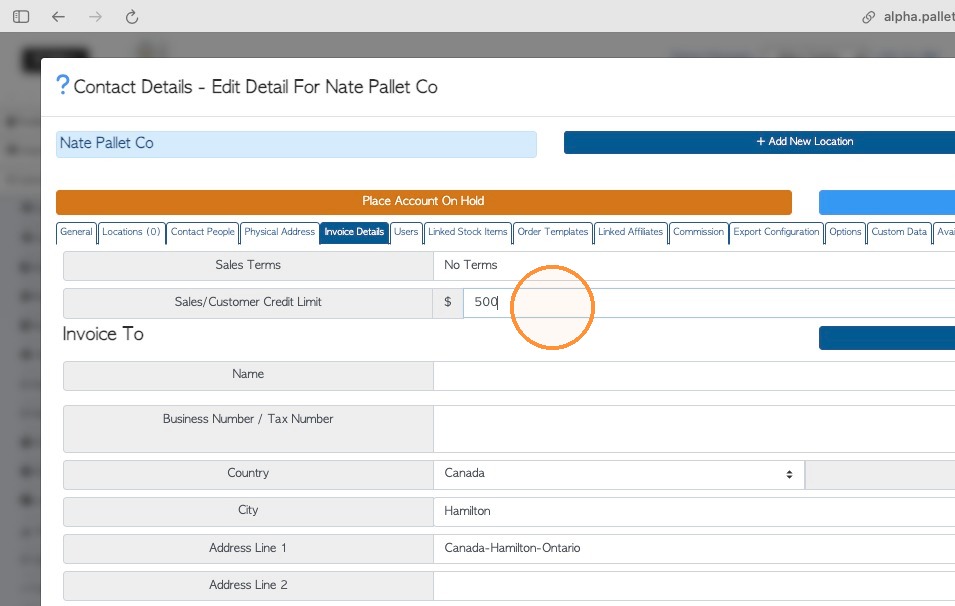
10. The Sales or Purchases Credit Limit will be displayed here and the amount can be changed.
11. The available credit will also be displayed.
NOTE: If the contact is over the credit limit, it will show in a different colour, as an alert.
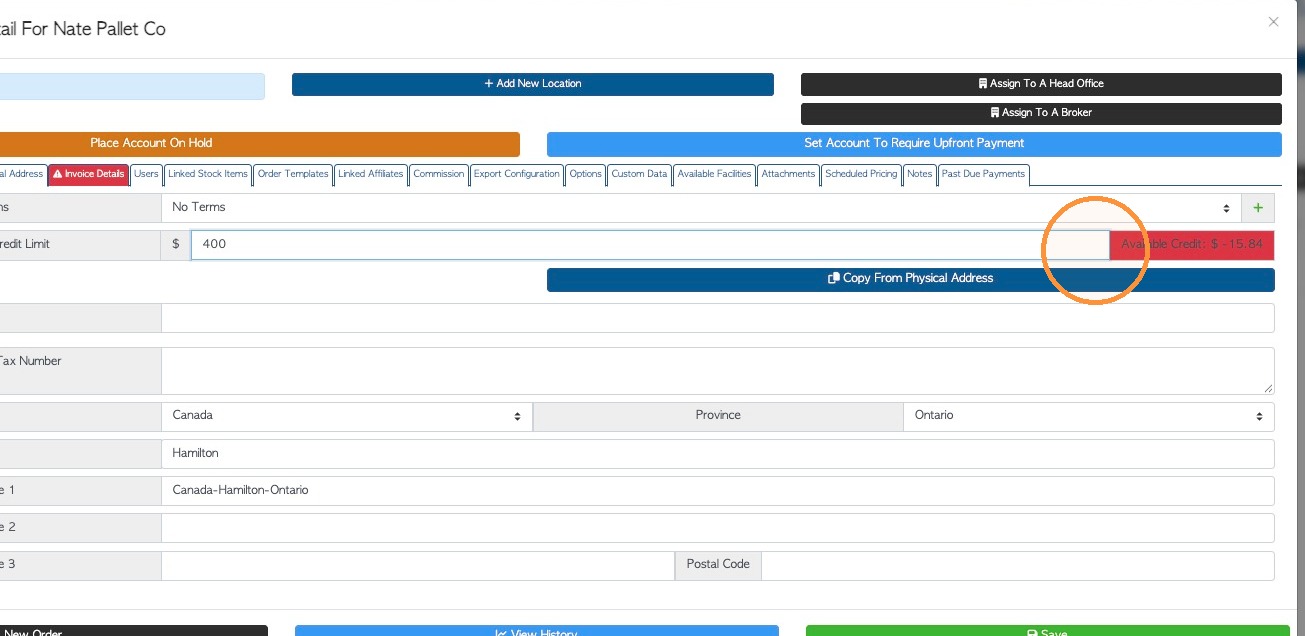
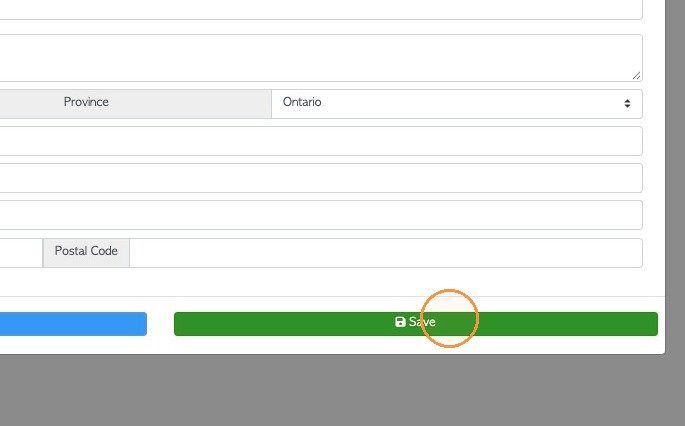
12. Click Save to complete any changes.
Overdue Payment - Calculations Review
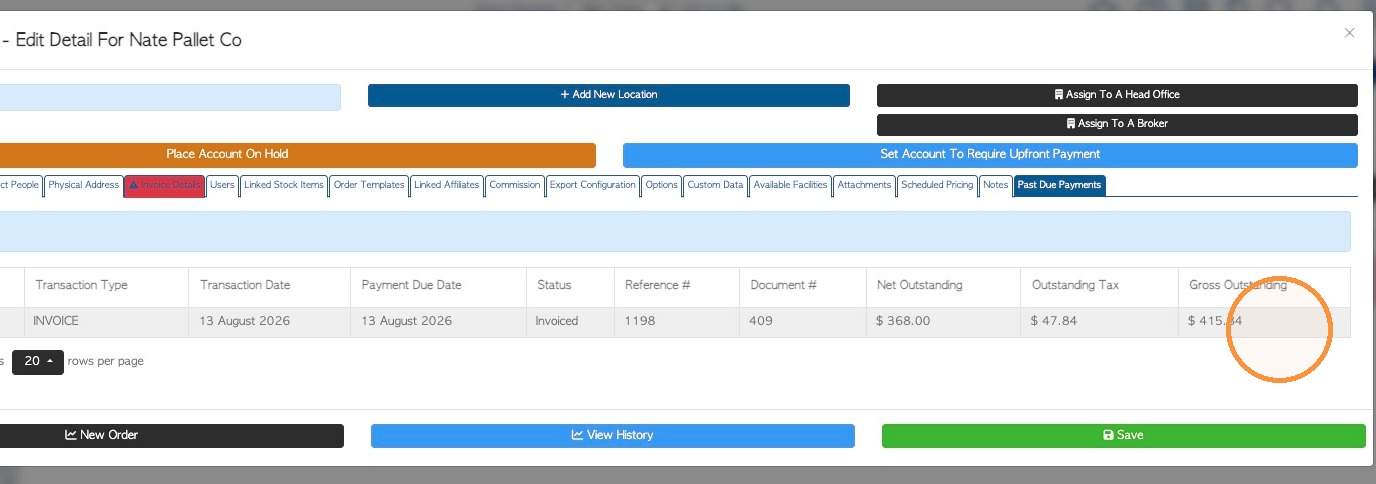
13. To review overdue payments, open the 'Past Due Payments' tab.
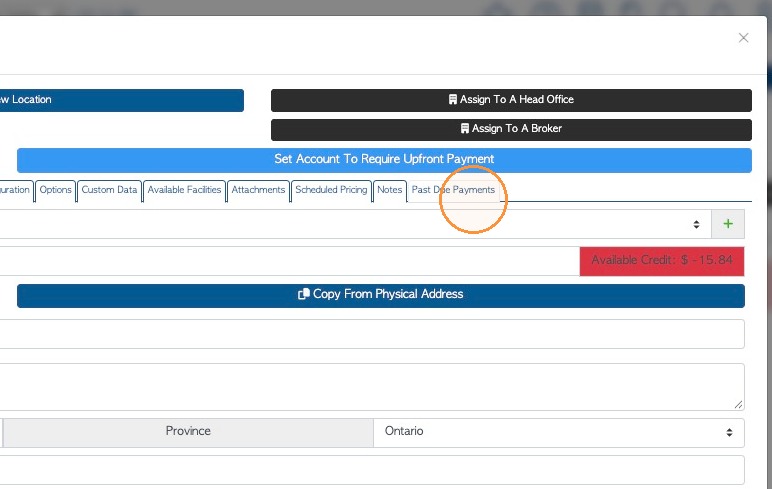
14. Any outstanding payments are listed here and the 'Gross Outstanding Amount' column can be used for calculating available credit.