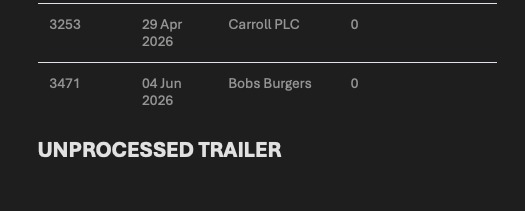
This article explains how to set up Affiliate contacts to receive an End of Day email report. The End of Day report is emailed each day and includes a snapshot of current/open transactions related to the Affiliate.
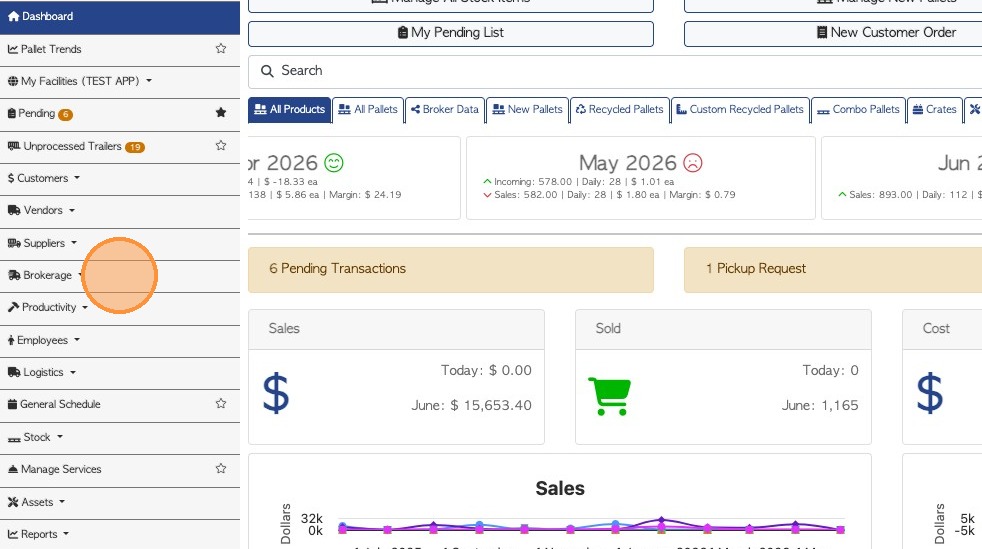
1. Click "Brokerage" from the main menu.
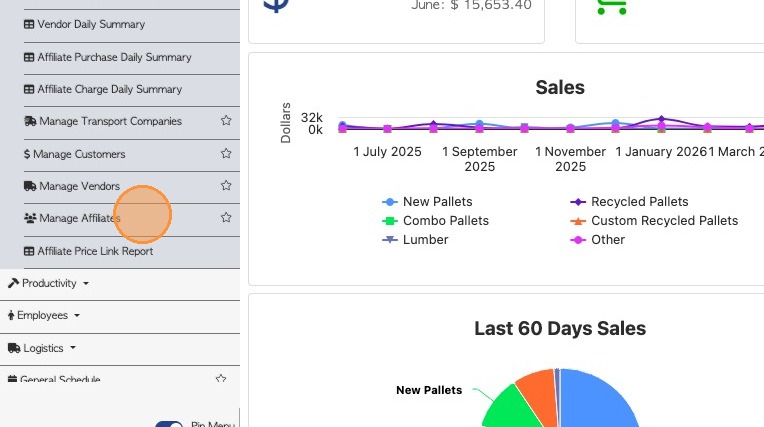
2. Click "Manage Affiliates".
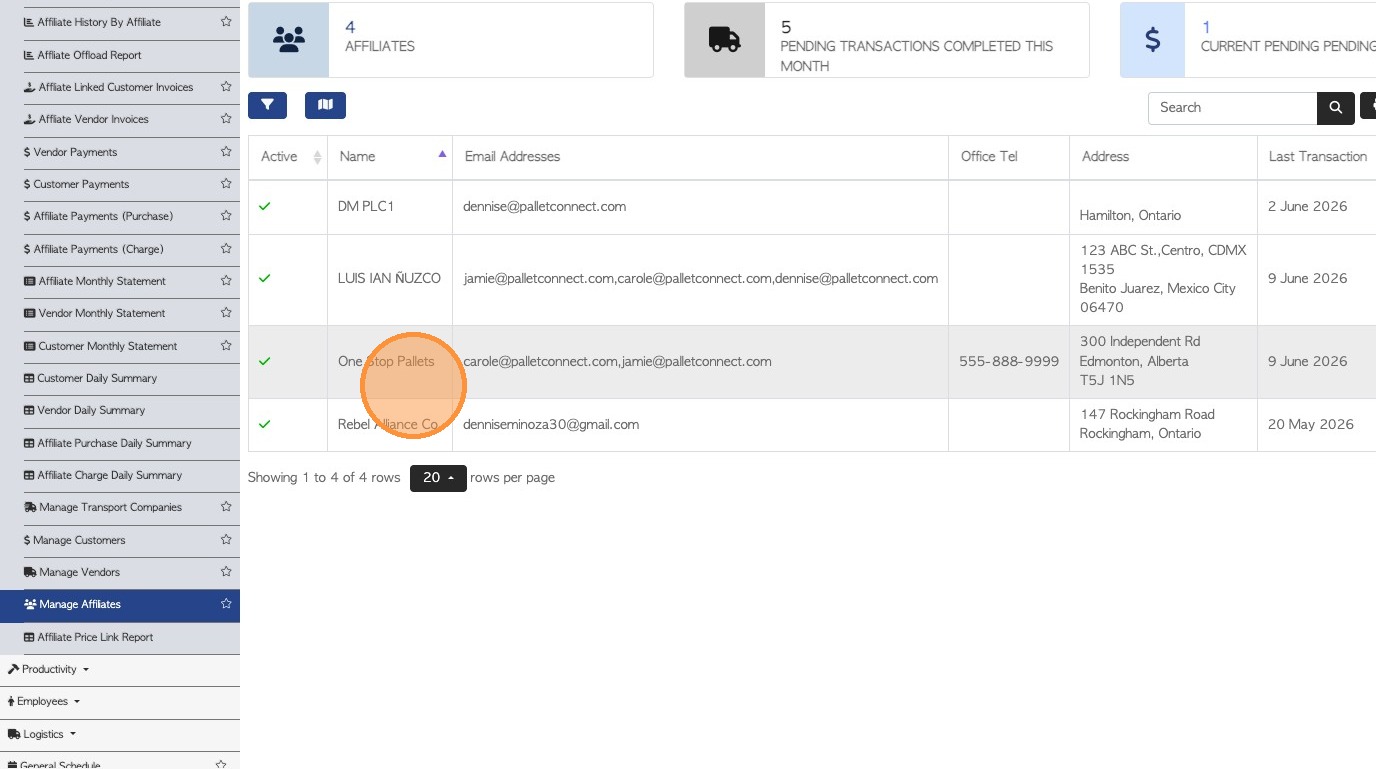
3. Select an Affiliate from the list.
4. Click the edit icon for the "contact people" tab or click on 'Edit Contact' and select the tab.
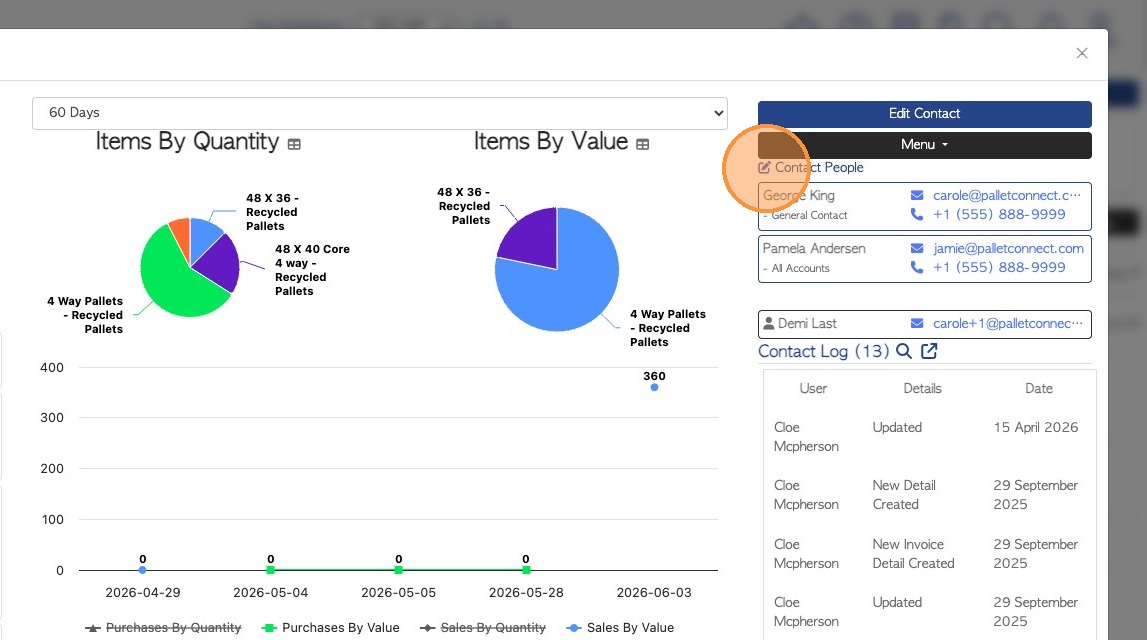
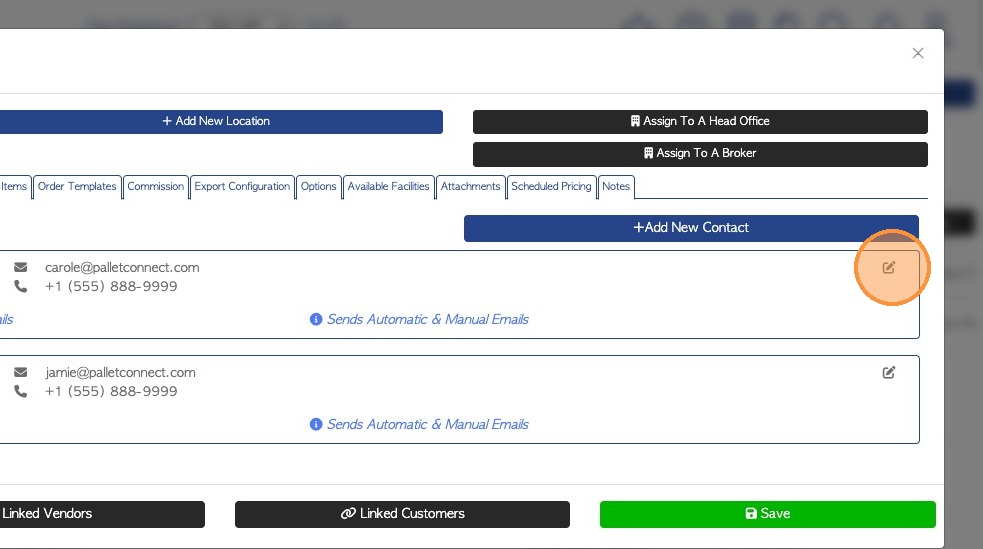
5. Click the 'edit' icon next to contact person profile, to expand settings
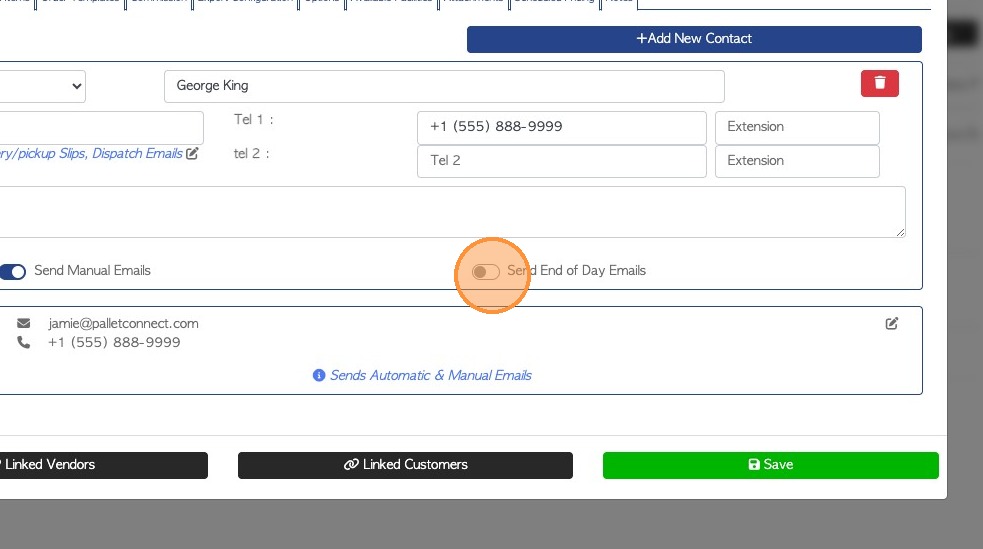
6. Click on "Send End of Day Emails", this will enable the feature.
7. Click here to review other email types that are sent to this contact person
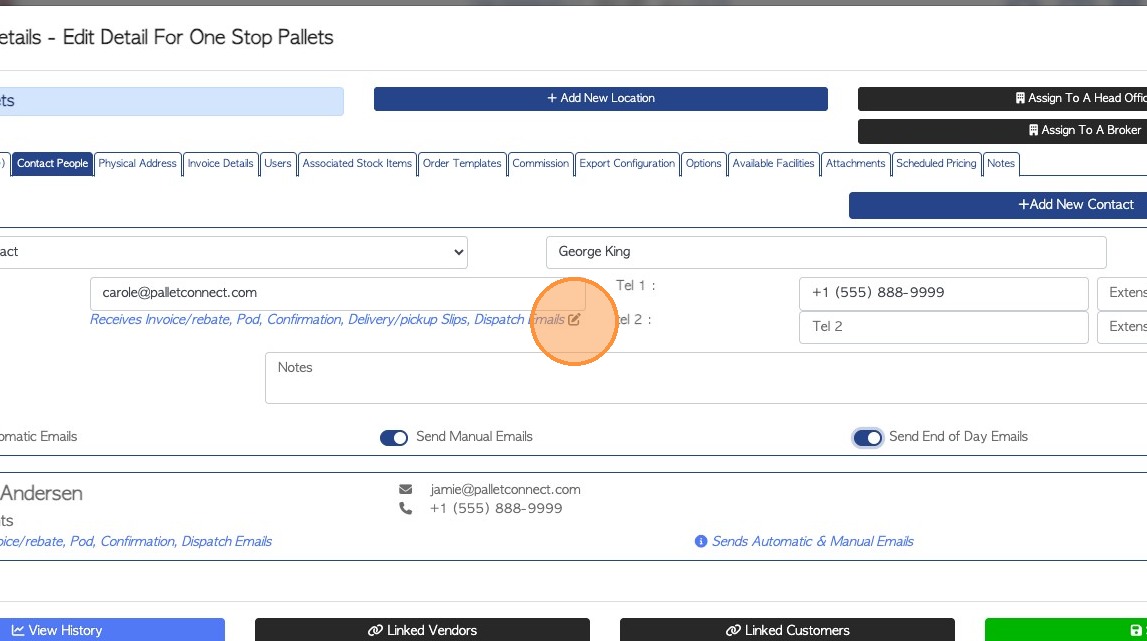
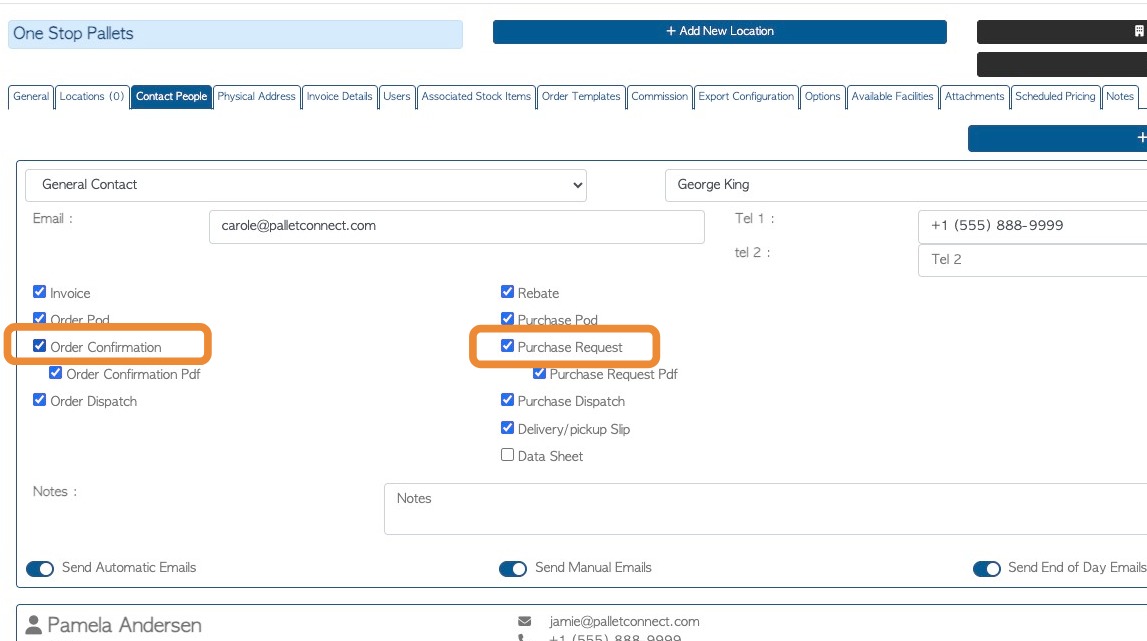
8. TIP! For the End of Day report to be emailed, one order email type must be checked off also for this person. Click either 'Order Confirmation' or 'Purchase Request' email type.
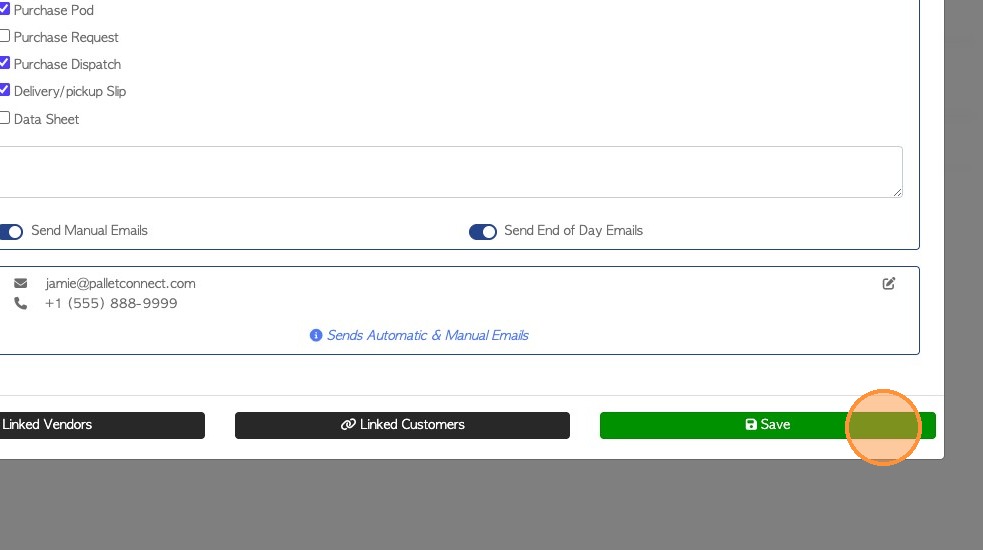
9. Click "Save" to complete changes.
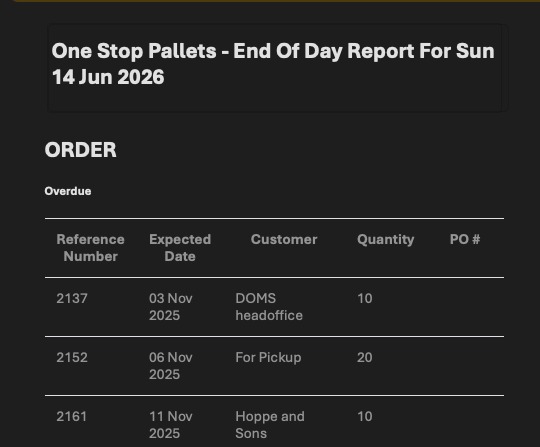
10. The email will show a summary of open Customer Orders.
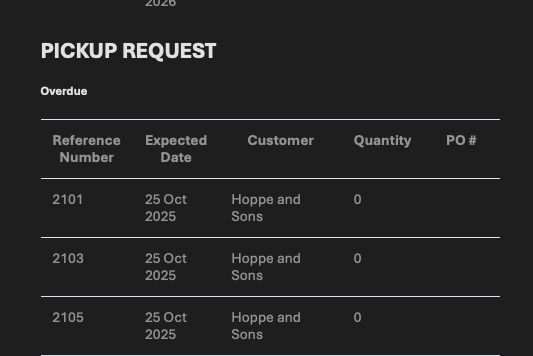
11. Vendor Pick Up Requests are also shown.
12. Vendor Unprocessed Trailers are included as well.