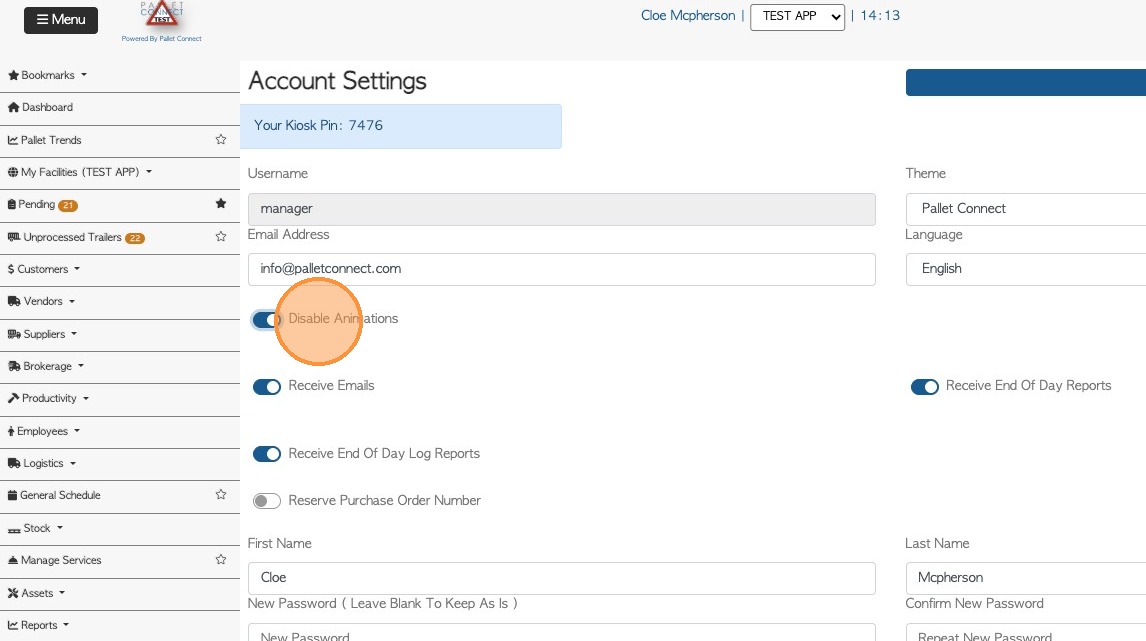
1. The Account Settings page allows users to manage personal information, preferences and system behaviours within Pallet Connect. Below is a detailed explanation of each available setting:
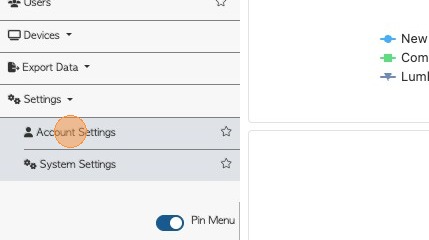
From the Main Menu, click Settings -> Account Settings in the Main Menu.
2. 1. Kiosk PIN: A unique numeric code assigned to each user for quick access through kiosk devices. It allows fast login in shared environments without entering a full username and password. The kiosk PIN also shows in user and employee profiles.
2. Username: A unique identifier for each user to log into the system and track user activity. This is typically assigned during account setup and may not be editable.
3. Theme: This setting allows users to choose their preferred visual appearance of the Pallet Connect interface. It only affects how the system looks for the individual user.
4. Email Address: The email linked to the user’s account for communication and notifications. It is also used for password recovery and important system updates.
5. Language: Determines the language displayed in the system interface. Users can select from the available options (e.g., Afrikaans, English, French or Spanish) to match their preferred language.
6. Animations: Controls whether visual transition effects are enabled within the system. Disabling this can provide a simpler interface experience.
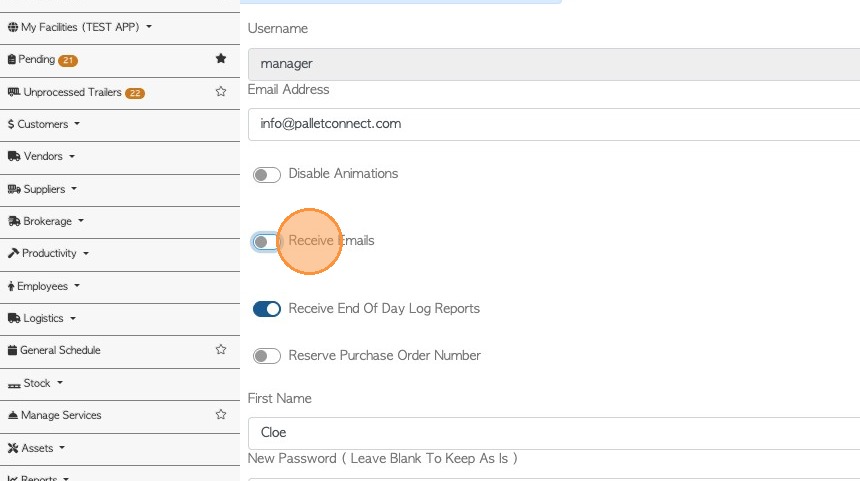
3. 7. Receive Emails: This toggle determines if the user will receive general system-generated emails. Turning it off will stop most notification emails from being sent.
4. 8. Receive End Of Day Log Reports: Enables or disables receiving daily log reports that summarize system activities. This provides a list of transaction changes and the associated user. This can also be managed in the user profile.
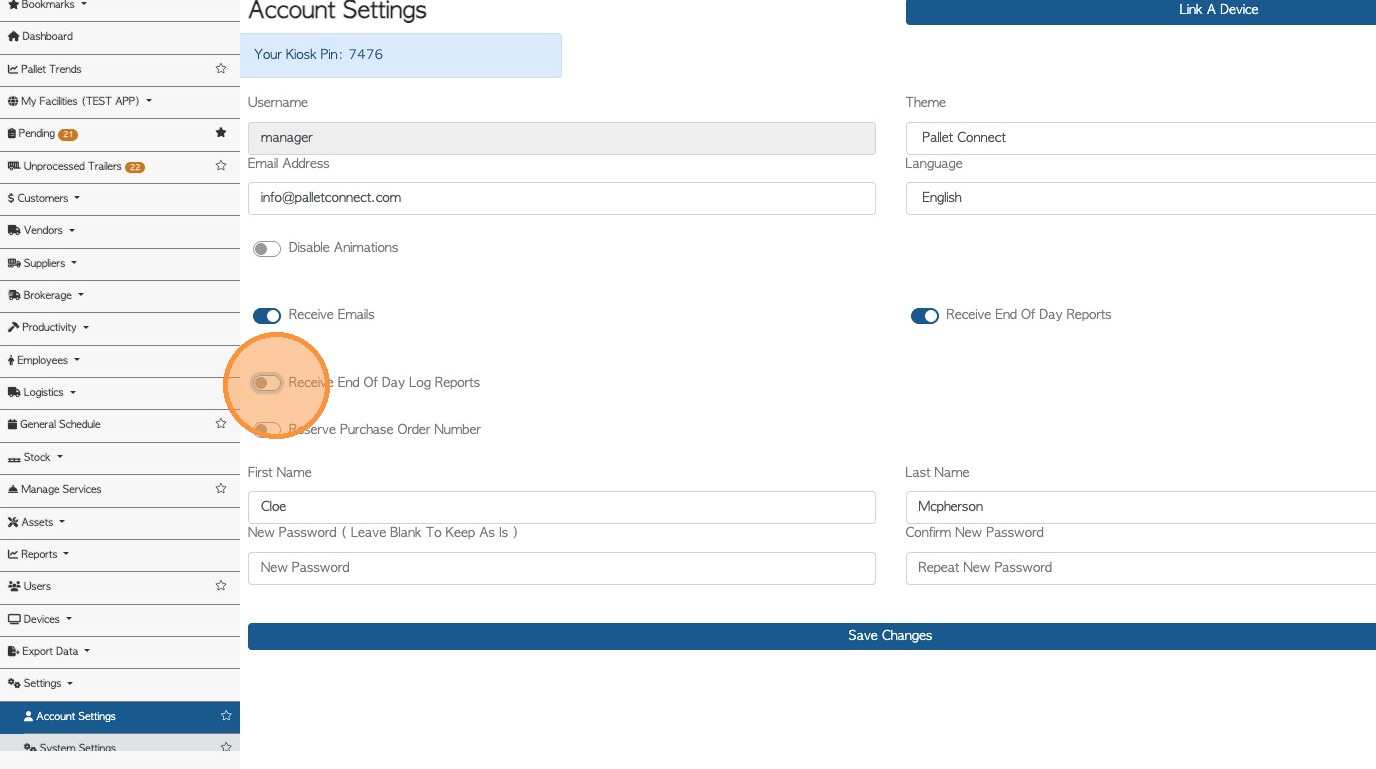
5. 9. Reserve Purchase Order Number: This setting allows the system to automatically assign a purchase order number in advance. It helps maintain proper sequencing and avoids duplication.
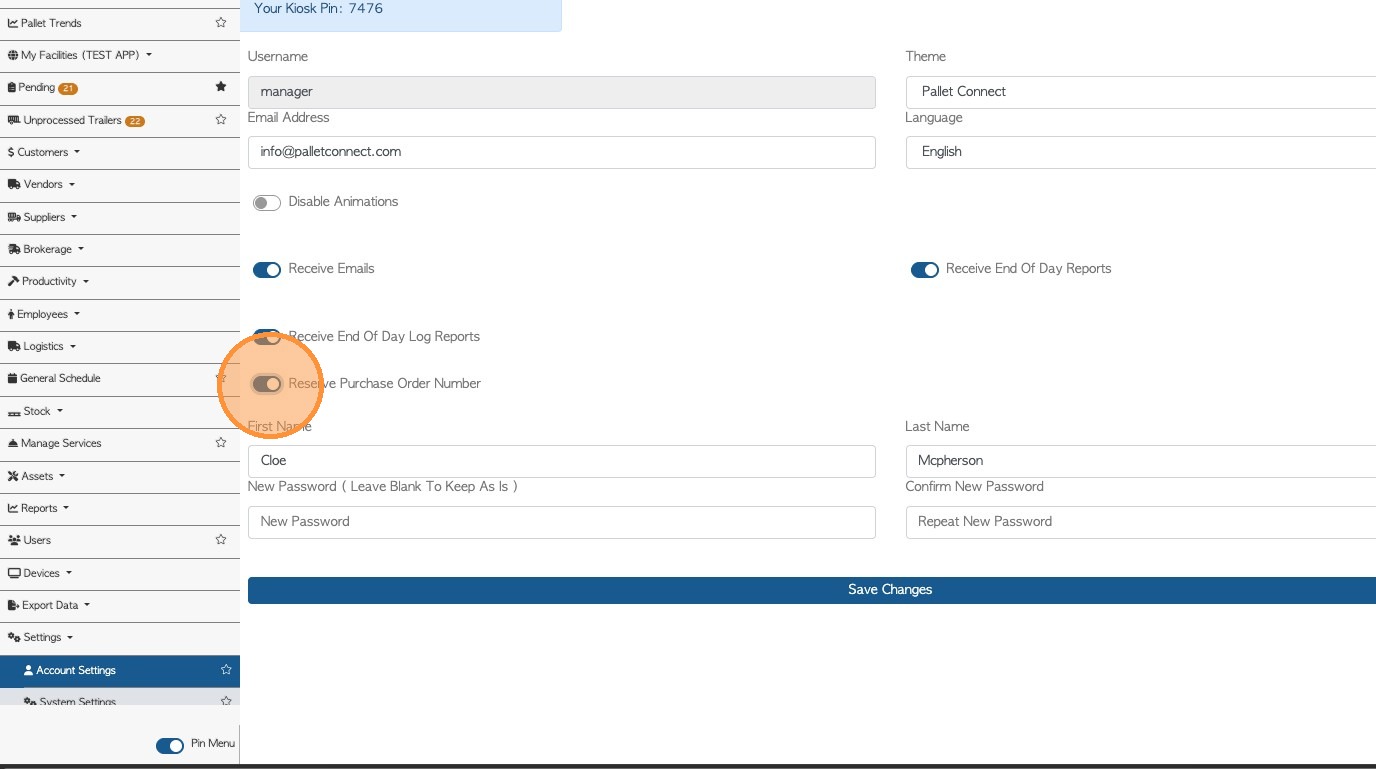
6. 10. Receive End Of Day Reports: Shows a summary of new orders, requests, sales and rebates. Only available for General Manager and Accounting user types.
11. First Name: The user’s given name as recorded in the system. It is used for identification and display purposes.
12. Last Name: The user’s family name or surname stored in the system. It helps identify the user in records and reports.
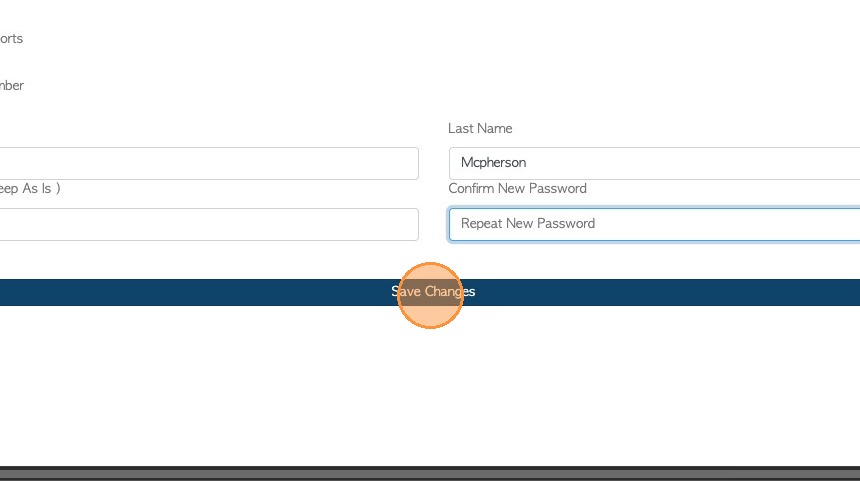
13. New Password: Allows the user to update their account password by entering and confirming a new one. This helps maintain account security and protect user access.
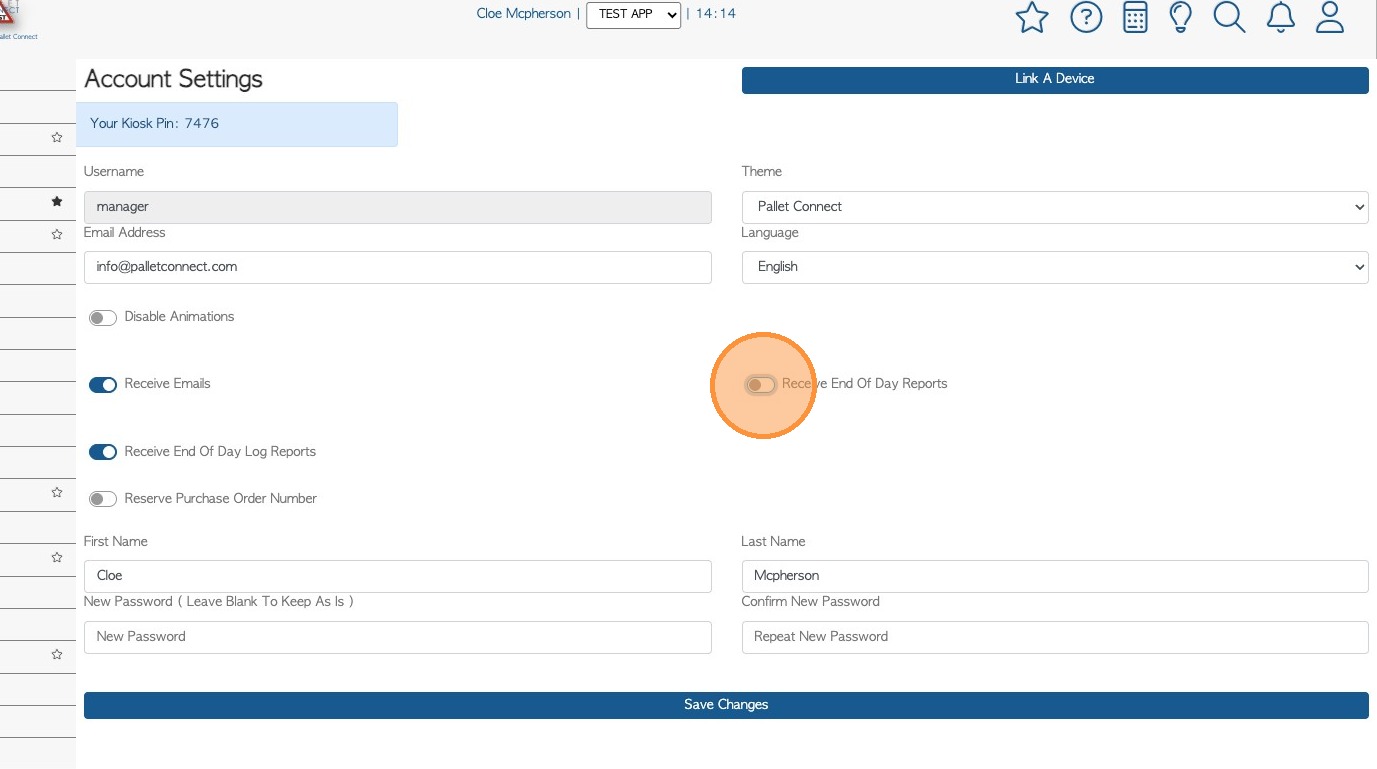
7. Click "Save Changes" to update your profile settings.