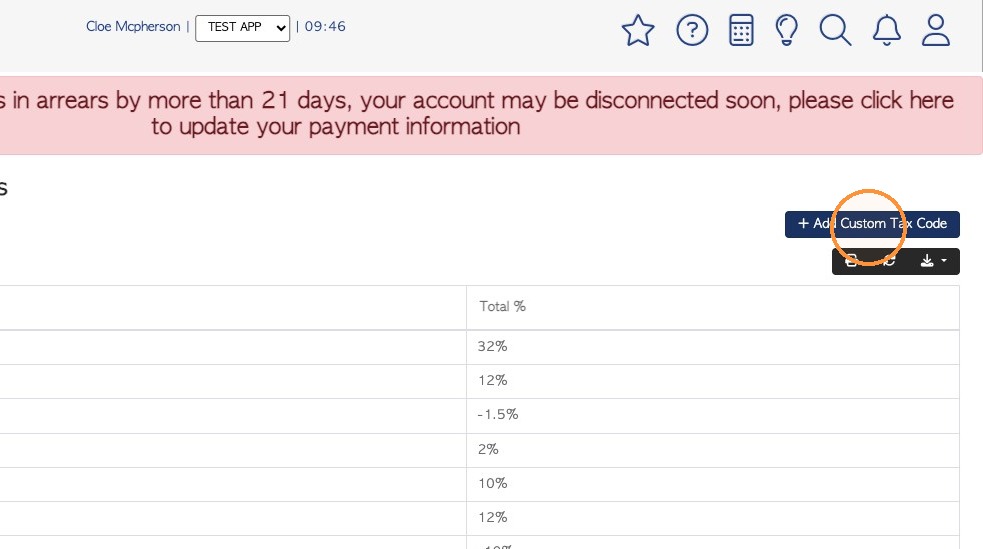
Custom Tax codes will override the default state tax, where tax is applied. This guide explains the process of updating tax labels and percentages to create a custom tax. See related article on "Applying tax and Custom Tax to a Customer"
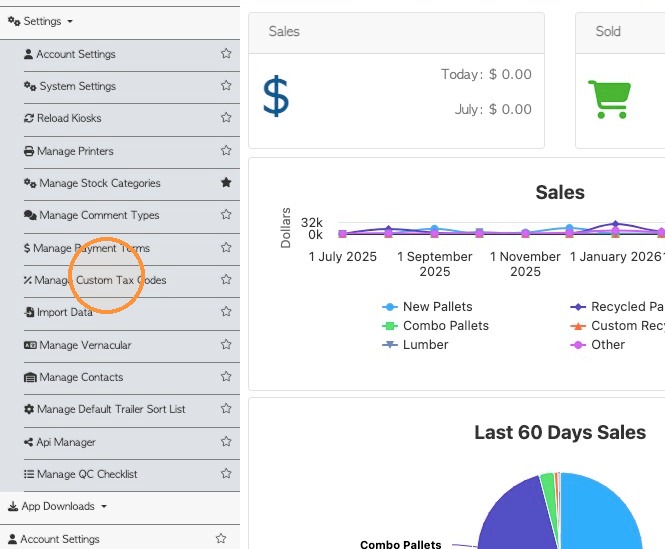
1. Navigate to "Settings" from the main menu. Click "Manage Custom Tax Codes"
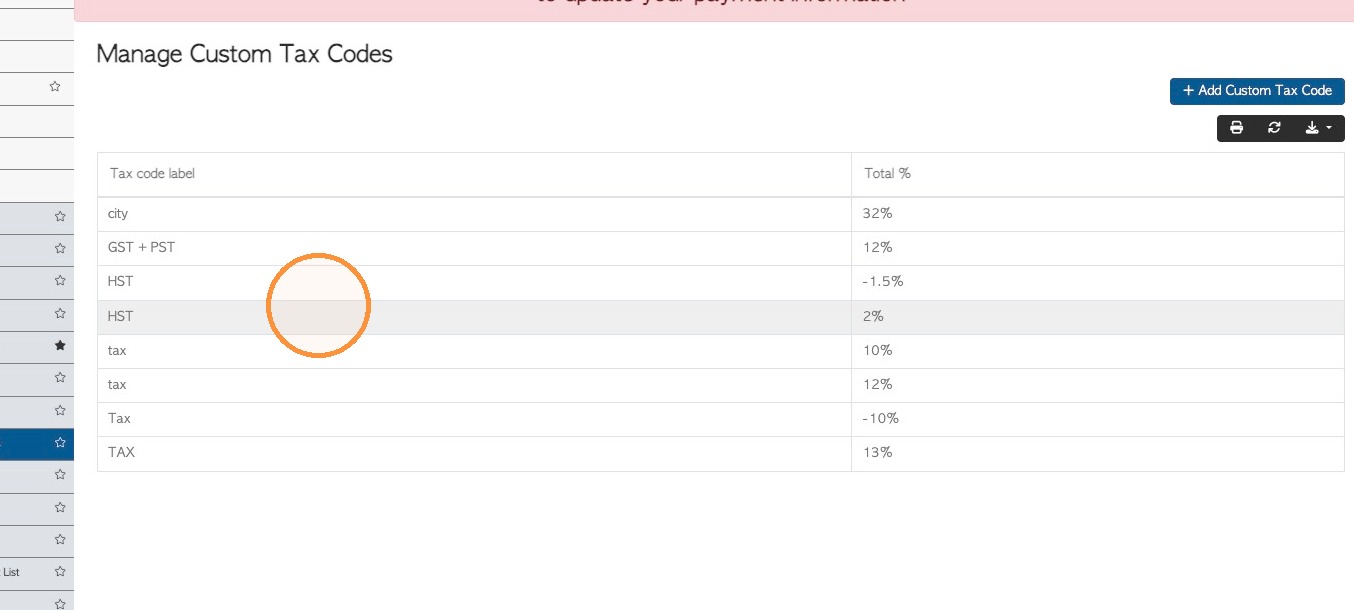
2. The screen shows a list of current Custom Tax codes.
NOTE: These are the tax codes that will show in the drop down menu, when applying them to a Contact Profile.
Click on a tax code from the list to make changes.
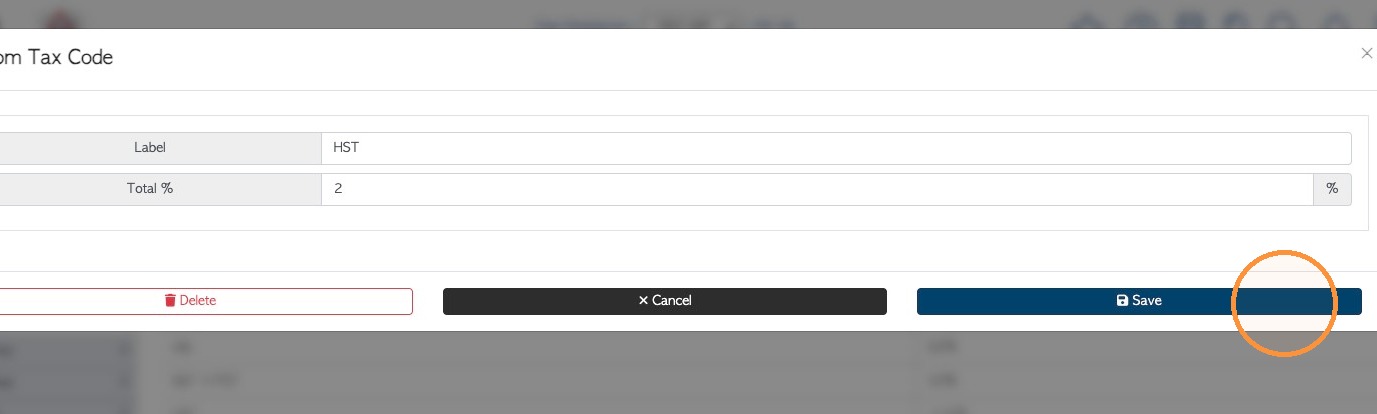
3. The name and total percentage can be edited here. The tax code can be deleted too. Click "Save" to complete any changes.
4. Click "Add Custom Tax Code" to start creating a new tax entry.
In the pop up screen, add the name and percentage total of the new tax and click on 'save' to complete.
NOTE: This page can be printed or downloaded, if needed.