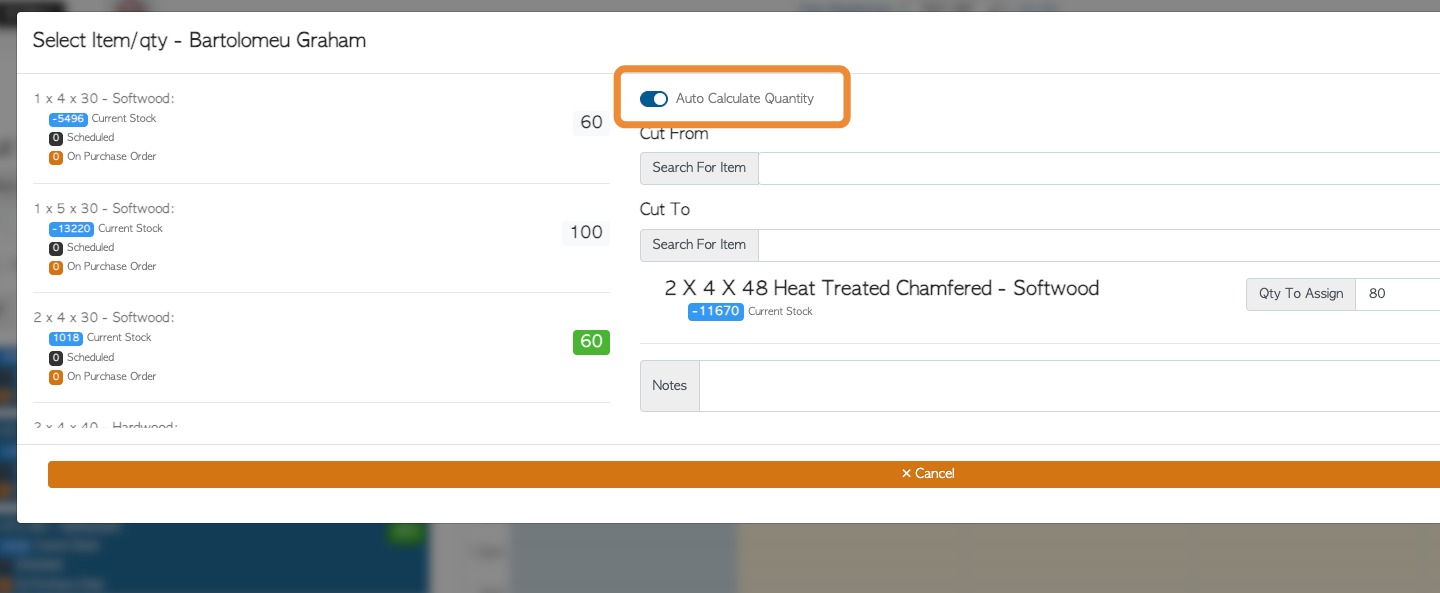
Pallet Connect can assist in calculating lumber cuts in two ways. First is using only the board foot of the items and the second applies some dimensional logic to the cut. The logic can allow the output quantity to be more practical. This article explains how the setting is managed at a system level.
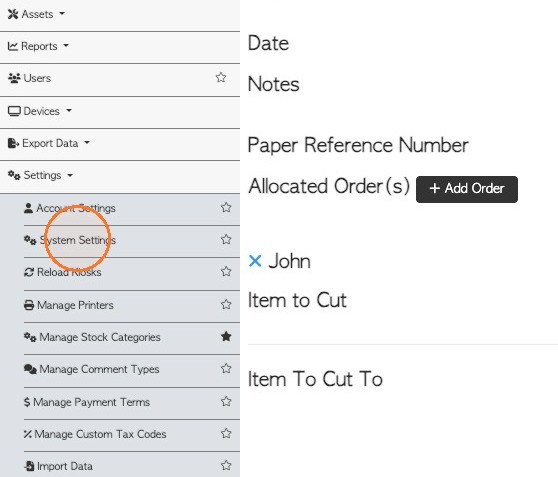
1. To review and manage the setting, start from the main menu. Click "Settings" then "System Settings"
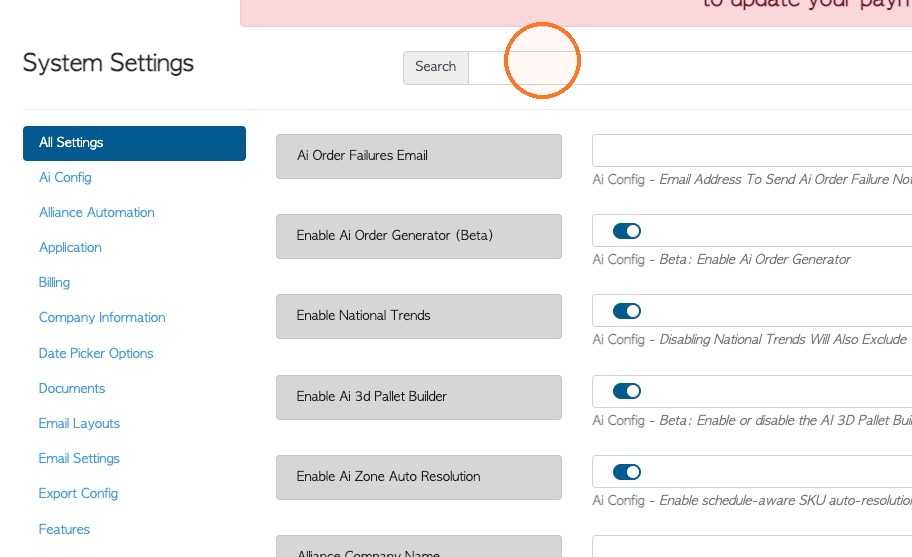
2. Use the search bar to look up "logic", or click on the 'Production' section of the settings.
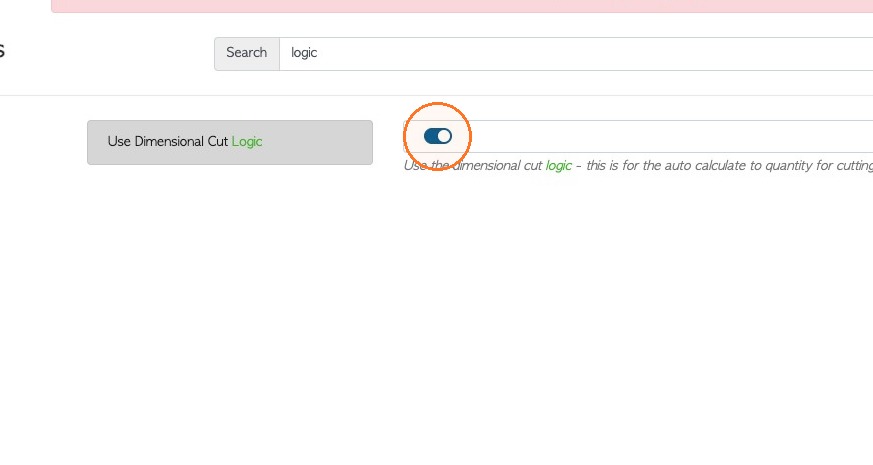
3. Toggle "Use Dimensional Cut Logic"
When the feature is toggled off, the board foot of an item is used only.
When the feature is toggled on, the system uses cut logic, which takes into account a practical cut quantity, not just pieces available per board foot.
4. Click "Save Settings" to complete any changes.
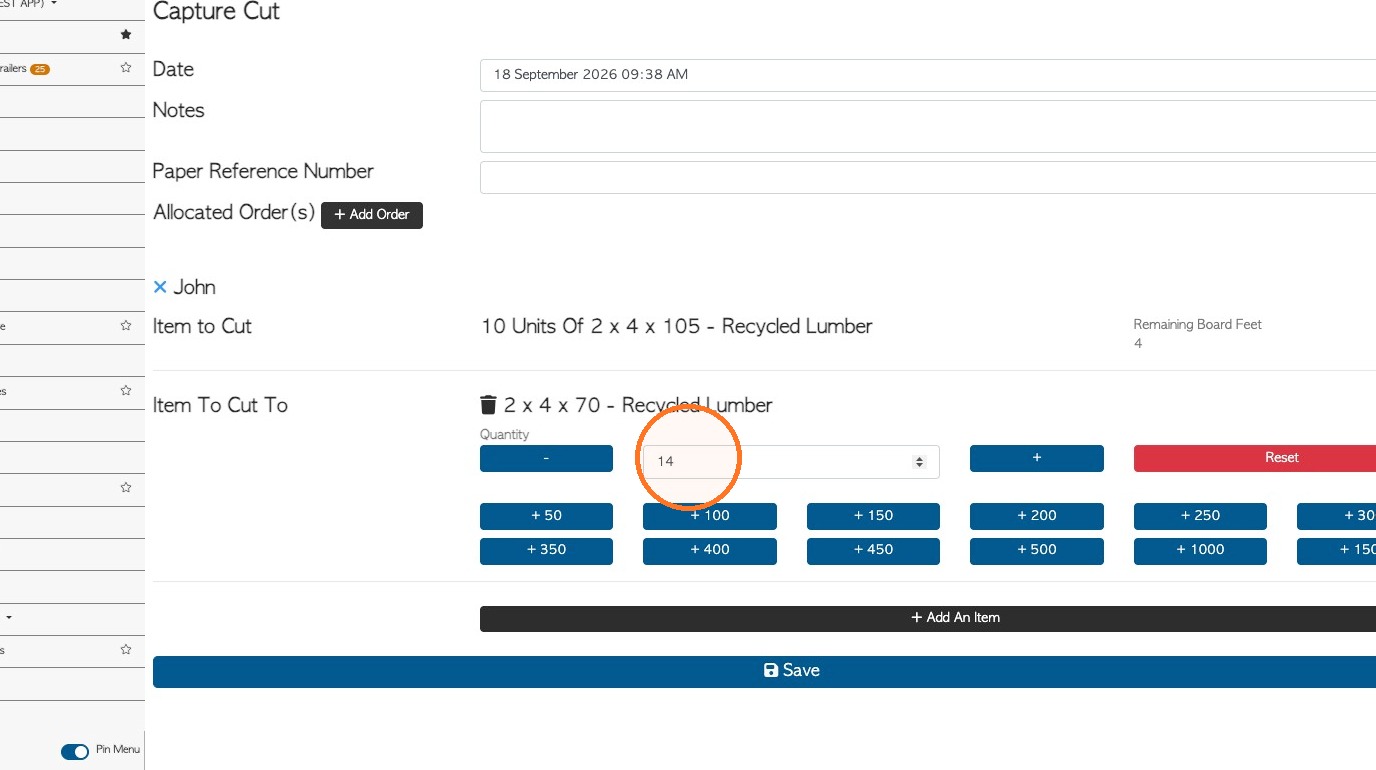
5. The difference in calculations can be seen in production, when 'capturing a cut'.
6. The difference in calculations can also be seen in planning when using the Cut Schedule.
NOTE: The "Auto Calculate Quantity" needs to be enabled in the cut schedule, for the system to generate quantities.