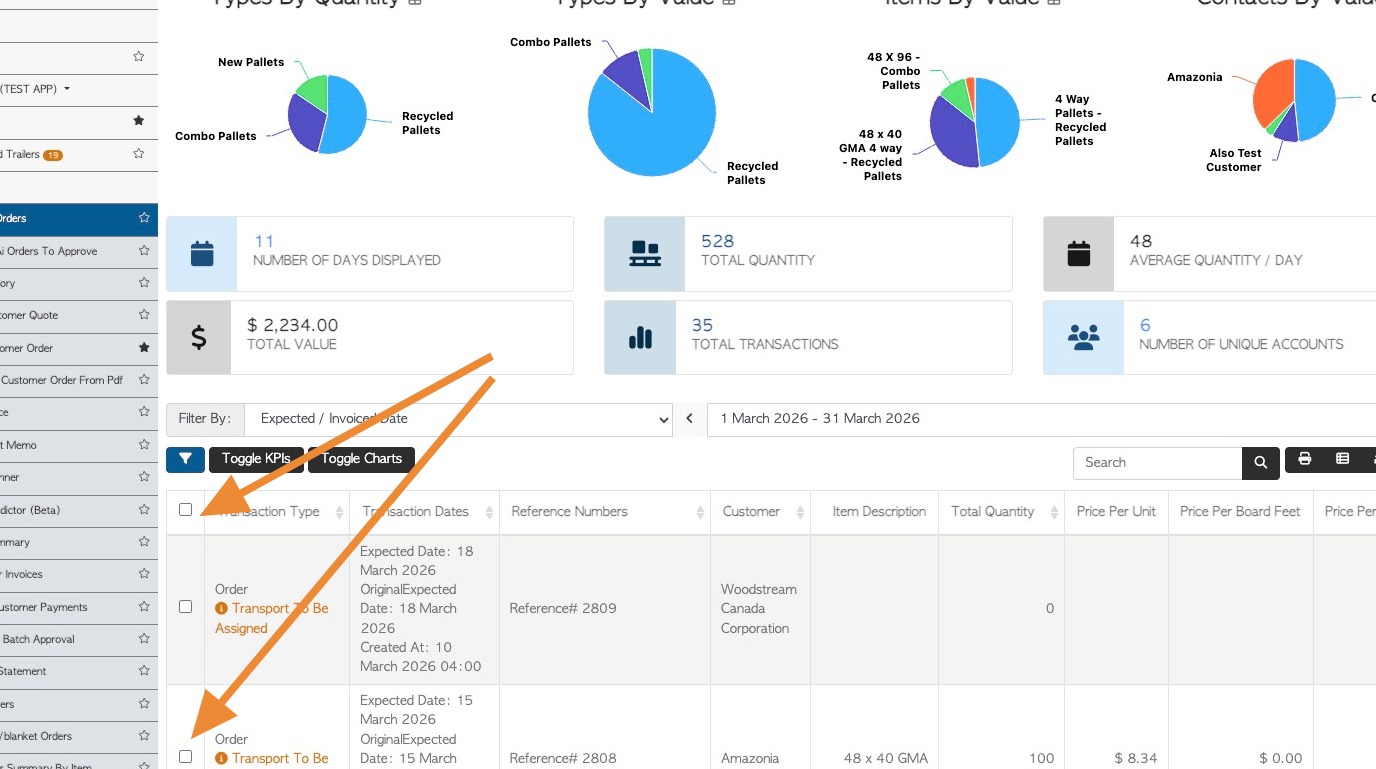
If these are missing from the page, this article explains how to reset the report so the checkboxes are visible again. The article will focus on the Current Orders page in the Customer section of the menu.
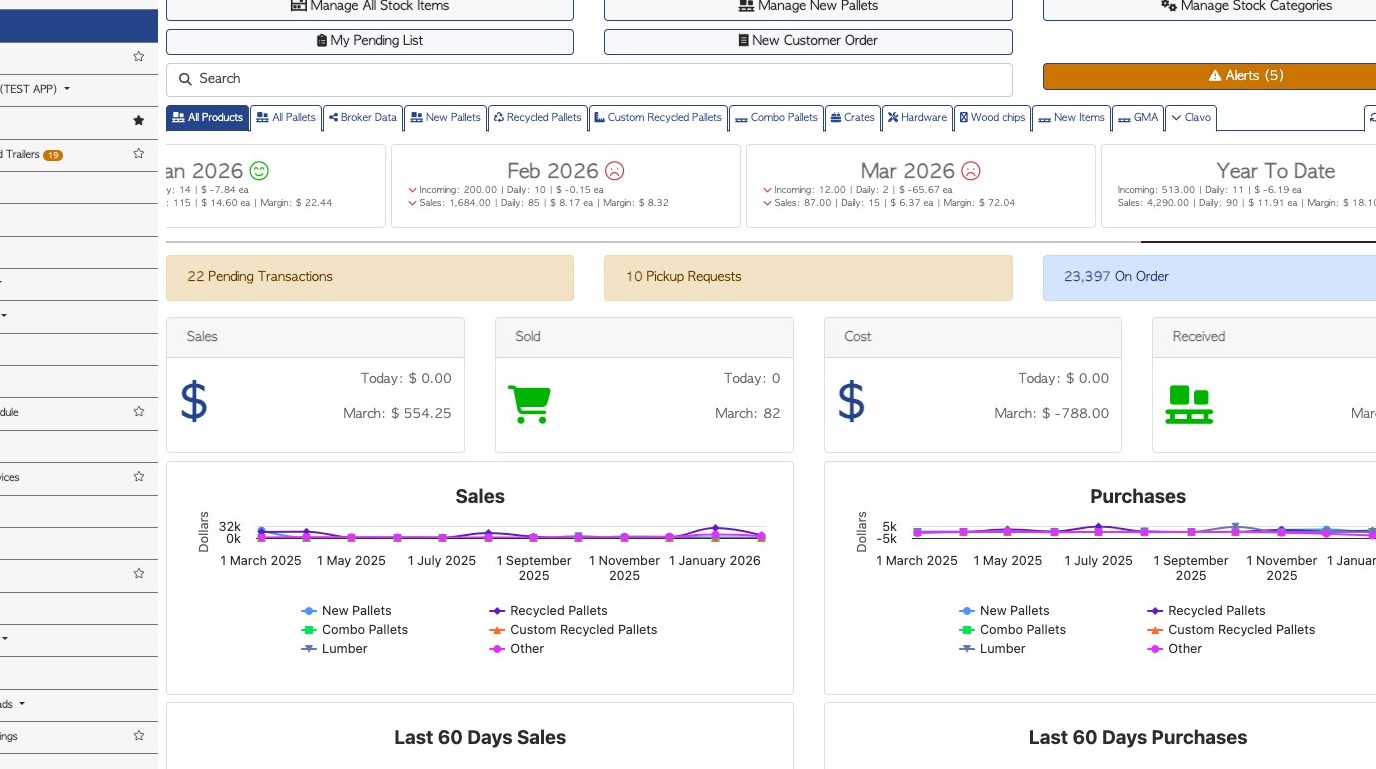
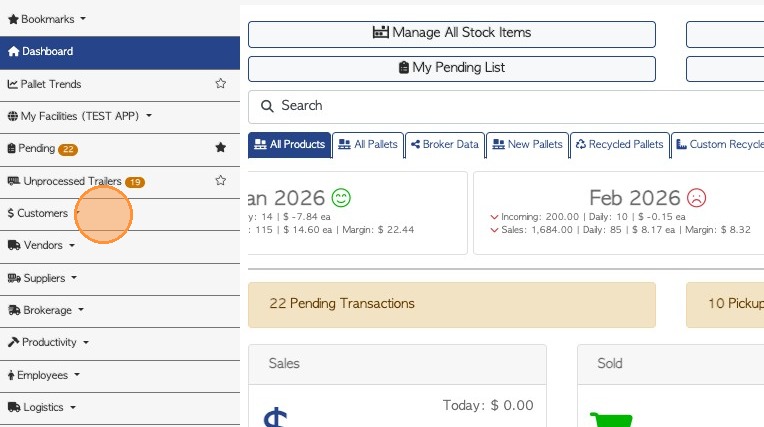
2. From the main menu, click "Customers"
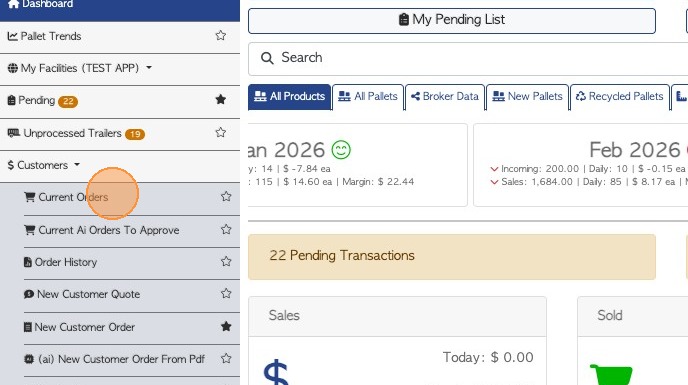
3. Click "Current Orders"
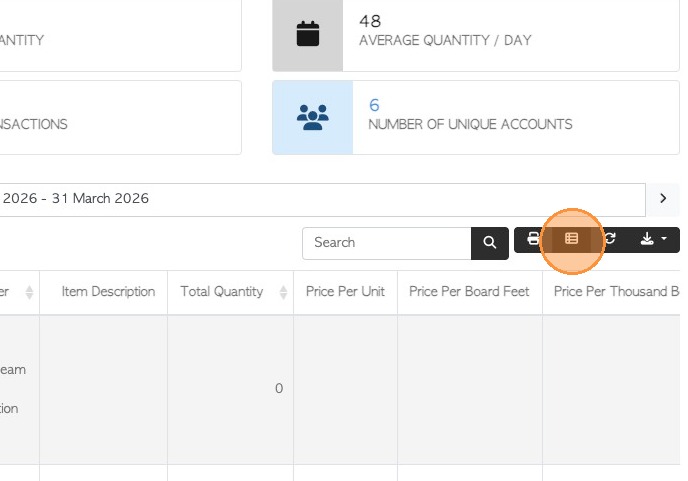
4. Click here, on the manage columns icon.
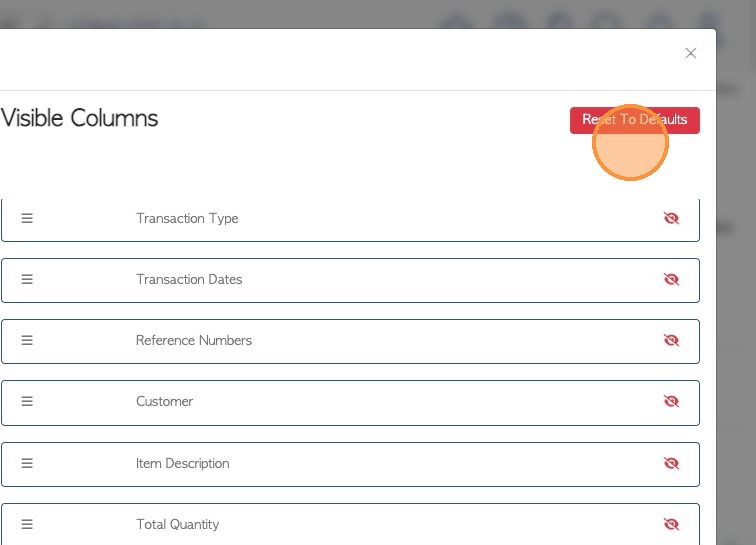
5. Click the "Reset To Defaults" button
6. Click "Apply Changes" to save
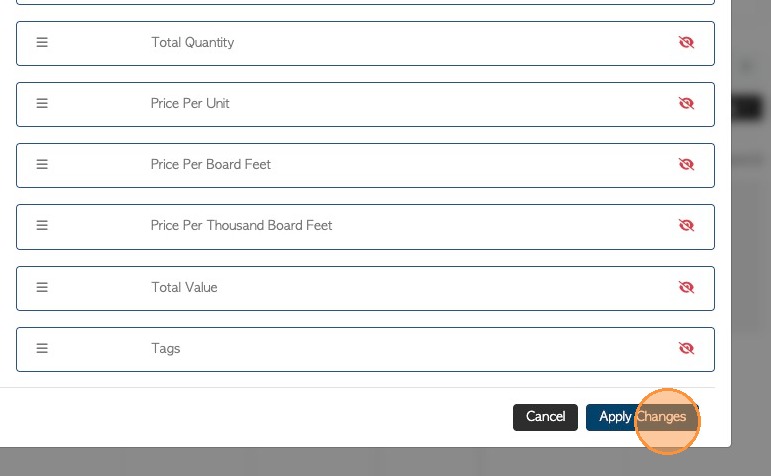
7. The checkboxes will now be visible.
NOTE: When a checkbox is selected, the bulk action button will be displayed at the top of the list.