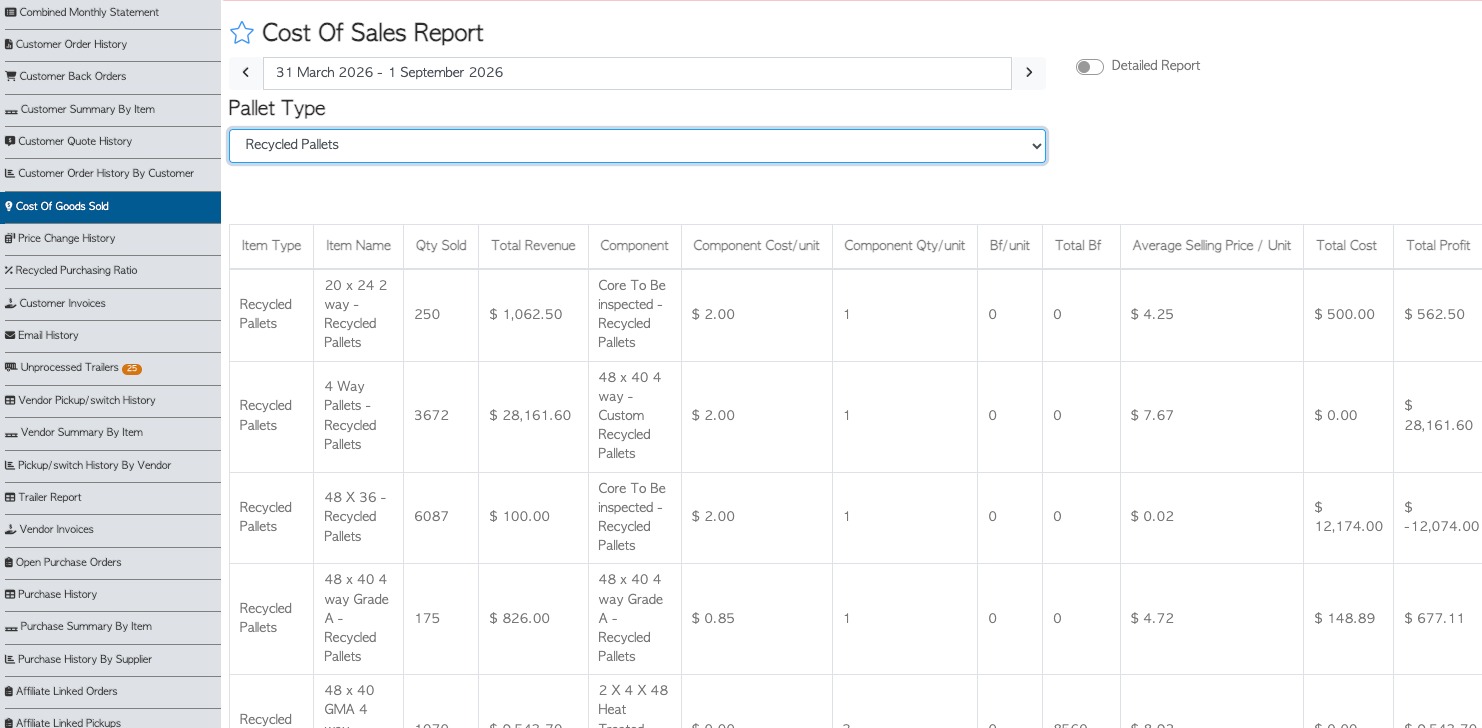
Learn how to accurately track the cost of recycled pallets in the system. This is achieved by inputting Vendor purchases and production costs. When this data is paired with selling costs, the system can then calculate profit margins.
Cost of Materials
1. Vendor Rebate: When bringing Vendor Purchases into Pallet Connect, this gives the system costing information on the raw material that is repaired to produce a recycled pallet. The purchases are usually cores or broken pallets.
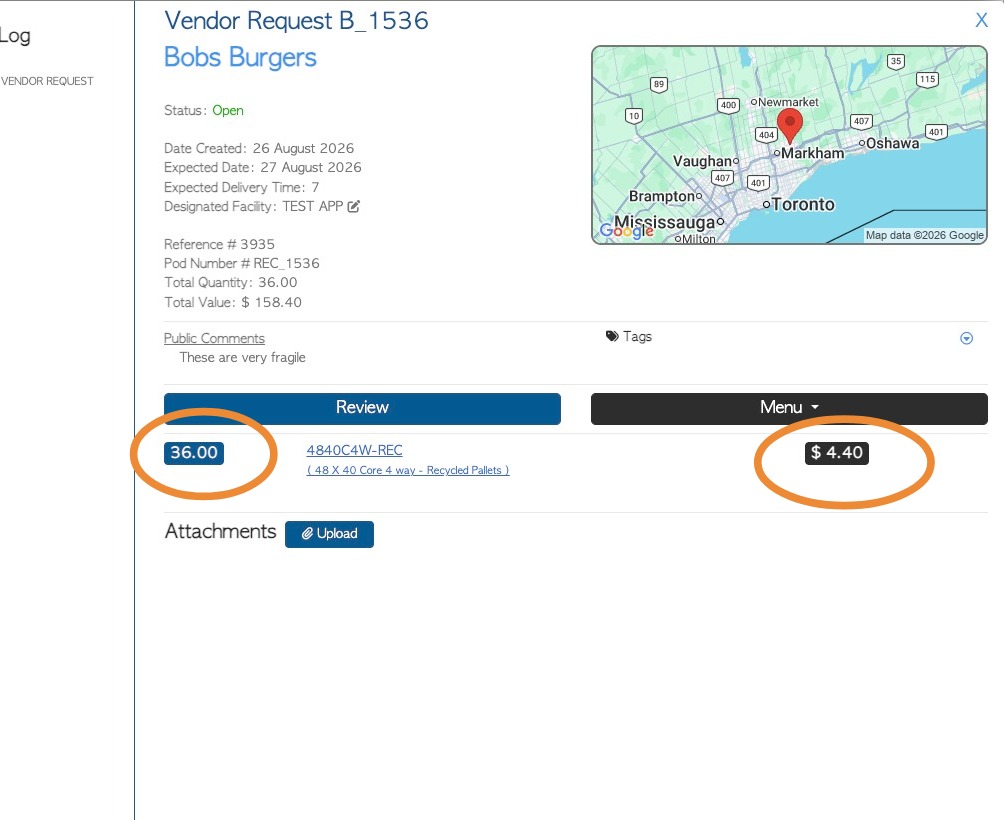
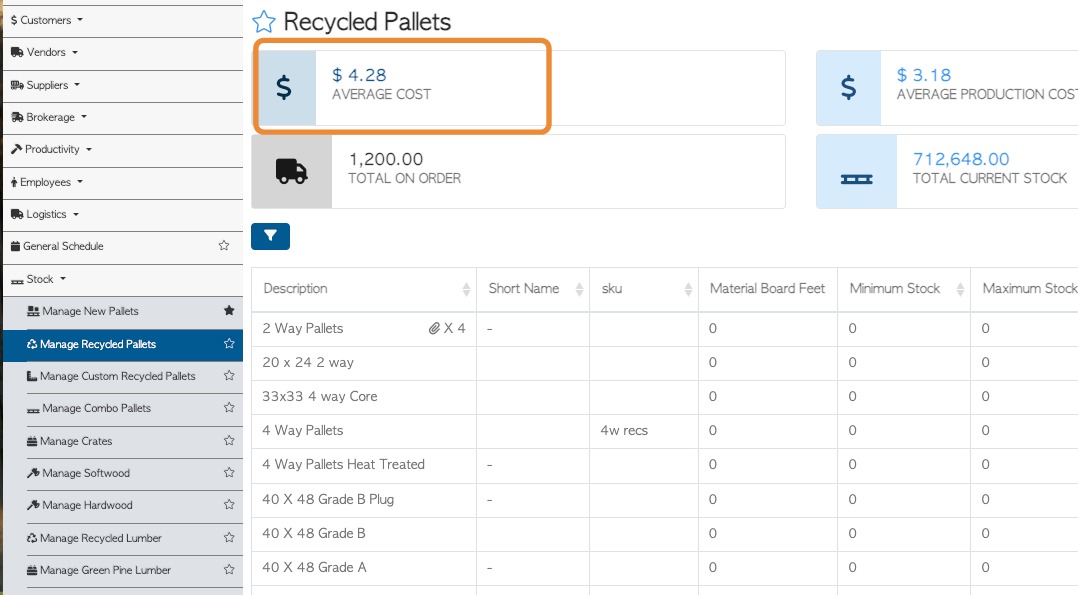
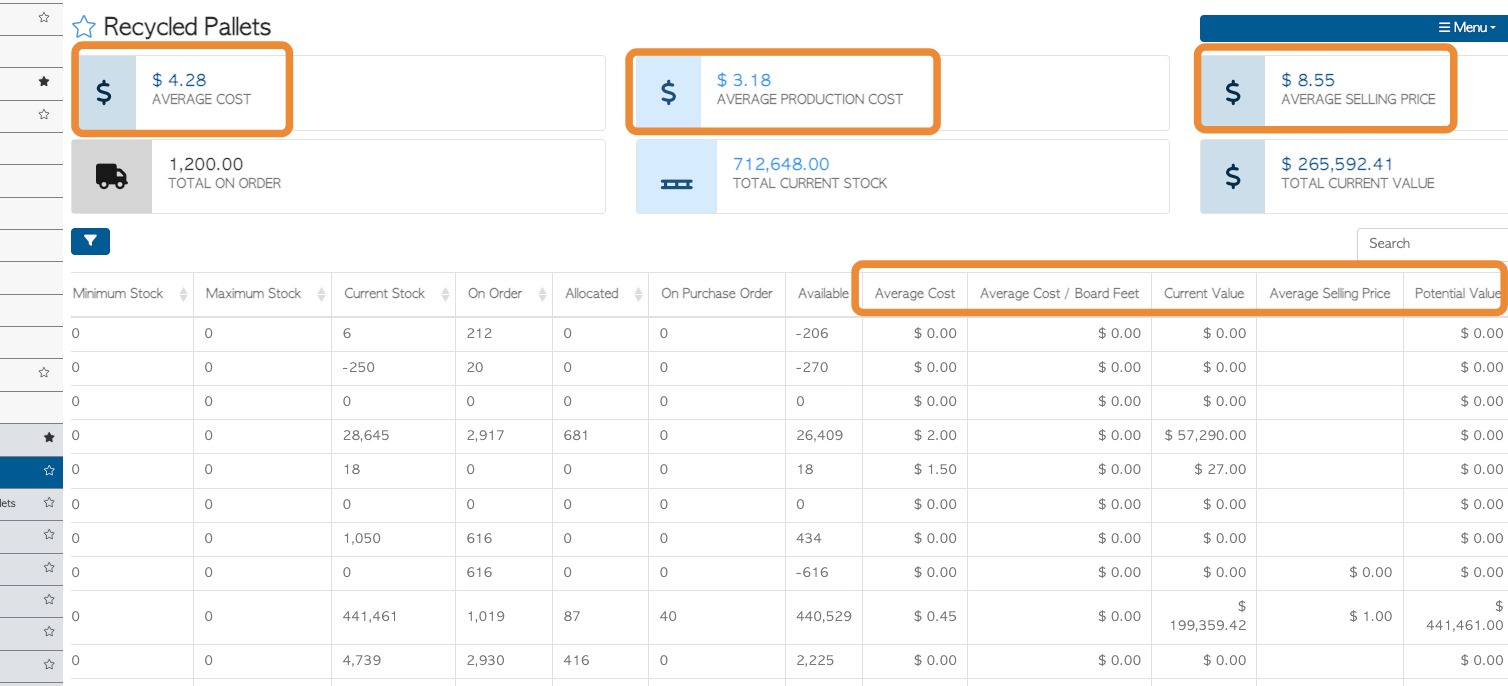
2. NOTE: The Average cost of the stock category can be found in the "Manage Category"page e.g. "Manage Recycled Pallets".
Production Cost
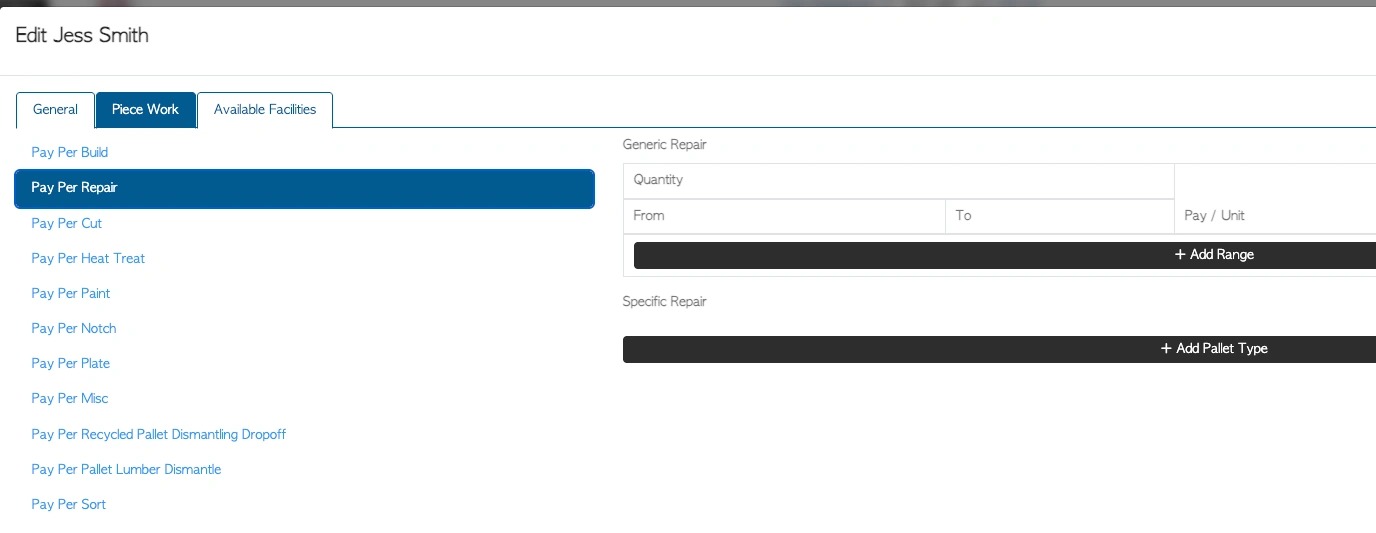
3. Optional Piece Rate: There is an option to set up piece rate for employees, if applicable to the business model. This will be included in the production cost of a pallet. For recycled pallet production, piece rates for 'repair' are relevant.
NOTE: The piece rate can be added to a stock item or an employee. See related articles.
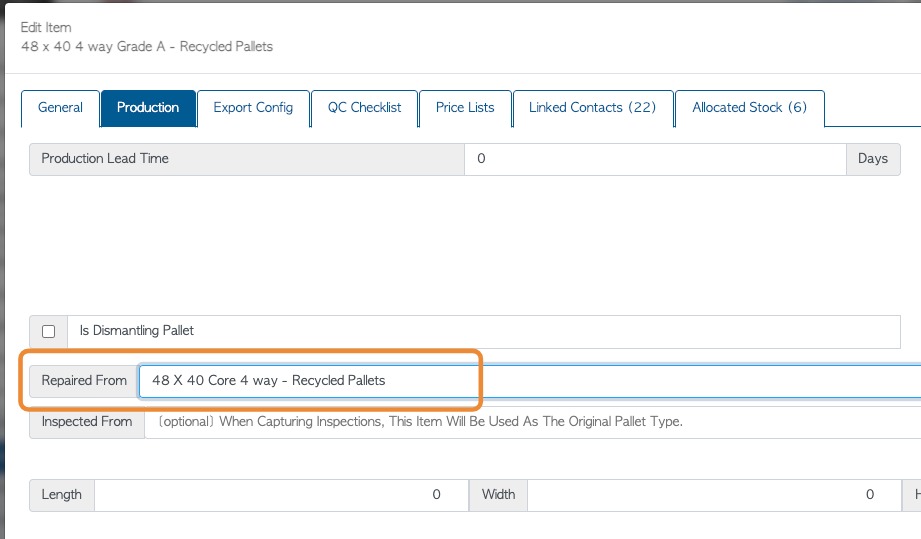
4. Capture Repair: When capturing repair in the production module, it is important to set up the core that is used.
This information is inputted from the Production tab. The core is added as the 'repaired from' pallet. The "Material Used for Repair' can also now be added into the production tab e.g. reclaimed lumber
NOTE: These items will show up on the Production Summary log when capturing repair.
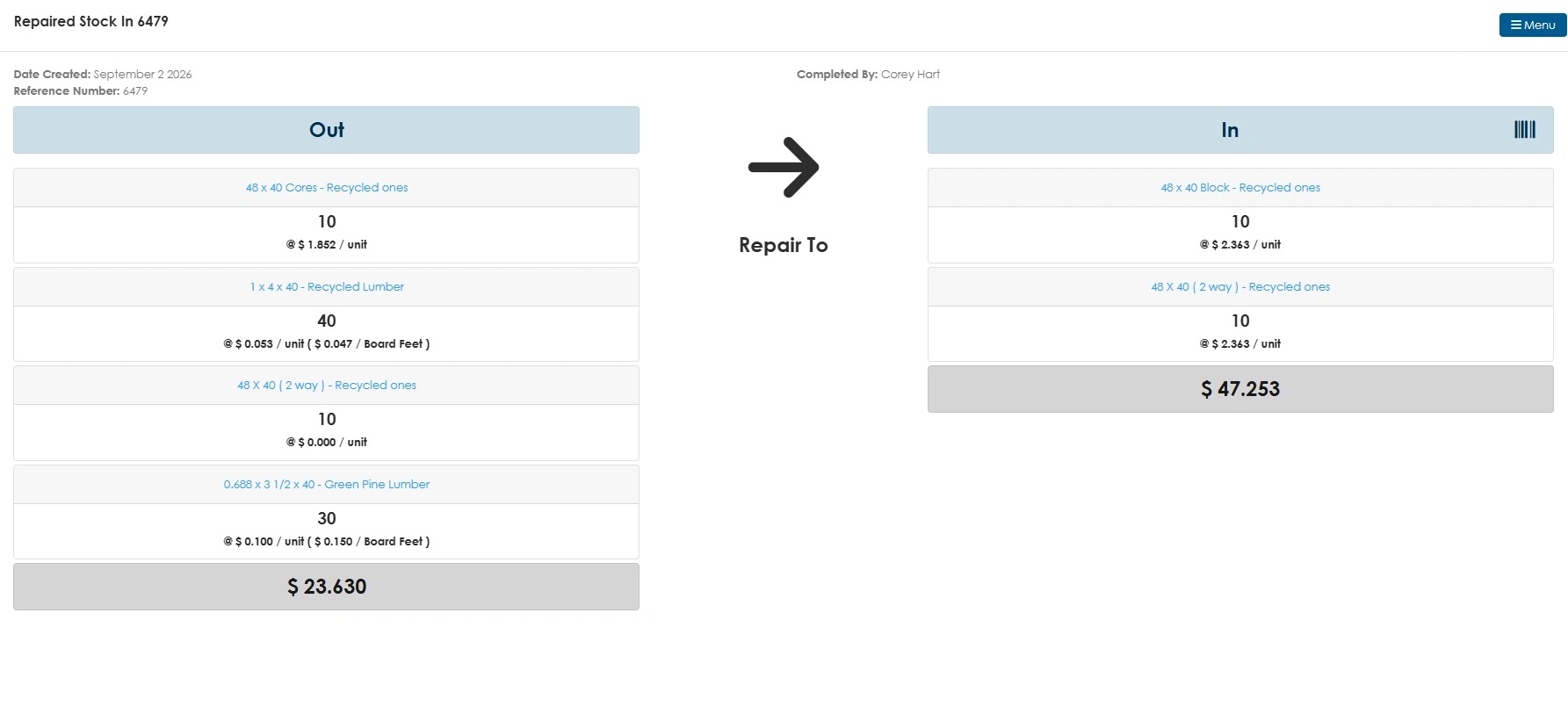
5. When capturing the 'repair' during production, the production summary record will now show the core/recycled lumber coming out of stock and the recycled pallet coming into inventory. The associated costs will also be displayed and applied.
Customer Sales
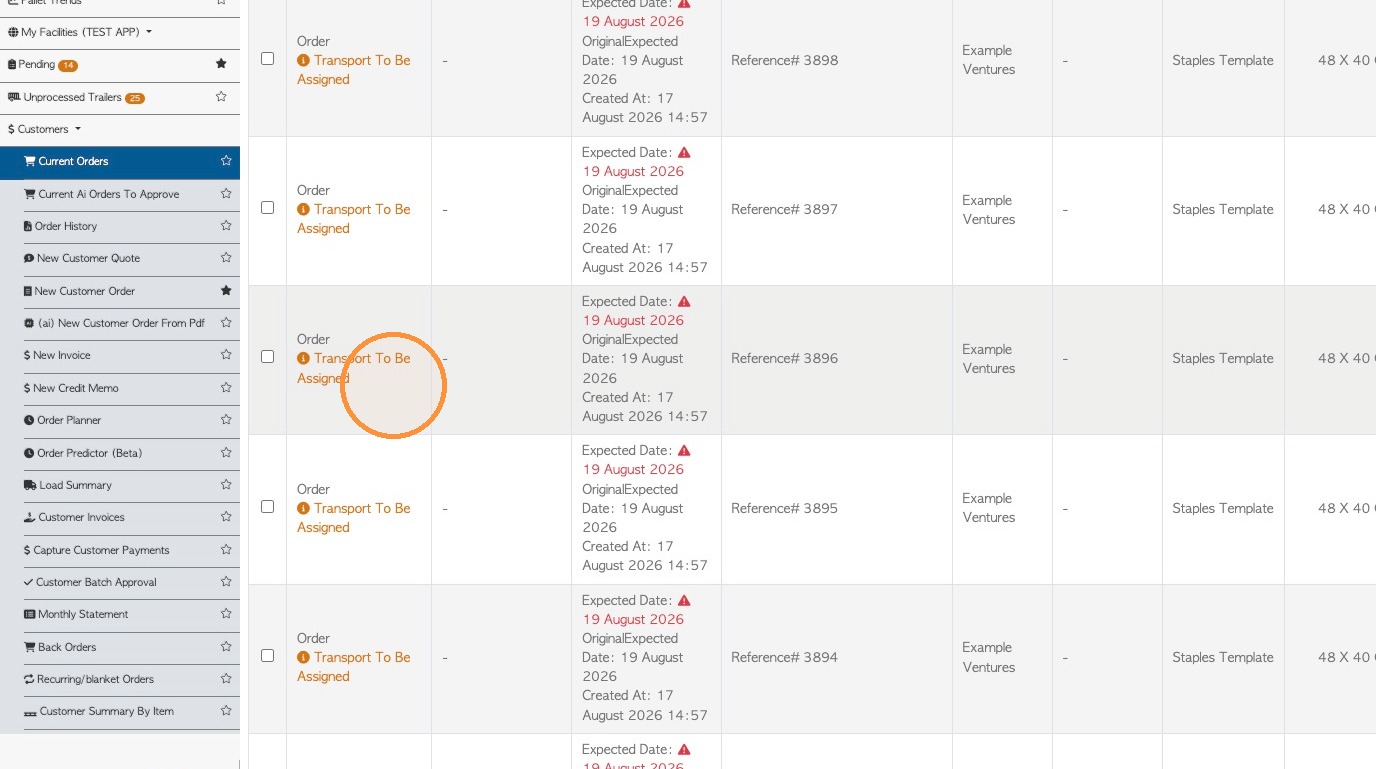
6. SELLING PRICE: The selling price of the recycled pallet is updated when a customer invoice is created and approved.
7. The selling price of a pallet is not added to the stock item profile. Items are instead linked to a Customer and customized prices are added in the "Linked Stock Items" tab of the customer profile. This allows one pallet type to be sold at various prices, dependent on the customer.
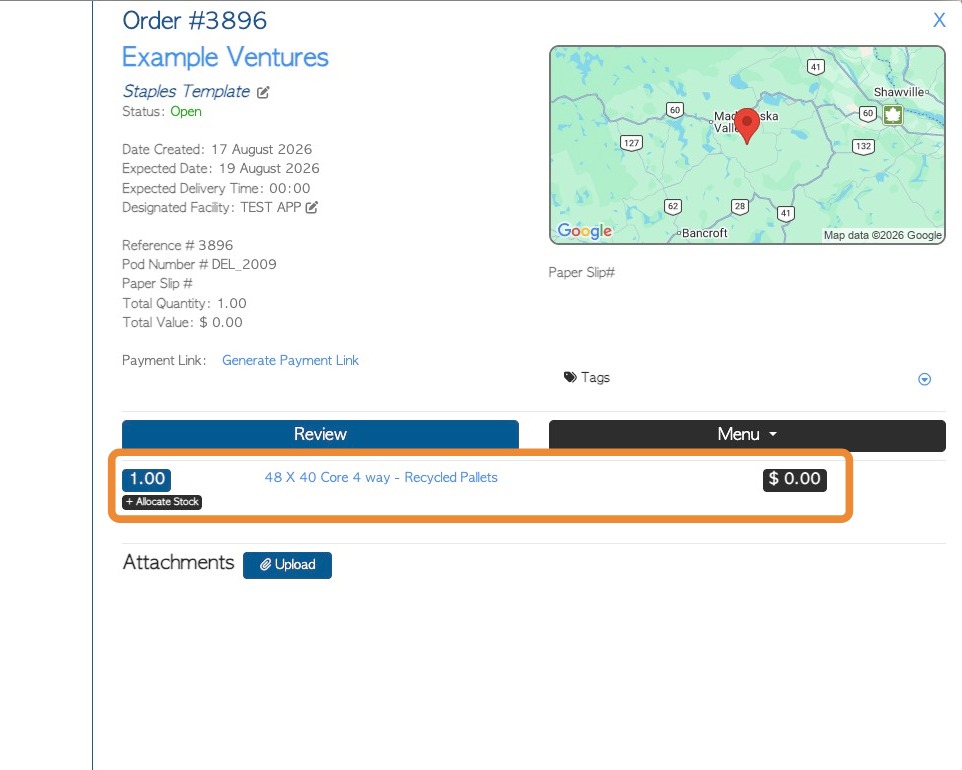
NOTE: An item does not have to be manually linked to a customer profile. If an item is used in an order, the item and price will be automatically added to the linked stock items tab, after invoice.
Cost Reporting
8. STOCK ITEM COSTS: The current costs of a pallet can be viewed in the stock item profile.
Click on a pallet from the stock category list or look up the name using the global search tool. Click on the Production tab of the recycled pallet profile.
The selling price will be displayed as well as the production and material costs. If the pallet is purchased the buying cost is also displayed.
The "Average cost" is based on last 30 days of purchasing costs (lumber purchases)
The "Average production" cost is based on last 30 days of production costs (piece rate)
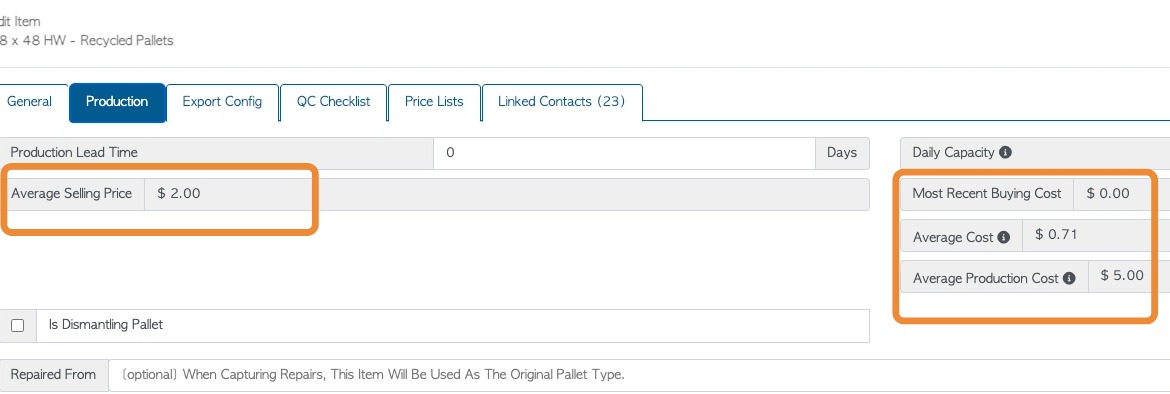
9. STOCK CATEGORY COSTS: To review costs of the stock category or multiple pallet items, click on the stock category page e.g. "Manage Recycled Pallets", and ensure the costing columns are included in the report.
10. Cost Of Goods Sold (COGS) can be found in the Report section of the menu. This is useful to compare cost and selling prices and review profit margins.
TIP! The selling price history of the pallet, can be found from the stock item profile. Selling price changes can be found in the Price History Report. See related articles: