Trailer Report Overview
Made by Eva Marie Manguilimutan with Scribe
Learn how to track trailer locations, monitor last movement dates, and analyze dwell times across customer sites. This report provides visibility into trailer utilization, idle periods, and asset movement to support efficient fleet and yard management.
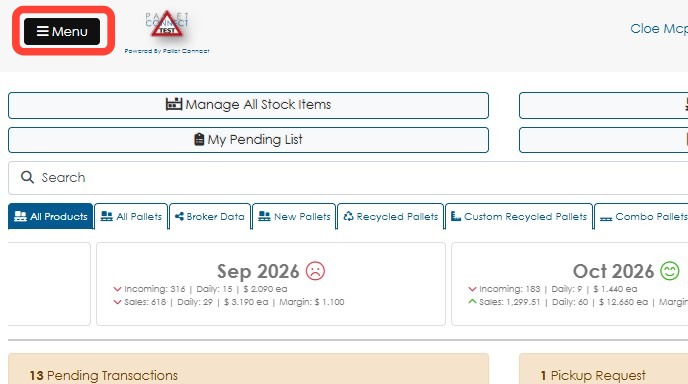
1. Click Menu.
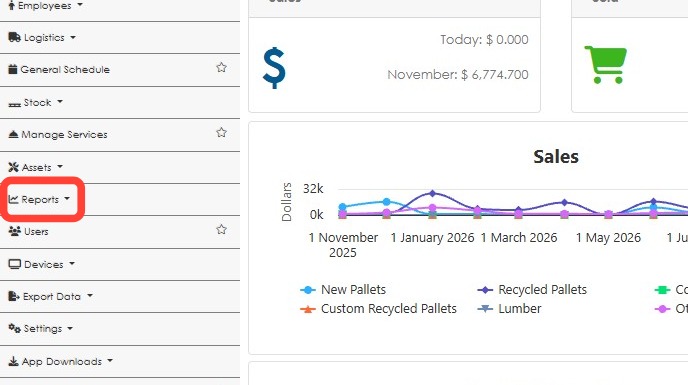
2. Click Reports.
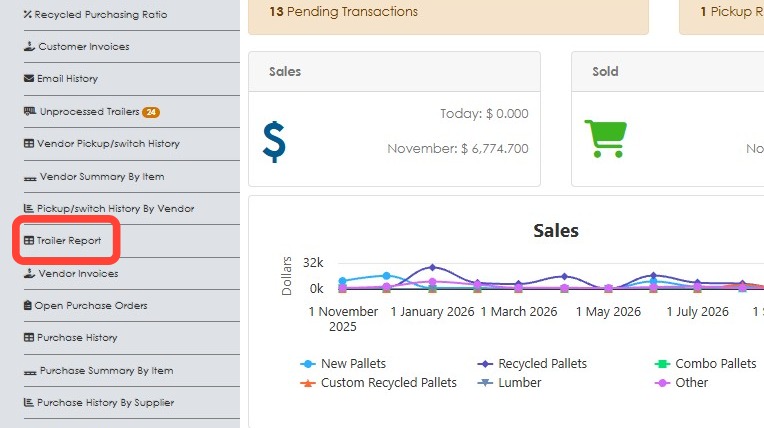
3. Click Trailer Report.
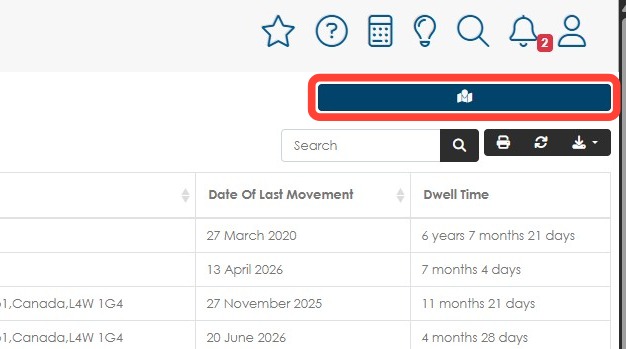
4. The report will show the trailer number, the current location and the last movement date, The Dwell Time column shows how long the trailer has been at the current location.
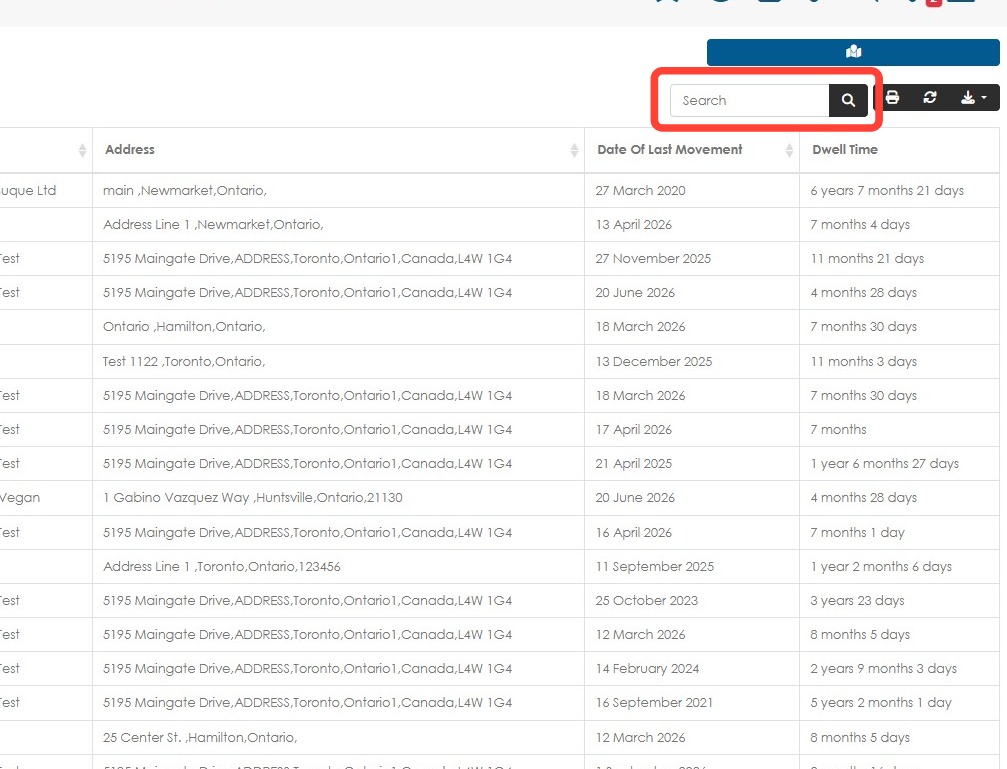
Use the Search field to look for a specific information e.g. trailer number, location.
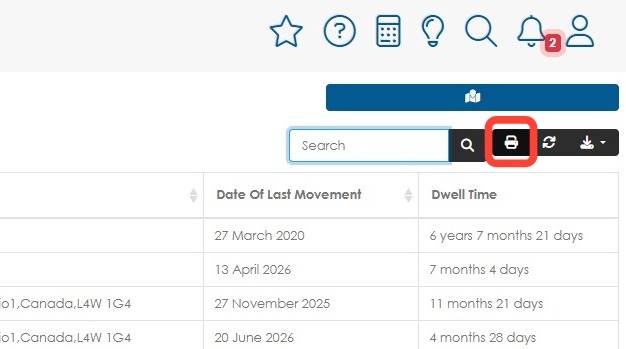
5. Click the Print button to print the report.
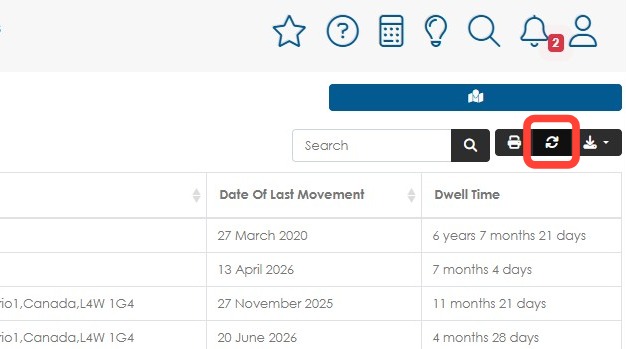
6. Click the Refresh button to refresh the page.
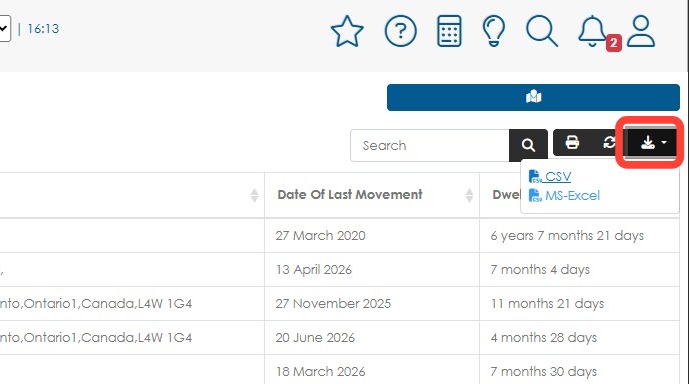
7. Click Export data button to download a CSV or Excel spreadsheet.
8. Click the blue map button to access the map.
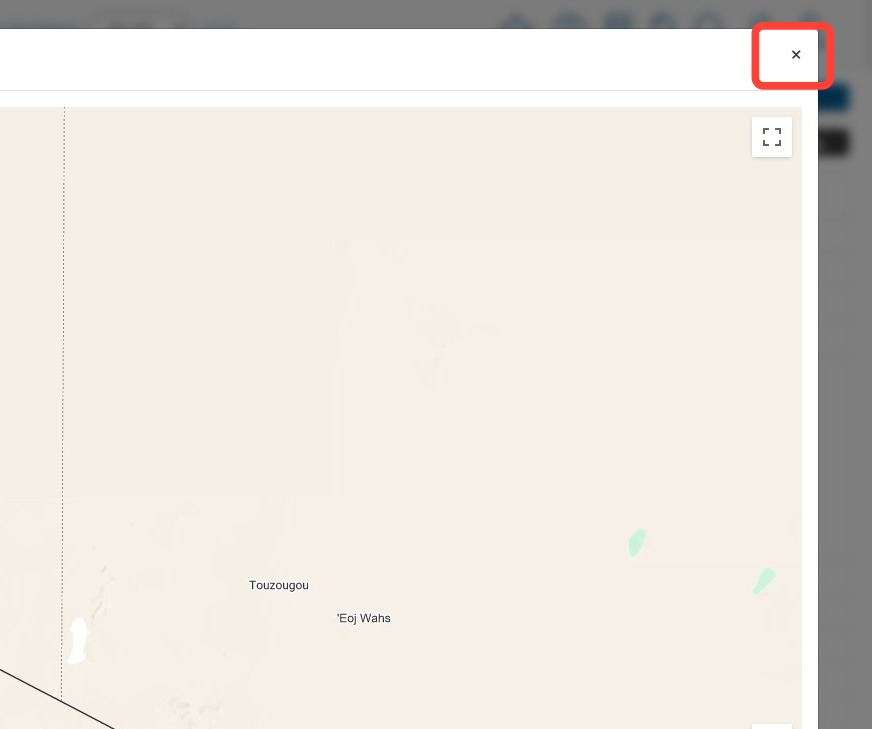
9. This provides an overview of the trailer locations on a Google map. Click on a trailer map pin to view more information.
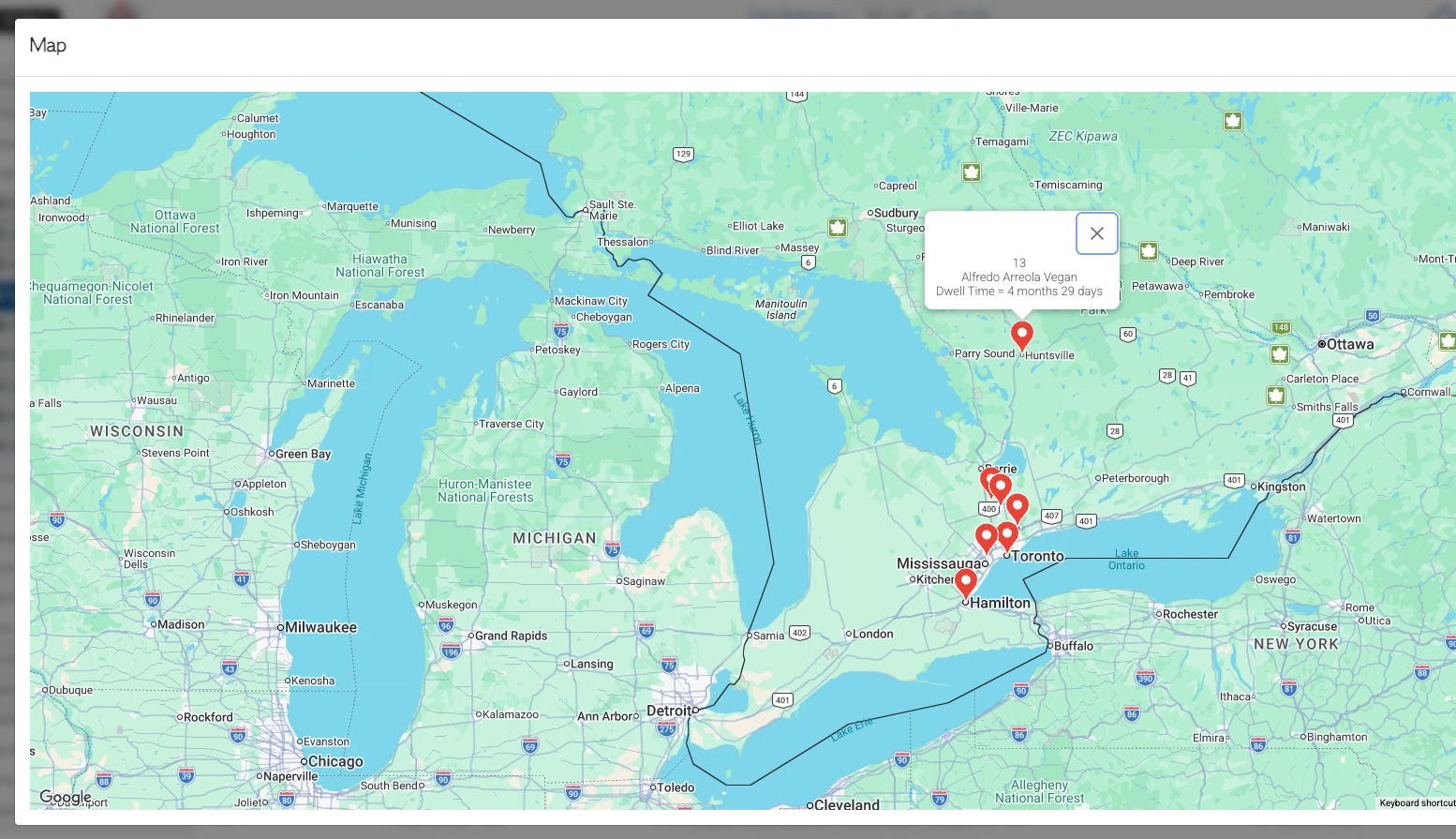
10. Click the X button to close the map and return to the report.