If a stock item has been identified as the 'Standard Scrap item' for the system, then the default price will always be zero; as normally there is not a cost associated with scrap items. The zero cost will default even if the item is added to the 'linked stock item' tab of a contact profile and a cost is inputted. To add a cost either add a second scrap item that is not the 'standard' scrap, change the 'standard' scrap item in the settings.
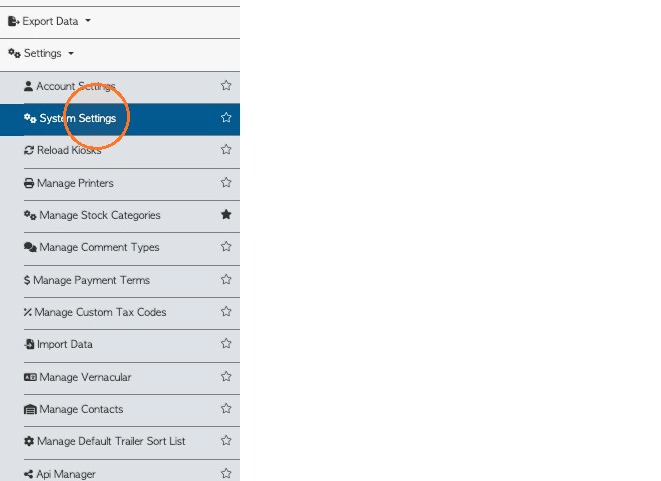
1. To view or change the 'Standard Scrap' setting. Click "Settings from the main menu and then "System Settings"
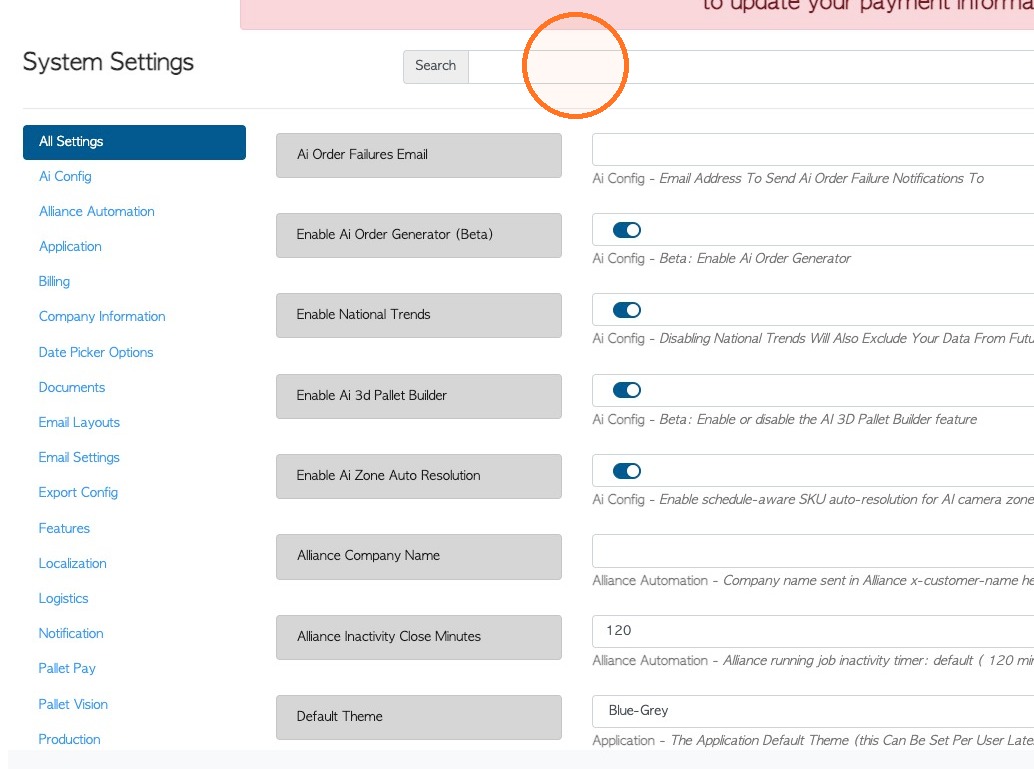
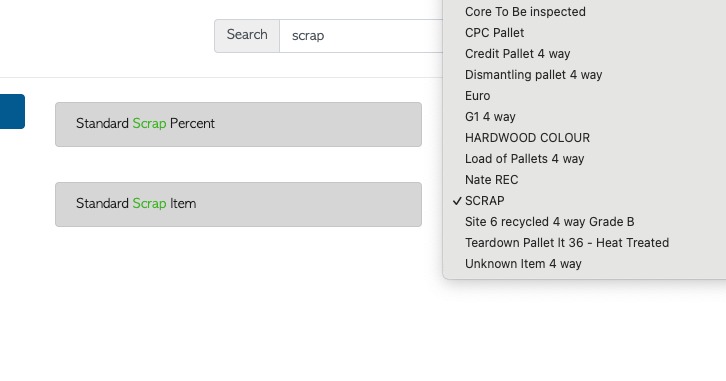
2. Search System Settings for “scrap”, or click on 'Production' within the settings menu.
3. The item listed for the 'Standard Scrap Item' is displayed. This item will always default to zero cost when used in a transaction e.g. Vendor rebate.
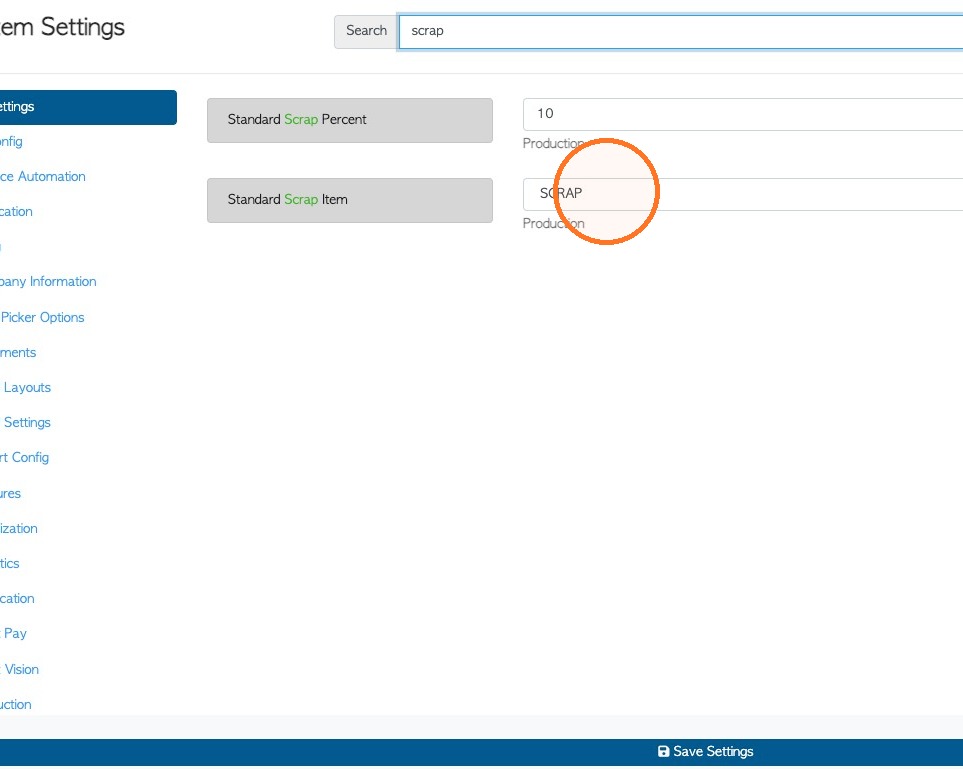
4. Click on the dropdown menu to identify a different item for scrap, if needed.
5. Click "Save Settings" to save any changes.