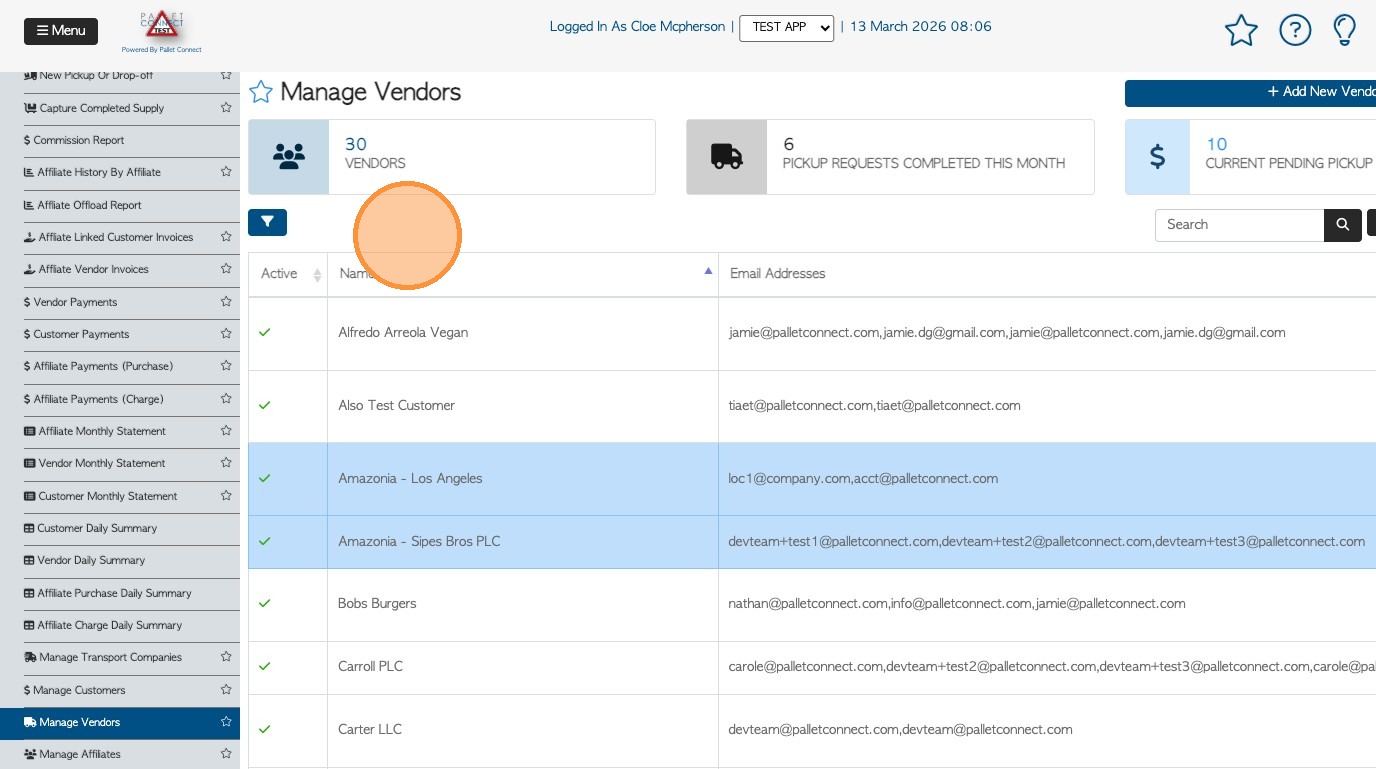
1. This article refers to the pages that list your contacts. For example "Manage Customers" or "Manage Vendors".
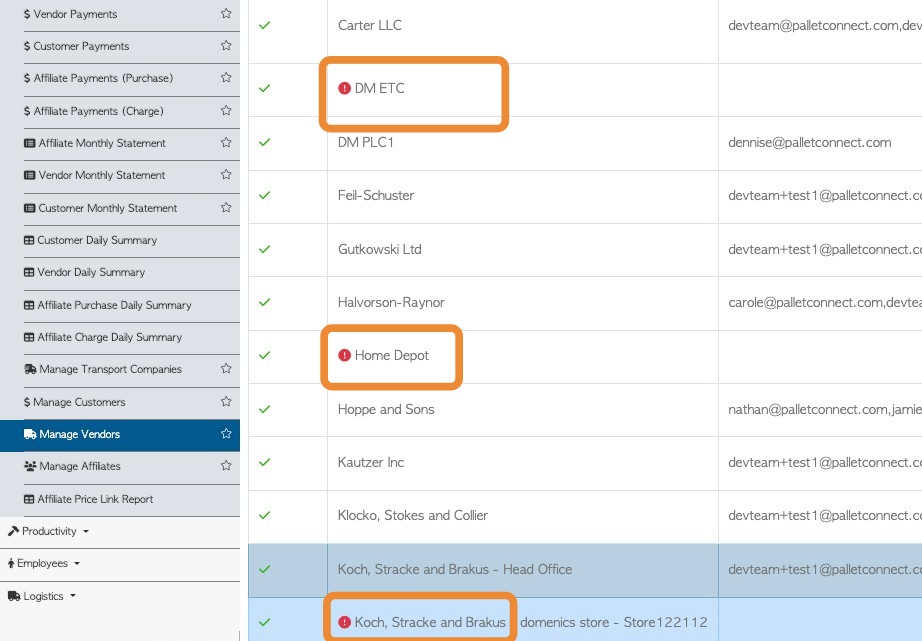
2. If a contact profile does not contain a contact person, the system will display an alert for that record (!). This is a reminder to add a contact email within the profile, to ensure effective communication.
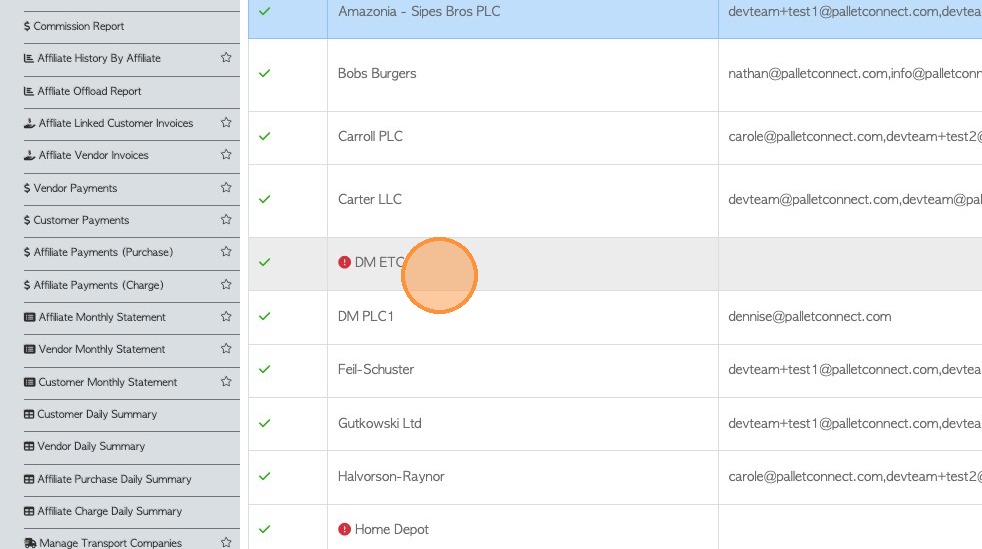
3. To add a contact person. Click on the selected name from the list.
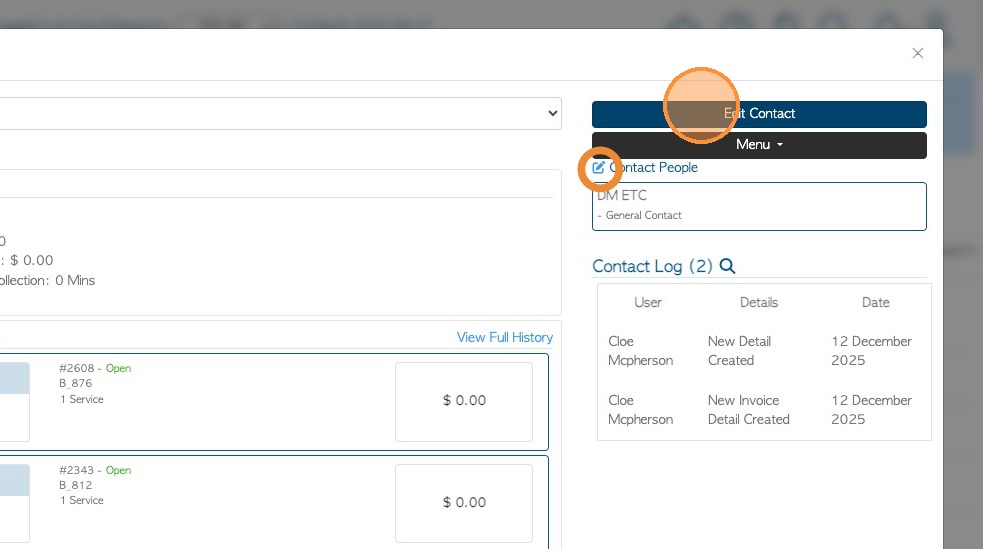
4. Click "Edit Contact"
TIP! The 'contact person' shortcut can also be used.
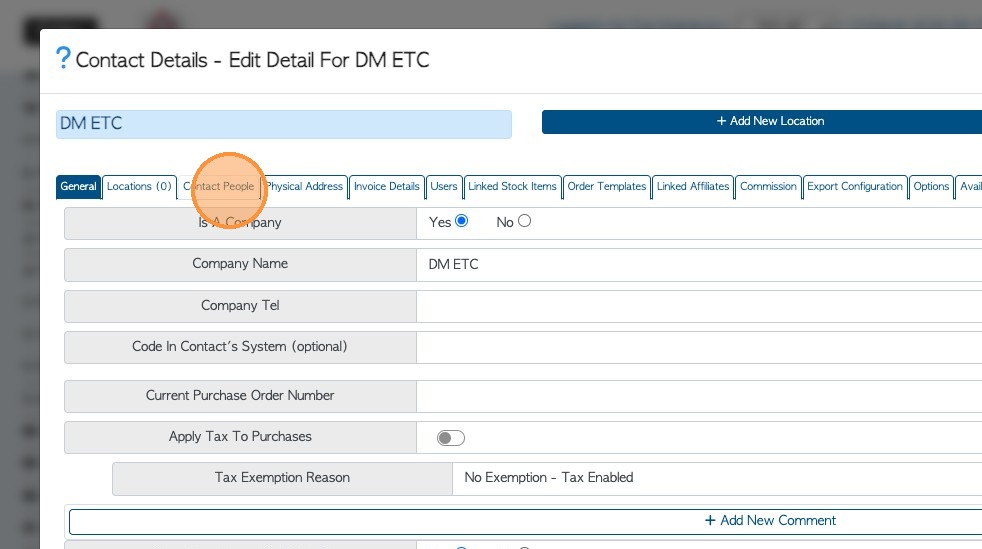
5. Click on the "Contact People" tab.
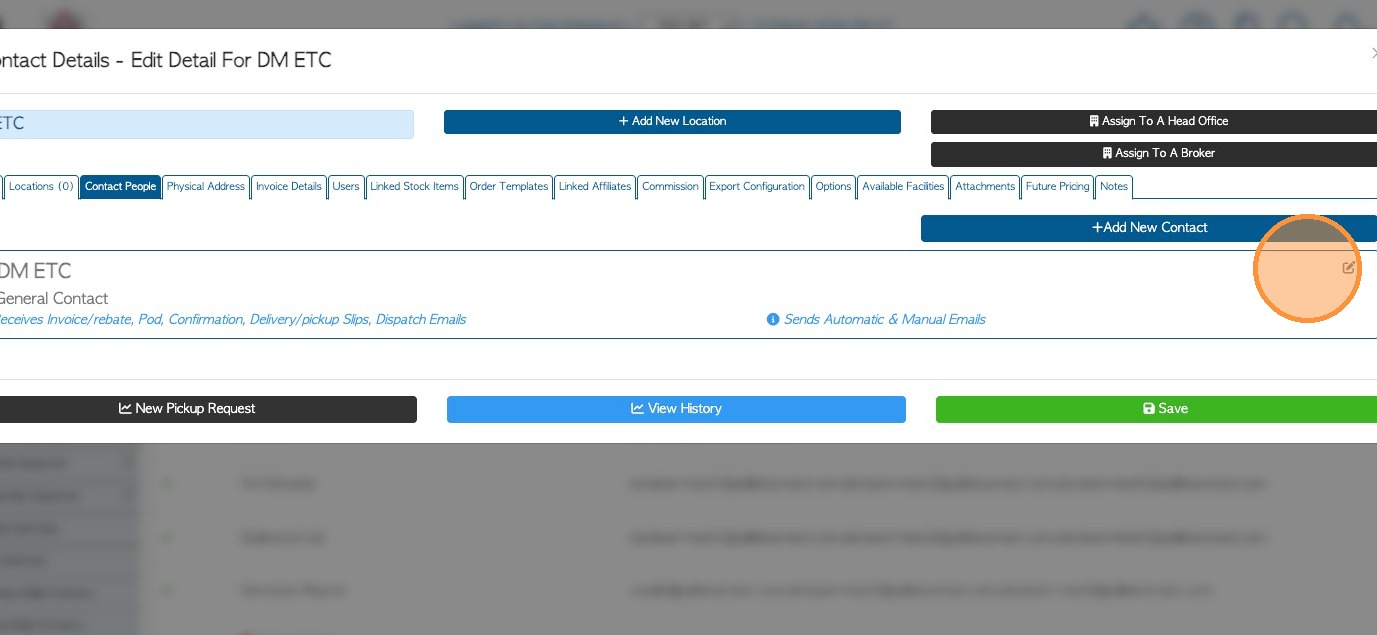
6. The tab will show an empty contact record. To add information, click on the pencil icon.
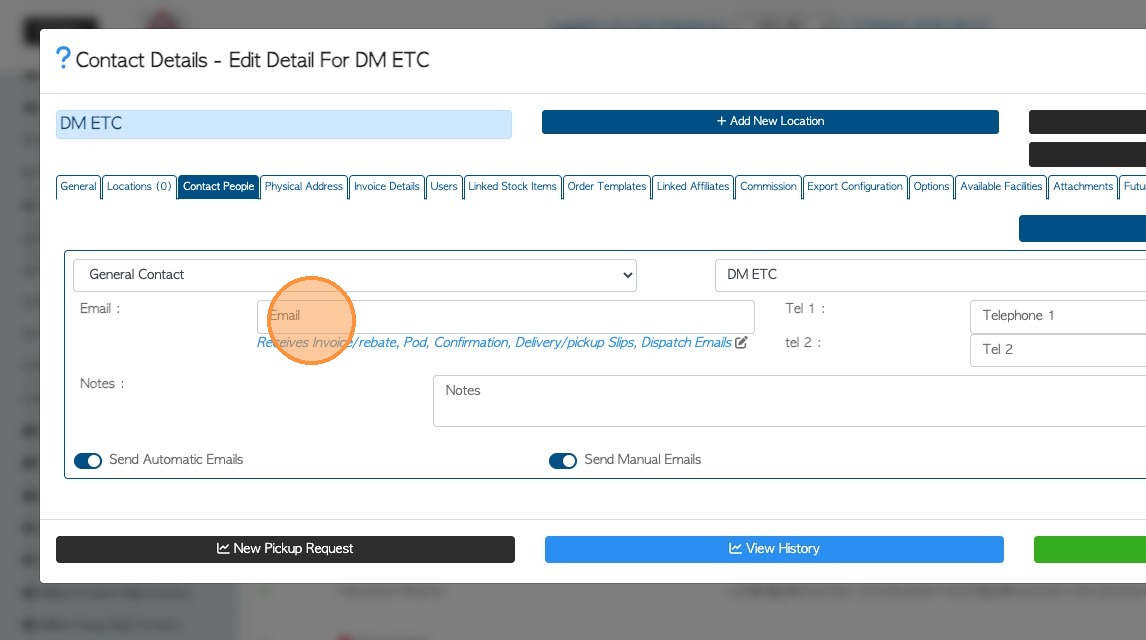
7. Now, complete the fields as needed e.g. name, email address and telephone number.
TIP! An email address must be added to remove the alert on the Manage list,
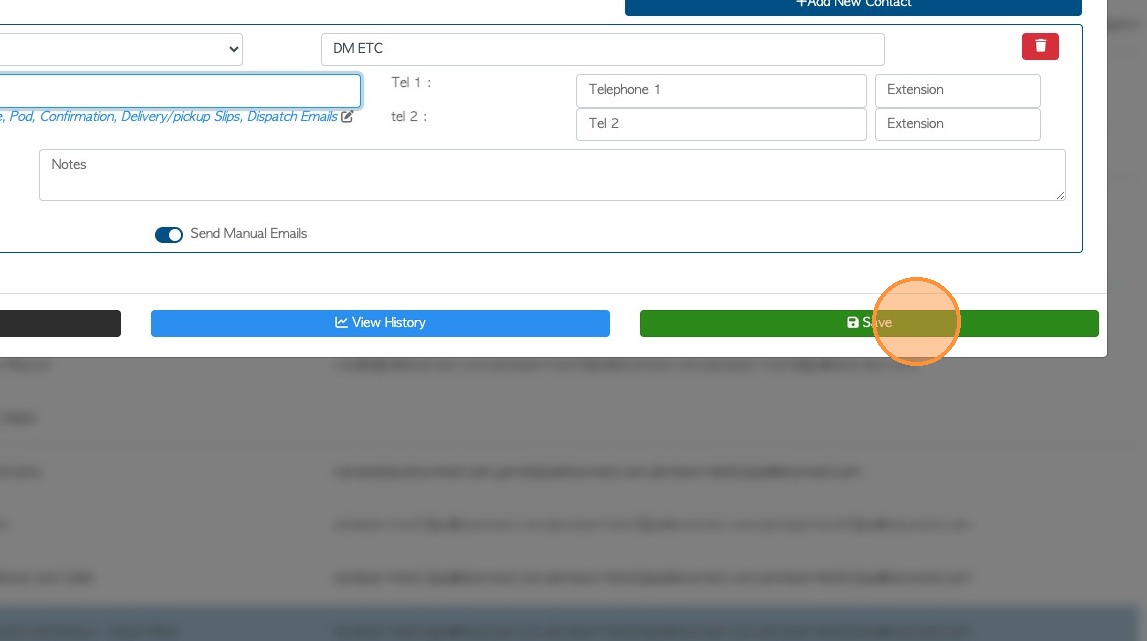
8. Click "Save" to complete any changes.